Running a concierge business isn’t just about knowing who to call or where to get the best truffle oil. It’s about running a tightly wound machine where every tool, app, and system has to work together-no lag, no glitches, no missed messages. If your tech stack is clunky, your clients notice. Fast. And they leave. The right technology stack doesn’t just save time; it turns a one-person operation into a scalable, reliable service that clients trust without question.
What Your Tech Stack Actually Needs
A concierge service isn’t a restaurant or a delivery app. You’re not moving food or packages-you’re moving trust. That means your tools need to handle scheduling, communication, payments, task tracking, and client records-all while feeling seamless. Forget fancy dashboards. Focus on what actually moves the needle: reliability, speed, and clarity.
Here’s the bare minimum your stack must cover:
- Client scheduling and calendar sync
- Secure messaging and notifications
- Payment processing with receipts
- Task and to-do list management
- Client database with notes and history
That’s it. No more. No less. Anything beyond that is either a distraction or a trap.
Core Tools That Actually Work
Let’s cut through the noise. These are the tools real concierge operators use in 2026-not because they’re trendy, but because they just work.
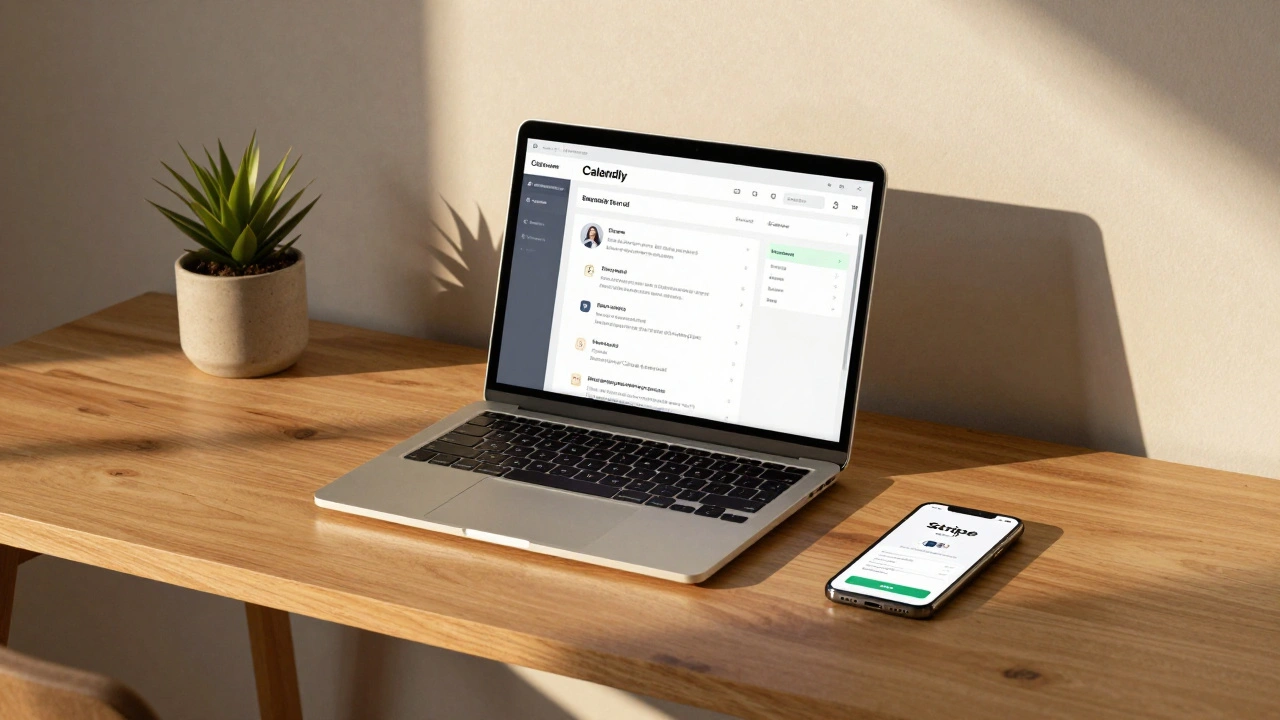
Scheduling: Calendly or Acuity
Forget juggling emails and time zones. Calendly lets clients book slots directly into your calendar. It syncs with Google Calendar, Outlook, and even Apple Calendar. You set your availability, and clients pick a time. No back-and-forth. No "When are you free?" messages. It cuts scheduling time by 80% for most service providers. Plus, it sends automated reminders-so no-shows drop dramatically.
Communication: Slack or Microsoft Teams
Texts get ignored. Emails get buried. You need a channel that’s always on, but not overwhelming. Slack is the quiet workhorse here. Create separate channels: one for client updates, one for vendor coordination, one for internal notes. You can attach files, set reminders, and even integrate with your task manager. And yes, it works on mobile. Clients don’t need to log in. You just send them a link to a private channel. They reply. You respond. Done.
Payments: Stripe or Square
Don’t use Venmo. Don’t use Cash App. You need professional invoicing with tax receipts, recurring billing, and fraud protection. Stripe is the gold standard. You create a payment link, send it via email or Slack, and the client pays with a credit card or Apple Pay. You get paid in 2-3 days. No waiting. No chasing. And Stripe automatically sends receipts. You can even set up retainers-so clients pay monthly upfront, and you get steady cash flow.
Task Management: Notion or ClickUp
Notion is where the magic happens. You create a database for each client. Inside, you track: upcoming requests, past services, preferences (e.g., "loves rosemary olive oil," "hates waiting in line at Whole Foods"), vendor contacts, and deadlines. It’s searchable. It’s editable. It’s private. You can even turn it into a client portal-so they can log in and see their own timeline. ClickUp is similar but more project-heavy. If you’re managing multiple teams or contractors, ClickUp’s workload view helps you balance tasks.
Client Records: Airtable
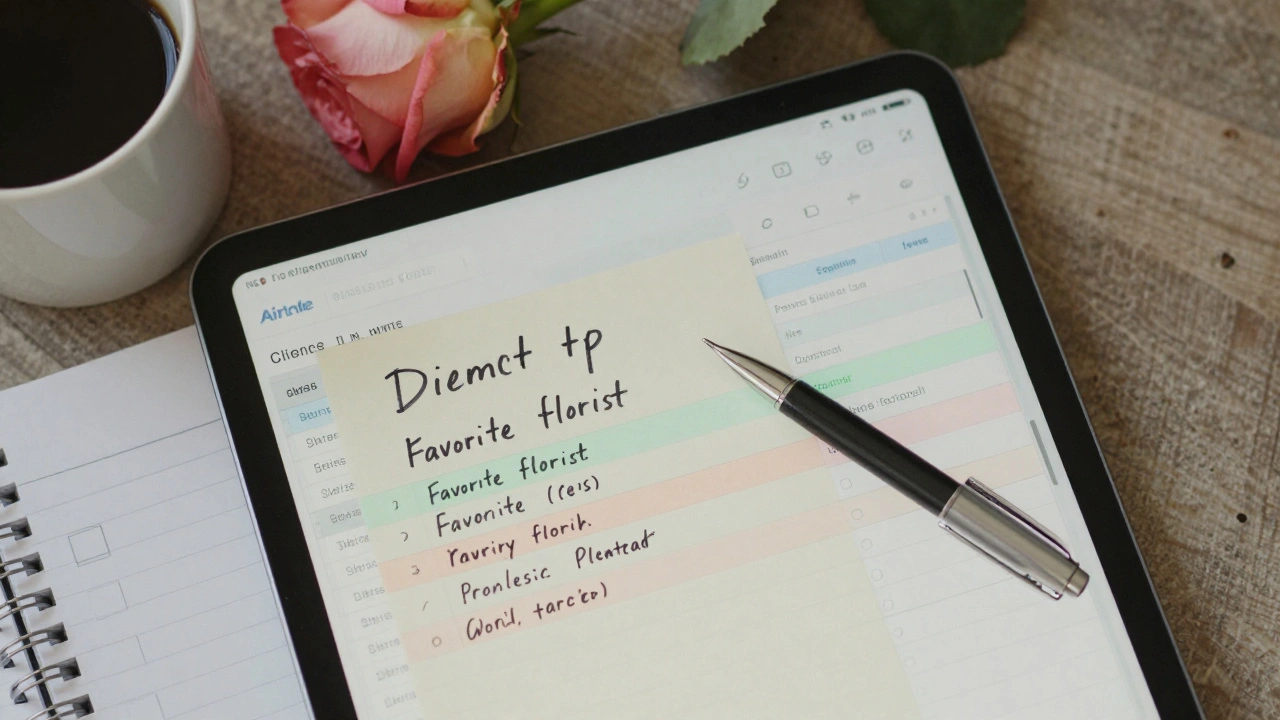
Airtable is like Excel, but smarter. You can store client profiles: name, contact, emergency info, dietary restrictions, preferred florist, favorite hotel concierge. It’s visual. You can color-code by priority. Link it to your Notion database. And yes, it has mobile apps. When a client says, "Remember when I asked for that rare tea?"-you pull up their profile in 3 seconds. That’s the kind of detail that turns good service into unforgettable service.
How These Tools Talk to Each Other
None of these tools work alone. They need to connect. That’s where Zapier comes in.
Zapier is the glue. For example:
- When someone books via Calendly → a new client row is created in Airtable.
- When payment clears via Stripe → a task is added to Notion: "Confirm reservation at Le Bernardin."
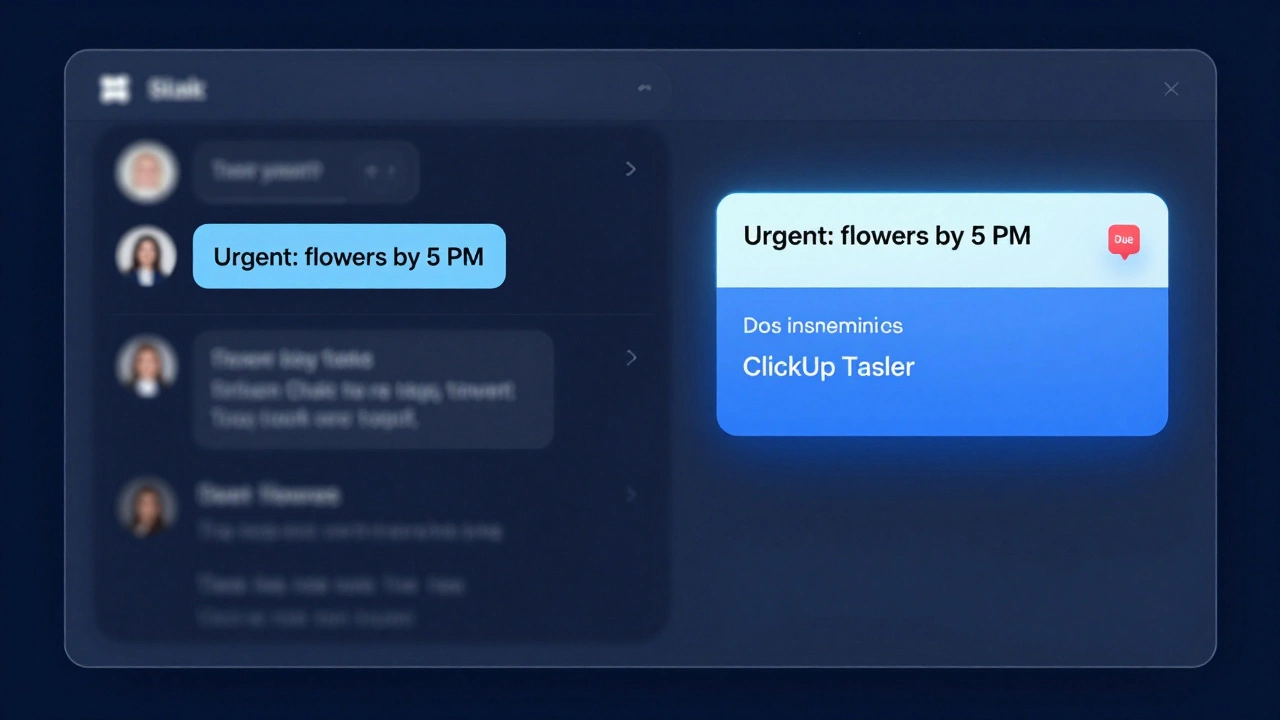
- When a Slack message says "Urgent: need flowers by 5 PM" → a task is created in ClickUp with a due time.
You set these up once. Then they run on autopilot. No manual copying. No double entry. No forgetting. You’ll save 8-12 hours a week just on automation.
What Not to Use
Here’s where most concierge services fail:
- Google Docs for client records - No version control. No permissions. Easy to lose.
- WhatsApp for business - No backup. No organization. Clients mix personal and professional chats.
- Manual spreadsheets - You’re not a data entry clerk. You’re a service provider.
- Facebook Messenger - It’s not secure. Clients don’t trust it for sensitive requests.
These tools feel easy at first. But they become liabilities. Slow down. Pick tools that scale.
Real-World Example: One Concierge’s Stack
Meet Elena. She runs a high-end concierge service in Austin, Texas, serving 45 clients. Here’s her stack:
- Scheduling: Calendly (linked to Google Calendar)
- Communication: Slack (private channel for each client)
- Payments: Stripe (monthly retainers + one-time fees)
- Task tracking: Notion (client database with custom fields)
- Client records: Airtable (with linked photos of preferences-e.g., "client’s dog’s breed: Shih Tzu")
- Automation: Zapier (connects all 5 tools)
She spends 3 hours a week on admin. Her clients average 7 requests per month. She’s booked out 6 weeks in advance. Why? Because her tech doesn’t get in the way-it makes her look flawless.
Start Simple. Scale Smart.
You don’t need all these tools on day one. Start with three:
- Calendly for scheduling
- Stripe for payments
- Notion for client notes
Once those are running smoothly, add Slack. Then Airtable. Then Zapier. Don’t rush. A messy stack is worse than no stack at all.
Your clients don’t care about your software. They care about how you make them feel. And the best way to make them feel cared for? When you show up-on time, with the right details, and zero hassle. That’s what the right tech stack delivers.
What’s the cheapest tech stack for a solo concierge?
Start with Calendly (free plan), Stripe (no monthly fee, pay per transaction), and Notion (free plan). That’s it. You can handle scheduling, payments, and client notes without spending a cent. Upgrade only when you hit limits-like needing team access or automation.
Can I use WhatsApp instead of Slack?
You can, but you shouldn’t. WhatsApp has no search history, no file organization, no way to separate personal and business chats. It’s also not secure for handling payment confirmations or personal client data. Slack gives you channels, threads, and integrations. It’s built for professional use.
Do I need to pay for all these tools?
No. Calendly, Notion, and Airtable all have free tiers that work fine for under 20 clients. Stripe has no monthly fee-you only pay when you process payments. Pay for upgrades only when you need features like team access, custom branding, or automation beyond basic triggers.
How do I keep client data secure?
Use tools with end-to-end encryption and GDPR/CCPA compliance. Notion and Airtable both offer private workspaces. Stripe handles PCI compliance for payments. Never store credit card numbers yourself. Avoid Google Drive for sensitive files. Use password-protected links and two-factor authentication on every account.
What if I have multiple staff members?
Switch to ClickUp or Asana for task management-they handle team assignments. Use Slack for team channels. Give each person limited access to client data (only what they need). Use Zapier to auto-create tasks when a client books. Train your team to log everything into the system. Consistency beats heroics.