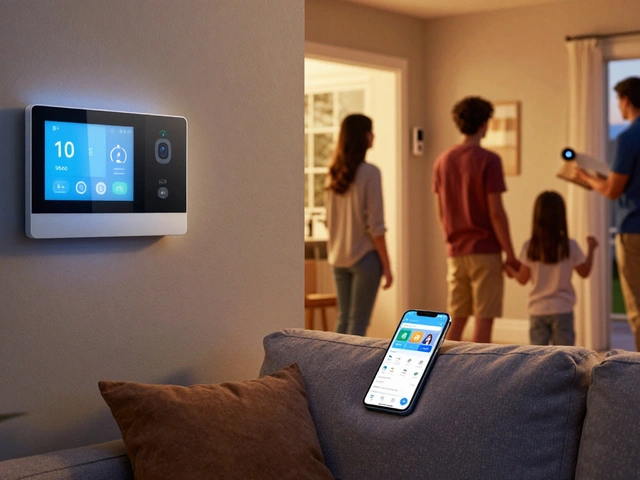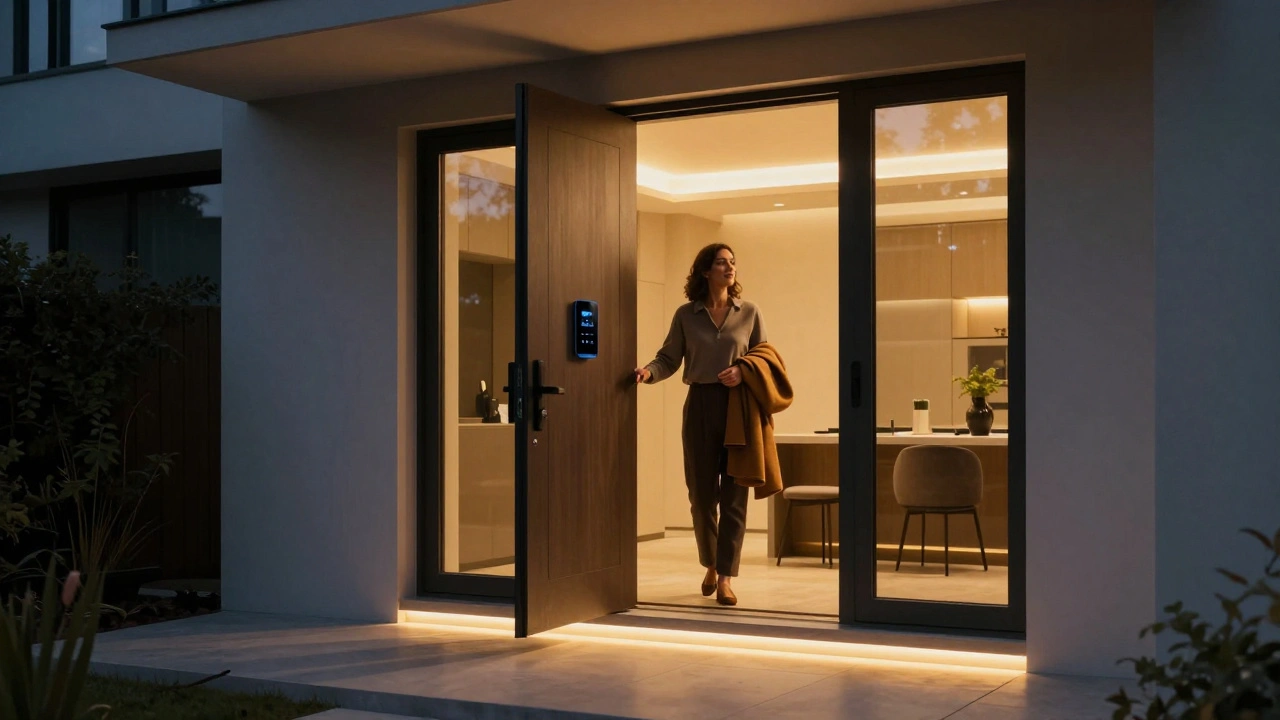
Imagine walking through your front door after a long day. The lights dim automatically, the thermostat adjusts to your favorite temperature, and your favorite playlist starts playing. You didn't touch a single switch or dial. That experience is the promise of Smart Home Technology a connected ecosystem of devices that automate daily tasks. While the idea sounds futuristic, it is practical reality for many households today.
However, starting out can feel overwhelming. With countless gadgets, confusing wireless signals, and privacy concerns floating around, knowing where to begin is difficult. You want convenience, not a security risk. You want devices that work together, not isolated toys. This breakdown strips away the technical noise and focuses on what actually matters for someone stepping into the world of home automation in 2026.
Defining the Modern Connected Home
To navigate this space, you first need to understand the core concept. At its heart, this technology falls under the umbrella of the Internet of Things (IoT) refers to physical objects embedded with sensors and software to connect and exchange data. In the context of your house, this means ordinary items gaining digital brains. A bulb becomes a sensor. A lock becomes a remote-accessible gateway.
The shift over the last few years has moved from novelty to utility. Early versions required complex setups. Current systems prioritize plug-and-play simplicity. For example, instead of configuring individual IP addresses, modern ecosystems rely on standardized communication languages. If a device speaks the same language as your hub, they communicate seamlessly. This interoperability is the biggest win for beginners right now.
Essential Devices Every Starter Needs
You don't need to buy everything on day one. Focus on high-impact areas first. Most homeowners start with lighting and climate control because these yield immediate comfort benefits.
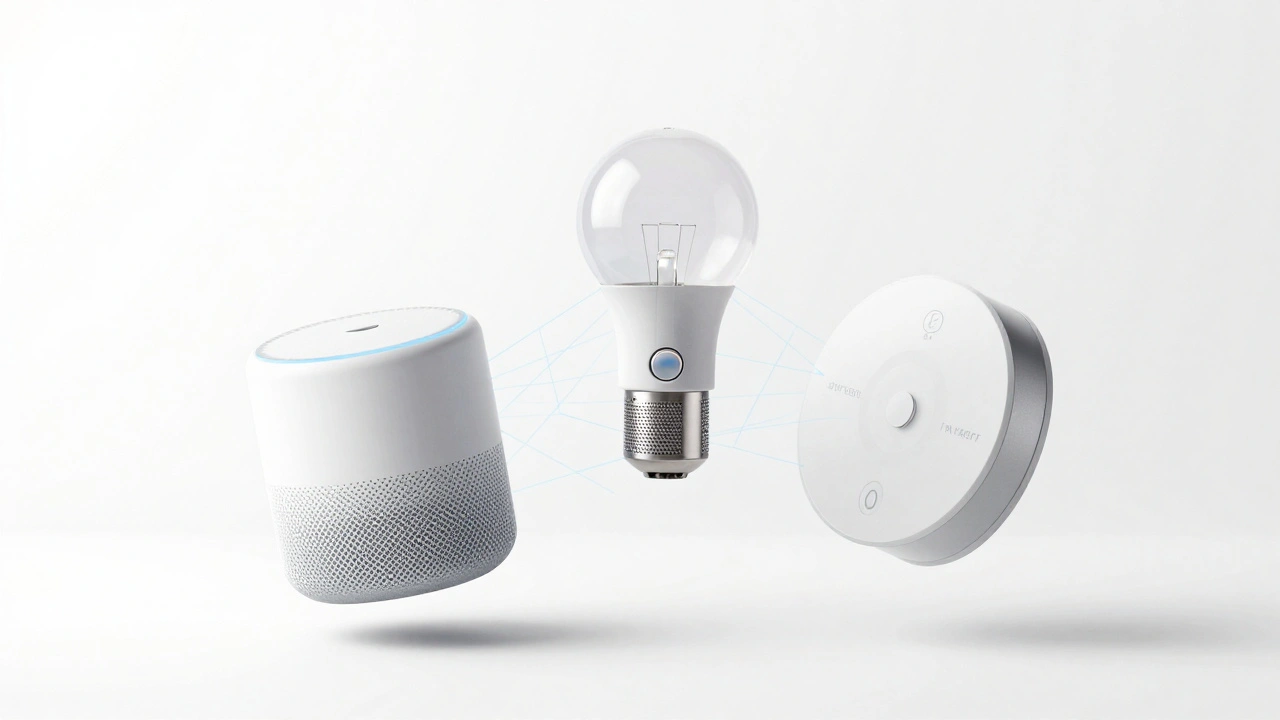
- Smart Speakers: These act as your command center. You can ask them to change settings, play news, or call emergency services hands-free.
- Smart Bulbs: Beyond turning lights on and off, these allow color changing and scheduling based on sunrise or sunset.
- Smart Thermostats: These learn your habits to reduce energy bills. They optimize heating cycles so the house is warm exactly when you wake up.
- Video Doorbells: Knowing who is at the door from anywhere improves security significantly.
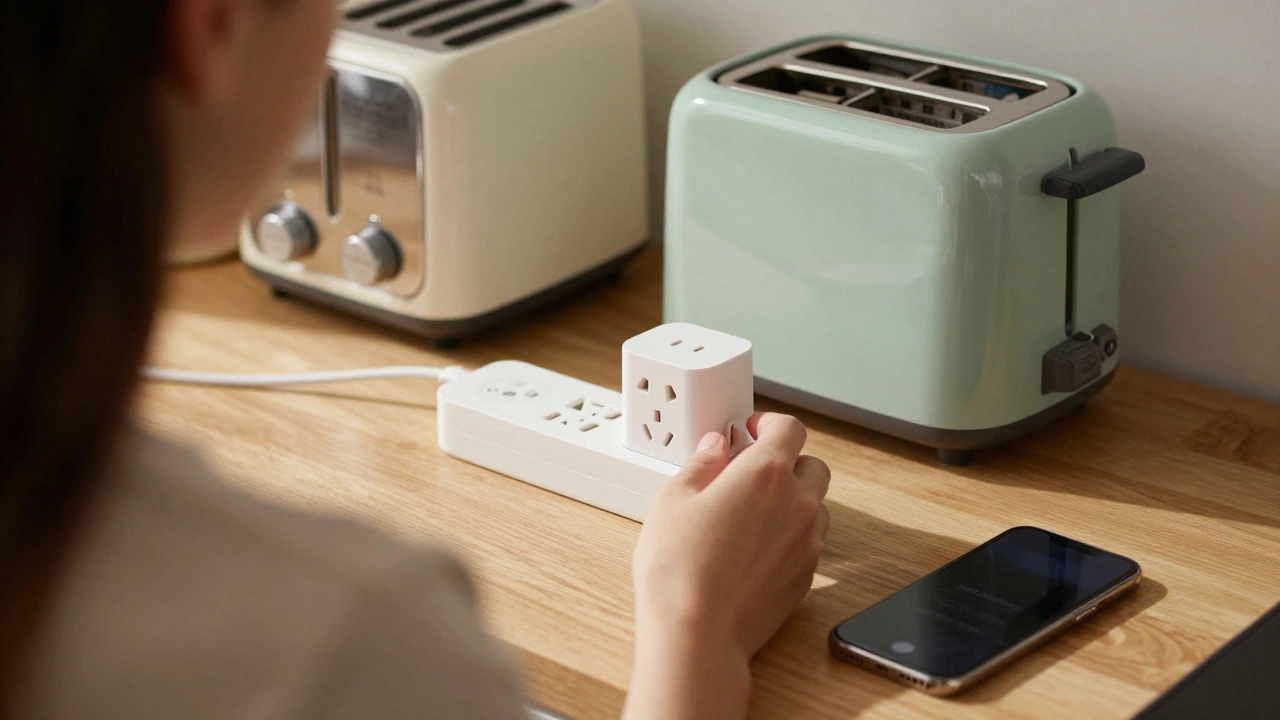
- Smart Plugs: These turn old appliances into smart ones by allowing remote on/off control via an app.
Selecting these specific tools ensures you see value quickly without spending thousands of dollars upfront.
Understanding Connectivity Protocols
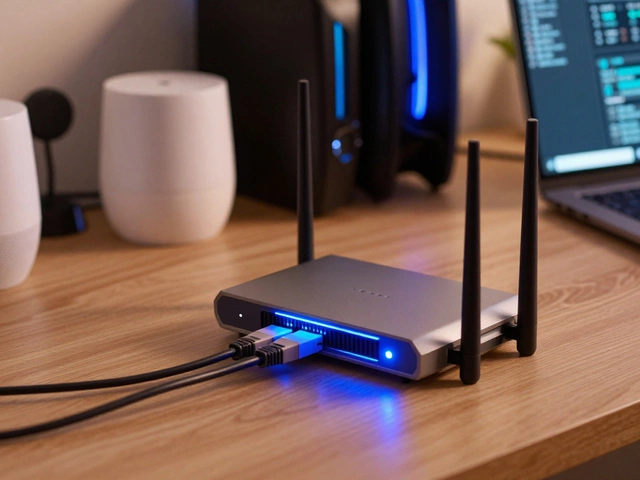
One of the biggest friction points for new users is understanding how devices talk to each other. In 2026, three main technologies dominate the market.
| Protocol | Best Used For | Range | Power Source |
|---|---|---|---|
| Wi-Fi Wireless internet technology using radio waves | Heavy data streams (Cameras, Speakers) | Whole House (via Router) | Plugged-in |
| Zigbee Low-power mesh networking protocol | Sensors, Switches, Bulbs | Mechanical Mesh Network | Battery or Low-Voltage |
| Matter Protocol Open-source connectivity standard for smart home devices | Interoperability across brands | Via Thread or Wi-Fi | Flexible |
Zigbee creates a mesh network where devices pass signals along. If one light fails, another picks up the signal, making the system robust. However, it requires a bridge or hub to talk to your phone. Wi-Fi is familiar but can congest your router if you have too many devices. The game-changer remains Matter. It acts as a translation layer ensuring your brand A devices work with brand B apps. Look for the Matter certified logo on packaging to guarantee future compatibility.
Choosing Your Ecosystem
You will likely hear terms like Amazon Alexa, Google Home, or Apple HomeKit. These represent the software platforms managing your hardware. Choosing one depends on what mobile operating system you already use. If you live entirely within the Apple ecosystem, integrating devices into HomeKit feels natural. Android users often find Google Home more intuitive. Amazon offers the widest range of third-party support but feels less curated.
In 2026, cross-platform bridges are common, but native integration still performs better. For instance, a camera designed specifically for the Apple platform records higher quality locally compared to one relying solely on the cloud. Decide which assistant you talk to most, then build your network around that hub. Avoid mixing ecosystems unless you use a dedicated universal controller, which adds complexity.
Security and Privacy Considerations
Connecting every device to the internet introduces risks. Hackers can target vulnerabilities in poorly secured firmware to access your internal network. You must treat your home network like a bank vault. First, change default passwords on routers and hubs immediately. Second, enable two-factor authentication on every account linked to your devices.
Network segmentation is a pro tip for protection. Create a guest network on your router specifically for smart devices. This isolates your IoT devices from your laptops and phones. If a smart bulb gets compromised, the attacker cannot easily reach your personal files. Always update firmware regularly. Manufacturers push patches to fix bugs, but they do not always install automatically. Schedule monthly checks to ensure you aren't running outdated software with known holes.
Getting Started Without Breaking the Bank
You don't need a mansion to enjoy this lifestyle. Start small with a single room. Buy a smart speaker and a smart plug. Program a routine where the coffee maker turns on when your alarm triggers. Observe how the automation flows. Once comfortable, expand to lighting in the living area.
Keep a consistent theme. Stick to one brand for lighting to ensure color matching. Stick to one protocol for locks to ensure they open reliably. As you scale, monitor your Wi-Fi health. Too many heavy devices on one channel can cause lag. Using dual-band routers (2.4GHz and 5GHz) helps distribute traffic efficiently. Budgeting-wise, expect to spend $100-$300 for a basic starter kit in 2026. Prices have dropped due to mass production.
Troubleshooting Common Issues
Even the best systems glitch occasionally. When a device goes offline, check the power source first. Batteries die. Hubs lose connection. Resetting the device usually forces it to rejoin the network. If Matter devices fail to discover each other, move the controllers closer to the hub during initial pairing. Physical distance matters even for wireless signals.
Another frequent issue involves routines failing. Routines depend on conditions being met perfectly. If your rule states "when sun sets," but clouds obscure the sensor, the action might not trigger. Add time-based backups to ensure reliability. Finally, always maintain a manual backup. Smart locks should have physical keys hidden securely outside the premises.
Do I need a hub for all smart home devices?
Not necessarily. Many modern devices connect directly to Wi-Fi without extra hardware. However, battery-operated devices like door sensors or motion detectors often use Zigbee or Z-Wave and require a hub to function. Look for "bridge-free" labels if you want to skip the extra box.
Is smart home technology secure enough?
It is generally safe if configured correctly. Risks exist, but you mitigate them by updating firmware, using strong unique passwords, and enabling two-factor authentication. Keeping IoT devices on a separate guest network also limits potential damage.
Will my devices work together if I buy different brands?
Yes, thanks to the Matter Protocol. It was designed specifically to solve brand incompatibility issues. If devices carry the Matter certification, they should pair regardless of the manufacturer, provided you have a compatible hub.
Can I use smart home tech without voice assistants?
Absolutely. You can control everything through smartphone apps or set automations based on time and sensor triggers. Voice commands are optional features, not requirements for automation logic.
How often should I update my devices?
Check for updates once a month. Some devices auto-update, but many do not to save bandwidth. Setting a monthly maintenance day ensures you stay protected against newly discovered security vulnerabilities.