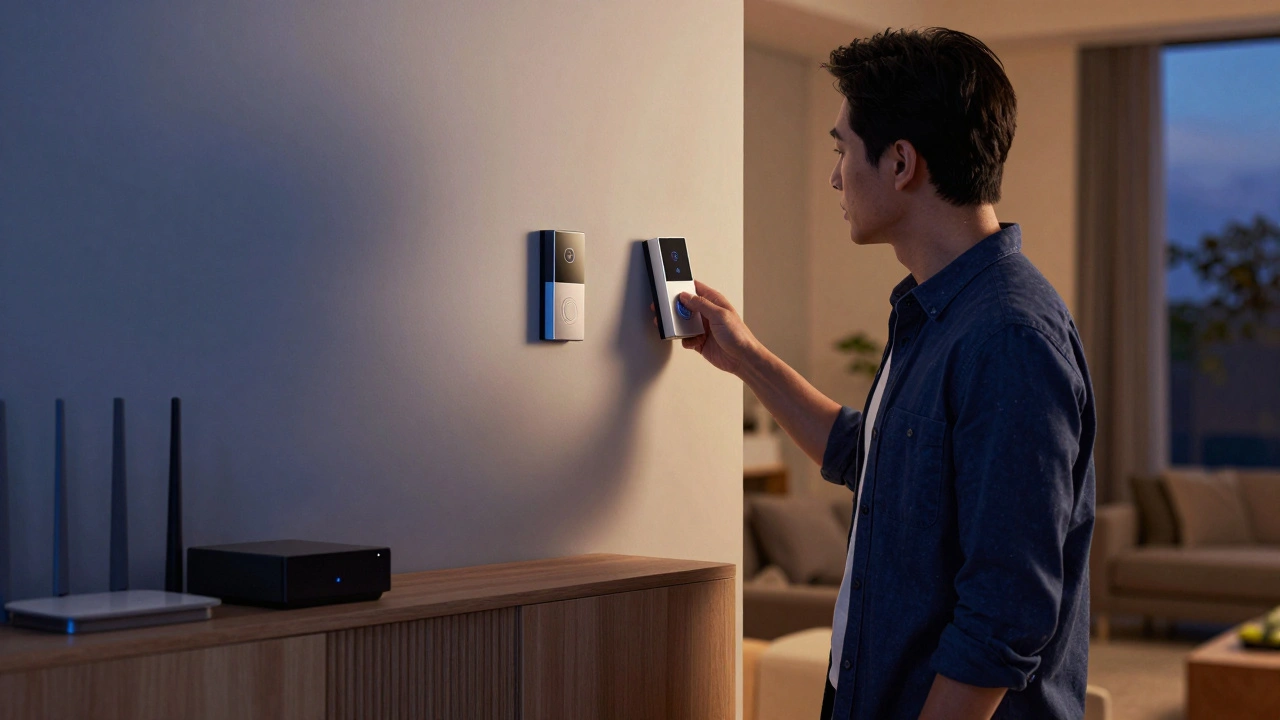
Walking through a big box store, seeing every gadget promise to make your life easier can feel overwhelming. You want a connected home, but the moment you hold a Smart Doorbell, the anxiety starts. Should you mount this yourself, or call in a pro? In 2026, technology has made this choice much clearer than it was five years ago, yet the fundamental trade-off remains between saving money and buying peace of mind.
This isn't just about sticking something on a wall. It's about understanding how your network handles data traffic, ensuring security protocols aren't bypassed, and knowing when a simple screwdriver job turns into an electrical nightmare. I've helped neighbors in Portland sort out their setups during rainstorms when systems failed because of poor wiring placement. Here is how you figure out what works best for your situation.
Understanding Your Home's Infrastructure
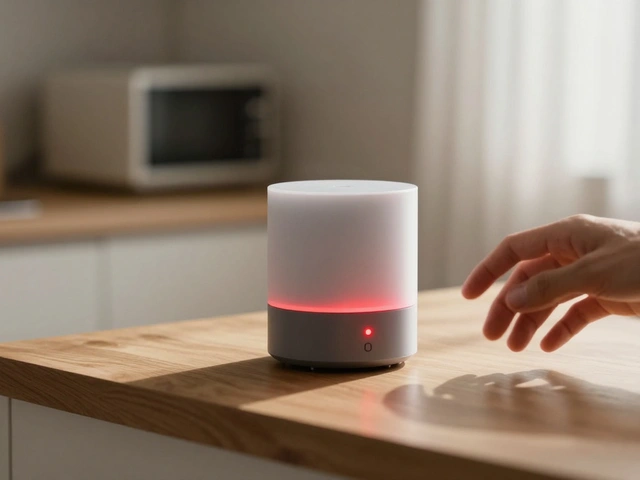
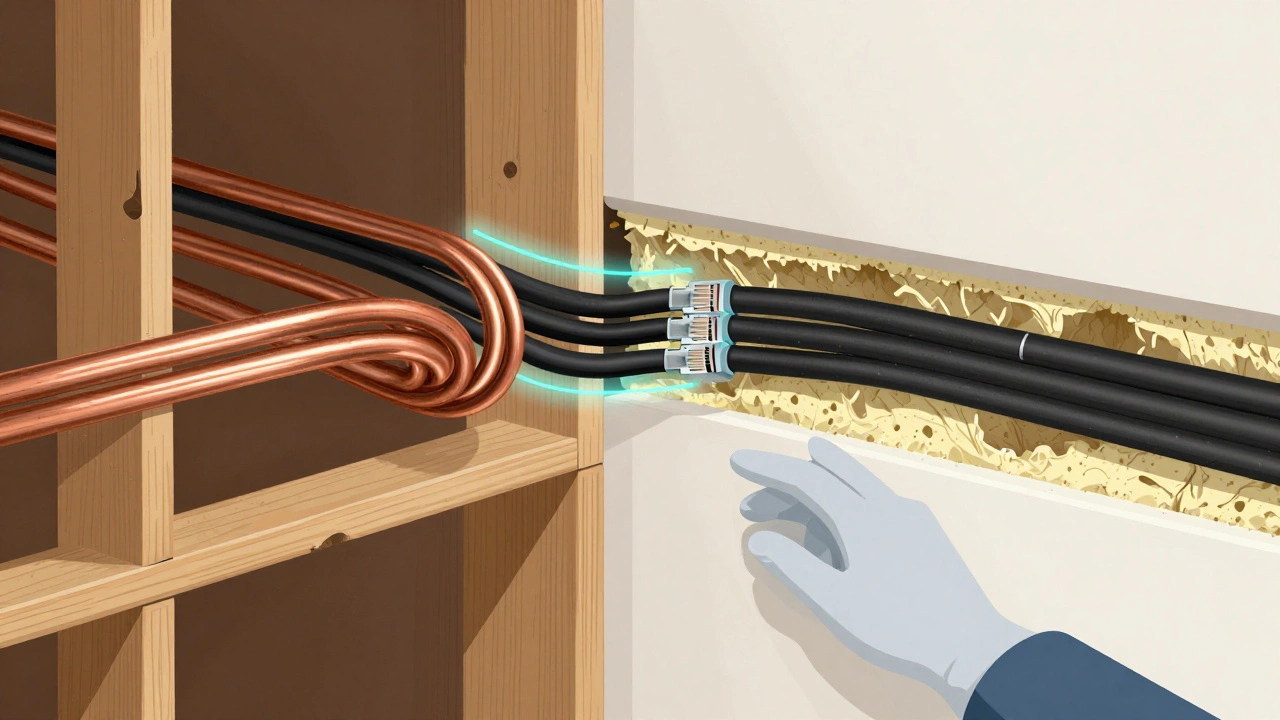
Before touching a single device, you need to know what you are working with. A smart home ecosystem relies heavily on network stability. Most modern devices speak the Matter Protocol, which simplifies connections, but old wiring or weak routers still cause bottlenecks. If you have a house built before 2000, your walls likely hide outdated copper lines rather than ethernet drops. This makes running power difficult without visible cables.
Ask yourself if your Wi-Fi signal reaches the back corner of the backyard where that camera goes. Many DIY failures happen because the user assumes coverage is uniform. It rarely is. A professional installer brings tools like spectrum analyzers to find dead zones before buying equipment. If your internet speed sits above 100 Mbps and your mesh network covers the square footage evenly, you are in a better position to tackle installation yourself.
The Case for DIY Smart Home Installation
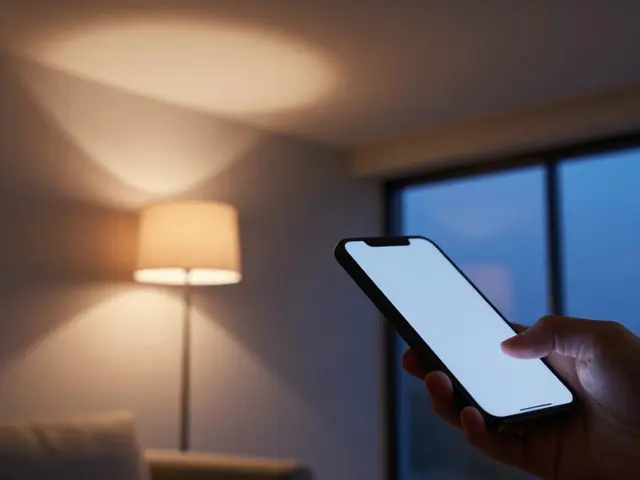
Doing it yourself offers control over the budget and scheduling. When you handle the Smart Bulb Replacement, you save significantly on labor fees. For a standard setup involving lights, plugs, and sensors, the barrier to entry is low. Companies like Ring or Philips Hue design products specifically for non-experts. The apps guide you through pairing, often requiring nothing more than scanning a QR code.
- Savings: Labor typically costs $100 to $150 per hour. Skipping this cuts the project cost drastically.
- Learning Curve: Setting it up helps you learn the system. If it breaks later, you understand why.
- Flexibility: You can move devices around easily without needing appointments.
However, there are risks. If you drill a hole near a hidden pipe, water damage is yours to fix. Also, if you configure security settings incorrectly, your personal data becomes vulnerable to hacks. DIY is ideal for renters or those in newer homes with accessible junction boxes. It requires patience, basic tool knowledge, and the ability to read manuals thoroughly.
Why Hiring Professionals Makes Sense
Some installations simply demand expertise. Hardwired security cameras require conduit work through attics and crawlspaces. Smart Thermostats often connect to C-wires that might not exist in older HVAC units. A certified installer knows how to tap into voltage safely without tripping breakers. In regions with strict building codes, like parts of Oregon, unpermitted electrical work can void insurance claims after a fire.
Professionals bring guarantees. If the device stops talking to the hub in three months, the company fixes it for free. DIY warranties usually expire once you open the casing. Furthermore, integrated systems-where your garage door opens the car charger automatically-need backend programming. This takes hours of testing that professionals streamline. You pay for time saved and risk mitigated.
Cost Breakdown for 2026
Pricing varies based on complexity. Below is a rough estimate for common scenarios. These numbers reflect average market rates found in mid-sized cities.
| Project Type | DIY Cost | Professional Cost |
|---|---|---|
| Smart Doorbell (Battery) | $150 - $250 | $300 - $500 |
| Whole House Lighting | $500+ | $1,500 - $4,000 |
| Network Infrastructure | $200 - $400 | $800 - $2,000 |
| Security System Wiring | $100+ | $500 - $3,000 |
Notice the gap. While DIY saves upfront cash, professional services protect long-term asset value. If you sell your home, a professionally installed smart grid increases resale appeal. Random wires poking out of drywall deter buyers. It boils down to whether you view the smart home as a temporary tech sandbox or a permanent infrastructure upgrade.
Device-Specific Challenges
Not all gadgets are created equal. A smart plug is universally simple. It requires an outlet and an app. Contrast this with video doorbells. Models like the Nest Hello or Ring Pro often demand hardwiring for optimal performance. If your existing chime is old, you may need a transformer kit. That involves cutting wire and crimping connectors.
Thermostats are another minefield. They interface with sensitive heating systems. Messing up the wiring can shut off heat during winter nights. For these critical controls, I always recommend professional calibration. On the other hand, window sensors, motion detectors, and smart locks are generally safe for DIY. Battery-operated devices pose less risk to your property safety.
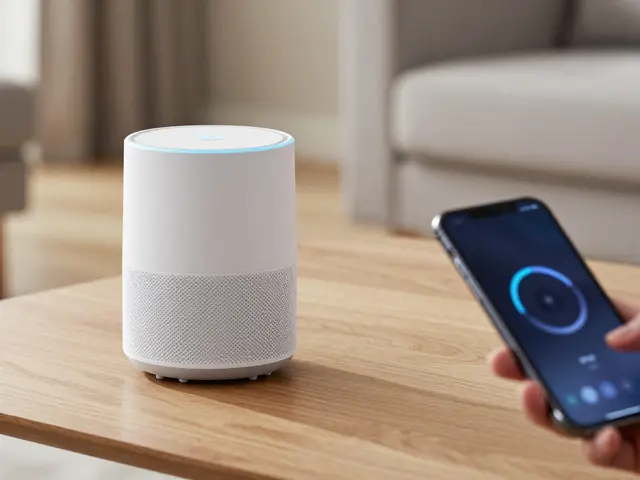
You must also consider the Home Assistant software layer. Some brands lock you into proprietary ecosystems. Others allow open-source control. Mixing brands requires networking knowledge. If you plan to mix Apple, Amazon, and Google devices, a pro knows how to set up VLANs to keep traffic separate.
Evaluating Your Skill Level Honestly
Have you ever successfully reset a router that lost DNS records? Can you run a cable fish tape through a tight stud bay without bending the wire? These aren't tricks; they are prerequisites. Don't fall victim to the Dunning-Kruger effect where you assume competence after watching a YouTube video. Real-world variables, like drywall depth or beam obstructions, change every job.
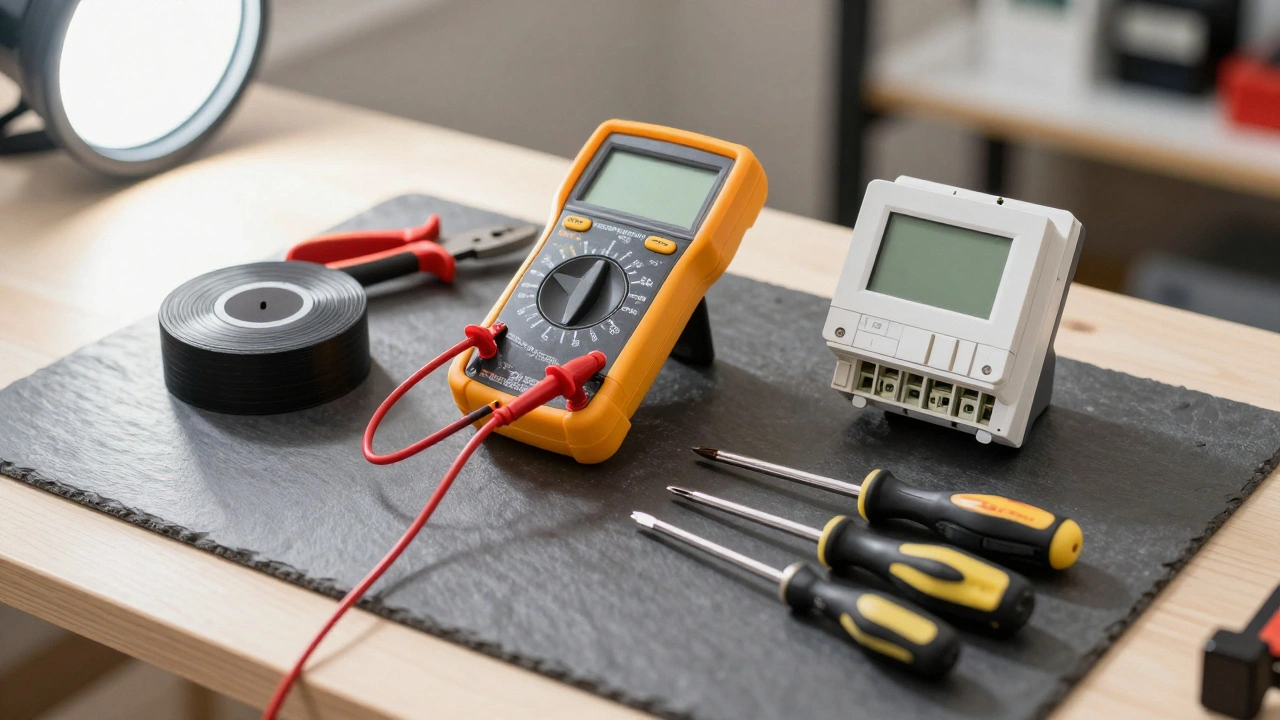
Look at your past projects. Did you finish the last renovation you started? Are you comfortable using a multimeter? If the answer is no, lean toward professional help. There is no shame in paying for expertise. It buys you safety and reliability. If you enjoy tinkering, start small with a single room before tackling a whole-house retrofit.
Decision Checklist for Homeowners
Use this list to make your final choice before opening your wallet.
- Does the device require running new cables through walls?
- Is the manufacturer offering a support guarantee on installation?
- Can you tolerate the device being down for weeks while you troubleshoot?
- Are you replacing existing legacy switches with modern smart ones?
- Will the system trigger automated actions like locking doors or arming alarms?
If you answered yes to any of the first three, professional installation is the safer route. If you are confident in your ability to follow the checklist above and have manageable cabling needs, DIY can be a rewarding weekend project.
Troubleshooting Common Mistakes
Even experienced DIYers stumble. One frequent issue is connecting everything to the 2.4 GHz band only. While some devices work there, newer 5 GHz bands offer faster throughput. Another mistake is overcrowding the Wi-Fi channel. Too many devices broadcasting simultaneously create interference noise. A professional scan identifies the quietest channels for your specific neighborhood location.
Battery drainage is another sign of poor placement. Motion sensors near vents get false triggers. Cameras pointing at direct sunlight overheat lenses. These are subtle errors that experience catches quickly. If you go DIY, test placements for a full week before making holes permanent.
Can I install smart home devices in a rental apartment?
Yes, but stick to battery-powered or wireless devices that don't require drilling or rewiring. Ask your landlord permission before modifying anything.
Is professional installation worth the extra cost?
For complex wiring or security systems, yes. It ensures compliance with codes and provides labor warranties. For simple gadgets, DIY saves money.
What happens if my DIY system fails?
You are responsible for repairs. Manufacturers usually cover defective parts, but labor to replace faulty wiring is out of pocket.
Do I need special tools for DIY installation?
Basic kits like a screwdriver set, drill, and voltage tester are enough for most battery devices. Hardwiring needs pliers, strippers, and fish tapes.
Will DIY affect my home insurance policy?
Improper electrical work can void claims. Always check policies regarding modifications to alarm or wiring systems.