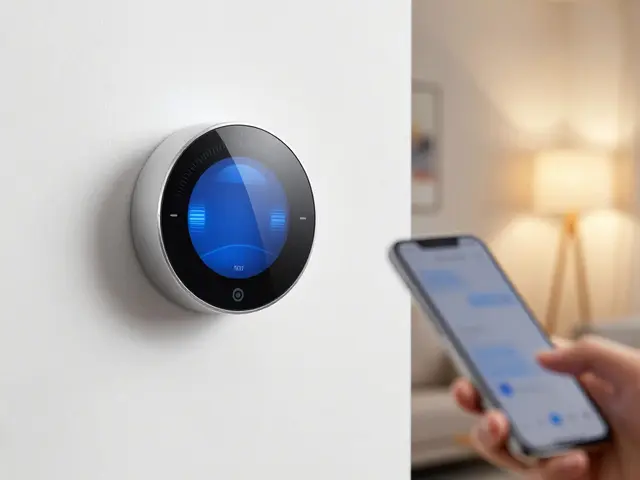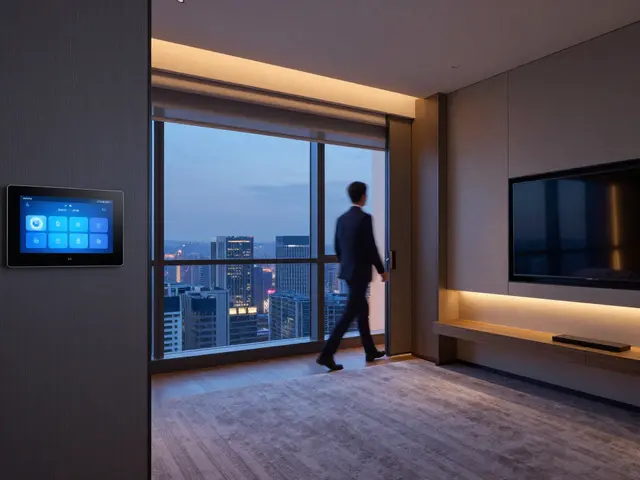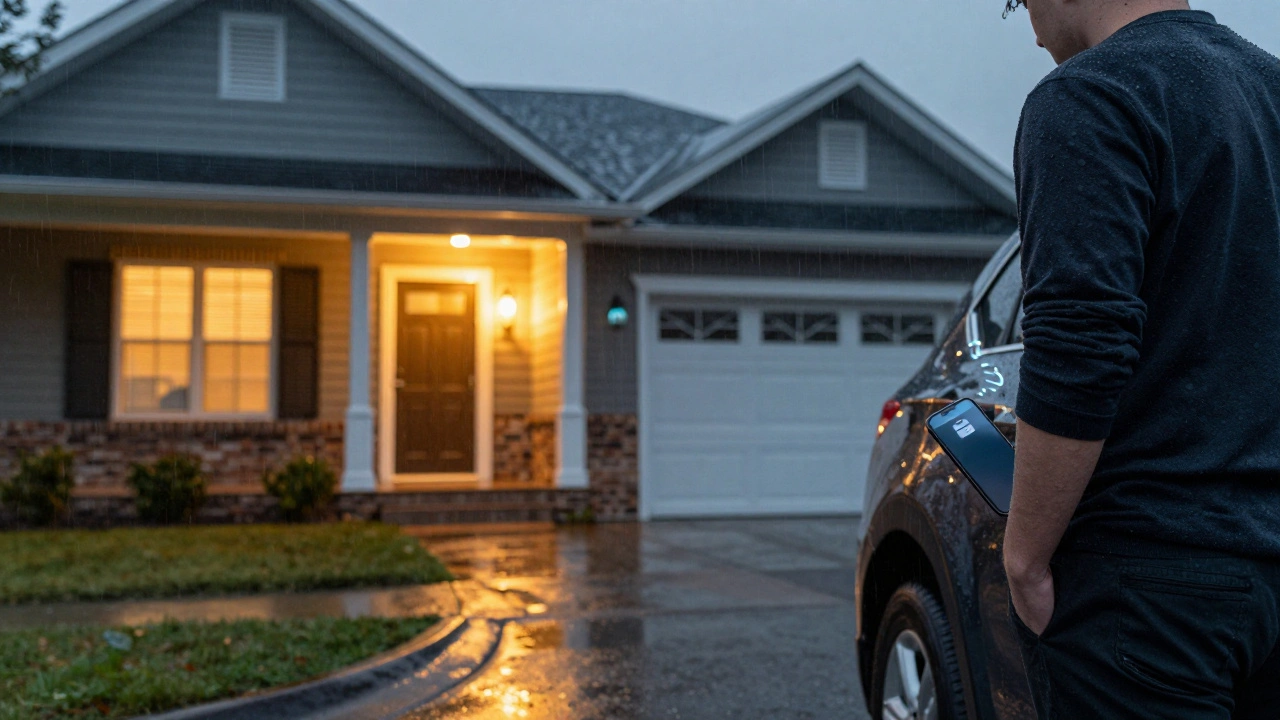
Imagine pulling into your driveway and your lights turn on before you even unlock the door. Your thermostat adjusts to your preferred temperature. The coffee maker starts brewing. None of this requires a tap on your phone. It just happens - because your home knows you’re coming. This isn’t science fiction. It’s location-based automation, and it’s easier to set up than you think.
What Geofencing Actually Does for Your Home
Geofencing is a digital boundary. You draw an invisible circle - usually 100 to 500 meters wide - around your house using your phone’s GPS. When your phone crosses that boundary, it triggers an action. That’s it. No buttons. No voice commands. Just your phone’s location doing the work.
Most smart home systems like HomeKit, Google Home, or SmartThings use geofencing to detect when you’re arriving or leaving. If you set it up right, your home responds the same way every time. For example:
- When you arrive: Lights turn on, HVAC adjusts, security system disarms.
- When you leave: All lights turn off, thermostat switches to eco mode, doors lock automatically.
It works because your phone is always with you. Unlike motion sensors that might trigger when your cat walks by, geofencing only reacts when you are near. That’s why it’s so reliable.
Presence Detection: More Than Just Your Phone
Geofencing is great, but it has a flaw: what if your phone dies? Or you forget it? Or your kid uses your phone to leave the house? That’s where presence detection steps in.
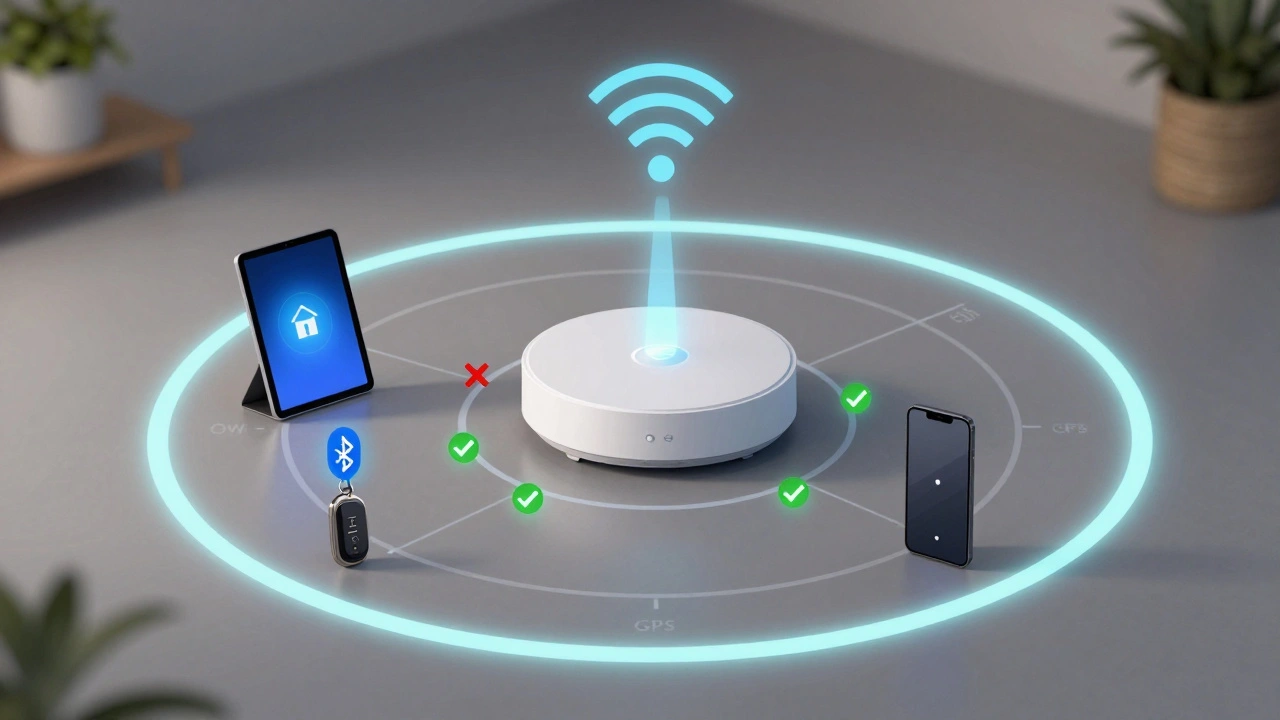
Presence detection doesn’t rely on GPS. Instead, it uses signals from devices you already own:
- Wi-Fi devices: Your smart speaker, tablet, or laptop connects to your home network. If it’s connected, the system assumes you’re home.
- Bluetooth beacons: Small, low-power devices placed near entryways. They send a signal to your hub when you walk by.
- Smart locks: If your key fob or phone unlocks the door, the system knows you’re entering.
- Smart plugs or sensors: A plug in your bedroom detects when your phone charges overnight - a strong signal you’re home.
Modern systems combine these signals. If your phone’s geofence says you’re leaving, but your smart speaker is still connected to Wi-Fi, the system waits. It doesn’t turn off the lights or lock the doors until it’s sure you’re gone.
Why This Matters More Than You Think
Most people think smart homes are about voice assistants or fancy lights. But the real value is in anticipation. A home that waits for you to say something is reactive. A home that acts before you ask is intelligent.
In Portland, where rain is common and mornings are dark, this isn’t a luxury - it’s a comfort. Imagine walking in after work, soaked from the rain, and your entryway lights are already warm. Your heater is at 70°F. Your front door is unlocked. You don’t have to fumble for keys or your phone. You just walk in.
Studies from the University of Washington’s Ubicomp Lab show that homes using combined geofencing and presence detection reduce energy use by 12-18% on average. Why? Because systems don’t waste energy trying to heat or cool empty rooms. They only activate when someone is actually there.
How to Set It Up Without Getting Overwhelmed
You don’t need a $10,000 system. Start small. Here’s how:
- Choose your hub: Use Apple HomeKit if you have iPhones, or Google Home if you use Android. Both support geofencing out of the box.
- Enable location access: Go into your phone’s settings and allow your smart home app to use location “always.” This is critical. If it’s set to “while using,” it won’t work in the background.
- Set your geofence radius: Start with 300 meters. Too small, and you’ll trigger late. Too big, and your lights turn on when you’re still at the grocery store.
- Add a presence sensor: Buy a $20 Bluetooth beacon (like Tile or Chipolo) and stick it on your keychain. Pair it with your hub. Now you have a backup trigger.
- Test and tweak: Walk out, then walk back. Watch how your system responds. Adjust delays. Add delays so your lights don’t flicker on and off if you step out for the mail.
Pro tip: Don’t trigger everything at once. Start with one thing - like turning on the porch light when you arrive. Once that works flawlessly, add the next.
What Can Go Wrong (And How to Fix It)
Geofencing isn’t perfect. Here’s what breaks - and how to fix it:
- Phone battery dies: Use Bluetooth beacons or Wi-Fi presence as backup. Your smart speaker staying connected is a strong signal you’re home.
- GPS is inaccurate: Urban canyons, tall buildings, or tunnels can mess with GPS. Combine it with Wi-Fi triangulation. Most hubs use both now.
- False triggers: If your home turns on when you drive past, widen your geofence to 500 meters. Or add a 30-second delay so it only activates if you stop.
- Multiple people: If you live with others, set up individual profiles. Each phone creates its own geofence. The system only turns off lights when everyone has left.
One homeowner in Beaverton told me their system used to turn off the heat every time their dog walked past the front door. They fixed it by adding a presence sensor on their dog’s collar - and now the system knows when the dog is home alone.

The Bigger Picture: Homes That Learn
Today’s systems don’t just react. They learn. If you always come home at 6:15 p.m. on weekdays, your hub starts predicting it. It doesn’t wait for your phone to cross the geofence - it starts warming the house at 6:00 p.m. automatically.
Some systems even detect patterns. If you usually leave your phone on the charger overnight, the system assumes you’re home. If you leave your phone in your car, it assumes you’re going out - and triggers the garage door opener.
This isn’t magic. It’s data. And it’s getting smarter every year.
What You Should Do Next
Start with one rule. One trigger. One action.
Try this: Set your porch light to turn on 30 seconds after your phone enters your geofence. Wait a week. See how often it works. If it’s 9 out of 10 times, you’ve got it.
Then add one more: Maybe your thermostat adjusts when you leave. Or your blinds close when you go to bed.
You don’t need to automate your whole house. You just need to make it feel like it knows you.