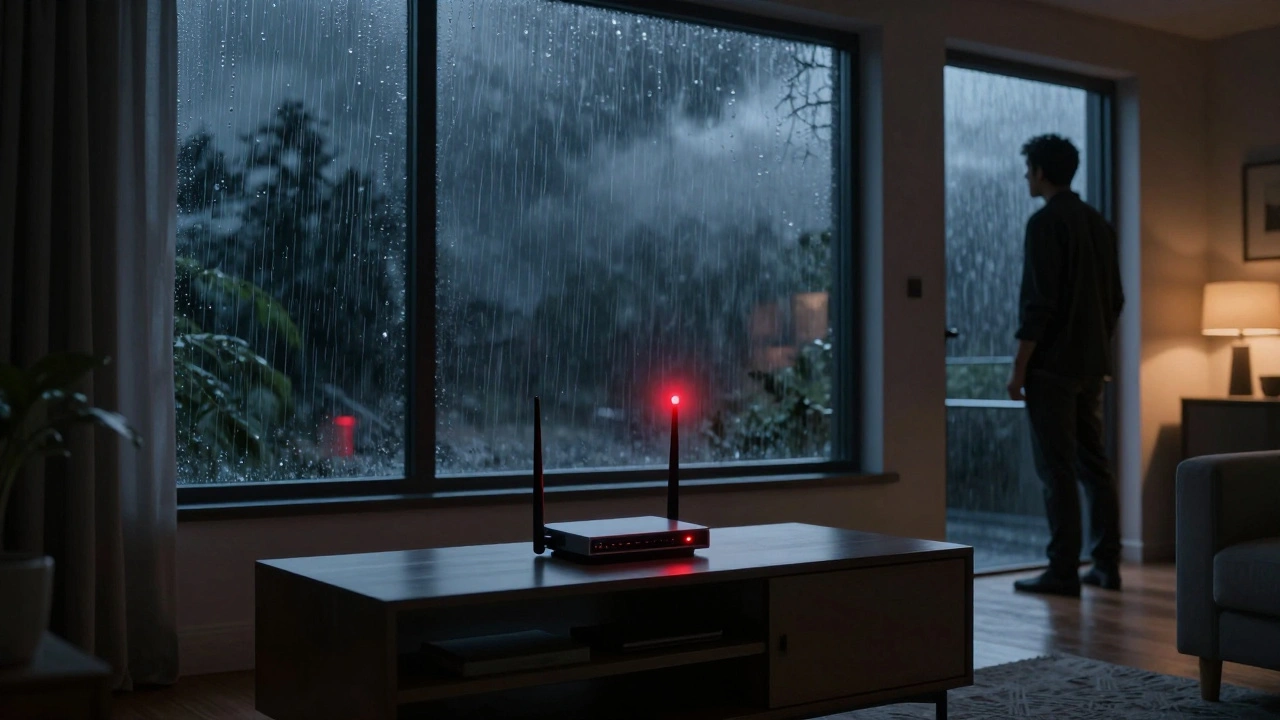
Imagine this: it’s a rainy Tuesday evening in March, 2026. Your Smart Home System a connected ecosystem of devices managing lighting, security, and climate suddenly freezes. The lights stay on, but your thermostat ignores commands, and the camera feeds cut out. You check the router. It’s blinking red. The internet is down. In moments like these, convenience turns into chaos. We often build complex networks without considering what happens when the connection drops.
The Weak Link in Modern Homes
Most people connect their devices expecting them to work forever. They assume the cloud is always available and the electricity never flickers. That assumption is risky. A study on residential infrastructure failures shows that nearly 40 percent of connectivity issues stem from single points of failure. When your internet service provider has an outage, your entire house loses autonomy if everything lives on the cloud.
We need to distinguish between functionality that requires the internet and functionality that works locally. Some tasks, like watching a live video feed on your phone while at work, absolutely need an internet connection. Others, like turning off a light when you leave the room, should happen right inside the house. Understanding this split is the first step toward building resilience.
Power Redundancy: Keeping Things Alive
If the grid goes down, does your hub stay awake? Without power, no amount of software trickery saves your system. An Uninterruptible Power Supply a battery-backed device providing short-term power during outages (UPS) is non-negotiable for core hardware. You should plug your router, modem, and central hub into a UPS unit rated for at least 2,000 volt-amperes. This gives you enough time to either ride out a brief storm or shut down gracefully.
- Select capacity: Calculate the total wattage of your network gear.
- Battery life: Look for units offering at least 30 minutes of runtime under full load.
- Monitoring: Ensure the UPS supports communication protocols like SNMP for automatic shutdown signals.
In places like Portland, we deal with frequent utility interruptions due to seasonal storms. A hard-wired backup ensures your security cameras keep recording locally even when the power blips. It is better to spend money on a small battery bank upfront than worry about blind spots during a brownout.
Network Architecture and Local Area Networks
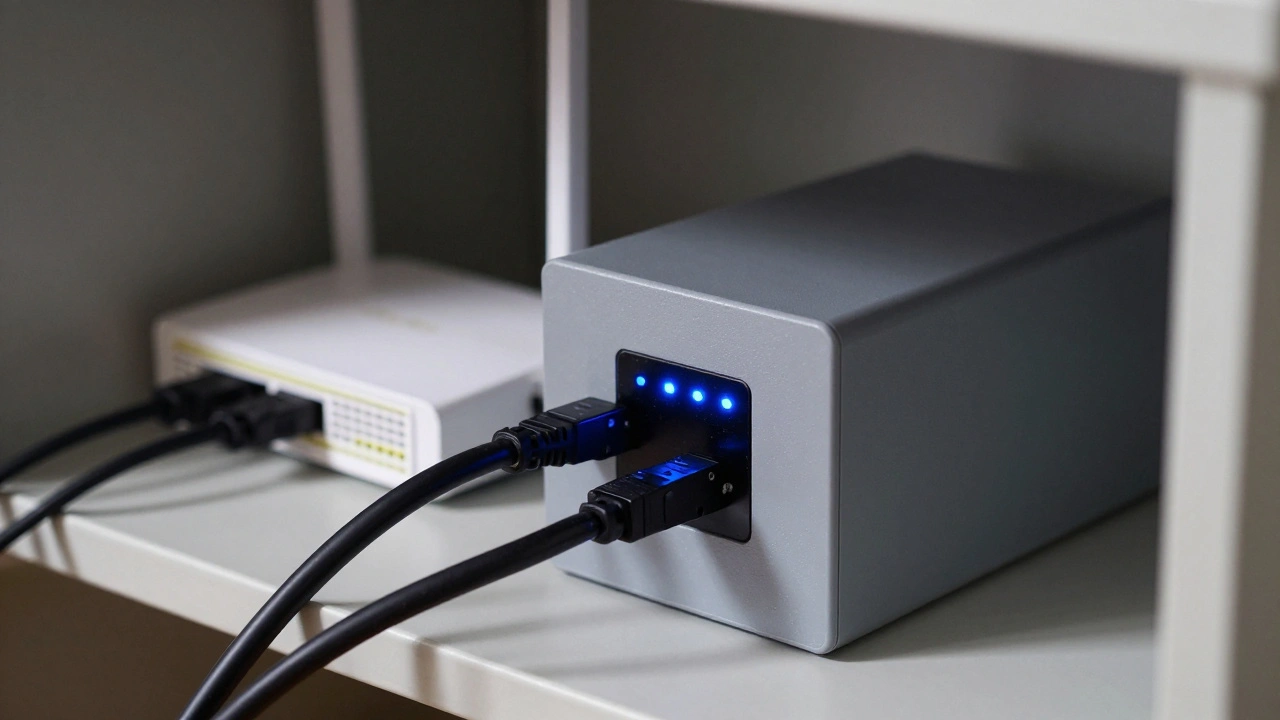
Your internal network structure defines how well your home recovers after an interruption. Relying entirely on Wi-Fi creates fragility. Devices get stuck buffering signals while competing for bandwidth. Building a wired backbone using Ethernet cables stabilizes performance. Even if wireless access points drop signal, your critical sensors communicate via cable.
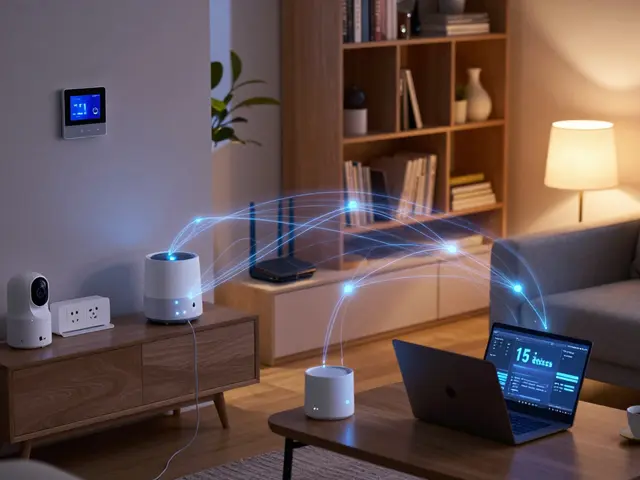
Consider implementing a Mesh Wi-Fi a network using multiple nodes to blanket an area with wireless signals system that supports self-healing features. If one node fails, others redirect traffic instantly. However, for true redundancy, separate your IoT network from your entertainment network. Create a dedicated VLAN for smart devices. This prevents a rogue streamer from choking bandwidth needed for doorbell chimes.
| Connection Type | Reliability | Speed | Cost |
|---|---|---|---|
| Ethernet | Very High | High (Gigabit) | Medium |
| Wi-Fi 6E | Medium | High | Low |
| Zigbee | High (Local) | Low | Low |
Note how Zigbee appears here. Low-power mesh protocols allow devices to talk to each other without touching the router. This is vital when the router dies but you still want lights to turn on via a motion sensor.
Data Storage: Cloud versus Edge
Where does your data actually live? Relying solely on cloud subscriptions leaves you vulnerable if the provider goes offline or you lose credit card funds. A Network Attached Storage a device connected to the network providing shared storage (NAS) solves this. By storing video clips and automations locally, your system remains operational during internet blackouts.
Edge computing allows processing to happen on the device rather than sending data across the globe for analysis. If you have a smoke detector, you want it to sound the alarm immediately based on local sensor readings, not wait for a server in Virginia to verify the fire. Hybrid setups offer the best of both worlds. Sync data to the cloud for remote access, but keep active rules and recordings on the local NAS.
Set up automated daily snapshots. If your system gets corrupted, you can roll back settings to yesterday. Treat your configuration files like financial records. Back them up to an external drive disconnected from the network regularly.
Protocol Diversity Matters
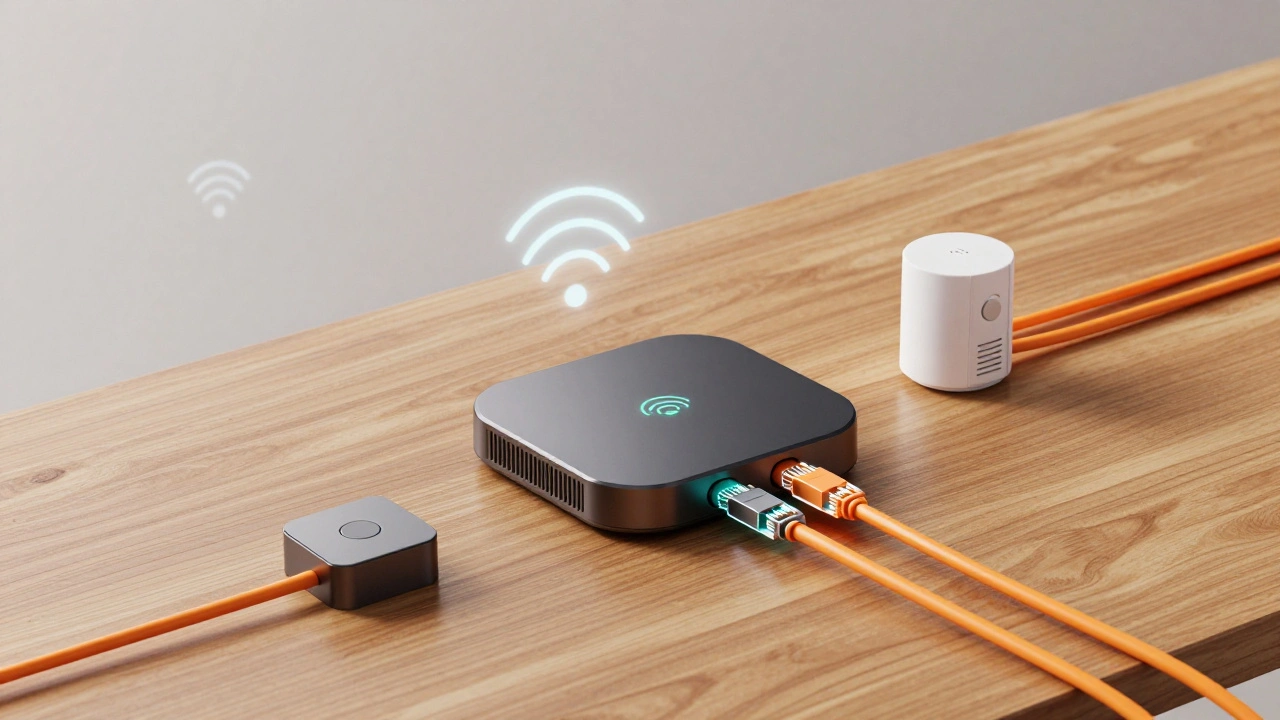
Don’t put every egg in the same basket. Using only Wi-Fi means one firmware update could brick half your house. Mix protocols. Wi-Fi handles high-bandwidth needs like cameras. Matter over Thread handles switches and sensors efficiently. Zigbee offers deep legacy support.
In 2026, Matter Protocol an open-standard connectivity framework for smart home devices has stabilized. It runs over Ethernet, Wi-Fi, and Thread. If your router goes down, Thread devices form a mesh and continue functioning locally. Choose hubs that bridge these different languages. Avoid ecosystems that lock you into a single proprietary brand where failure means losing control of everything.
Maintenance and Testing Procedures
Redundancy isn’t magic. It’s maintenance. Test your UPS every six months to ensure batteries haven’t degraded. Simulate an internet outage by unplugging the WAN port and verifying your lights still respond to physical switches. Check your local logs weekly. If you wait until the outage happens to notice a failing drive, the damage is done.
Create a checklist of essential functions. Does the garage door opener work without the app? Can the front door unlock via keypad? Prioritize safety systems. Having redundancy for a party playlist is nice; having redundancy for carbon monoxide alarms is mandatory.
What is the minimum UPS size for a smart home?
Aim for at least 2,000 VA capacity to safely support a modem, router, and central hub. This ensures you have roughly 15 to 30 minutes of runtime during a blackout.
Can smart lights work without internet?
Yes, if they use local protocols like Zigbee or Matter over Thread. Wi-Fi-only bulbs generally require an internet connection to function unless configured with local scenes.
Why use a NAS instead of cloud storage?
Local storage keeps video footage accessible even when the internet disconnects. It also eliminates monthly subscription fees and protects your privacy.
Is Ethernet really necessary for smart devices?
While wireless is convenient, Ethernet provides significantly higher stability. Critical backbone devices like routers and hubs should always be hardwired.
How do I test my backup system?
Periodically unplug the main internet line and simulate power loss. Verify that essential automations like locking doors or checking sensors still execute locally.