Picture this: you bought a sleek new smart bulb because it was on sale, only to realize your existing hub doesn't support its protocol. Or maybe you installed a security camera that requires a specific cloud service, while the rest of your house runs on a local network. You're stuck with two devices that refuse to talk to each other. This is the classic "fragmented ecosystem" problem in modern home automation.
The good news? You don't need to toss out your gear or start over. By using bridges and adapters, you can force incompatible devices to coexist. These tools act as translators, converting signals from one language (like Zigbee) into another (like Wi-Fi), allowing your entire smart home to function as a single unit.
Why Your Devices Don't Talk to Each Other
To fix the problem, you first need to understand why it exists. Most smart home devices communicate using different radio frequencies and protocols. Think of these protocols as languages. If your thermostat speaks Z-Wave and your light switch speaks Zigbee, they are physically deaf to each other's commands, even if they sit right next to each other.
- Zigbee: A low-power mesh network used by many bulbs and sensors. It requires a coordinator (a hub) to manage traffic.
- Z-Wave: Similar to Zigbee but uses a different frequency (908 MHz in the US). It is known for reliability but has fewer device options.
- Bluetooth LE: Low-energy Bluetooth. Great for short-range control but struggles with large networks without a gateway.
- Wi-Fi: The most common but power-hungry. It clutters your router if you have dozens of devices.
- Matter: The new industry standard designed to unify all these languages under one IP-based roof.
When you buy a device labeled "Works with Alexa," it often means the manufacturer built a proprietary bridge in the cloud. But if you want local control-where your lights turn on even if the internet goes down-you need hardware that handles these translations locally.
Bridges vs. Adapters: What's the Difference?
People use these terms interchangeably, but there is a technical distinction that matters when you are building a reliable system.
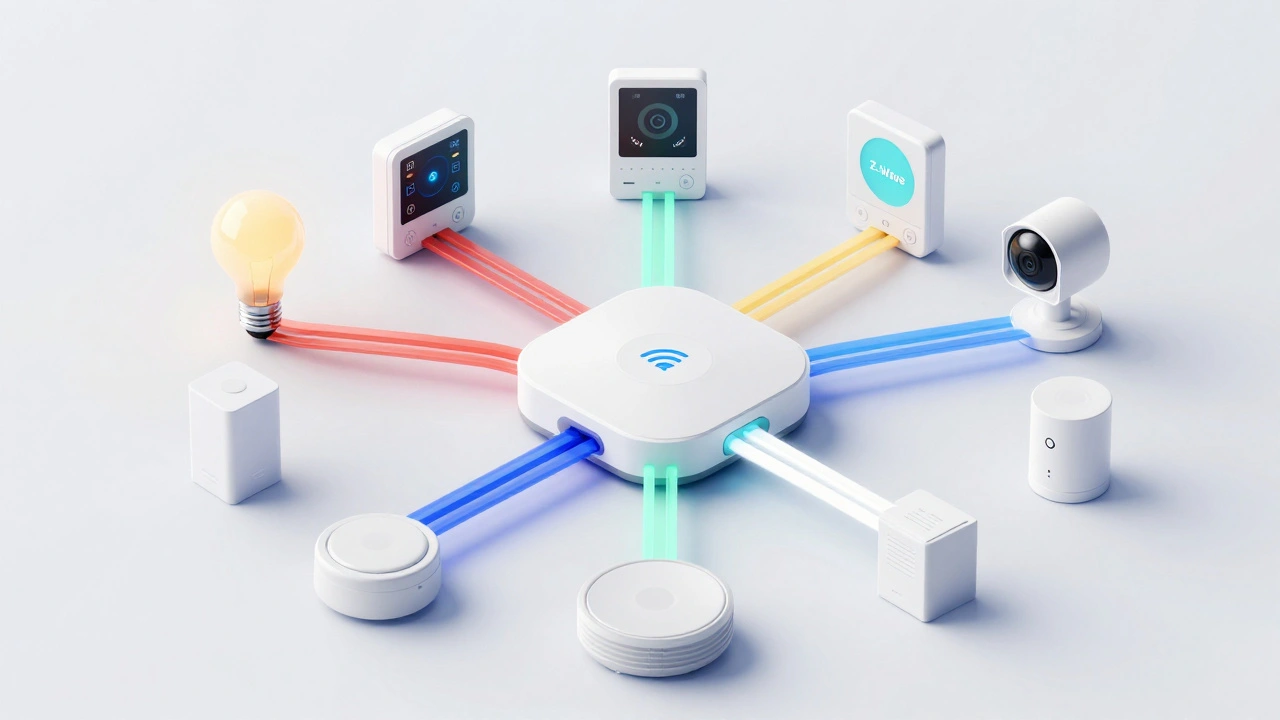
A bridge is usually a standalone device or a feature within a larger hub. It connects multiple devices of the same protocol to your main network. For example, a Philips Hue Bridge takes Zigbee signals from your bulbs and translates them into Wi-Fi data that your phone app can read. It acts as a central translator for a group.
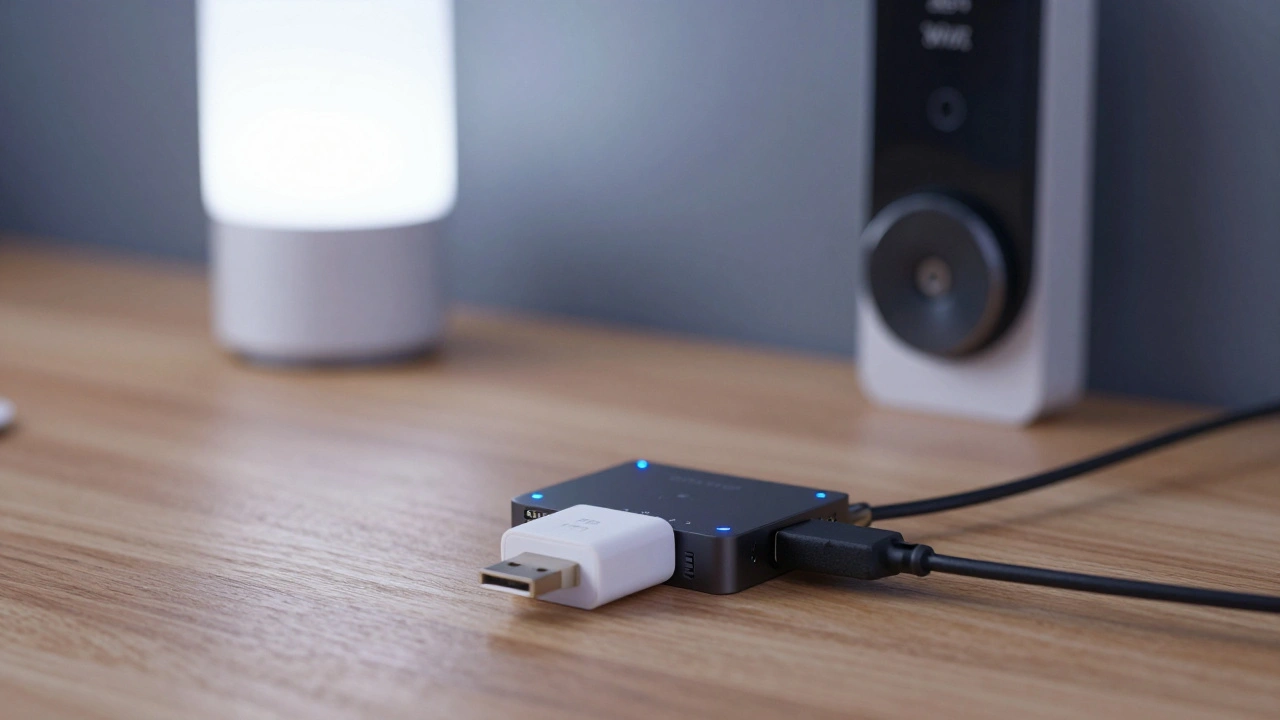
An adapter is typically smaller, often USB-sized. It plugs directly into a computer, a Raspberry Pi, or a dedicated hub to add capability. If you run open-source software like Home Assistant on a mini-PC, you might plug in a Zigbee USB adapter to give that PC the ability to talk to your bulbs. The adapter gives the host machine the "language skills" it lacks.
| Feature | Bridge | Adapter |
|---|---|---|
| Form Factor | Standalone box or integrated hub | USB stick or small dongle |
| Power Source | Wall outlet or battery | Powered by host device (USB) |
| Best For | Proprietary ecosystems (e.g., Hue, LIFX) | Open systems (e.g., Home Assistant, Node-RED) |
| Range | Often includes antenna boosters | Depends on host placement; may need extension cable |
Top Bridges and Adapters for 2026
In 2026, the market is shifting toward Matter-over-Thread compatibility, but legacy protocols still dominate existing homes. Here are the most reliable tools to bridge the gap.
1. Samsung SmartThings Hub v4/v5
This is the Swiss Army knife of integration. It supports Zigbee, Z-Wave, and Thread natively. If you have a mix of older Z-Wave locks and newer Thread-enabled sensors, this hub handles the translation internally. You don't need extra adapters; the hub *is* the bridge.
2. Amazon Echo Show/Hub with Built-in Hub
Newer Echo devices include a built-in Zigbee and Matter controller. For casual users who rely on voice commands via Alexa, this eliminates the need for a separate bridge. However, advanced automation logic is limited compared to dedicated platforms.
3. Sonoff ZBBridge / Zigbee Dongles
If you are comfortable with a bit more setup, Sonoff offers affordable USB Zigbee adapters. These pair well with eWeLink or third-party firmware like Tasmota. They are cheap, effective, and great for adding Zigbee support to a generic IoT server.
4. Aeotec Z-Stick Gen7+
This is the gold standard for Z-Wave adapters. It works with almost any Z-Wave Plus device and integrates seamlessly with Home Assistant, OpenHAB, and Hubitat. Its range is excellent, and it supports both legacy Z-Wave and the newer Matter-over-Thread standards.
5. Homey Pro
Homey is a commercial-grade hub that acts as a massive bridge. It supports Zigbee, Z-Wave, Thread, Bluetooth, and Wi-Fi. Its strength lies in its visual flow editor, which makes creating complex automations between incompatible devices intuitive.
Setting Up Your Integration Layer
Buying the hardware is only half the battle. Proper configuration ensures your "translation" layer doesn't become a bottleneck. Here is how to set up a robust integration.
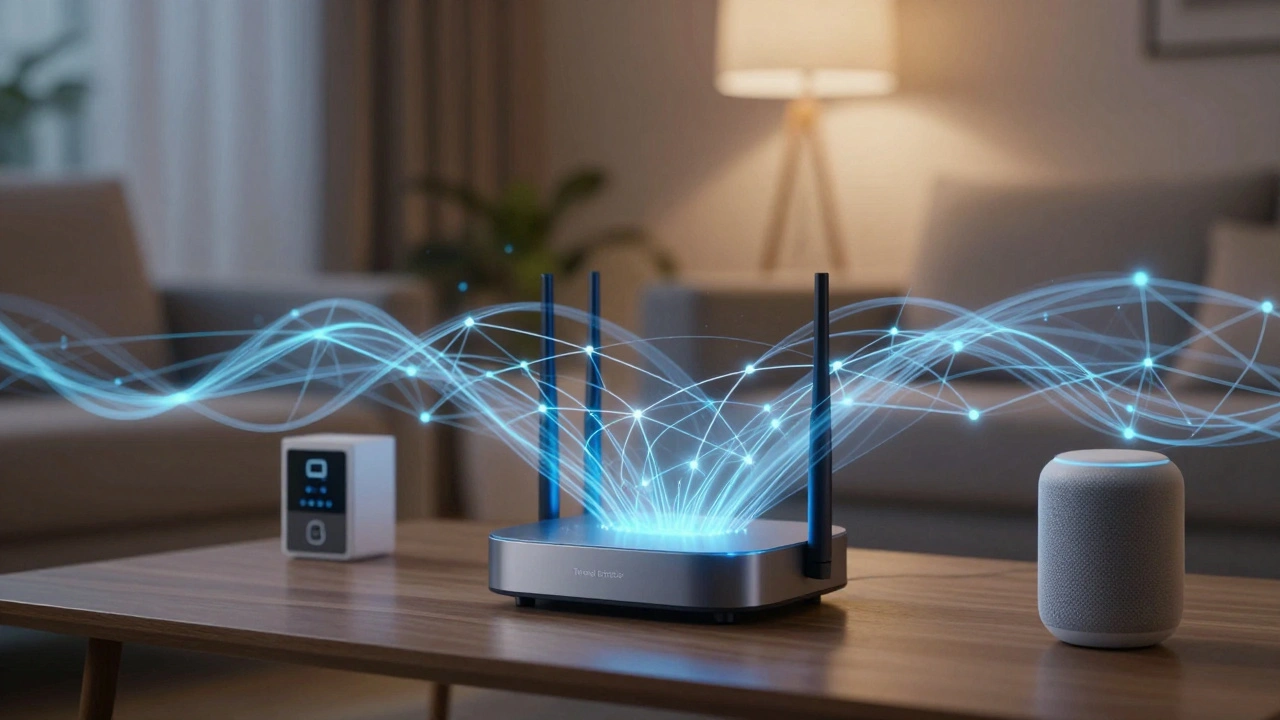
- Centralize Your Network: Place your bridge or adapter in the center of your home, not hidden in a closet. Metal boxes and concrete walls kill RF signals. If using a USB adapter, use a long USB extension cable to move it away from the interference caused by your PC or router.
- Update Firmware First: Before pairing any devices, update the bridge's firmware. Manufacturers frequently patch security holes and improve protocol compatibility. An outdated bridge might reject newer devices.
- Use Local Control Where Possible: Configure your apps to use local APIs rather than cloud relays. Cloud dependencies add latency. If your internet drops, local bridges keep your lights and locks working.
- Group Devices by Protocol: Try to keep Zigbee devices connected to the Zigbee bridge and Z-Wave devices to the Z-Wave stick. While some hubs can handle both, splitting the load reduces network congestion.
Troubleshooting Common Connection Issues
Even with the best gear, things go wrong. Here are the most frequent headaches and how to solve them.
Device Won't Pair: Often, the device is already paired to an old bridge. You must factory reset the device before trying to add it to a new adapter. Hold the button until the LED flashes rapidly.
Intermittent Connectivity: This is usually a signal issue. Zigbee creates a mesh network, meaning devices relay signals to each other. If you have dead zones, add a powered Zigbee device (like a smart plug) near the edge of the room to extend the range. Battery-only sensors do not always repeat signals reliably.
High Latency: If your commands take seconds to execute, check your Wi-Fi band. Ensure your bridge is on the 2.4 GHz band, not 5 GHz. Many smart home protocols cannot operate on 5 GHz. Also, ensure your router isn't overcrowded with streaming devices.
The Future: Will We Still Need Bridges?
The industry is moving toward Matter, a universal protocol backed by Apple, Google, Amazon, and others. Matter aims to eliminate the need for proprietary bridges by allowing devices to communicate directly over IP (Wi-Fi or Thread).
However, we are not there yet. As of 2026, billions of non-Matter devices exist. You will likely need a "legacy bridge" for years to come. Even with Matter, you still need a Thread Border Router to connect Thread devices to your Wi-Fi network. So, while the number of bridges may decrease, the concept of an integration layer remains essential.
Don't let incompatible devices limit your smart home potential. With the right bridge or adapter, you can build a unified system that works exactly how you want, regardless of brand or protocol.
Do I need a bridge if I have a smart speaker?
It depends on your speaker. Newer Amazon Echo and Google Nest Hub devices have built-in Zigbee and Matter controllers, acting as bridges. Older models do not. Check your device specs for "Built-in Hub" or "Zigbee Support." If it lacks this, you need a separate bridge.
Can I use one bridge for both Zigbee and Z-Wave?
Yes, many multi-protocol hubs like Samsung SmartThings, Hubitat, and Homey support both Zigbee and Z-Wave simultaneously. However, dedicated USB adapters are usually single-protocol. You would need two separate USB sticks (one for Zigbee, one for Z-Wave) if using a DIY platform like Home Assistant.
What is the difference between a hub and a bridge?
A bridge typically translates one protocol to Wi-Fi/IP (e.g., Hue Bridge). A hub is more powerful, often supporting multiple protocols and hosting automation rules locally. All hubs act as bridges, but not all bridges are full hubs.
Is Matter better than Zigbee?
Matter is a communication standard, while Zigbee is a radio technology. Matter often runs on top of Thread (which is similar to Zigbee). Matter improves interoperability between brands, but you still need a Thread Border Router (a type of bridge) to connect Matter/Thread devices to your home network.
How far does a Zigbee adapter reach?
In an open space, a Zigbee adapter can reach 30-50 meters. In a typical home with walls, expect 10-20 meters. Since Zigbee is a mesh network, adding more powered devices extends the range significantly. Place your adapter centrally for best results.