There is nothing quite like the feeling of waking up to sunlight filtering gently through your window treatments. But if you still have to walk across the room to pull a cord or press a button on a remote, that magic moment gets interrupted by friction. That is where smart shades, also known as motorized blinds, come into play. They turn a mundane task into an automated comfort.
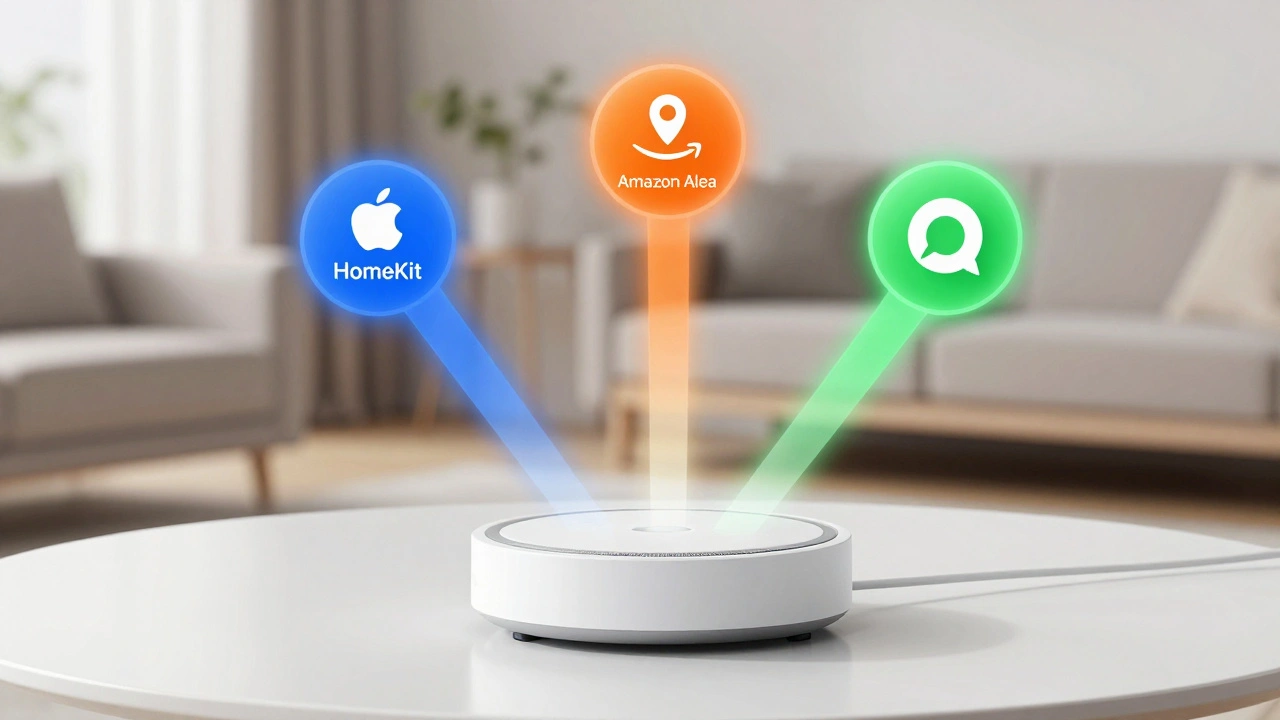
The real power of these devices isn't just in the motor itself; it’s in how they talk to the rest of your home. You likely already use a voice assistant. The question is not whether you should get smart shades, but how to connect them seamlessly to Apple HomeKit, Amazon Alexa, or Google Home. Each platform handles automation differently, and picking the wrong hardware can leave you stuck with a blind that works great manually but fails when you ask Siri to lower it at sunset.
Choosing the Right Connection Protocol
Before you download any app, you need to look at the hardware. Not all smart shades are created equal when it comes to connectivity. In 2026, the market has settled into three main camps: Wi-Fi, Zigbee, and Thread/Matter. Your choice here dictates which ecosystems you can join and how reliable your automation will be.
Wi-Fi shades are the easiest to set up because they connect directly to your router. No hub required. However, they add traffic to your home network. If you have ten Wi-Fi blinds, your router might start choking, leading to delayed responses when you say "Alexa, close the curtains." Brands like Lutron offer Wi-Fi models, but for larger setups, dedicated protocols often win on stability.
Zigbee is a low-power mesh network. Each blind acts as a repeater, strengthening the signal for the next device. This makes Zigbee incredibly reliable for whole-home coverage. To use Zigbee shades, you need a hub. For Apple users, this means an HomePod or an Apple TV running tvOS 14 or later. For Alexa, an Echo Plus or a dedicated hub like the SmartThings Hub works perfectly.
The newest player is Matter over Thread. This is the gold standard for 2026. Matter is a universal language that allows devices from different brands to work together. Thread is the wireless protocol that carries Matter data. If you buy a Matter-certified shade, it will work natively with HomeKit, Alexa, and Google Home without needing brand-specific bridges. It is local, fast, and secure.
| Protocol | Hub Required? | Best For | Ecosystem Support |
|---|---|---|---|
| Wi-Fi | No | Single rooms, beginners | All (via native apps) |
| Zigbee | Yes | Whole-home reliability | Alexa, Google, HomeKit (with bridge) |
| Matter/Thread | Optional (Border Router) | Cross-platform flexibility | Native support for all major platforms |
Connecting to Apple HomeKit
Apple’s ecosystem is known for its privacy and ease of use, but it can be picky about hardware. To connect smart shades to HomeKit, you generally have two paths: native certification or third-party bridges.
If you choose native HomeKit-certified shades, the process is straightforward. Open the Home app on your iPhone or iPad. Tap the "Add Accessory" button and scan the QR code on the shade’s packaging or motor unit. The app will detect the device, ask you to assign it to a room, and you’re done. You can now control the blinds via Siri commands like "Hey Siri, open the living room shades halfway."
For non-native devices, especially those using Zigbee, you might need a bridge. The Lutron Caséta Pro Bridge is the most popular option here. It connects to your Wi-Fi and exposes Lutron’s Zigbee shades to HomeKit. Once the bridge is added to the Home app, your shades appear as standard accessories. The benefit of this route is that Lutron offers a wider variety of fabric styles and mounting options than most native HomeKit brands.
One pro tip for HomeKit users: ensure your HomePod or Apple TV is within range of your windows. While HomeKit uses local communication, having a nearby hub ensures that voice commands trigger instantly, even if your internet goes down.
Setting Up Amazon Alexa
Alexa tends to be the most forgiving platform when it comes to hardware compatibility. Almost every major smart shade brand offers a skill for Alexa. The setup usually involves enabling the manufacturer’s skill in the Alexa app.
Here is how you do it. First, make sure your shades are paired with their own proprietary app (like the Hunter Douglas app or the Somfy TaHoma app). Then, open the Alexa app on your phone, go to "Skills & Games," and search for the brand name. Enable the skill and sign in with your account credentials from the shade’s app. Alexa will discover your devices automatically.
Once discovered, you can rename them for easier voice control. Instead of saying "Alexa, set Window Blind One to fifty percent," you can rename it to "Master Bedroom Blinds." Now you can say, "Alexa, lower the Master Bedroom Blinds."
Alexa shines in routine creation. You can create routines that trigger based on time, location, or other devices. For example, you can set a routine so that when you arm your security system at night, all shades close automatically. Or, you can link your shades to your thermostat. If the temperature rises above 75 degrees Fahrenheit during the day, Alexa can lower the shades to block heat gain, reducing your AC load.
Integrating with Google Home
Google Home integration follows a similar pattern to Alexa but often feels more streamlined if you are already deep in the Android or Google ecosystem. The key is linking accounts.
Open the Google Home app and tap the "+" icon. Select "Set up device" and then "Have something already set up?" Search for the brand of your smart shades. Most major brands, including IKEA (via the Tradfri or Home app) and Quby, have direct links. Sign in to your account, and Google will sync your devices.
Google’s strength lies in its geofencing features. You can create "Coming Home" and "Leaving Home" routines. As your phone detects that you are approaching your house, Google Home can raise the shades to let in light. When you leave, they can lower for privacy. This works best with the Google Nest Hub, which serves as a central controller and display for your automations.
If you use Matter-enabled shades, Google Home recognizes them instantly without any account linking. You just add the device via the Google Home app, and it appears as a controllable blind. This is the future-proof way to set up your home, ensuring you aren’t locked into a specific brand’s cloud service.
Troubleshooting Common Connection Issues
Even with the best hardware, things can go wrong. Here are the most common issues people face when connecting smart shades to their assistants.
- Device Offline: If your shades show as offline in HomeKit or Alexa, check your router. Wi-Fi interference from microwaves or neighboring networks can drop connections. For Zigbee devices, ensure your hub is centrally located. If a blind is far away, try adding another Zigbee device (like a bulb) halfway between the hub and the blind to extend the mesh range.
- Voice Commands Failing: Sometimes the assistant hears you but doesn’t act. This is often a naming issue. Avoid special characters or numbers in device names. "Blind 1" is harder for speech recognition than "Kitchen Blinds." Also, ensure the device is assigned to the correct room in the app; assistants sometimes struggle to locate devices in unassigned rooms.
- Slow Response Times: If there is a lag between your command and the shade moving, you are likely relying on cloud processing. Local protocols like Zigbee and Thread process commands locally, resulting in near-instant response. If you are using a cheap Wi-Fi bridge that relies on a distant server, expect delays. Switching to a local hub or Matter device solves this.
- App Sync Errors: If you control shades via both the manufacturer’s app and your voice assistant, you might notice state mismatches (e.g., Alexa says open, but they are closed). This happens when the apps don’t communicate back and forth. The fix is to stick to one primary interface. Use the voice assistant or HomeKit as your main controller and disable notifications from the manufacturer’s app to avoid confusion.
Advanced Automation Scenarios
Once connected, the fun begins. You can move beyond simple open/close commands to create sophisticated scenes.
Solar Tracking: Many modern hubs allow you to schedule shades based on sunrise and sunset times rather than fixed clock times. You can program your shades to lower at 90% opacity starting 30 minutes before peak solar intensity hits your west-facing windows. This reduces glare on your TV and keeps the room cool without manual intervention.
Privacy Modes: Link your shades to your doorbell camera. If someone rings the doorbell while you are home, keep the shades open. If you are away, have them close immediately upon motion detection to deter package thieves. This requires integrating your Ring or Nest Doorbell with your shading system via IFTTT or native routines.
Energy Efficiency: In summer, closing shades during peak heat hours can reduce cooling costs by up to 15%. In winter, opening them during sunny days lets passive solar heat warm your home. By connecting your shades to your smart thermostat, you create a feedback loop that optimizes comfort and energy usage simultaneously.
Do smart shades work without Wi-Fi?
Yes, but it depends on the protocol. Zigbee and Thread-based shades communicate locally through a hub, so they continue to work even if your internet connection drops. Wi-Fi shades, however, rely on the cloud for most commands and will become unresponsive if the internet is down, though some basic local scheduling may still function depending on the brand.
Can I use one smart shade with both Alexa and Google Home?
Absolutely. Most smart shades support multiple platforms simultaneously. You simply link the same manufacturer account to both the Alexa and Google Home apps. Be aware that controlling the shade from one app might cause a slight delay in updating the status on the other, but functionality remains intact.
What is the best smart shade brand for HomeKit?
Lutron Caséta is widely considered the best for HomeKit due to its native bridge support and reliability. Other strong options include IKEA FYRTUD and IKBEA, which offer Matter support for seamless HomeKit integration. For premium aesthetics, Hunter Douglas offers shades that work via third-party bridges like the Control4 or Savant systems.
Do I need a hub for Matter-enabled shades?
You need a Thread Border Router, which many modern devices already include. An Apple TV, HomePod, or newer Echo Show acts as a Thread Border Router. If your shade is Matter-over-Wi-Fi, no hub is needed. If it is Matter-over-Thread, you need a compatible router to bridge the Thread network to your Wi-Fi.
How long do smart shade batteries last?
Battery life varies by usage and motor efficiency. On average, rechargeable lithium-ion batteries in smart shades last between 3 to 6 months on a single charge with daily use. Hardwired models eliminate this concern entirely and are recommended for high-traffic areas or large windows that require frequent operation.