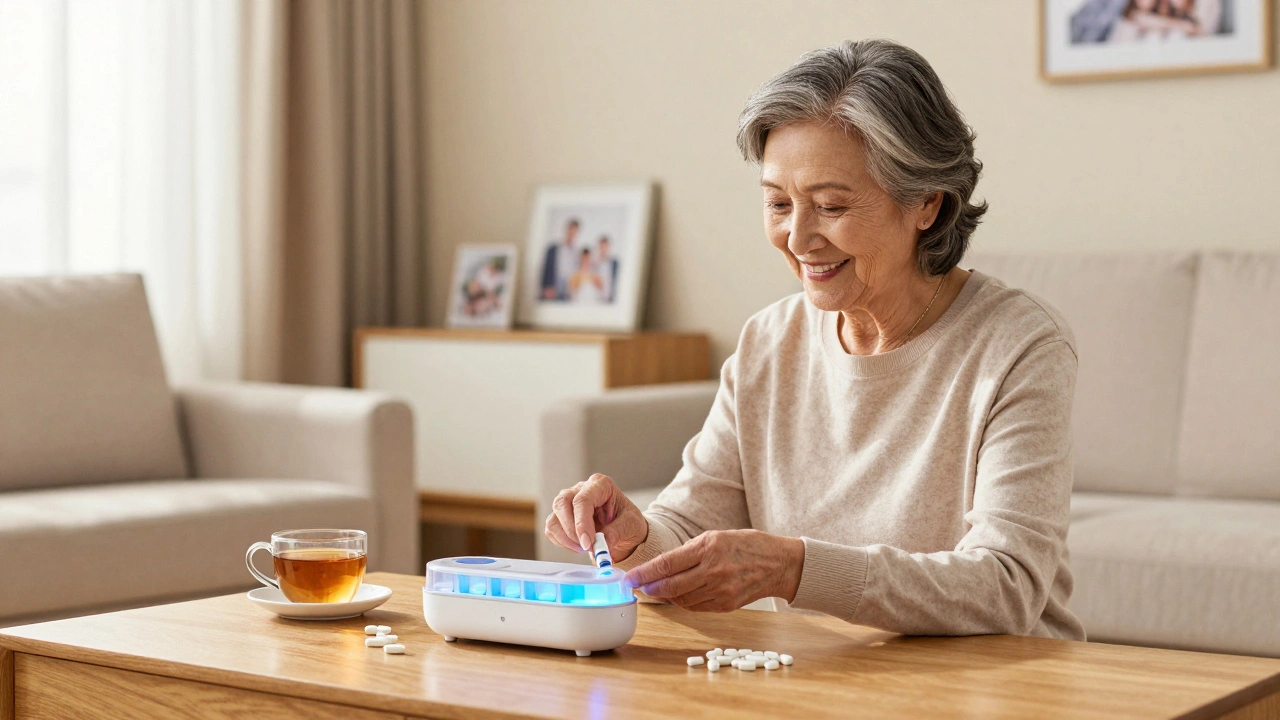
For many older adults, taking pills on time isn’t just a habit-it’s a lifeline. Miss one dose of blood pressure medicine, and dizziness might follow. Skip a diabetes pill, and blood sugar spikes. But remembering eight different medications, at different times, every day? That’s a lot for anyone. And when memory starts to slip, or eyesight fades, or hands shake, even the best intentions can fail.
That’s where smart devices step in. Not with flashy screens or complicated apps, but with quiet, reliable help that fits into daily life. Smart pill dispensers, wearable monitors, and voice-activated assistants are now helping seniors stay healthy without needing to become tech experts.
How Smart Pill Dispensers Actually Work
Smart pill dispensers aren’t just alarms with trays. They’re systems designed around real problems. Take the MedMinder system, used by over 200,000 households in the U.S. It has 28 compartments, each programmed for a specific time of day. When it’s time to take a pill, the device lights up, plays a gentle tone, and sends a text to a family member if the pill isn’t taken within 30 minutes.
Some models, like the Hero Smart Dispenser, go further. They automatically refill prescriptions based on doctor instructions and notify pharmacies when supplies run low. No more calling in refills. No more guessing if you’ve taken your morning dose.
These devices don’t require Wi-Fi expertise. Most set up in under 10 minutes using a simple app or phone call. Family members can monitor usage remotely-seeing if Grandma took her 9 a.m. pill-without hovering or nagging.
Wearables That Track More Than Steps
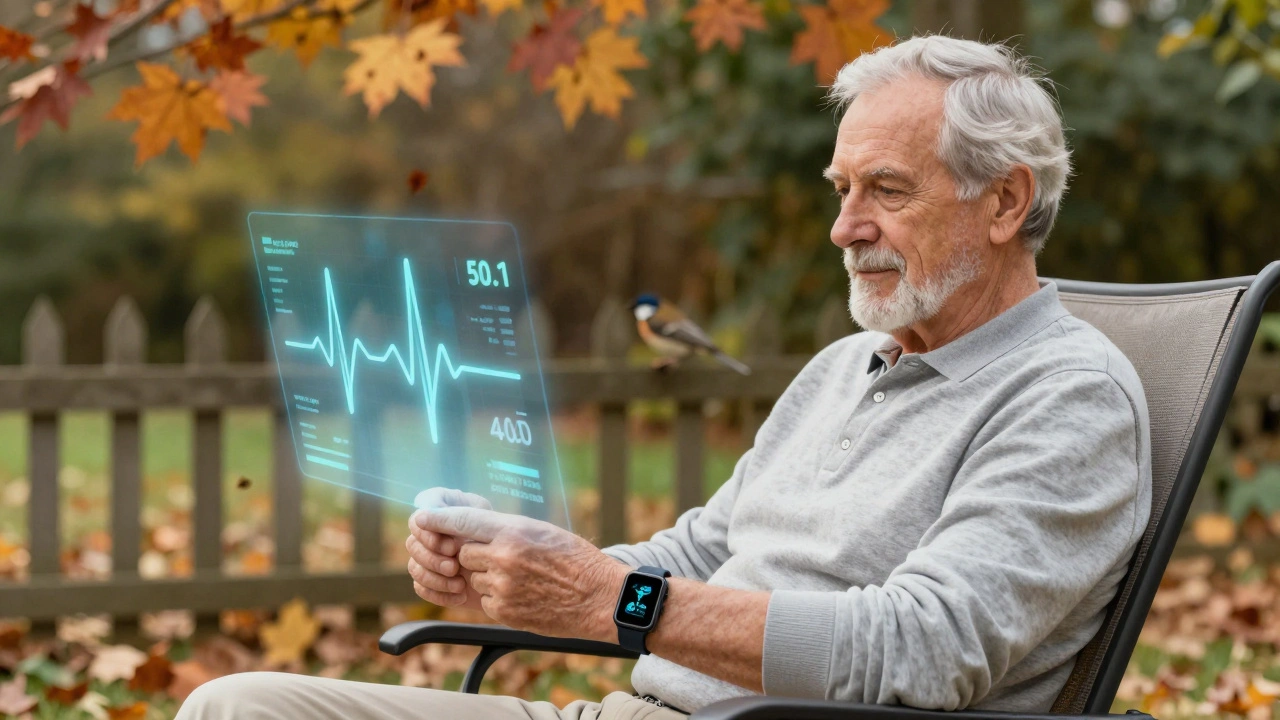
Smartwatches and fitness bands aren’t just for counting steps anymore. Modern models like the Apple Watch Series 9 and the Fitbit Sense 2 can track heart rhythm, blood oxygen levels, and even detect falls. For seniors with heart conditions or a history of falls, that’s not just convenience-it’s safety.
One study from the University of Oregon in 2025 followed 1,200 seniors using wearable monitors. Those with cardiac monitors detected irregular heartbeats 72 hours earlier than their doctors could during routine checkups. In 14% of cases, that early warning led to hospital visits that prevented strokes or heart attacks.
These devices also measure sleep patterns and activity levels. If a senior hasn’t moved for 12 hours, the watch can alert a caregiver. That’s not about surveillance-it’s about catching a problem before it becomes an emergency.
Integration with Voice Assistants
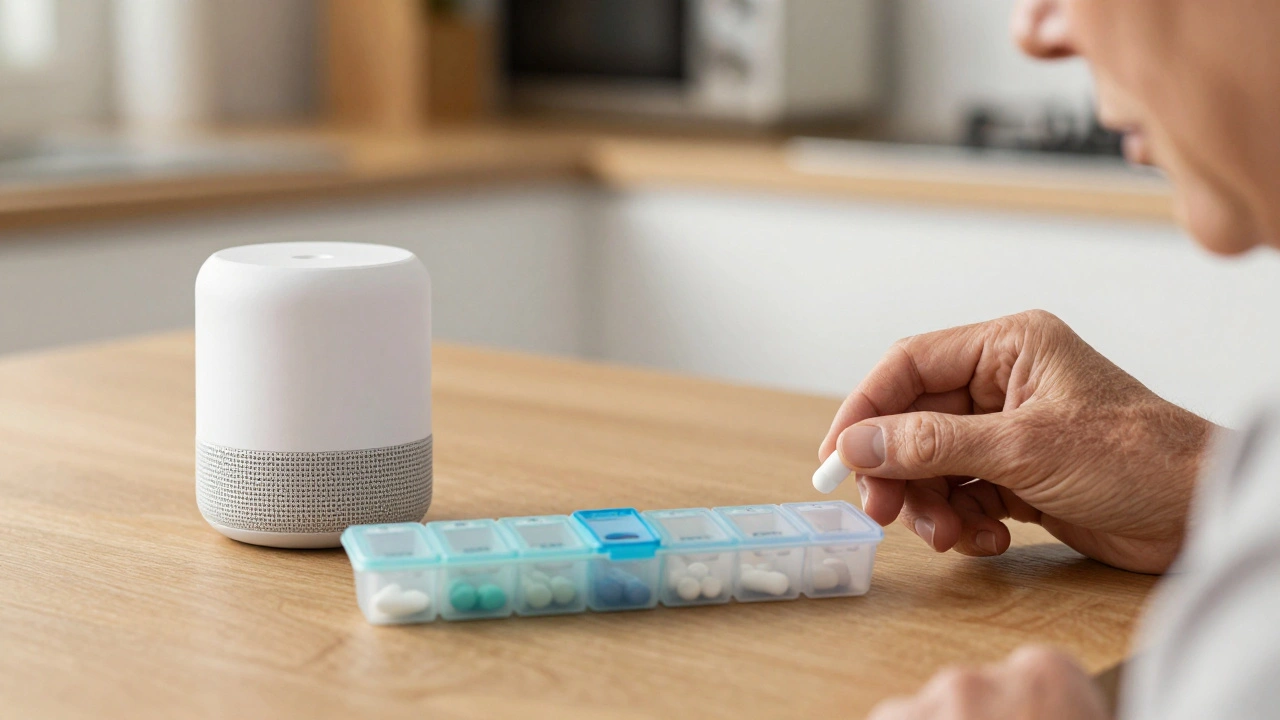
Amazon Alexa and Google Assistant aren’t just for playing music. Many seniors use them as personal health assistants. Set a voice command like, "Alexa, remind me to take my metformin at 8 a.m.," and it repeats every day. Ask, "What did my doctor say about my blood pressure?" and the device reads out the last note from the health portal.
Some systems link directly to electronic health records. If a doctor changes a dosage, the voice assistant updates automatically. No confusing paper lists. No misreading handwriting. Just clear, spoken reminders tailored to the user’s voice.
For those with vision loss or arthritis, voice control removes the need to tap screens or read small text. A 2024 survey by the National Institute on Aging found that 68% of seniors using voice assistants reported fewer missed doses than before.
Why These Tools Reduce Hospital Visits
It’s not magic. It’s consistency. When medications are taken correctly, complications drop. A 2025 CDC report showed that seniors using smart medication systems had 40% fewer emergency room visits for drug-related issues. That includes overdoses, missed doses, and dangerous drug interactions.
Take diabetes, for example. A smart glucose monitor linked to a phone app doesn’t just record numbers-it shows trends. If blood sugar keeps rising after meals, the app suggests talking to the doctor. That kind of feedback loop turns reactive care into proactive health.
Even simple things matter. One Oregon woman, 82, started using a smart pill dispenser after nearly being hospitalized for a missed warfarin dose. She now has a weekly video call with her daughter, not to check on pills, but to talk about her garden. The device gave her back independence-and peace of mind.
What to Look For When Choosing a System
Not all devices are made equal. Here’s what actually works:
- Simple setup-If it takes more than 20 minutes to configure, it won’t get used.
- Multiple alerts-Light, sound, and phone notifications together reduce the chance of missing a dose.
- Family access-Someone else should be able to check usage without needing to be there.
- Offline backup-Power outages happen. Good devices have battery backups and local storage.
- No subscription fees-Some systems charge $15/month just to send texts. Avoid them. Look for one-time purchase models.
Brands like MedMinder, Hero, and Philips Lifeline offer straightforward options without hidden costs. Many are covered by Medicare Advantage plans or veterans’ benefits. Always ask your pharmacist-they often know which devices are approved.
Common Myths About Smart Health Tech
"I’m too old to learn this." That’s the biggest lie. Seniors are the fastest-growing group of smart device users. In 2025, over 58% of adults over 70 used at least one health-related smart device. They didn’t need to be tech-savvy. They just needed something that worked without a manual.
"It’s too expensive." Many devices cost less than $100. Some pharmacies give them away for free with prescription refills. And think of the cost of one ER visit-it’s usually over $2,000.
"It invades privacy." These tools don’t record conversations or track location. They track medicine and vital signs. The data stays private unless shared by the user.
Getting Started
Start small. Pick one medication that’s most critical-maybe the one you forget most often. Get a basic pill dispenser with a single alarm. If it works, add more. Talk to your doctor. Ask if your pharmacy partners with a smart device provider. Many now offer free trials.
Don’t wait for a crisis. The best time to start is now, while things are still calm. A smart device isn’t about replacing human care. It’s about giving people back the freedom to live well, on their own terms.
Can smart medication devices help someone with dementia?
Yes, but the device needs to be paired with caregiver support. Systems like the Hero dispenser can lock compartments until the right time, preventing accidental overdoses. They also send alerts to family members if a dose is skipped. For advanced dementia, voice reminders and visual cues from the device help trigger memory. However, these tools work best when combined with daily check-ins from a trusted person.
Do I need Wi-Fi for these devices to work?
Not always. Many pill dispensers use cellular networks or Bluetooth to send alerts, so they don’t need Wi-Fi. Some models work entirely offline with battery-powered alarms. Wi-Fi is helpful for remote monitoring by family, but not required for the core function of reminding and dispensing medication.
Can these devices handle multiple medications at once?
Absolutely. Most smart dispensers have 14 to 28 compartments, each set for a different time-morning, afternoon, evening, night. Some can even split pills into halves or quarters. They’re designed for complex regimens, like those involving blood thinners, insulin, and heart meds-all taken at different times.
Are there any free options available?
Yes. Many Medicare Advantage plans, VA benefits, and local Area Agencies on Aging provide free smart pill dispensers to eligible seniors. Pharmacies like CVS and Walgreens sometimes offer them at no cost with automatic refills. Nonprofits like Senior Living and AARP also run device donation programs. Always ask your pharmacist or social worker-they often know about local programs.
What if I don’t want to use a smartphone?
You don’t need one. Many devices operate independently with physical buttons and audio alerts. Voice assistants like Alexa can be set up on a simple speaker without a screen. Family members can manage alerts from their phones while the senior uses a standalone device. The goal is to reduce complexity, not add it.