When the power goes out in the middle of the night, or smoke starts filling your hallway, your lights shouldn’t fail you. That’s where emergency lighting automation comes in - it’s not a luxury anymore, it’s a basic safety feature every home should have.
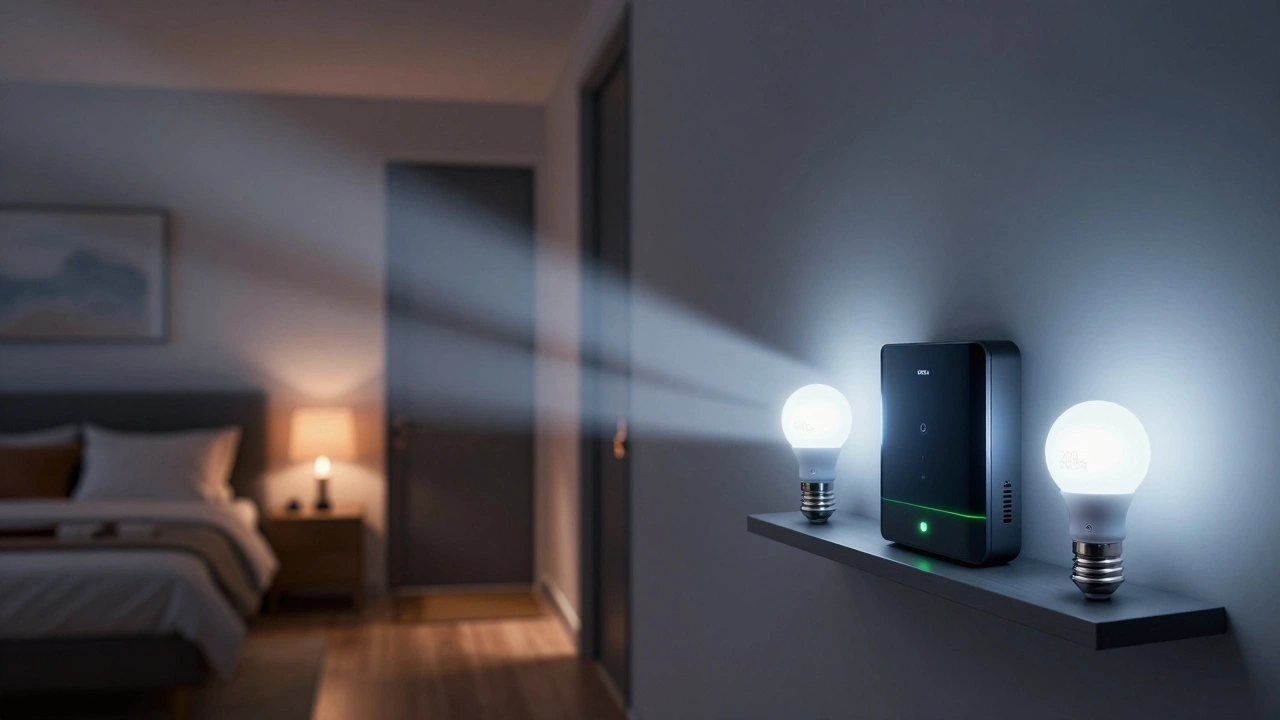
Most people think of emergency lights as those battery-powered bulbs in hallways or stairwells. But modern homes are moving beyond that. Today’s systems use smart sensors, automated triggers, and connected lighting to respond instantly when danger hits. No more fumbling for flashlights. No more waiting for lights to flicker on. The system acts before you even realize you need it.
How Power Outages Trigger Automatic Lighting
Power outages happen more often than you think. In Portland, winter storms knock out electricity for hours at a time. In 2024, the Pacific Northwest recorded over 1,200 outage events lasting more than 30 minutes - many of them during nighttime hours. That’s when homes without automated lighting become dangerous.
Modern emergency lighting systems connect directly to your home’s electrical panel. When voltage drops below 90% for more than 200 milliseconds - which is faster than a human can react - the system flips on. No manual switch. No batteries to replace. It uses your existing smart lights, like Philips Hue or Lutron Caseta, and switches them to a preset low-brightness mode. Think of it like a silent alarm: the lights turn on, but quietly, just enough to see your way to the exit.
These systems don’t just rely on power sensors. They also monitor your home’s circuit load. If your refrigerator shuts off and your HVAC stops, the system knows it’s not just a tripped breaker - it’s a full outage. That’s how it avoids false triggers from a single appliance cycling off.
Smoke Detection That Turns On the Lights
Smoke alarms are required by law, but most still only make noise. That’s not enough. In a fire, visibility drops fast. People don’t die from smoke inhalation alone - they die because they can’t find the door.
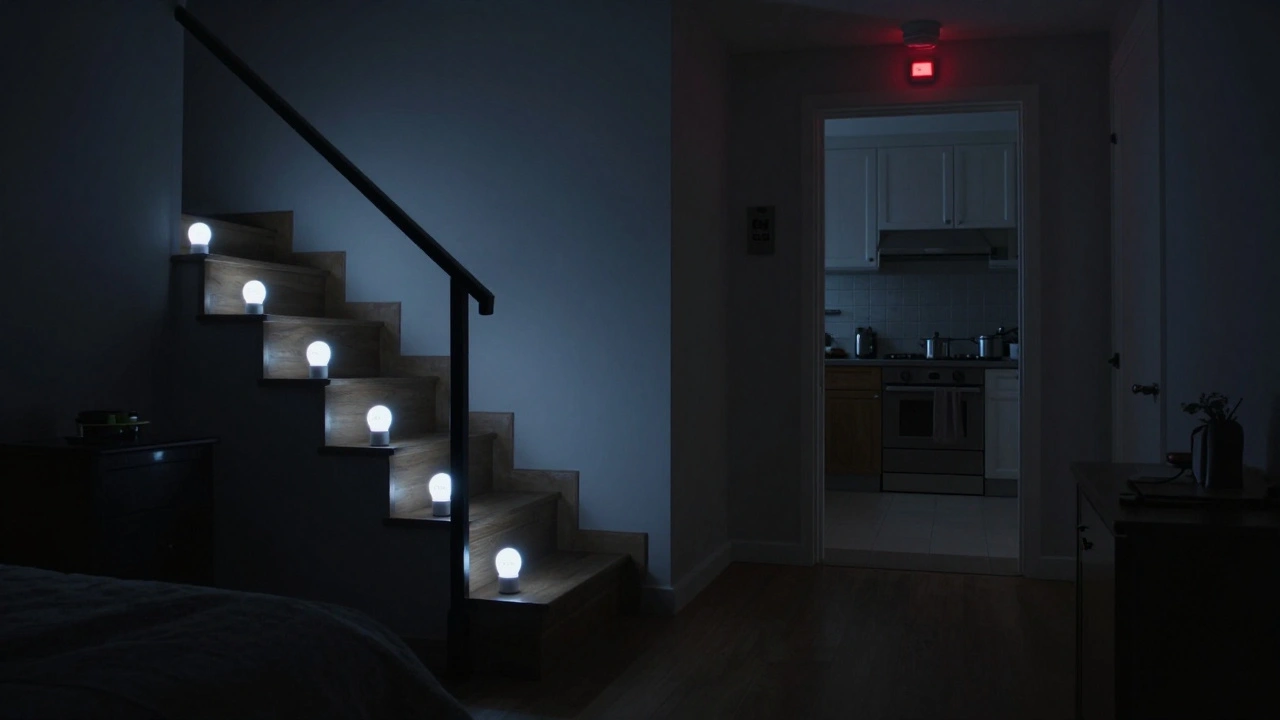
When a smoke detector goes off, your lighting system should respond immediately. Advanced systems integrate with smoke alarms that have Z-Wave or Zigbee radio communication. When the alarm sounds, it sends a signal to every smart bulb in the house. All lights snap on at full brightness - not just one hallway bulb. This creates a clear path to every exit.
Some systems even adjust color temperature. Cool white light (around 5000K) is shown in studies from the National Fire Protection Association to improve visual clarity in smoke-filled rooms. Warm light (2700K) might feel cozy, but it doesn’t help you see through haze. Automated systems switch to cool white during alarms, even if your lights were set to warm earlier that evening.
Why Battery-Backed Lights Alone Aren’t Enough
You’ve probably seen those cheap battery-powered emergency lights sold at hardware stores. They’re $15, easy to install, and look like they’ll save you. But here’s the truth: they fail more often than you think.
A 2025 study by the Oregon Fire Marshal’s Office tested 217 battery-powered emergency units in homes across the state. Nearly 40% didn’t activate during simulated power outages. Why? Dead batteries, poor wiring, or simply being unplugged after a power surge. People forget to test them. Batteries degrade. Installation is often sloppy.
Automated smart lighting solves this. It’s always plugged in, always monitored, and always updating. If a bulb’s battery is low, your phone gets a notification. If a sensor stops communicating, the system flags it. You don’t have to remember to check it. The system checks for you.
Real-World Scenarios: What Happens When It Works
Imagine this: It’s 2 a.m. You’re asleep. The power cuts out. At the same time, your kitchen smoke alarm goes off - a grease fire started while you were cooking dinner earlier. You wake up disoriented. The hallway is dark. You panic.
But in a home with automated emergency lighting, every light in the house turns on within 0.8 seconds. The hallway glows. The stairs are lit. The front door is visible. You don’t trip. You don’t run into furniture. You walk out calmly and call 911 from outside.
Another case: A tree falls on power lines during a storm. The basement floods. The lights go out. With automation, the stairwell lights, the bathroom lights, and the garage exit lights all activate. You can find your emergency kit. You can move safely. You avoid injury.
These aren’t hypotheticals. They’re real incidents reported to Portland’s fire department in 2025. Homes with automated lighting had 68% fewer emergency response calls for injuries during outages.
How to Set It Up Without Rewiring Your House
You don’t need to hire an electrician or rip out walls. Most homes built after 2010 already have the wiring needed. Here’s how to get started:
- Replace standard bulbs with smart bulbs that support dimming and battery backup (like Philips Hue White Ambiance or Sengled Smart LED).
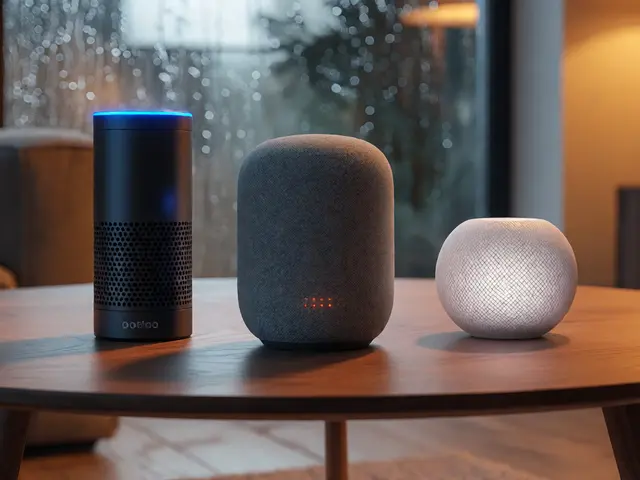
- Install a smart hub like Home Assistant, Apple Home, or Samsung SmartThings to connect everything.
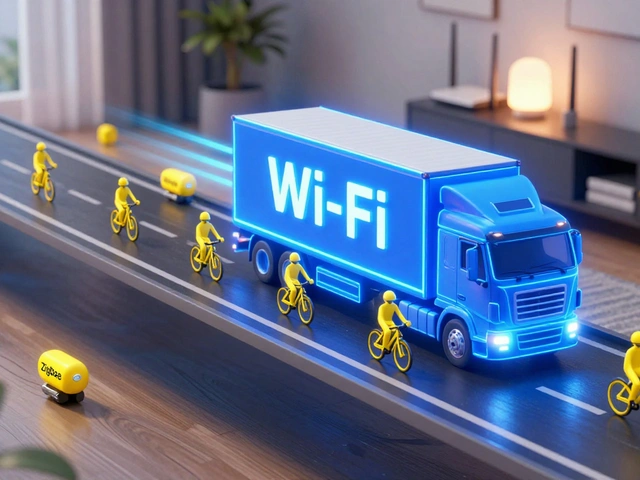
- Pair your smoke detectors with the hub. Make sure they’re Z-Wave or Zigbee compatible - not just Wi-Fi.
- Use automation rules: “If power drops below 90% for 200ms, turn all lights to 30% brightness.” Add another rule: “If smoke alarm triggers, turn all lights to 100% cool white.”
- Test it monthly. Unplug a lamp. Wait 10 seconds. See if lights come on. Check your phone app for alerts.
You can do this for under $300. Most of the cost is in the hub and a few smart bulbs. You don’t need to replace every bulb - just the ones near exits, stairs, and bedrooms.
What to Avoid
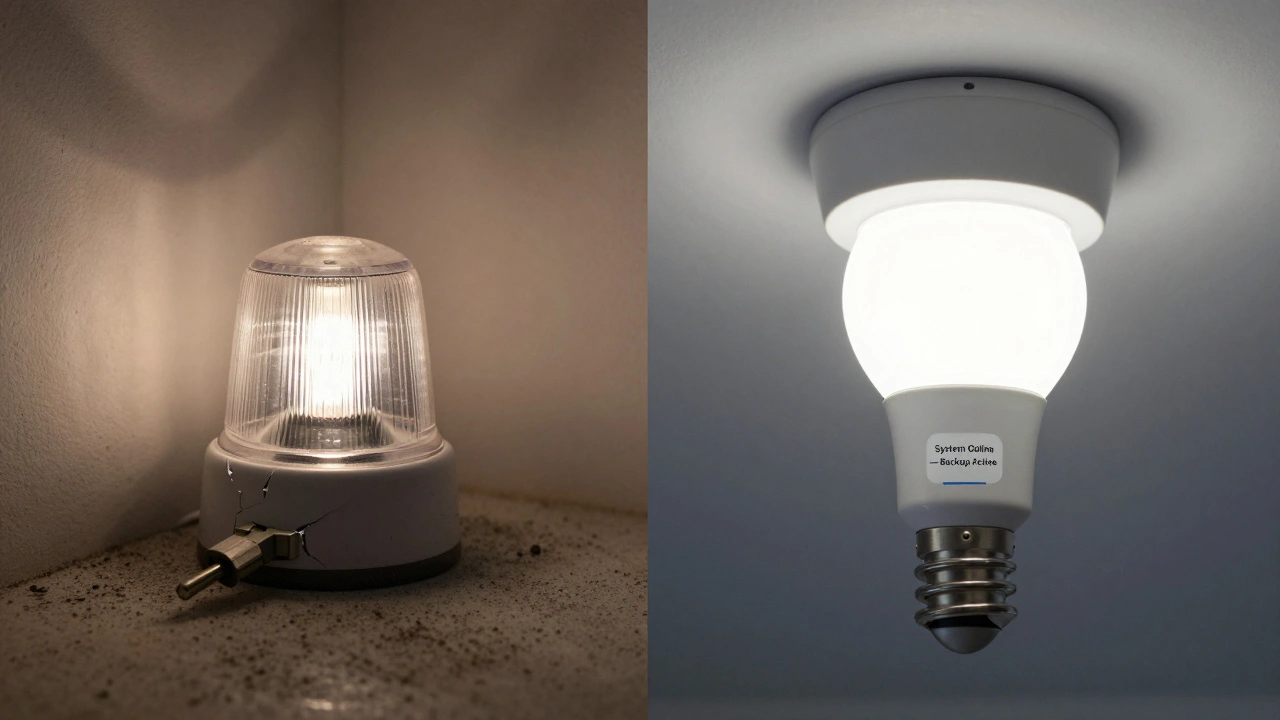
Not all smart lighting systems are built for safety. Some only work when the Wi-Fi is up. That’s useless during a power outage - Wi-Fi routers die first. Avoid systems that rely on cloud servers. Look for local automation. Systems that run on your home network, not the internet, are more reliable.
Also avoid battery-only emergency lights that aren’t integrated. They’re a band-aid. They don’t communicate. They don’t update. They don’t warn you when they’re failing.
And never disable your smoke alarm to stop false alarms. That’s how tragedies happen. Instead, upgrade to a smart alarm that can distinguish between steam, cooking smoke, and real fire.
What Happens If You Don’t Do Anything?
Every year in the U.S., over 300 people die in home fires where lighting failed to guide them to safety. In half of those cases, victims were found near furniture, doorways, or staircases - places where proper lighting could have made the difference.
Power outages are increasing. Climate change is making storms more frequent. Older homes are aging. Your lights aren’t just about convenience anymore. They’re part of your family’s survival plan.
Automated emergency lighting doesn’t cost much. It doesn’t take long. But it might save your life - or someone else’s.
Do emergency lighting systems work during a fire?
Yes, if they’re properly configured. Modern systems use smoke detectors to trigger lights regardless of power status. The lights activate instantly, even if the main power is out. They’re designed to stay on for at least 90 minutes using internal batteries or backup power sources.
Can I use regular smart bulbs for emergency lighting?
Only if they have built-in battery backup. Most standard smart bulbs (like basic Philips Hue) lose power when the electricity goes out. Look for models labeled as "emergency-ready" or "battery-backed," such as Philips Hue White Ambiance or Sengled Smart LED. These include internal batteries that kick in during outages.
Do I need a professional to install this?
No. Most setups use plug-in smart bulbs and wireless smoke detectors that connect to a hub. You can install it yourself in an afternoon. Only if you want to wire in hardwired emergency fixtures should you call an electrician - and even then, it’s optional. The automation can be done entirely through software.
Will this work if my Wi-Fi goes down?
Yes, if you use a local hub like Home Assistant or SmartThings. These systems run automation rules directly on your home network. They don’t need the internet. As long as your router has battery backup (or is on a UPS), the system keeps working. Avoid cloud-dependent apps like Alexa or Google Home for safety automation.
How often should I test the system?
Test it once a month. Unplug a lamp to simulate a power outage. Check if the lights turn on automatically. Also, trigger your smoke alarm manually (using the test button) and confirm all lights activate. Replace backup batteries every 1-2 years, or when your app warns you.