
Most companies think they’re secure until something breaks. A single unpatched server, an old password policy, or an employee clicking a phishing link can bring down operations for days. IT security audits aren’t about checking boxes-they’re about finding the cracks before they turn into chasms. If you’ve ever wondered what’s really going on behind your firewalls, this is how you find out.
What an IT Security Audit Actually Does
An IT security audit isn’t a scan you run once a year and forget. It’s a structured review of your systems, policies, and people to see where attackers could slip in. Think of it like a home inspection, but for your digital infrastructure. You’re not just looking for malware; you’re checking if your access controls make sense, if your backups actually work, and if your staff even know what a phishing email looks like.
Real audits look at three things: assets (servers, apps, data), controls (password rules, encryption, monitoring), and behavior (how people actually use systems, not how they’re supposed to). A company in Portland recently lost $200,000 because their audit missed that their finance team used personal Gmail accounts to send invoices. No one thought that was a risk-until the data was stolen.
Common Vulnerabilities You’re Probably Missing
Most audits find the same handful of issues over and over. Here’s what actually shows up in real audits-not the theoretical stuff.
- Outdated software: 68% of breaches in 2025 exploited vulnerabilities that had patches available for over 90 days. If your patch cycle is “we’ll get to it next quarter,” you’re already late.
- Overprivileged accounts: Employees who don’t need admin rights often have them anyway. One audit found 147 user accounts with full system access-only 12 of them were IT staff.
- Unencrypted data: Sensitive files sitting on shared drives without encryption are like leaving your house key under the mat. Even internal threats can exploit this.
- Missing multi-factor authentication: If you’re not using MFA for remote access, email, or cloud admin panels, you’re one credential leak away from disaster.
- Shadow IT: Employees using unauthorized tools-like Dropbox for client files or Slack for HR data-creates blind spots no firewall can see.
These aren’t edge cases. They’re the norm. A 2025 report from the Oregon Cybersecurity Alliance found that 82% of small to mid-sized businesses had at least three of these issues.
How to Do a Real Risk Assessment
Finding vulnerabilities is only half the battle. You need to know which ones matter most. That’s where risk assessment comes in.
Start by asking: What’s the worst that could happen? Then work backward.
- Identify the asset: Which system or data is at risk? (e.g., customer database, payroll system)
- Identify the threat: How could it be compromised? (e.g., ransomware, insider leak, misconfigured API)
- Estimate likelihood: Is this a common attack? Have others been hit? (Use threat intel from CISA or your regional cyber unit)
- Estimate impact: How much downtime? How much data loss? How much legal or reputational damage?
- Assign a score: Low (1-3), Medium (4-6), High (7-10)
For example: A misconfigured backup server might have a low likelihood (only one person knows how to use it) but a high impact (no recovery after ransomware). That’s a High-risk item. A weak password policy? High likelihood, high impact. Also High-risk.
Focus your fixes on the High-risk items first. Don’t waste time on Low-risk issues unless they’re easy to fix.
What Tools Actually Help (and What Don’t)
You don’t need fancy software to start. But you do need the right ones.
- Free tools that work: Nessus (vulnerability scanner), OpenVAS, and Microsoft’s own Security Baseline Analyzer can catch 80% of common issues. No license needed.
- Network mapping tools: Tools like NetScanTools or even simple ping sweeps help you see what’s connected to your network. You’d be surprised how many unknown devices show up.
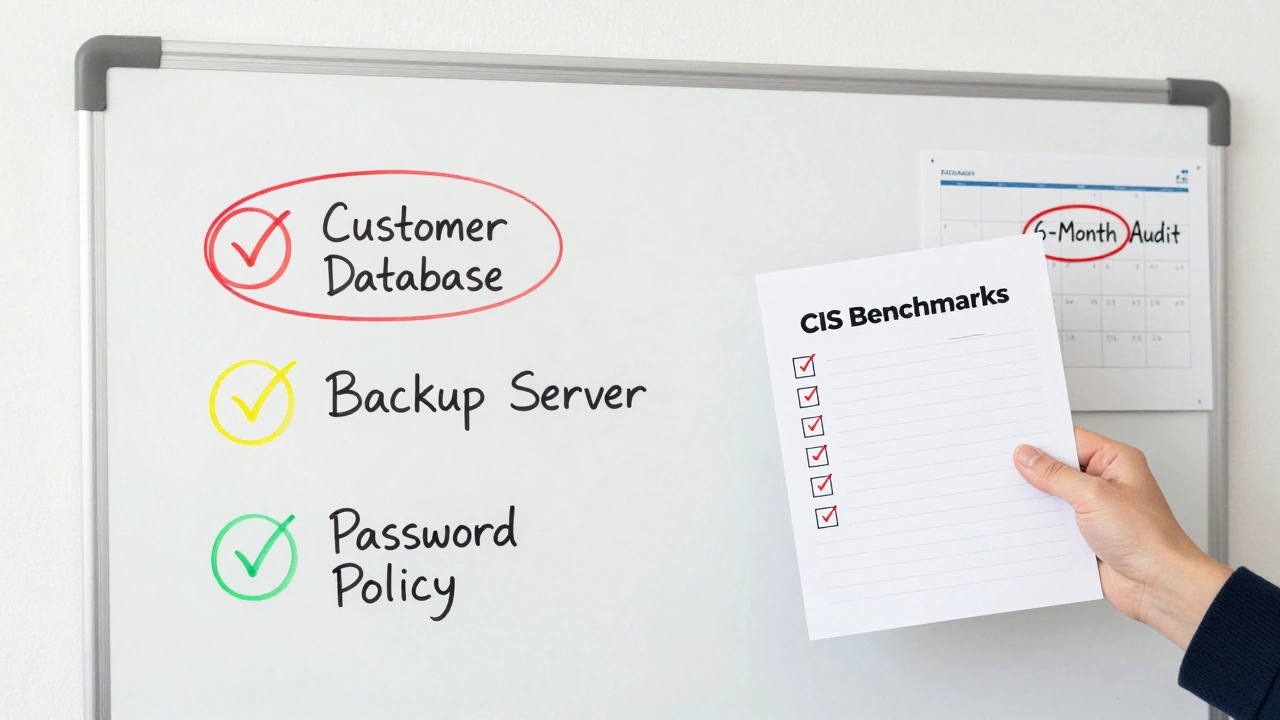
- Configuration checkers: CIS Benchmarks (Center for Internet Security) provide free, industry-standard checklists for Windows, Linux, and cloud services. Use them.
- Don’t rely on: “Security score” dashboards from vendors that give you a number out of 100. Those are marketing tools, not audit tools. They don’t tell you what’s broken-just that you’re “below average.”
One Portland-based manufacturing company skipped expensive tools and used free ones. They found a hidden server running Windows XP with no firewall. It had been forgotten since 2018. They shut it down in 48 hours.
People Are the Weakest Link-And the Strongest Defense
Audit results often surprise teams because the biggest risks aren’t technical-they’re human.
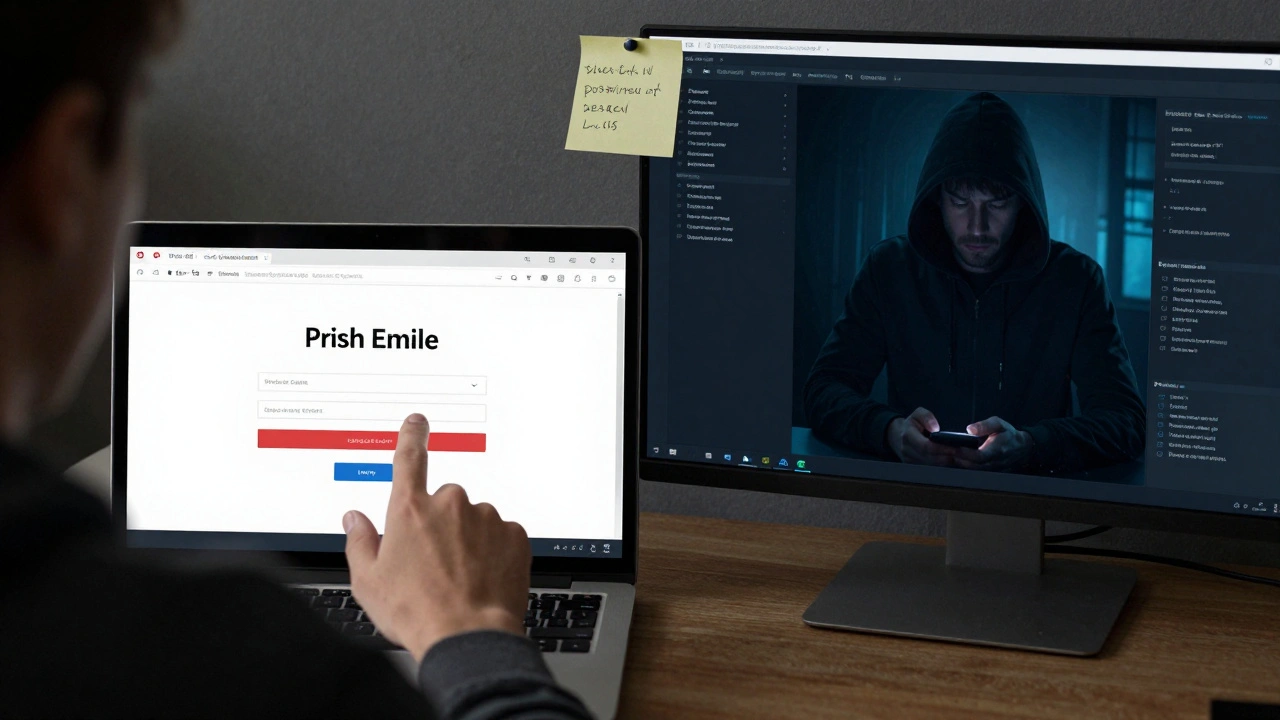
Did you know that 94% of phishing attacks in 2025 were delivered via email? Yet many companies still don’t test their staff. A simple phishing simulation-sending a fake phishing email and tracking who clicks-can reveal how much training is needed.
Good audits include:
- Random password strength checks (yes, you can do this legally with consent)
- Reviewing who has access to what data
- Interviewing staff about how they handle sensitive info
One nonprofit audit revealed that the director was using a sticky note with all passwords taped to her monitor. Not because she was careless-because she didn’t know password managers existed. A 10-minute demo fixed it.
What Happens After the Audit?
The biggest mistake? Treating the audit report like a shelf decoration. Action is everything.
Here’s what a real action plan looks like:
- Rank findings by risk level (High, Medium, Low)
- Assign owners: Who’s responsible for fixing each item? (Not “IT,” a specific person)
- Set deadlines: High-risk fixes in 30 days. Medium in 90. Low in 6 months.
- Verify fixes: Don’t just take their word for it. Re-scan. Re-test.
- Repeat every 6 months: Security isn’t a project. It’s a habit.
Companies that do this see 70% fewer incidents in the next year. Those that don’t? They’re just waiting for the next headline.
When to Bring in Outside Help
You can do a basic audit yourself. But if you’re unsure, or if you’ve been hit before, bring in someone who’s done this before.
Look for auditors who:
- Use real tools-not just questionnaires
- Give you a prioritized list, not a 50-page PDF
- Explain findings in plain language
- Don’t sell you a $10,000 solution on the spot
Some firms offer “audit-only” engagements-no upsells. Ask for that upfront. In Oregon, the State Cybersecurity Office has a list of vetted auditors for small businesses.