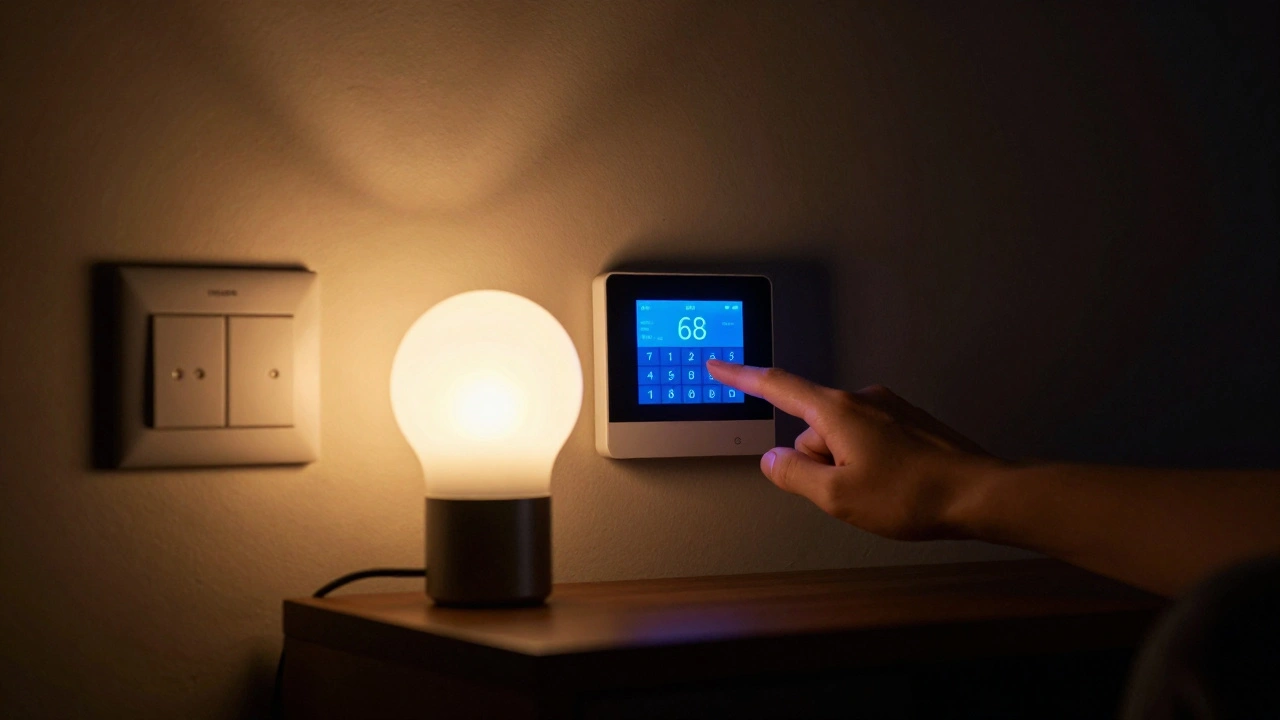
When the internet goes down, most people panic. Their lights go dark, the thermostat stops responding, and the door lock won’t open. But what if your smart home didn’t rely on the cloud to work at all? What if it just kept running - quietly, reliably - even when the Wi-Fi vanished?
Why Your Smart Home Fails When the Internet Dies
Most smart home systems today are built on a simple idea: everything connects to the cloud. Your phone sends a command to a server. The server tells your lightbulb to turn on. That’s fine - until the internet cuts out. Then your entire system goes blind. You can’t unlock the door. You can’t adjust the temperature. Even your security cameras stop streaming. This isn’t a bug. It’s the design. Companies like Google, Amazon, and Apple built their ecosystems around cloud dependency because it’s easier to update, monitor, and sell subscriptions. But for homeowners, it’s a vulnerability. In 2023, a major ISP outage left over 2 million U.S. homes without internet for more than 12 hours. Thousands reported being locked out of their houses, unable to control thermostats, or stuck with security systems that showed blank screens.What Fallback Modes Actually Do
Fallback modes are the quiet heroes of smart homes. They’re the backup plans built into devices so they can keep working without the internet. These aren’t fancy features. They’re simple, mechanical, or local logic that kicks in when the cloud disappears. Take a smart thermostat. Without the internet, it doesn’t just shut off. A good one switches to a local schedule. It remembers your last temperature setting and keeps running based on timers you set weeks ago. No app needed. No server required. Smart locks with fallback modes still unlock when you press the button on the keypad. They don’t need to check with Amazon’s servers to verify your code. They store the code locally - on the lock itself. Same with garage door openers. If your phone can’t reach the cloud, a physical remote or wall button still works because it talks directly to the motor. Even lights can have fallbacks. A Philips Hue bulb, for example, can still respond to a physical switch if you’ve enabled local control in the app. That means even if your Wi-Fi router dies, flipping the wall switch still turns the light on.How to Set Up Fallback Modes in Your Home
You can’t rely on manufacturers to do this for you. You have to build it yourself. Here’s how:- Choose devices that support local control. Look for terms like “local automation,” “offline mode,” or “no cloud required.” Brands like Home Assistant, Hubitat, and Aqara are built for this. Avoid anything that says “requires Alexa/Google Assistant to work.”
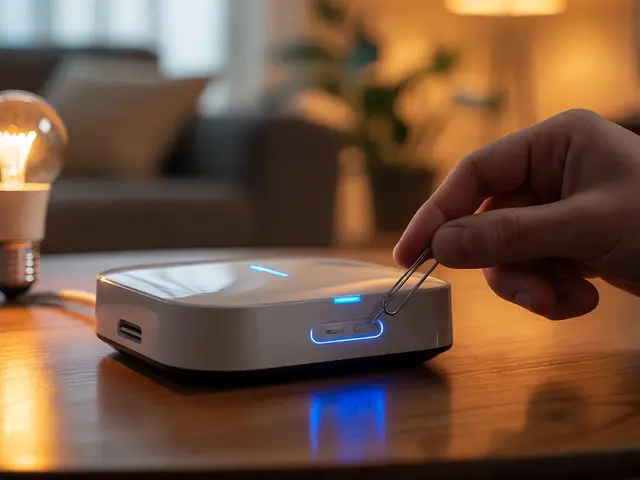
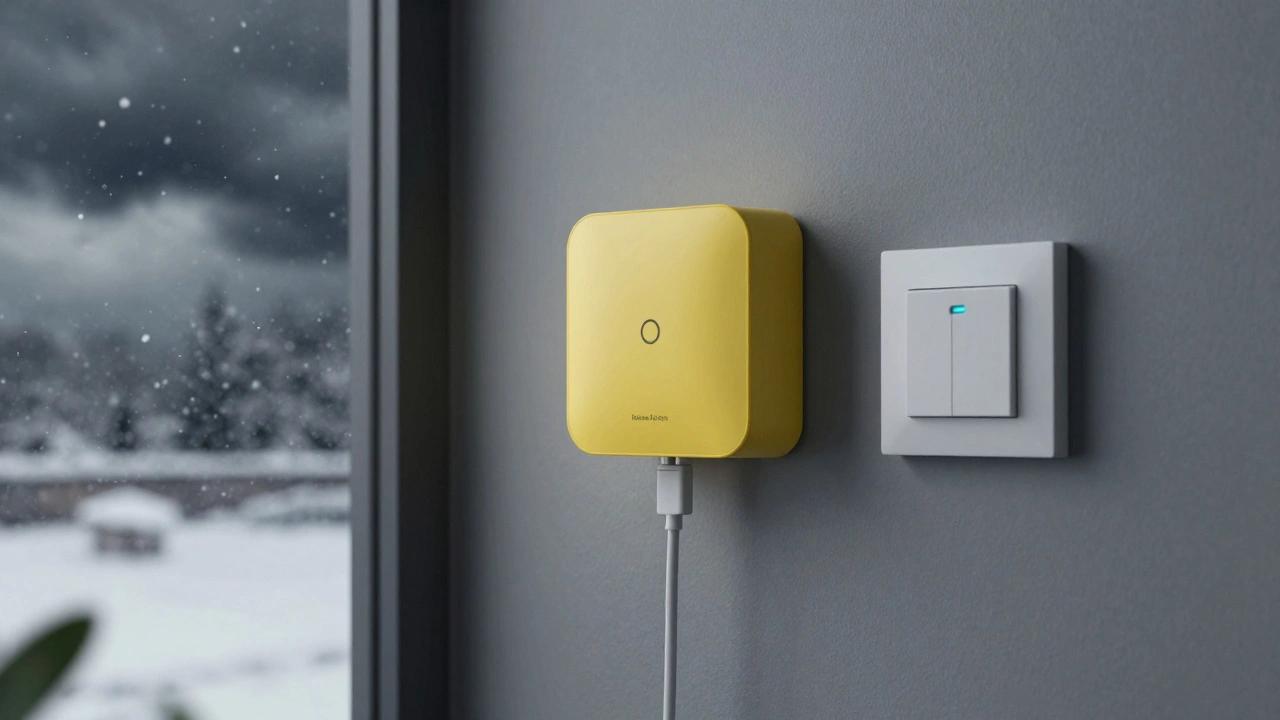
- Use a local hub. A hub like the Home Assistant Yellow is a dedicated device that runs automation locally, without needing the internet. It connects to your lights, locks, and sensors over Zigbee or Z-Wave. If the internet goes out, it keeps running.
- Program automations locally. Don’t rely on IFTTT or Alexa routines. Use your hub to create rules like: “If it’s 7 PM and motion is detected, turn on the kitchen light.” These rules run on the hub - not in the cloud.
- Test offline. Once you’ve set everything up, turn off your router for 10 minutes. Try to unlock your door. Adjust the thermostat. See if your lights still respond to switches. If they don’t, you’ve got work to do.
What Doesn’t Work Without Internet
Not everything can be saved. Some features are inherently cloud-dependent:- Remote access from outside your home - if you’re at work and want to check your camera feed, you need the internet.
- Over-the-air updates - your devices won’t get new features or security patches without connectivity.
- Voice assistants - Alexa, Google Assistant, and Siri can’t respond if they can’t reach their servers.
- Cloud-based security alerts - you won’t get a push notification if someone rings the doorbell.
Real-World Scenarios Where Fallback Modes Save the Day
In December 2025, a snowstorm knocked out power and internet in rural Minnesota. One family had installed a Home Assistant hub with local control. When the lights went out, their battery-powered security cameras kept recording. Their smart thermostat stayed at 68°F. Their garage door opener still worked with the wall button. They didn’t call a technician. They didn’t panic. They just waited out the storm. Another case: a couple in Portland lost internet for 36 hours after a fiber cut. Their Nest thermostat stopped responding to the app. But because they’d set a local schedule months earlier, it kept heating. Their August smart lock still opened with the key code. Their lights turned on with the wall switch. They never missed a beat. These aren’t outliers. They’re people who built systems that work - not just when everything’s perfect, but when it’s broken.
Costs and Trade-offs
Setting up fallback modes isn’t free. A basic Home Assistant hub costs $100. A Zigbee-compatible smart lock runs $120. You’ll need to replace some devices. But compare that to the cost of being locked out of your house, having frozen pipes, or waking up to a dark, cold home in winter. You also give up convenience. No remote access. No voice commands. No automatic updates. But you gain control. You gain reliability. You gain peace of mind.The Future of Offline Smart Homes
More manufacturers are starting to listen. In 2024, Samsung’s SmartThings added local mode as a default option. Aqara now ships all its sensors with offline automation built in. Even Apple’s HomeKit is pushing toward local-only control with its new HomePod mini firmware. The trend is clear: people are tired of systems that break when the internet fails. The next generation of smart homes won’t be about cloud-powered AI. It’ll be about local, resilient, self-sufficient systems.What You Can Do Today
Start small. Pick one device - maybe your thermostat or a single light. Check its manual. Look for a setting called “local control” or “offline mode.” Enable it. Test it. Then add another. Over time, you’ll build a home that doesn’t just look smart - it works, no matter what. The internet will go down again. Storms, outages, cyberattacks - they’re inevitable. But your home doesn’t have to be helpless.Do all smart devices have fallback modes?
No. Most budget devices, especially those tied to Alexa, Google, or Apple ecosystems, rely entirely on the cloud. Always check the product specs for terms like "local automation," "offline operation," or "no cloud required." Stick to brands like Aqara, Home Assistant, Hubitat, or Z-Wave-certified products.
Can I use my existing smart home setup with fallback modes?
Maybe - but you’ll likely need to replace some devices. If your lights are Philips Hue and your lock is a Yale that requires the cloud, they won’t work offline unless you add a local hub like Home Assistant. The hub acts as a middleman that talks directly to your devices over Zigbee or Z-Wave, bypassing the internet.
Will I lose remote access if I use fallback modes?
Yes - but that’s the trade-off. If you’re away from home and want to check your camera or turn on the lights, you’ll need the internet. But when you’re home and the internet fails, your home still works. Most people find this trade-off worth it - they’d rather be safe at home than check their camera from work.
How long can a local hub run without power?
It depends. Most hubs need constant power. But if you pair one with a UPS (uninterruptible power supply), it can keep running for hours during a blackout. That’s how you keep your lights, locks, and thermostat alive even when the grid fails.
Is setting up a local smart home complicated?
It’s easier than you think. Start with a $100 hub like Home Assistant Yellow. Plug it into your router. Add one Zigbee sensor or light. Use the app to create a simple automation - like "turn on the light when it gets dark." That’s it. You don’t need to be a tech expert. You just need to want your home to work when the internet doesn’t.