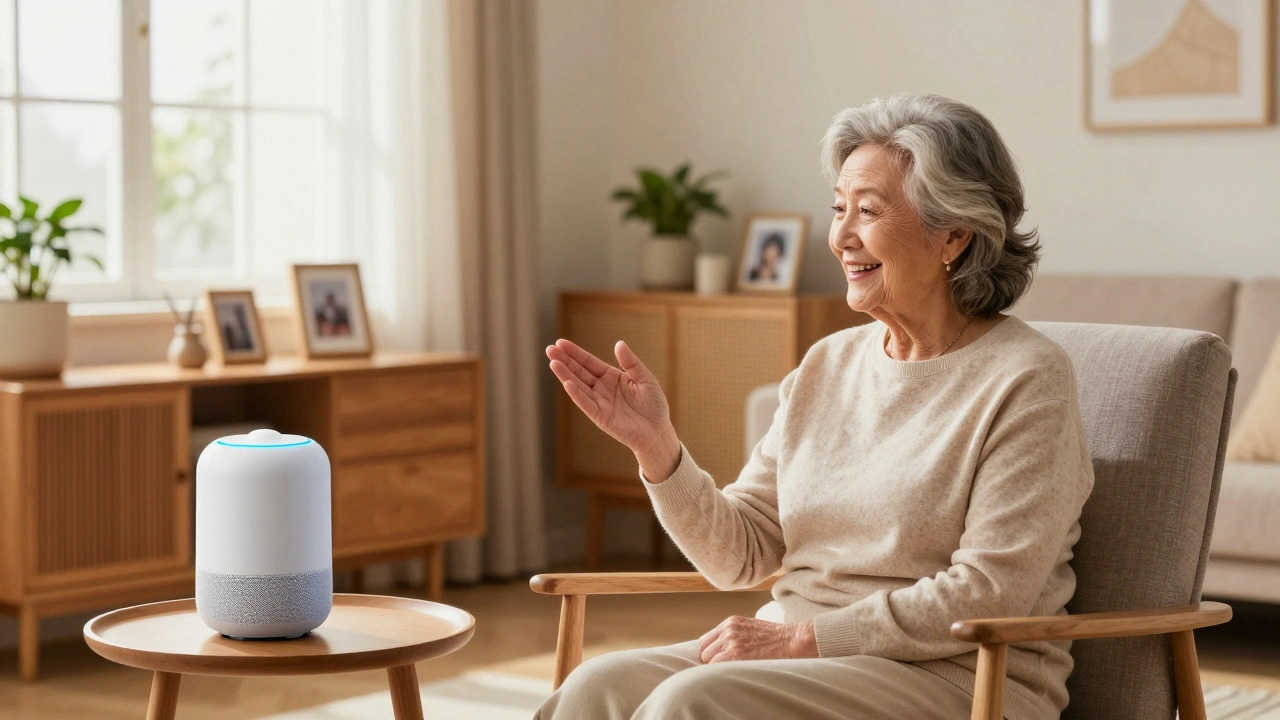
Technology moves fast, but it doesn’t have to be complicated. For many older adults, the idea of a "smart home" sounds like a maze of confusing buttons and tiny screens. But in 2026, that’s changing. The best smart home devices for seniors are now designed with simplicity, safety, and independence in mind. They don’t require a degree in computer science to use. In fact, most of them work just by talking to them or using a single button.
If you’re looking to help a parent, grandparent, or even yourself stay safe and connected at home, you’ve come to the right place. We’ll cut through the noise and focus on tools that actually make life easier, not harder. From voice-controlled lights to fall-detection sensors, these devices can transform a regular house into a supportive living space without the steep learning curve.
Why Simplicity Matters More Than Features
When shopping for tech for older adults, the rule is simple: less is more. A device with fifty features is useless if the user only needs two and can’t figure out how to access them. The goal isn’t to build a high-tech lab; it’s to remove friction from daily life.
Consider the frustration of fumbling with a smartphone in the dark to turn on a lamp. Or the anxiety of forgetting whether you locked the front door. Smart technology solves these small but significant pain points. The key is choosing devices that integrate seamlessly into existing routines rather than demanding new ones. Look for products with large physical buttons, clear visual feedback, and voice control capabilities. Avoid anything that requires complex app navigation or frequent software updates managed by the user.
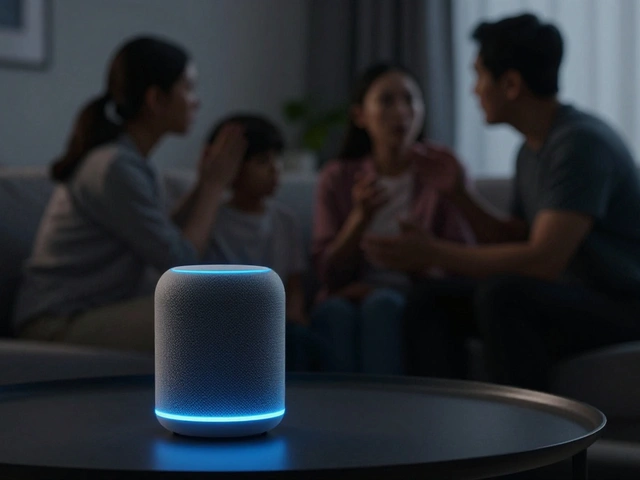
Voice Assistants: The Command Center
The heart of any senior-friendly smart home is a voice assistant. These devices act as the central hub, controlling lights, thermostats, music, and even placing phone calls. In 2026, the competition between Amazon Echo (specifically the Echo Show series) and Google Nest Hub has resulted in highly refined options for older users.
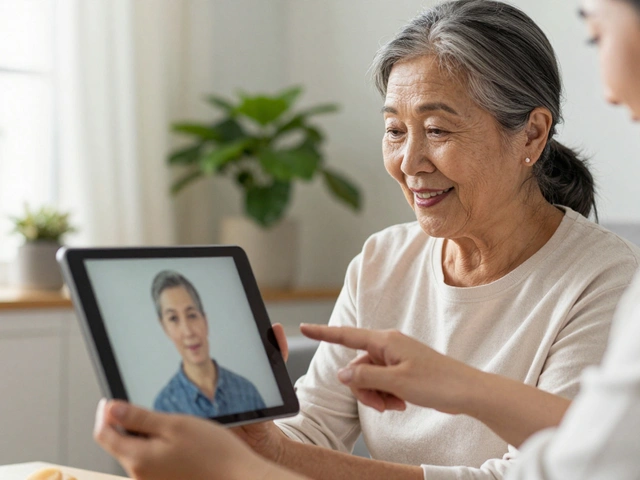
The Echo Show stands out because of its screen. It allows for video calls with family members, which is crucial for social connection. You can set up contacts so that saying "Call my daughter" instantly connects you without needing to dial numbers. The camera also enables features like Fall Detection, where the device uses its camera to detect if someone has fallen and can automatically alert emergency services or designated contacts.
On the other hand, the Google Nest Hub offers a slightly more streamlined interface for those who prefer Google’s ecosystem. Both devices support routine automation. For example, saying "Good morning" can turn on the kitchen lights, read the weather forecast, and list the day’s appointments. This reduces cognitive load and provides a gentle start to the day.
Smart Lighting for Safety and Independence
Falls are a major concern for older adults, often caused by tripping over clutter in dimly lit hallways or bathrooms. Smart lighting solves this problem elegantly. Instead of hunting for a switch in the dark, lights can turn on automatically when motion is detected.
Philips Hue bulbs remain the gold standard here. They are easy to install (screw-in replacements for standard bulbs) and offer bright, warm light that is easier on aging eyes. You can set schedules so that hallway lights turn on at dusk and off at dawn. Even better, you can link them to your voice assistant. "Alexa, turn on the bathroom light" works perfectly, even if you’re standing in the shower.
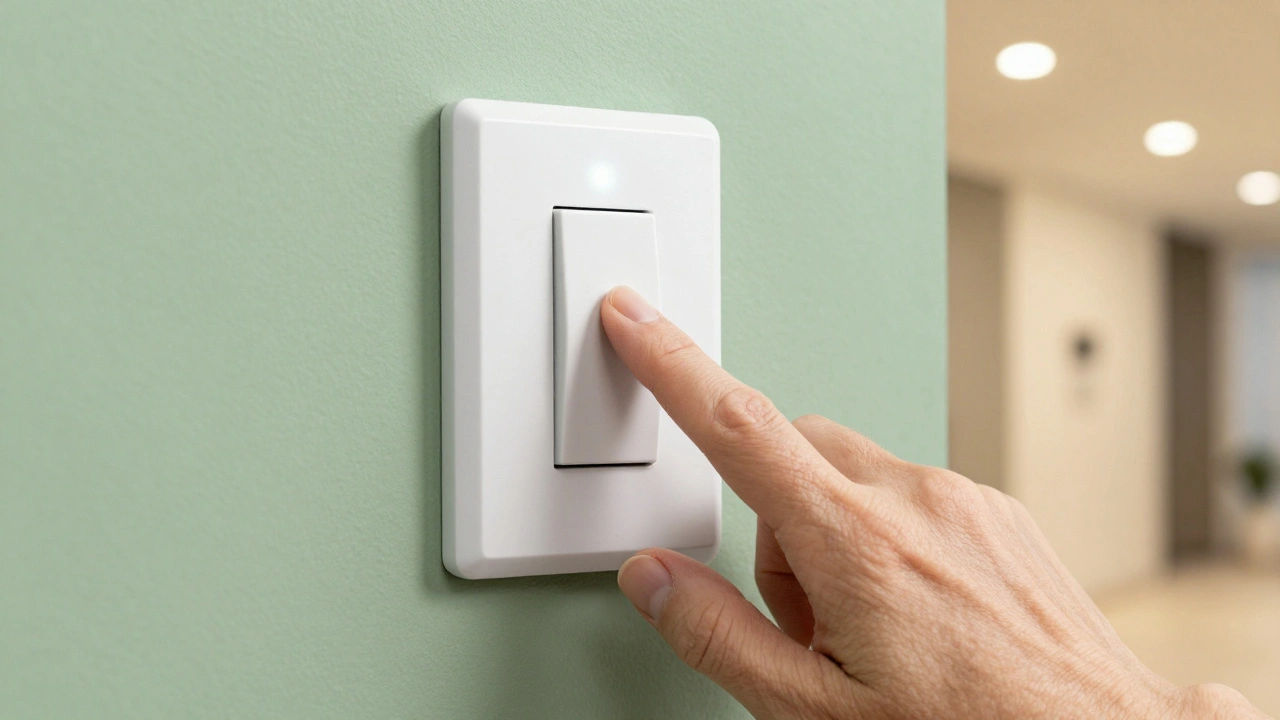
For those who still prefer physical switches, Lutron Caseta smart dimmer switches are an excellent choice. They feature large, tactile paddles that are easy to press, even for those with arthritis or limited dexterity. Unlike some competitors, Lutron switches do not require a separate hub for basic operation, simplifying the setup process significantly.
Health and Safety Monitoring
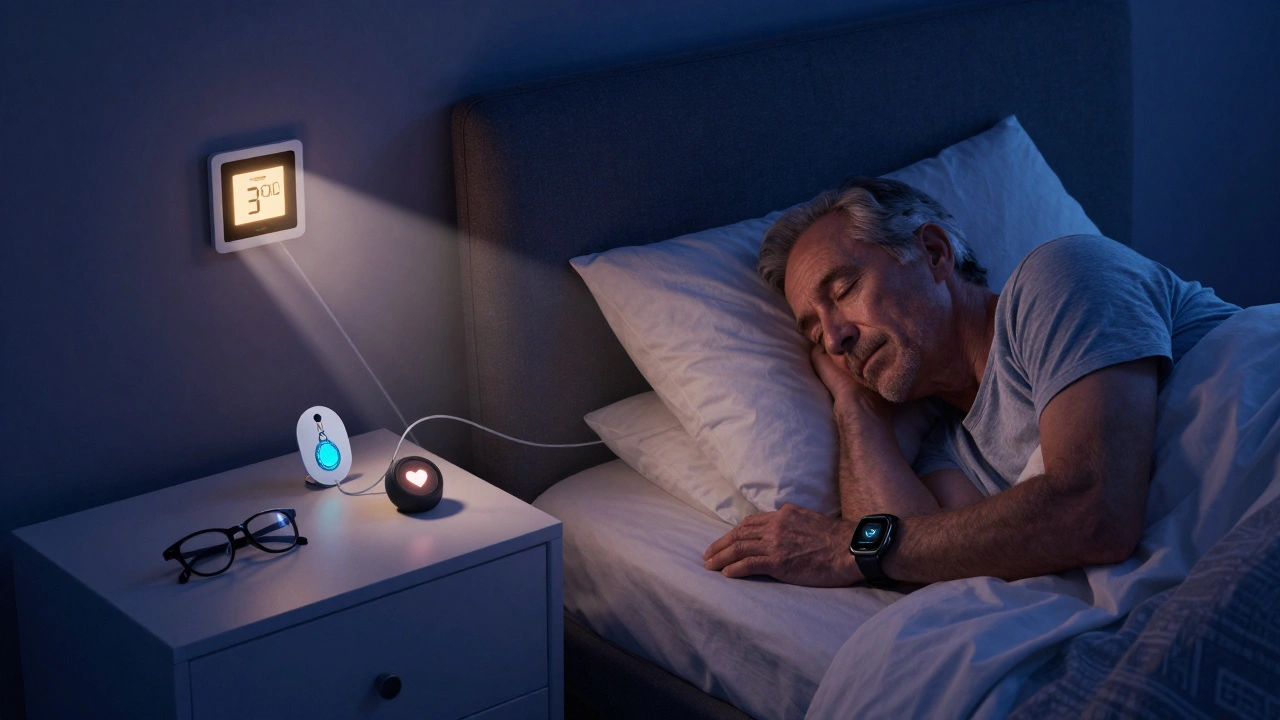
Safety is the primary driver for many families adopting smart home technology. Beyond fall detection via cameras, dedicated health monitors provide peace of mind without being intrusive.
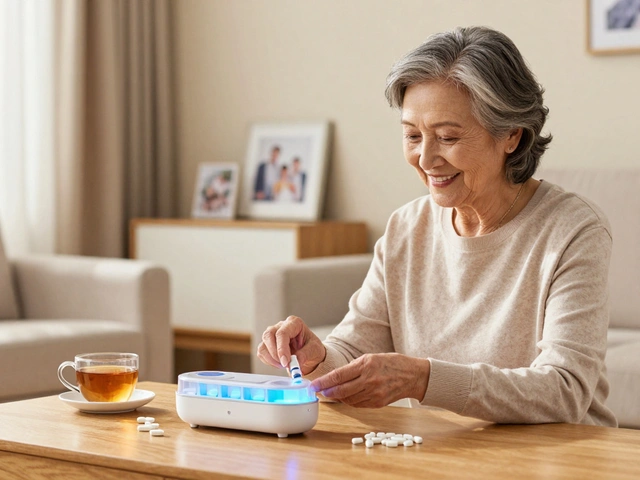
GrandPad is a tablet designed exclusively for seniors. It’s not just a communication tool; it’s a secure platform that includes health monitoring features. Caregivers can remotely manage the device, ensuring that important apps-like medication reminders or emergency contact buttons-are always accessible. The interface is icon-based and simplified, removing the confusion of traditional smartphones.
For continuous monitoring, Apple Watch (Series 9 and Ultra 2) offers robust health tracking. Its Fall Detection feature is highly accurate, and the Heart Rate sensor can alert users to irregular rhythms. However, the battery life requires daily charging, which can be a hurdle. An alternative is the Samsung Galaxy Watch, which offers similar features with slightly longer battery life and Android compatibility.
Another innovative option is Awaze badges. These wearable pendants look like jewelry but contain GPS trackers and emergency buttons. They are waterproof and last for days on a single charge, making them ideal for outdoor activities or for individuals who may wander due to early-stage dementia.
Automating the Environment
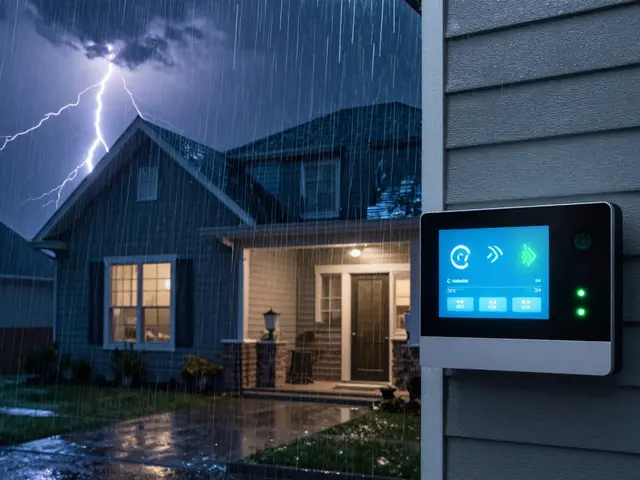
Maintaining a comfortable temperature and securing the home are daily tasks that can become burdensome. Smart thermostats and locks streamline these processes.
The Ecobee Smart Thermostat is particularly user-friendly. It comes with room sensors that ensure every part of the house stays comfortable, not just the area near the thermostat. The display is large and clear, showing the current temperature and schedule. Voice control allows users to adjust the heat without getting out of bed.
For security, August Smart Lock is a great choice because it installs on the inside of the door, preserving the existing exterior keyhole. This means seniors can still use their physical keys if they forget the code or if the power goes out. You can also grant temporary access to caregivers or delivery drivers via an app, eliminating the need to hide spare keys under the mat.
| Device Category | Top Recommendation | Key Benefit for Seniors | Setup Difficulty |
|---|---|---|---|
| Voice Assistant | Amazon Echo Show | Video calls & Fall Detection | Low (Plug-and-play) |
| Smart Lighting | Lutron Caseta Switch | Tactile buttons & No hub required | Medium (Requires screwdriver) |
| Wearable Health Monitor | Awaze Badge | Long battery & Waterproof | Low (App-based setup) |
| Smart Lock | August Smart Lock | Keeps existing keyhole | Medium (Installation needed) |
| Tablet/Communication | GrandPad | Simplified, secure interface | Low (Pre-configured) |
Setting Up Without Stress
The biggest barrier to adoption is often the initial setup. Here’s how to make it smooth:
- Start Small: Don’t try to automate the whole house at once. Begin with one room, like the bedroom or living room. Add a voice assistant and a few smart bulbs.
- Create Routines: Work with the senior to establish simple voice commands. "Turn on the lights" or "Play jazz music" are good starting points. Write these down on a card and place it near the device.
- Secure the Wi-Fi: Ensure the home network is stable and secure. Use a strong password, but consider a Wi-Fi extender if there are dead zones, as smart devices need consistent connectivity.
- Involve the User: Let the senior test the devices during setup. Their feedback on what feels intuitive or confusing is invaluable. Adjust settings based on their comfort level.
- Plan for Power Outages: Keep a backup plan. If the power goes out, voice assistants won’t work. Ensure there are physical flashlights and manual overrides for critical systems like locks.
Privacy and Security Considerations
With any connected device, privacy is a concern. Cameras and microphones can feel invasive. It’s essential to choose reputable brands that prioritize data encryption and offer clear privacy controls.
For instance, Amazon and Google allow you to physically mute the microphone and camera with a hardware switch. Make sure the senior knows how to use this switch. Additionally, review the privacy settings in the companion apps to limit data sharing. Regularly update the firmware to protect against security vulnerabilities, but automate these updates so the user doesn’t have to remember to do it manually.
What is the easiest smart home device for a senior to use?
The Amazon Echo Show is widely considered the easiest due to its combination of voice control and a visual screen. It simplifies tasks like making video calls, checking the weather, and controlling other smart devices without needing a smartphone.
Do smart home devices work if the internet goes down?
Most smart features require an internet connection. However, devices like Lutron Caseta switches retain local control, meaning you can still press the physical button to turn lights on or off. Smart locks with physical keyholes also function without power or internet.
Is it safe to have cameras in the home for fall detection?
Yes, if used responsibly. Devices like the Echo Show allow you to disable the camera when not in use. Many users find the peace of mind from automatic fall alerts outweighs the privacy concerns, especially if the device is placed in common areas rather than private spaces like bedrooms.
How much does it cost to set up a senior-friendly smart home?
You can start with a basic setup for under $150. This might include one Echo Show ($130) and two smart bulbs ($40). Adding a smart lock or health monitor will increase the cost, but you don’t need to buy everything at once.
Can I control smart devices from my own phone?
Absolutely. Most ecosystems allow remote access. Family members can check in, adjust settings, or grant temporary access to caregivers using their own smartphones, provided they have permission from the account owner.