Key Safety Takeaways
- Always kill the power at the main breaker, not just the wall switch.
- Verify voltage with a non-contact tester before touching any wire.
- Check for "neutral wires" in old homes to avoid damaging smart switches.
- Use a dedicated VLAN to keep your smart devices separate from your private data.
- Avoid overloading power strips with high-wattage smart plugs.
Handling the High-Voltage Danger Zone
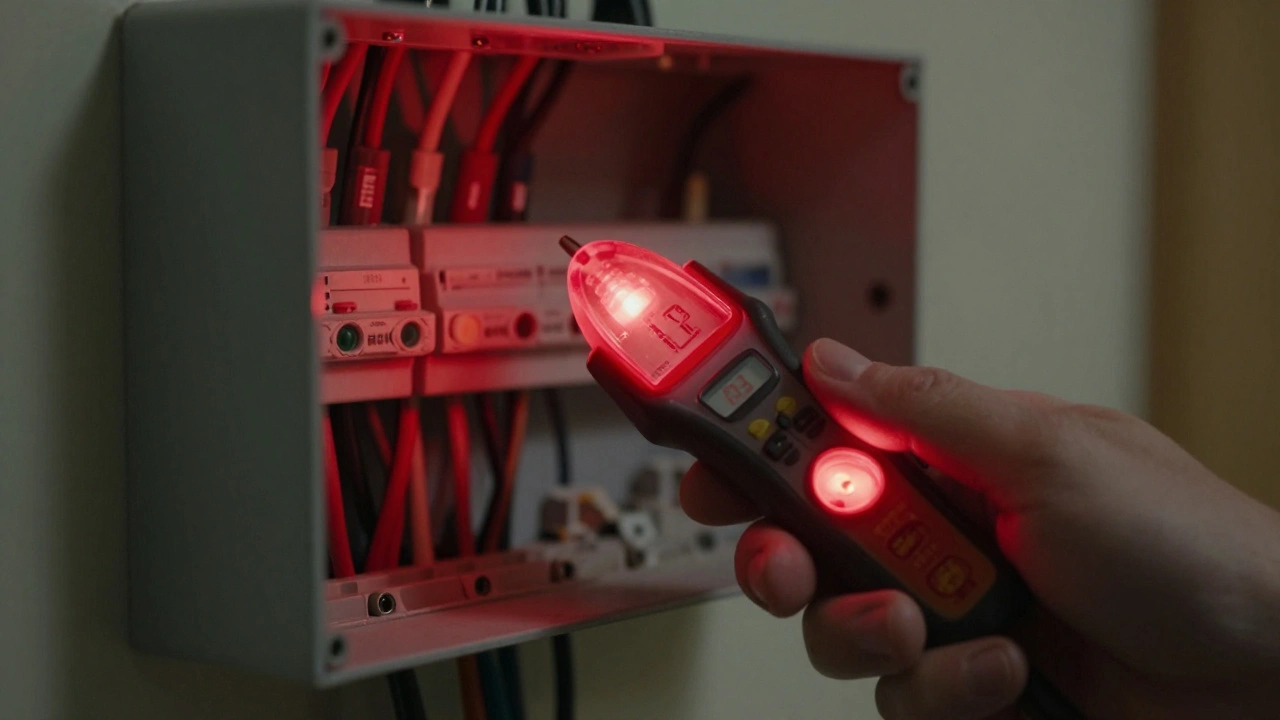
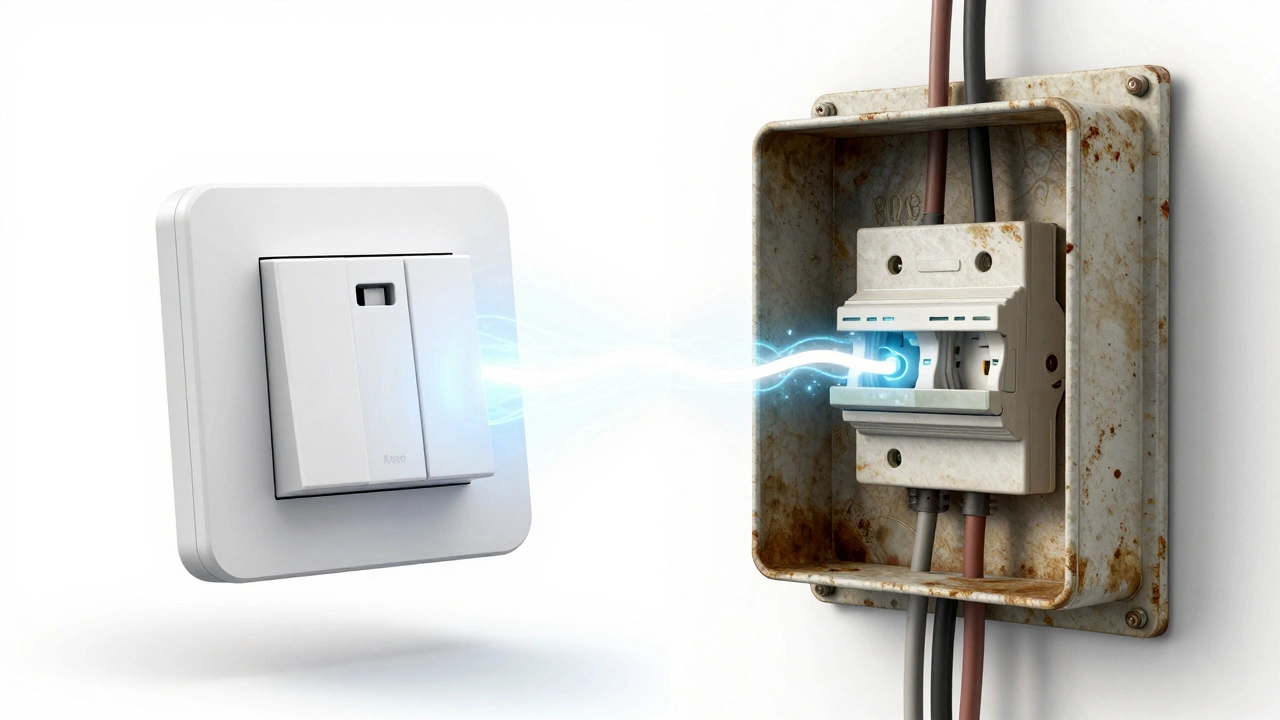
When you open a light switch box, you're looking at Mains Electricity, which is enough to stop your heart. The biggest mistake DIYers make is assuming a switch is "off" because the light isn't on. Switches can be wired in ways that leave the line hot even when the light is dark. Before you touch a single screw, head to your Circuit Breaker. Switch off the specific zone you're working on. To be absolutely sure, use a Non-Contact Voltage Tester. This tool glows or beeps when it's near live electricity. Touch it to every wire in the box. If it beeps, stop. You've flipped the wrong breaker, and touching those wires would be a disaster. Also, keep an eye on your wire nuts. A loose connection creates resistance, and resistance creates heat. If a wire is barely held in by a plastic cap, it can arch and start a fire inside your wall. Twist your wires tightly and ensure no bare copper is poking out from under the connector. If you see charred plastic or melted insulation on old wires, stop immediately and call a pro; that's a sign of a long-term electrical fault that a smart switch won't fix.The Neutral Wire Dilemma
If you live in a house built before the 1980s, you're probably going to run into the "neutral wire" problem. Most traditional switches only interrupt the hot wire. However, Smart Switches are essentially small computers that need constant power to stay connected to your Wi-Fi. They get this power from a neutral wire, typically a white wire that completes the electrical circuit Neutral Wire. If you open your wall box and only see two wires (hot and load), do not try to "force" a neutral-required switch to work by grounding it to the green copper wire. This is a massive safety violation that can energize the metal casing of your appliances. If you lack a neutral wire, look specifically for "no-neutral" smart switches that use a small amount of leakage current to stay powered, or install a bypass capacitor at the light fixture. Using the wrong hardware here doesn't just break the device; it compromises your home's grounding system.| Wire Configuration | Compatible Device Type | Safety Risk | Recommended Action |
|---|---|---|---|
| Hot, Load, Neutral | Standard Smart Switch | Low | Install as per manual |
| Hot, Load (No Neutral) | No-Neutral / Lutron Caseta | Medium (if forced) | Use specialized no-neutral hardware |
| Hot, Load, Ground Only | Bypass-enabled Switches | High (if grounded) | Install load resistor/bypass |
Fire Safety and Power Load Management
Adding Smart Plugs is the easiest part of home automation, but it's where people get complacent. A smart plug is just a relay; it has a maximum current rating, often around 10 to 15 amps. If you plug a 1500W space heater into a cheap, uncertified smart plug, the plastic housing can melt. Check for the UL Certification or ETL mark on every device. These marks mean the device has been tested for fire safety. Avoid generic, unbranded plugs from overseas marketplaces that lack these certifications. If the plug feels hot to the touch while the appliance is running, you are overloading the circuit or the internal relay is failing. Unplug it immediately. Another danger is "daisy-chaining." Plugging a smart power strip into another power strip to reach a distant lamp is a recipe for an electrical fire. Each connection point adds resistance. If you need more reach, use a heavy-duty extension cord rated for the appliance's wattage, and plug the smart device at the very end of the chain.Digital Safety: Securing the Entry Points
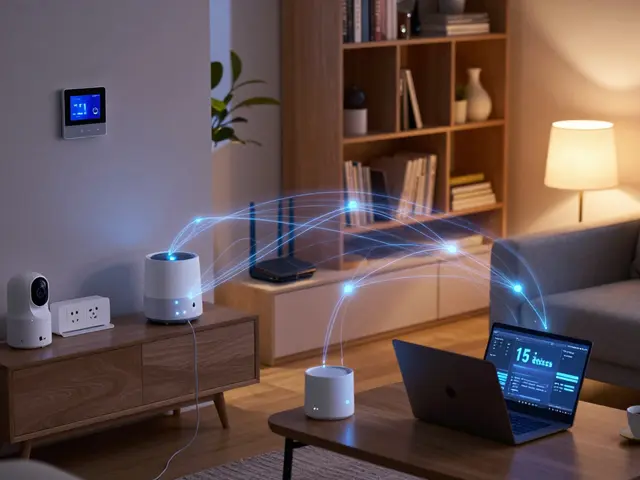
Physical safety is critical, but your digital safety is just as important. Every single IoT Device (Internet of Things) is a potential door for a hacker to enter your home network. If a cheap smart bulb has a security flaw, a hacker could potentially use it to access your laptop or phone on the same network. To prevent this, set up a VLAN (Virtual Local Area Network). This is essentially a separate "guest" network just for your smart devices. If your router supports it, put all your bulbs, plugs, and cameras on a separate subnet. That way, if your smart toaster gets compromised, the attacker can't jump over to your banking computer. Change the default passwords immediately. Many devices come with "admin/admin" or "1234" as the password. A simple search on a public database reveals these defaults, making your system an open book. Use a password manager to generate complex strings for each device. Also, disable "UPnP" (Universal Plug and Play) on your router. While UPnP makes devices easy to find, it often opens ports in your firewall that leave your home vulnerable to external scans.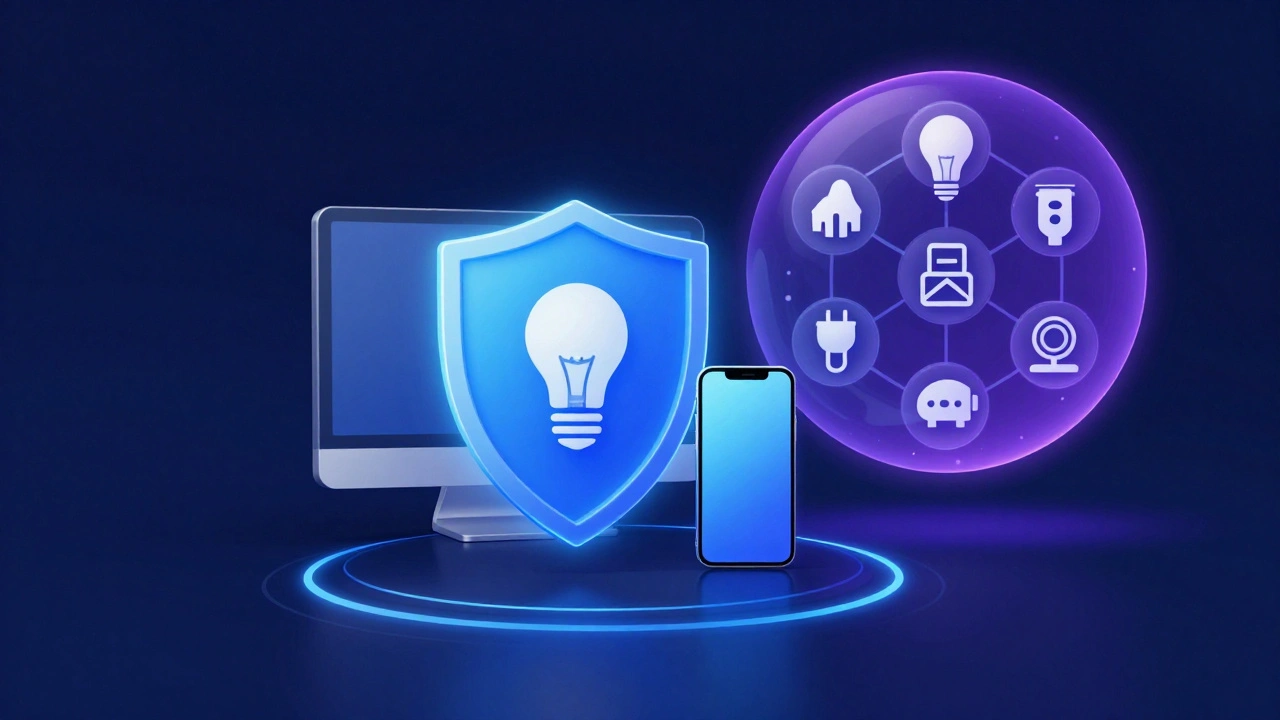
Smart Lock and Camera Privacy Pitfalls
Installing Smart Locks can lead to a unique safety risk: getting locked out because of a dead battery or a firmware glitch. Always have a physical backup key hidden in a secure, known location or a trusted neighbor's house. Never rely 100% on an app. For Smart Cameras, the danger is privacy and data leaks. Be mindful of where you point your lenses. In many jurisdictions, recording a neighbor's backyard or a public sidewalk can lead to legal trouble. More importantly, enable Two-Factor Authentication (2FA) on your camera accounts. Without 2FA, anyone who guesses your password has a live feed into your bedroom or living room.The Final DIY Safety Checklist
Before you close up the walls or power on your new system, run through this final check. If any of these are "no," stop and fix them before proceeding.- Voltage Check: Did I use a tester to confirm the wire is dead?
- Connection Check: Are all wire nuts tight and fully covering the copper?
- Capacity Check: Is the wattage of the appliance lower than the smart plug's rating?
- Network Check: Are my IoT devices on a separate network from my personal data?
- Access Check: Do I have a physical key for every smart lock I installed?
- Account Check: Is 2FA enabled on all security-related accounts?
Can I install smart switches if I don't have a neutral wire?
Yes, but you cannot use standard smart switches. You must purchase specific "no-neutral" switches, which are designed to power themselves by leaking a tiny amount of current through the light bulb. In some cases, you may need to install a bypass capacitor at the light fixture to prevent the bulb from flickering when the switch is off.
Is it safe to use smart plugs with high-wattage appliances like heaters?
Only if the smart plug is explicitly rated for the wattage of the appliance. Most standard smart plugs are rated for 10-15 amps. A space heater can pull 12.5 amps, pushing a cheap plug to its limit. Always check for UL or ETL certification and avoid using smart plugs for heavy-duty appliances unless they are specifically designed for high-load use.
What is the safest way to organize smart home devices on my Wi-Fi?
The safest method is creating a VLAN (Virtual Local Area Network). This isolates your IoT devices into their own section of the network. If a device is hacked, the attacker is trapped in that VLAN and cannot access your primary computer or NAS where your sensitive files are stored.
Do I need to hire an electrician for smart home installs?
If you are uncomfortable working with mains electricity, if you find frayed wiring in your walls, or if your home lacks neutral wires and you don't know how to install a bypass, then yes. It is always safer to pay a professional than to risk an electrical fire or a lethal shock.
Why do some smart bulbs flicker when I use a smart dimmer?
This usually happens because of a mismatch between the bulb's driver and the dimmer's output, or because you are using a smart bulb on a circuit controlled by a traditional manual dimmer switch. Smart bulbs should only be used on "dumb" switches that are left in the ON position; otherwise, the bulb doesn't get consistent power to maintain its wireless connection.