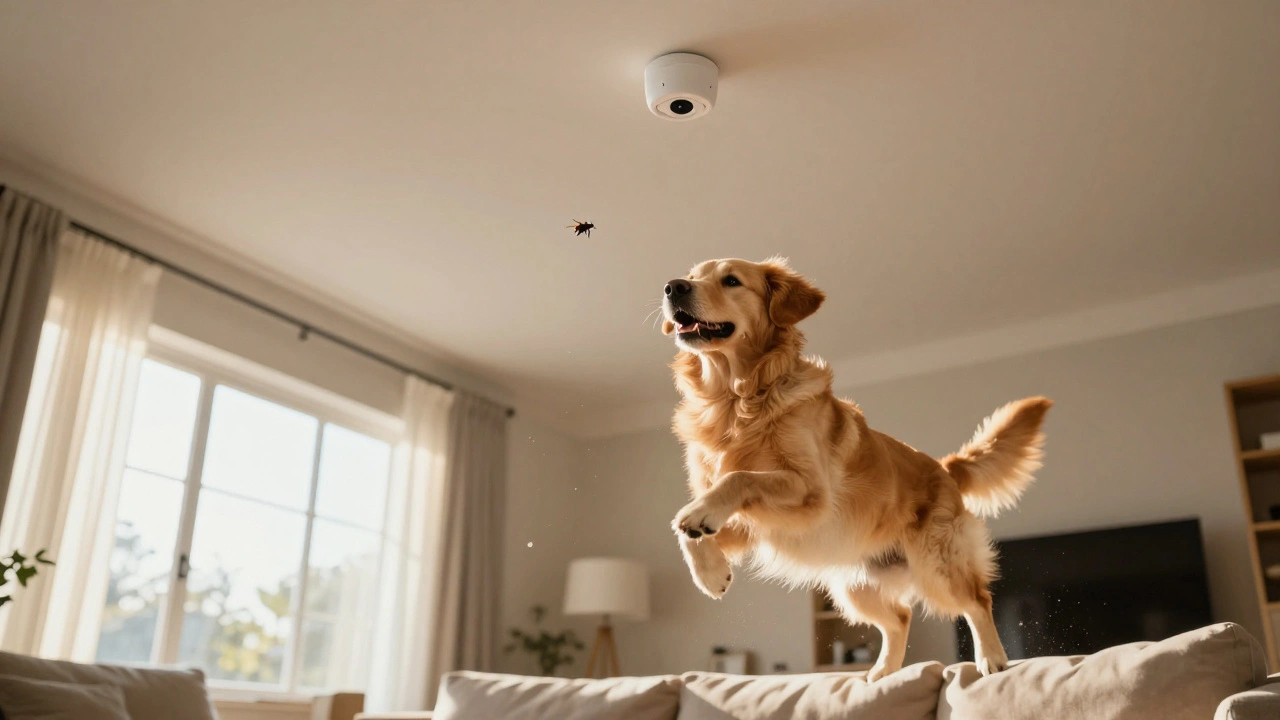
The goal here isn't just to 'turn off' the sensors-that would leave you vulnerable. Instead, we're looking at how to tune your system so it can tell the difference between a 15-pound tabby and a 180-pound human. If you set this up correctly, you can keep your pets free to roam while ensuring that an actual break-in triggers the alarm immediately.
Quick Wins for Pet Owners
- Adjust Sensitivity: Lower the threshold on your sensors to ignore smaller heat signatures.
- Strategic Placement: Mount sensors higher or flip them to avoid detecting movement near the floor.
- Use AI Filtering: Leverage cameras that use person detection rather than simple pixel changes.
- Define No-Go Zones: Set digital masks in your software to ignore pet beds or scratching posts.
How Motion Detection Actually Works
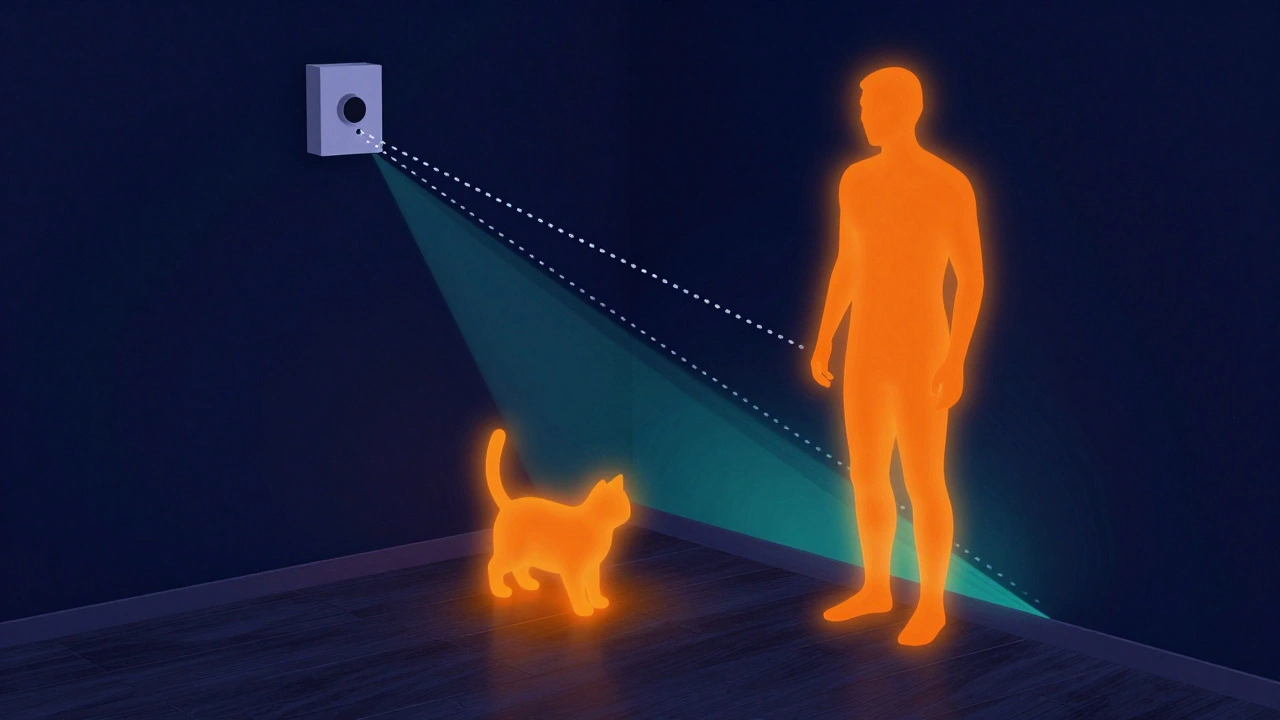
To fix the problem, you have to understand what the sensor is seeing. Most smart home systems rely on PIR sensors is Passive Infrared sensors that detect changes in heat signatures moving across their field of view. They don't "see" a picture; they see a shift in infrared radiation. Since dogs and cats are warm-blooded, they look exactly like a human to a basic sensor-just smaller.
When a pet moves, they create a "heat blob." If that blob is large enough or moves fast enough, the Control Panel (the brain of your security system) triggers an alert. The problem is that a small dog jumping on a sofa can look like a human walking across a room if the sensor is too sensitive or positioned too low.
Choosing the Right Hardware
Not all sensors are created equal. If you're buying new gear, look for "Pet Immune" ratings. These aren't magic; they are simply calibrated to ignore objects under a certain weight-usually 40 to 80 pounds. They use a combination of optical lenses and software logic to filter out smaller heat signatures.
If you have a larger dog, a standard pet-immune sensor might still trigger. In that case, you should look into Dual-Technology Sensors is devices that combine PIR with microwave detection to verify a target before triggering an alarm. These are much harder to fool. A microwave sensor sends out a pulse that bounces off objects; if both the heat (PIR) and the physical mass (Microwave) match a human profile, the alarm goes off. This drastically cuts down on false triggers caused by a stray curtain blowing in the wind or a cat leaping onto a table.
| Sensor Type | Best For | False Alarm Risk | Cost |
|---|---|---|---|
| Standard PIR | Empty rooms/No pets | High | Low |
| Pet-Immune PIR | Small to medium dogs/cats | Medium | Medium |
| Dual-Tech (PIR + Microwave) | Large dogs/Active pets | Low | High |
| AI-Driven Cameras | Visual verification | Very Low | Medium-High |
The Art of Sensor Placement
Where you put your sensor is just as important as what you buy. Most people mount them in the corner of the room facing the door. While this gives great coverage, it also puts the "detection zone" right where your dog likes to nap.
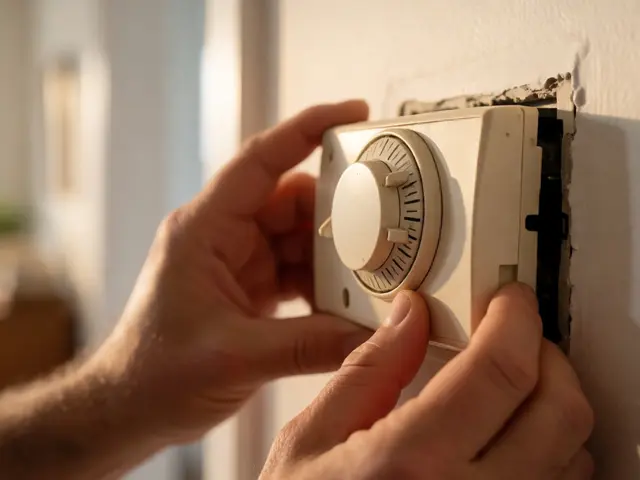
Try upside-down mounting. By flipping the sensor, you create a dead zone between the floor and about three feet up. This means the sensor only sees things at human height. Just be careful: if your cat can jump onto a kitchen counter or a bookshelf, they'll enter that detection zone and trigger the alarm. You need to map out your pet's "high-traffic' heights" before drilling holes in your walls.
Avoid placing sensors directly facing heat sources like radiators, fireplaces, or sunny windows. A sudden gust of hot air can mimic a moving heat signature, leading to a False Positive. Keep your sensors at least three feet away from any HVAC vents to prevent air currents from triggering the system.
Leveraging AI and Computer Vision
If you've moved past simple sensors and are using smart cameras, you have a massive advantage. Traditional cameras used "pixel change" detection-if something moved, it alerted you. Now, we have Computer Vision is AI software that analyzes visual data to identify specific objects like humans, vehicles, or animals.
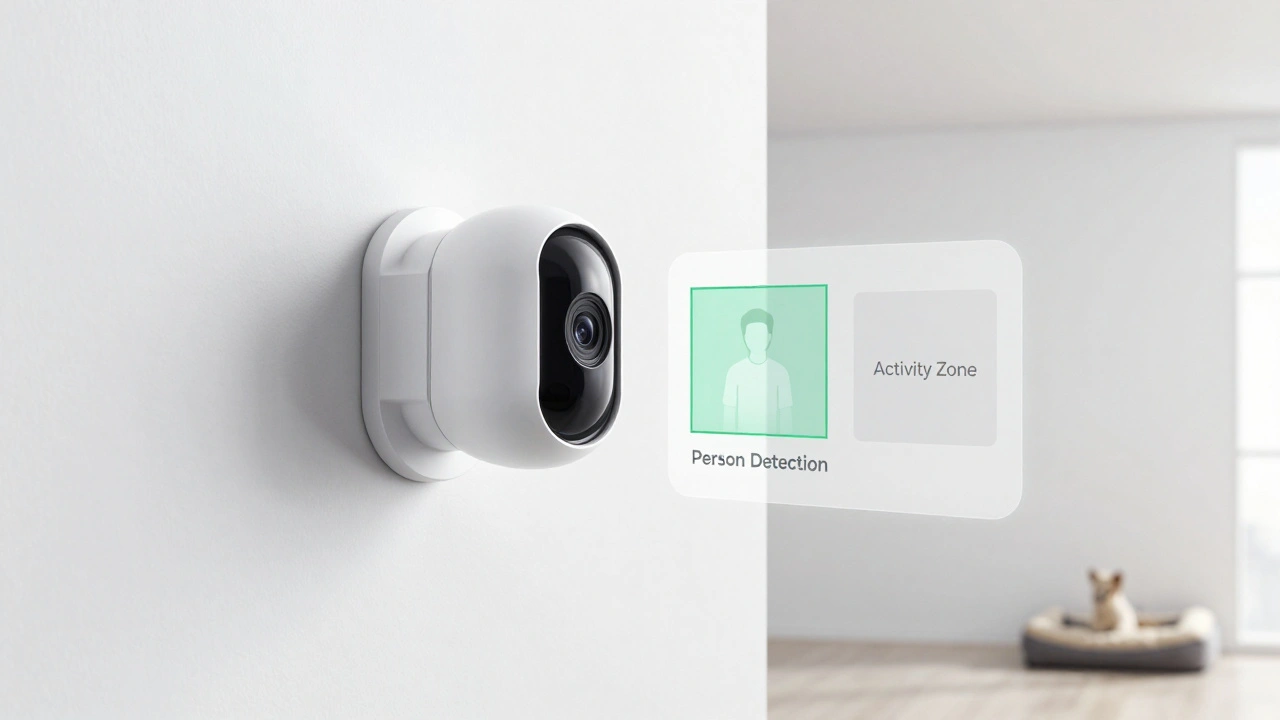
Systems like those from Nest or Arlo allow you to toggle "Person Detection." When this is on, the camera ignores the dog running across the yard and only notifies you when it sees a two-legged shape. To make this even more effective, use Activity Zones. If your cat spends all day on a specific side table, draw a digital box around that table in the app and tell the system to ignore all motion within that box. This removes the 'noise' from your alerts without compromising the rest of the room.
Fine-Tuning Your Settings
Most smart security apps have a sensitivity slider. It's tempting to crank it to 100% for "maximum security," but that's a recipe for a headache. Start at 50% and test it. Have your pet move around the room while you watch the logs. If the system triggers, drop the sensitivity by 10% and repeat.
Another pro tip is to use Verification Delay. Some systems allow you to set a rule where a motion sensor must be triggered twice within 30 seconds, or a camera must confirm a human shape after a PIR sensor trips, before the siren sounds. This "double-check" logic is the best way to ensure you aren't waking up the whole neighborhood because your cat decided to hunt a moth at 3 AM.
Will a pet-immune sensor still detect a human intruder?
Yes. Pet-immune sensors are designed to ignore small heat signatures (typically under 40-80 lbs). Since an adult human is significantly larger and produces more infrared heat, the sensor will still trigger as intended. The only risk is if an intruder crawls on the floor, but most systems are designed to handle that via overlapping sensor zones.
Can I use a camera as my only motion detector?
You can, but it's not ideal. Cameras rely on the cloud for AI processing, which can have a slight lag. A dedicated PIR sensor is faster and more reliable for triggering a loud siren. The best setup is a hybrid: use PIR sensors to trigger the system and AI cameras to verify the threat.
My dog is 90 lbs; will pet-immune sensors work?
Likely not with standard PIR sensors. At 90 lbs, your dog is too close to the weight threshold of most pet-immune devices. Your best bet is to use Dual-Technology sensors or the "upside-down mounting" method to create a blind spot at the dog's height.
Do I need to reboot my system after changing sensitivity?
Usually, no. Most modern smart home systems apply sensitivity changes in real-time via the app. However, it's always smart to do a "walk test"-walk through the room yourself and then let your pet in-to make sure the new settings are actually working before you arm the system and leave the house.
What is the best height to mount a motion sensor for pets?
Standard mounting is usually 7-8 feet. For pet-friendly setups, sticking to 8 feet but tilting the sensor slightly upward (or flipping it) ensures the floor area is ignored while the rest of the room remains protected.
Troubleshooting Common Issues
If you've done all the above and you're still getting false alarms, check for these "invisible" triggers. First, look for reflective surfaces. A mirror or a large glass picture frame can reflect infrared heat from a radiator or sunlight, making the sensor think something is moving. Reposition the sensor so it doesn't look directly at a mirror.
Second, check your battery levels. In some older wireless sensors, low batteries can cause the circuitry to become unstable, leading to random triggers that have nothing to do with your pets. If a sensor has been acting up for months, a fresh battery is the cheapest first fix.
Finally, consider the environment. If you live in a place with high humidity or sudden temperature swings, your sensors might struggle. High heat can "blind" a PIR sensor because the background temperature becomes too close to the temperature of a human body. If you have a very hot attic or garage, consider upgrading to a microwave-based sensor which isn't affected by air temperature.