Key Takeaways
- Environmental noise is the most common cause of trigger word failure.
- Hardware dust and software cache can degrade audio quality.
- Account synchronization often causes "I can't find that device" errors.
- Proper placement is more important than the volume of your voice.
The Hidden Culprits Behind Audio Interference
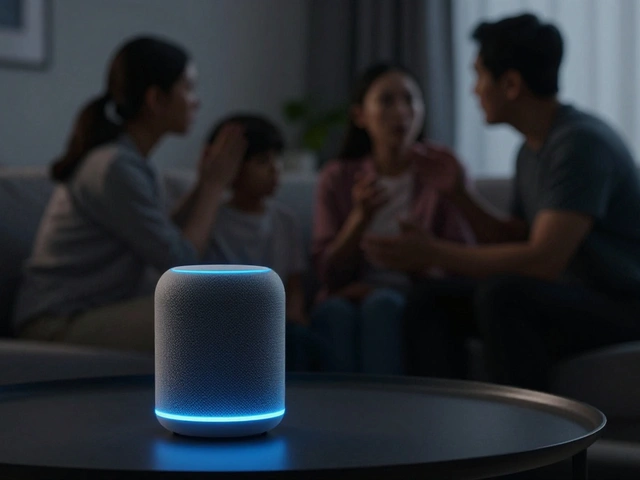
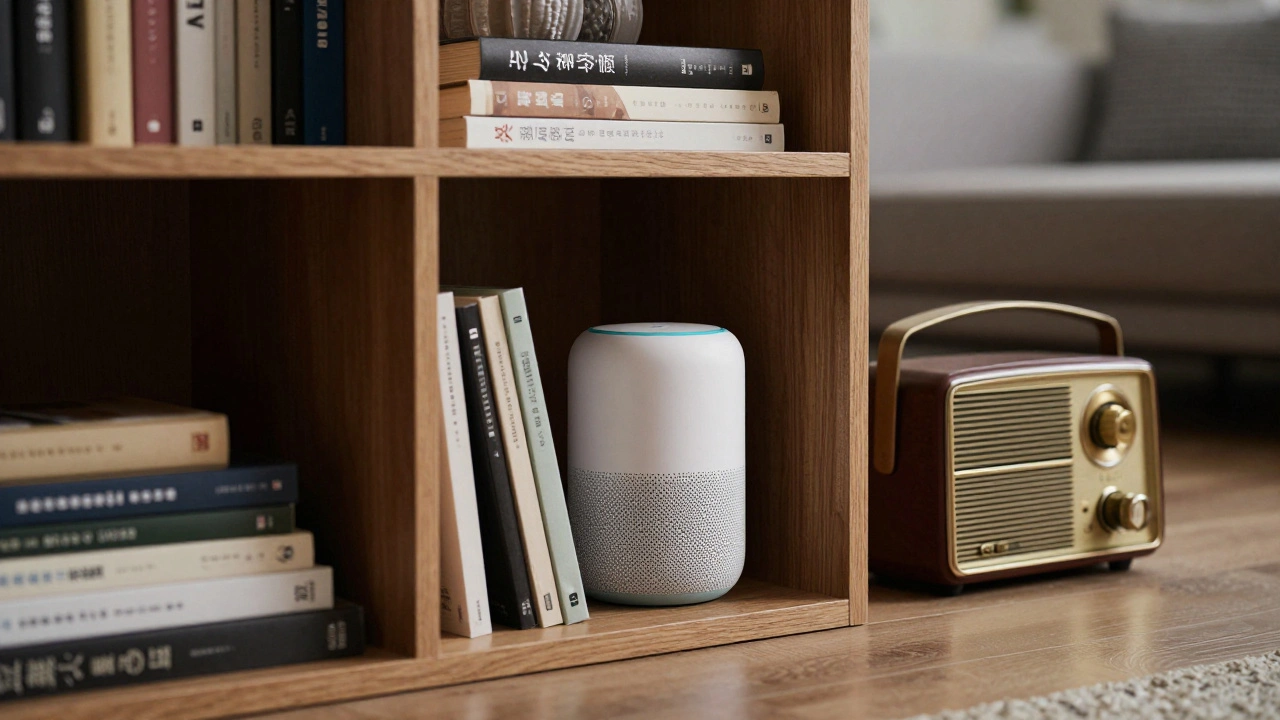
Before you start resetting your device, look at where it's sitting. Most Voice Assistants is an AI-powered software agent that performs tasks for an individual by processing voice commands rely on a set of far-field microphones designed to pick up sound from across a room. But these microphones have enemies. If your speaker is tucked inside a bookshelf or placed right next to a humming refrigerator, you're creating a "noise floor" that masks your voice.
Think of it like trying to have a conversation at a loud concert. The device is struggling to separate your voice from the background hum. A common mistake is placing a device near a wall or in a corner, which causes sound waves to bounce back and create echoes. This confuses the Automatic Speech Recognition (ASR) system, making it think you're saying two things at once. To fix this, move your device at least six inches away from walls and away from other electronics that emit high-frequency noise, like routers or old microwaves.
Dealing with Trigger Word Failures
The "wake word" is the most critical part of the interaction. If the device doesn't wake up, nothing else matters. When a device fails to trigger, it's usually a problem with the Wake Word Engine, which is a small, local piece of software that listens for a specific acoustic pattern. If the microphones are clogged with dust-which happens more than you'd think in kitchens-the sound pattern gets distorted.
Have you noticed your assistant only works when you shout? That's a sign of hardware degradation or a software glitch in the sensitivity settings. Try these quick fixes:
- Use a can of compressed air to gently blow out the microphone holes.
- Check the "Wake Word Sensitivity" in your app settings; some devices let you boost the trigger sensitivity for noisy environments.
- Ensure you aren't using a non-standard accent or speaking too fast, as the local engine needs a clear match to the stored pattern.
When the Assistant Hears You but Doesn't Understand
This is the dreaded "I'm sorry, I didn't get that" phase. This isn't a trigger issue; it's a voice command failures issue. This happens during the Natural Language Understanding (NLU) phase. Your voice has been turned into text, but the system can't map that text to a specific action. This often happens because of "phantom' words"-small background noises that the AI interprets as part of your sentence.
A great example is when a TV is playing in the background. The Natural Language Processing (NLP) engine might merge a word from the TV show with your command, turning "Turn on the fan" into "Turn on the fan-tastic voyage," which makes zero sense to the AI. The solution here is to use a "Pause" technique: wait one second after the device wakes up before giving the command. This gives the system a clean slate to process your intent.
| Symptom | Likely Cause | Quick Fix |
|---|---|---|
| Device doesn't light up/wake | Mic blockage or low sensitivity | Clean mics / Adjust sensitivity |
| Wakes up but says "Sorry" | Background noise / Ambiguous phrasing | Move device / Use specific nouns |
| Does the wrong action | Conflicting device names | Rename smart home entities |
| Delayed response (5+ seconds) | Wi-Fi latency / Cloud timeout | Reboot router / Check signal strength |

Solving Device Mapping and Naming Conflicts
Sometimes the failure isn't about your voice at all; it's about how you've named your things. If you have a "Living Room Light" and a "Living Room Lamp," the AI might struggle to tell them apart because they sound almost identical. This is a classic mapping error. To avoid this, give your devices distinct, high-contrast names. Instead of "Lamp 1," try "Reading Light."
Check your Smart Home Ecosystem (like Amazon Alexa or Google Home) to ensure there aren't duplicate names. If you have two devices named "Kitchen Light" in different rooms, the assistant will often just give up and say it can't find the device. Keep a simple naming convention: [Room] + [Unique Object]. For example, "Bedroom Ceiling" and "Bedroom Bedside." This removes the ambiguity and makes the recognition process nearly instant.
Technical Glitches and Network Latency
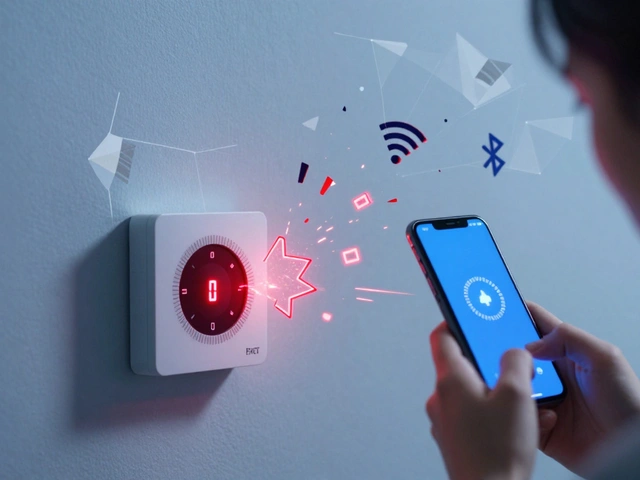
Most voice processing doesn't happen on the device; it happens in the cloud. Your voice is recorded, compressed, and sent to a server. If your Wi-Fi is unstable, you'll experience "command timeouts." This is when the device wakes up, listens, but then stays silent for several seconds before failing. This is usually a sign of packet loss or high latency.
If you're seeing this often, try these technical steps:
- Assign a static IP to your smart speaker to prevent DHCP conflicts.
- Switch the device to a 2.4GHz band if it's far from the router, as it penetrates walls better than 5GHz.
- Clear the cache of the companion app on your phone, as synchronization errors can sometimes prevent the cloud from recognizing your updated device list.
Advanced Tuning for Difficult Environments
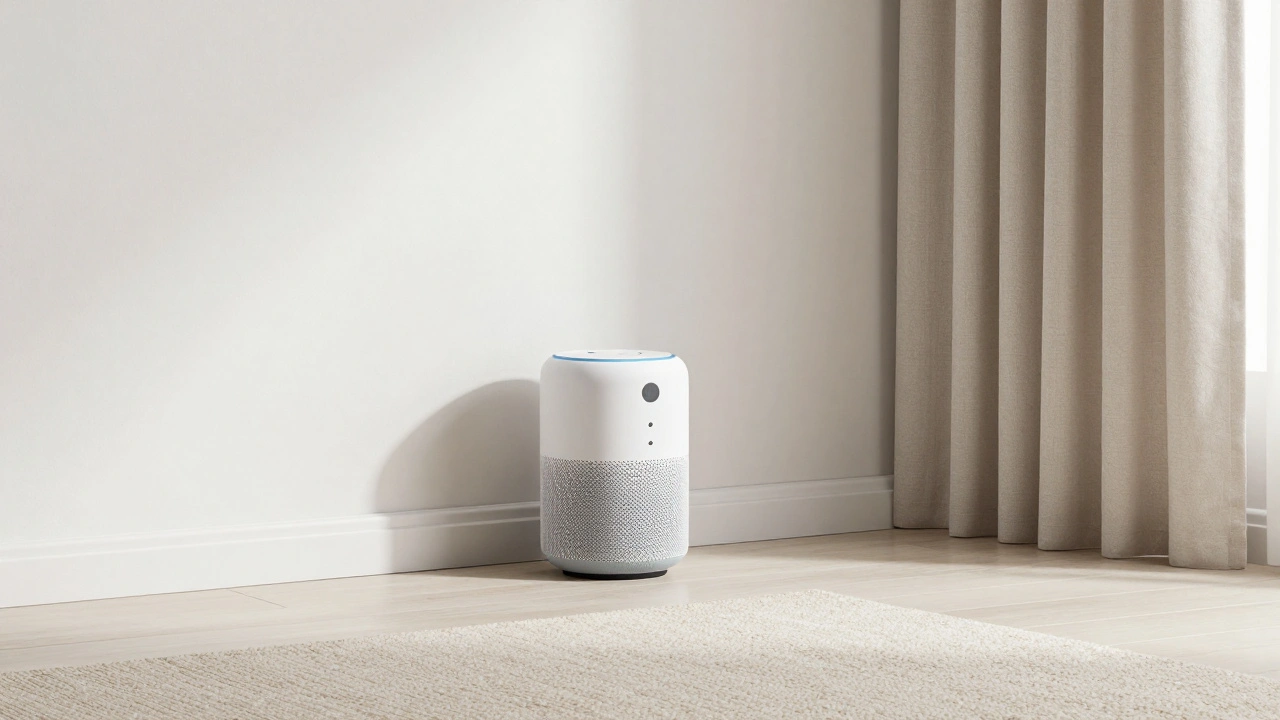
If you live in a home with high ceilings or hard tile floors, you're dealing with high reverberation. This creates a "muddy" audio signal. You can combat this by adding soft surfaces-like a rug or curtains-near the device. It sounds like interior design advice, but it's actually acoustic engineering. By reducing the echo, you increase the Signal-to-Noise Ratio (SNR), which is the gold standard for how AI determines if a voice is clear enough to process.
Another pro tip is to use "Routines." If you find that a specific complex command always fails (like "Turn off all the lights and lock the front door"), don't keep fighting with the AI. Instead, create a single trigger phrase like "Goodnight" that executes all those actions in a sequence. This moves the complexity from the recognition engine to a pre-defined script, ensuring a 100% success rate every time.
Why does my voice assistant ignore me sometimes but work other times?
This is usually due to variable background noise. Even sounds you don't notice-like a humming air conditioner or a distant TV-can raise the noise floor, making it harder for the device to isolate your wake word. Moving the device just a few inches away from a noise source often solves this.
Can my accent affect how well voice commands work?
Yes, though AI is getting better. Most systems are trained on large datasets of "standard" accents. If you have a strong regional accent, try adjusting the "Voice Training" or "Voice Match" settings in the app. This helps the AI create a personalized acoustic model of your specific speech patterns.
Does updating the software actually fix recognition issues?
Absolutely. Companies constantly update the NLU (Natural Language Understanding) models in the cloud. An update might improve how the AI handles common phrasing or fix a bug that caused the device to stop listening halfway through a sentence.
How do I know if my microphone is actually broken?
If the device never lights up regardless of how loud you speak or how close you are, it's likely a hardware failure. Try a factory reset first. If it still doesn't respond, check for physical debris in the mic ports. If it's clean and still dead, the microphone hardware may have failed.
Why does the assistant trigger when I'm not talking to it?
These are called "false positives." They happen when the AI misinterprets a sound from a TV or a conversation as the wake word. You can reduce this by moving the device away from speakers or by changing the wake word to a different option if the manufacturer allows it.
Next Steps for a Smoother Experience
If you've tried the basics and still have issues, start a "command log." Note exactly what you said and what the device did. This helps you see patterns-maybe it's only failing in the evening when the TV is on, or only with specific devices. From there, you can decide if you need a hardware upgrade (like a device with more microphones) or if you just need to rearrange your furniture for better acoustics.
For those with massive smart homes, consider installing a dedicated mesh network. When you have 50+ devices fighting for bandwidth, your voice commands are the first things to lag. A dedicated Mesh Wi-Fi System ensures that the path from your voice to the cloud remains open and fast, eliminating those awkward silences after a command.