Every day, thousands of businesses get hit by phishing emails that look just like real ones. A fake invoice from "Finance Dept." A login page that mimics your company’s portal. A CEO asking for a wire transfer-except the CEO never sent it. These aren’t just annoying. They cost companies millions. And most of them slip through because email systems are left wide open. The good news? You don’t need fancy software or a huge IT team to stop them. You just need two things: better phishing protection and DMARC properly set up.
Why phishing still works
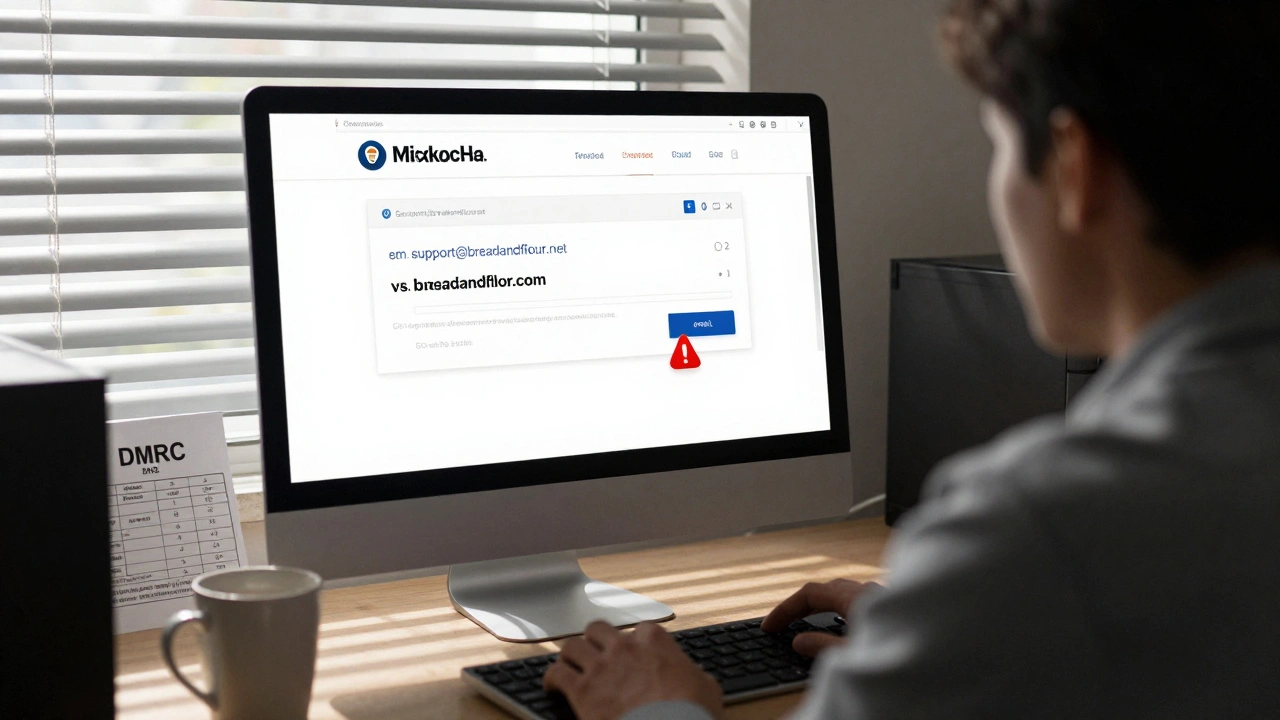
Phishing isn’t new. But it’s still effective because people trust what looks familiar. An email with your company’s logo, the right tone, even the CEO’s signature style-it’s hard to spot the lie. Even tech-savvy employees fall for it. A 2025 report from the Anti-Phishing Working Group showed that 83% of phishing attacks targeted businesses with fewer than 500 employees. Why? Because smaller teams skip basic email security steps, thinking "it won’t happen to us." The truth? It already has. One Portland-based landscaping company lost $87,000 in 2024 because an employee replied to a spoofed email from "HR" asking for W-2 forms. The attacker used a domain that looked like theirs: landscapingco.net instead of landscapingco.com. No one noticed until the bank called.What DMARC actually does
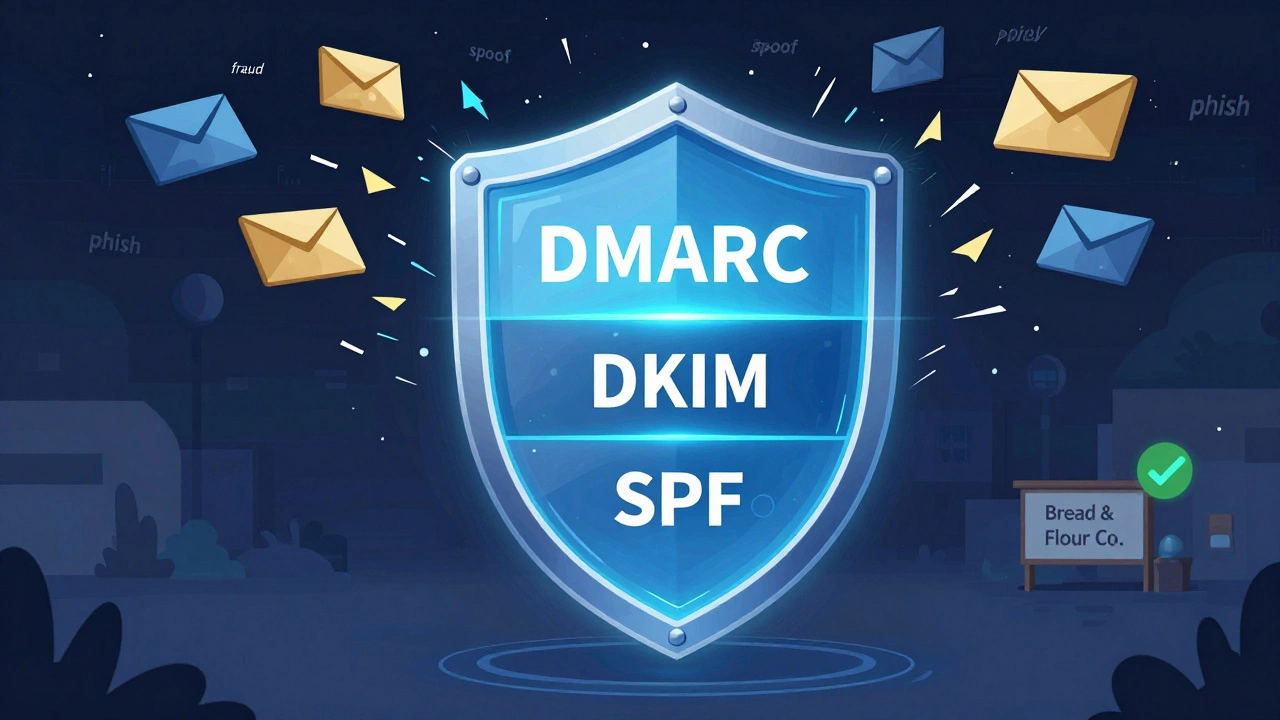
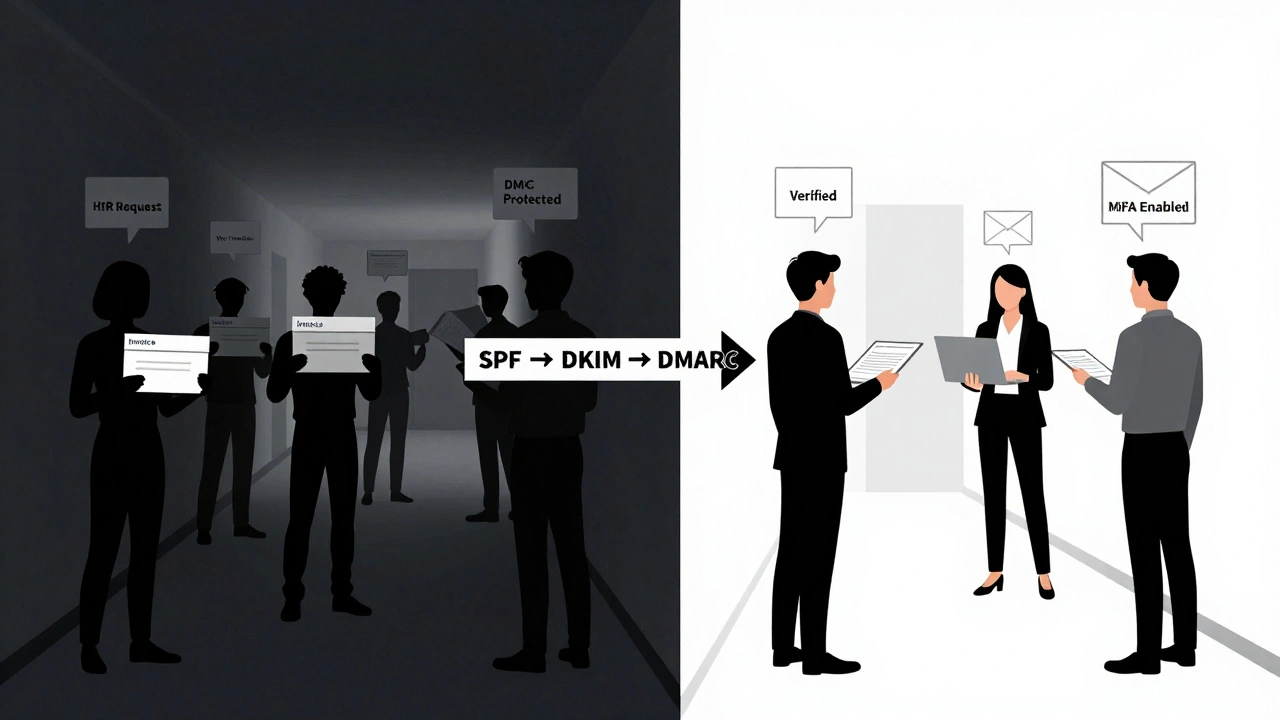
DMARC-Domain-based Message Authentication, Reporting, and Conformance-isn’t a magic shield. It’s a rulebook. It tells email servers: "If someone sends mail pretending to be from my domain, here’s what you should do." Before DMARC, your email system had no way to verify if an incoming message was really from you. SPF (Sender Policy Framework) and DKIM (DomainKeys Identified Mail) helped, but they didn’t talk to each other. SPF says, "Only these IP addresses can send mail for my domain." DKIM adds a digital signature to each email. But if one of them passes and the other fails? Some servers accept it. Others reject it. It’s messy.DMARC fixes that. It combines SPF and DKIM into one clear policy. You set it up in your DNS records, and then you tell receiving servers:
- Reject emails that fail both SPF and DKIM
- Quarantine suspicious ones (send them to spam)
- Or just monitor and report-no action yet
And here’s the best part: DMARC sends you daily reports. Not just "blocked 12 emails." It shows you exactly which domains tried to impersonate yours, where they came from, and what they tried to do. You can see attack attempts in real time-before they hit your inbox.
How to set up DMARC (step by step)
Setting up DMARC sounds technical, but it’s just three steps. You don’t need to be an engineer.- Set up SPF - List all the servers that send mail for your domain. For example, if you use Gmail, Microsoft 365, and your own mail server, you add their IP addresses to your DNS. The record looks like this:
v=spf1 include:spf.protection.outlook.com include:spf.google.com ~all - Set up DKIM - Your email provider gives you a public key. You add it to your DNS as a TXT record. This lets receiving servers check if your email was signed by your system. If the signature doesn’t match, the email gets flagged.
- Add DMARC - Create a new DNS TXT record with the name
_dmarc.yourdomain.com. The value starts withv=DMARC1;and ends withp=none;to start monitoring. Example:v=DMARC1; p=none; rua=mailto:[email protected]; ruf=mailto:[email protected];
After 48 hours, you’ll start getting reports. Look for emails from unknown senders. If you see a lot of failed attempts from domains like "yourdomain-support[.]com" or "yourdomain[.]net", those are fake. That’s your signal to change your policy.
Move from monitoring to enforcement
Once you’ve seen the reports for a few weeks and confirmed that legitimate mail (like your newsletter or CRM) is still getting through, it’s time to lock it down.Change your DMARC policy from p=none to p=quarantine. This sends suspicious emails to spam. Then, after another week, switch to p=reject. Now, any email pretending to be from your domain gets blocked outright.
One company in Eugene, Oregon, made this change last year. Their phishing complaints dropped by 92%. Their IT team stopped getting calls about "urgent" wire transfers. Their employees started trusting their inbox again.
Phishing protection beyond DMARC
DMARC stops impersonation. But it doesn’t stop all phishing. Someone might still send you a malicious link from a totally different domain-like "payroll-update[.]xyz"-that tricks you into clicking.That’s where user training and email filtering tools come in. No system is perfect. Humans are the weakest link. Here’s what works:
- Run monthly phishing simulations. Send fake phishing emails to your team. If someone clicks, give them a quick 5-minute training video-not a lecture.
- Use an email security gateway that scans for suspicious links and attachments. Tools like Mimecast, Proofpoint, or even Microsoft Defender for Office 365 can catch 95% of malicious content.
- Enable multi-factor authentication (MFA) everywhere. Even if someone steals a password, they can’t log in without the second factor.
- Teach people to check the sender’s email address-not just the display name. "John Smith
What happens if you ignore this
If you do nothing, your domain will keep getting abused. Attackers will use it to send scams to your customers, partners, and vendors. Your brand gets damaged. Your customers stop trusting your emails. Some might even sue you if their data was leaked because of a phishing attack that could’ve been prevented.In 2025, the FTC fined a small Oregon-based healthcare provider $220,000 for failing to implement DMARC after a breach exposed patient records. The attack started with a phishing email that looked like it came from their own system. They had no authentication in place.
Real-world example: A small business that turned it around
A local bakery in Portland, Bread & Flour Co., got hit by a phishing scam in January 2025. A fake email from "Payroll Services" asked the owner to update bank details. She did. $14,000 vanished.They hired a local IT consultant who helped them set up SPF, DKIM, and DMARC in one afternoon. Within two weeks, they started getting DMARC reports showing 47 fake emails trying to impersonate them. One was from a domain registered in Nigeria. Another was a typo-squatting version of their website.
They switched to p=reject. No more fake emails got through. They trained their staff with 10-minute videos. Now, every employee knows to check the email address before clicking anything. They’ve had zero incidents since.
Final checklist
If you’re not sure where to start, use this simple checklist:- ☐ Confirm your email provider supports SPF, DKIM, and DMARC
- ☐ Set up SPF with all legitimate sending sources
- ☐ Set up DKIM using your provider’s key
- ☐ Add DMARC record with
p=noneand email reporting - ☐ Wait 7-14 days, review reports
- ☐ Change policy to
p=quarantine - ☐ Wait another week, then switch to
p=reject - ☐ Train your team to spot fake emails
- ☐ Enable MFA on all business accounts
Email security isn’t about spending more money. It’s about using what’s already available. DMARC isn’t optional anymore. It’s the bare minimum. If your competitors are using it, and you’re not-you’re the easiest target.
What happens if DMARC is not set up?
Without DMARC, anyone can send emails pretending to be from your domain. Attackers use this to trick employees, customers, and partners into giving up passwords, money, or sensitive data. There’s no way to automatically block these fakes. Your brand gets damaged, and you lose trust. In 2025, over 60% of successful business email breaches started because the victim had no DMARC policy.
Can DMARC block all phishing emails?
No. DMARC only blocks emails that pretend to be from your own domain. It won’t stop a phishing email from "secure-payments[.]xyz" that tricks you into logging in. That’s why you still need user training and email filtering tools. DMARC stops impersonation. Other tools stop malicious links and attachments.
How long does it take to set up DMARC?
You can set up SPF and DKIM in under an hour if your email provider gives clear instructions. Adding the DMARC record takes another 10 minutes. But you need to wait 24-48 hours for DNS changes to spread. Then, you should monitor reports for at least a week before enforcing the policy. Full implementation usually takes 2-3 weeks.
Do I need to hire an IT expert to set up DMARC?
Not necessarily. Most email providers-like Google Workspace, Microsoft 365, and Zoho-have built-in guides. You just need access to your domain’s DNS settings (usually through your registrar like Namecheap or GoDaddy). If you’re uncomfortable editing DNS records, ask your provider. Many offer free setup help for small businesses.
What if legitimate emails start getting blocked after setting DMARC?
That usually means SPF or DKIM wasn’t configured correctly. Check your DMARC reports-they’ll show you which emails are failing. Common causes: missing email servers in SPF, expired DKIM keys, or forwarding emails (which breaks DKIM). Fix the root issue, then test again. Never jump to p=reject without testing.