Quick Takeaways
- Prioritize non-intrusive monitoring over cameras to maintain dignity.
- Focus on voice control and automation to reduce physical strain.
- Combine smart lighting with motion sensors to eliminate fall risks.
- Ensure all systems have a fail-safe manual override.
Moving Beyond the Panic Button
For years, "senior tech" meant a chunky necklace with a red button. While those are still useful, we've entered the era of Ambient Assisted Living a supportive environment that uses technology to help older adults live independently and safely in their own homes. Instead of relying on the senior to call for help, the home itself becomes the caregiver.
The shift is from reactive tech (waiting for a crash) to proactive tech (preventing the crash). For example, instead of just detecting a fall, a smart home can identify a "change in gait" using radar sensors. If a person starts shuffling more or spending more time in the bathroom than usual, the system can alert a family member to check in before an accident happens.
Lighting the Path to Safety
Falls are the leading cause of injury for people over 65. A huge part of this is poor visibility during midnight trips to the bathroom. Traditional switches are hard to find in the dark and can be a struggle for those with arthritis.
The solution is a network of Smart Lighting lighting systems that can be controlled remotely, programmed, or triggered by sensors. By installing motion sensors under the bed frame and along the hallway baseboards, you create a "guiding light" path. When the senior's feet hit the floor, a soft, warm amber light glows-not bright enough to wake them fully, but enough to see the path clearly.
Avoid cool-toned blue lights at night, as they interfere with melatonin production and can cause confusion in people with dementia. Stick to warm tones that mimic sunset, which helps keep the circadian rhythm stable.
The Power of Voice and Automation
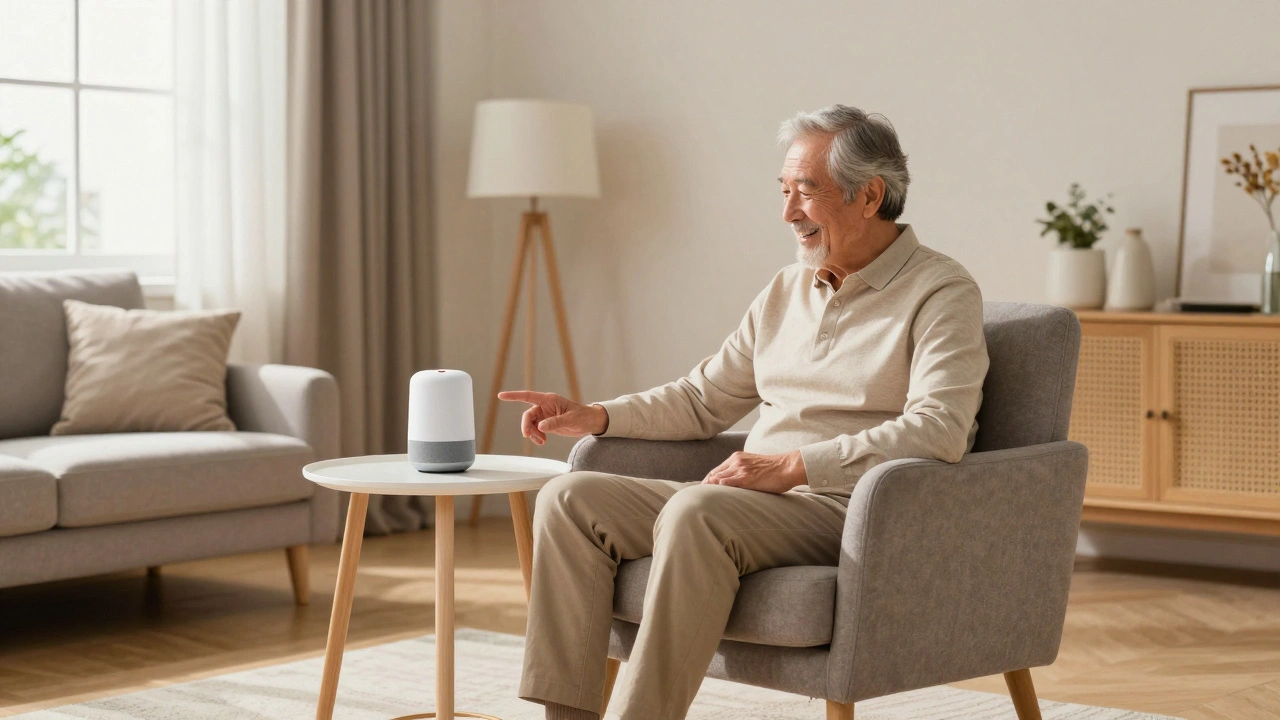
Physical dexterity often declines with age. Turning a small knob or pushing a tiny button can become a daily struggle. This is where Voice Assistants AI-powered software that can perform tasks or provide information after a voice command like Amazon Alexa or Google Assistant change the game.
Think about the anxiety of wondering if the front door is locked or if the stove was left on. A senior can simply ask, "Is the front door locked?" and get an immediate answer. More importantly, voice commands allow them to control the thermostat or call a relative without having to stand up, which is a massive safety win for those with balance issues.
To make this work, the setup must be invisible. Don't give them a manual; give them a list of three simple phrases they can use. If the tech feels like a chore, they won't use it.
Smart Health Monitoring Without the Intrusion
Nobody wants to feel like they're being watched by Big Brother. This is why cameras are often rejected by seniors. The better approach is using Passive Sensing, which monitors activity without capturing images.
Consider these non-invasive options:
- Smart Plugs: If the coffee maker isn't turned on by 10 AM, a notification is sent to the daughter. It's a subtle way to know they're up and moving.
- Contact Sensors: Placing a sensor on the refrigerator or medicine cabinet can track if a senior is eating and taking their pills without needing a wearable device.
- Smart Mats: Pressure-sensitive mats by the bed can alert a caregiver if a high-risk patient gets up in the middle of the night.
| Technology | Intrusiveness | Reliability | Primary Benefit |
|---|---|---|---|
| Wearable Pendants | Medium | High (if worn) | Immediate emergency call |
| AI Cameras | High | Very High | Visual verification |
| Radar/LiDAR Sensors | Low | High | Fall detection without cameras |
| Smart Plugs/Sensors | Very Low | Medium | Routine monitoring |
Managing the "Tech Fear" and Cognitive Load
The biggest barrier to safe smart homes for seniors isn't the cost; it's the cognitive load. If a system is too complex, it becomes a source of stress rather than a safety feature. This is why "set it and forget it" is the only viable strategy.
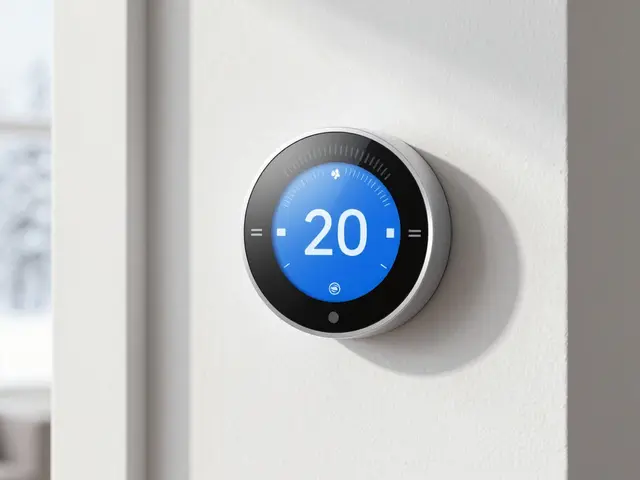
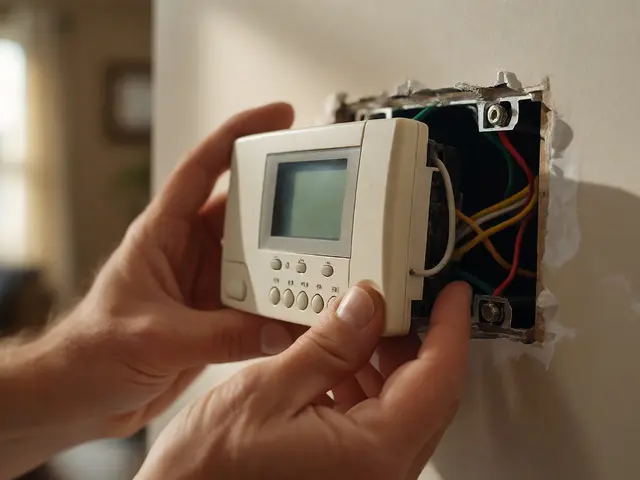
Avoid apps. While a smartphone app is great for the adult child managing the home, the senior should interact with the home through physical switches that look normal or through voice. If you install a smart thermostat, leave the physical dial intact so they can still turn the heat up manually if the Wi-Fi goes down.
Consistency is key. If you use a smart lock, make sure there's still a physical key hidden in a secure lockbox for emergency responders. Technology should be a layer of safety, not the only way to access a room.
The Essential Hardware Checklist
When auditing a home for safety, don't just look at the gadgets. Look at how they integrate. A truly safe home follows a specific logic of protection.
- Entryway: Video doorbells to screen visitors before opening the door, preventing scams or unexpected intrusions.
- Kitchen: Smart stove shut-off sensors that kill the power if the burner is left on for too long without movement in the room.
- Bathroom: Water leak detectors and smart shower valves that prevent scalding by capping the temperature.
- Bedroom: Smart plugs for bedside lamps and voice-activated emergency buttons.
Designing for the Future: The Role of AI
As we look toward 2026 and beyond, Predictive Analytics the use of data and AI to identify the likelihood of future outcomes based on historical data is becoming the gold standard. Instead of saying "Your dad fell," the system will say "Your dad's walking speed has decreased by 15% this week, increasing his fall risk." This allows for medical intervention-like a physical therapy appointment-before the crisis occurs.
We are moving toward a world where the home acts as a health diagnostic tool. Smart toilets that analyze waste for hydration levels or mirrors that check for skin irregularities are no longer science fiction; they are becoming part of the comprehensive safety ecosystem.
Will my parents feel like they're losing their privacy?
This is a common concern. The trick is to avoid cameras. Use radar sensors, motion detectors, and smart plugs. These provide "data points" (e.g., "the fridge was opened") rather than "images," which respects their privacy while still giving you peace of mind.
What happens if the internet goes out?
A safe smart home must have a "local-first" architecture. This means using hubs (like Home Assistant or Hubitat) that process commands locally rather than in the cloud. Always ensure there are manual overrides for locks, lights, and thermostats.
Are these systems expensive to install?
It depends on the scale. You can start with basic smart bulbs and a voice assistant for under $200. High-end systems with radar fall detection can cost thousands, but many insurance companies are beginning to subsidize these as they reduce expensive hospital stays.
How do I introduce this tech to a reluctant senior?
Don't frame it as "monitoring them." Frame it as "making things easier." Instead of saying "I want to know if you fall," say "I want you to be able to turn on the lights without getting out of bed." Focus on convenience first, and safety second.
Can a smart home help with dementia?
Yes. Smart homes can provide "environmental cues." For example, a voice assistant can gently remind them to drink water every two hours, or smart locks can prevent a resident from wandering outside at night while notifying a caregiver immediately.
Next Steps for Implementation
If you're just starting, don't try to automate the whole house in one weekend. Start with the "High-Risk Zones": the bathroom and the bedroom. Install motion-activated lighting and a voice assistant. Once the senior is comfortable with those, move to the kitchen with smart plugs and stove sensors.
For those managing a home remotely, set up a shared dashboard. Use a system that allows you to see the status of the home (e.g., "Front Door: Locked," "Living Room Temp: 72°F") without needing to call and ask, which can sometimes feel intrusive to the parent.