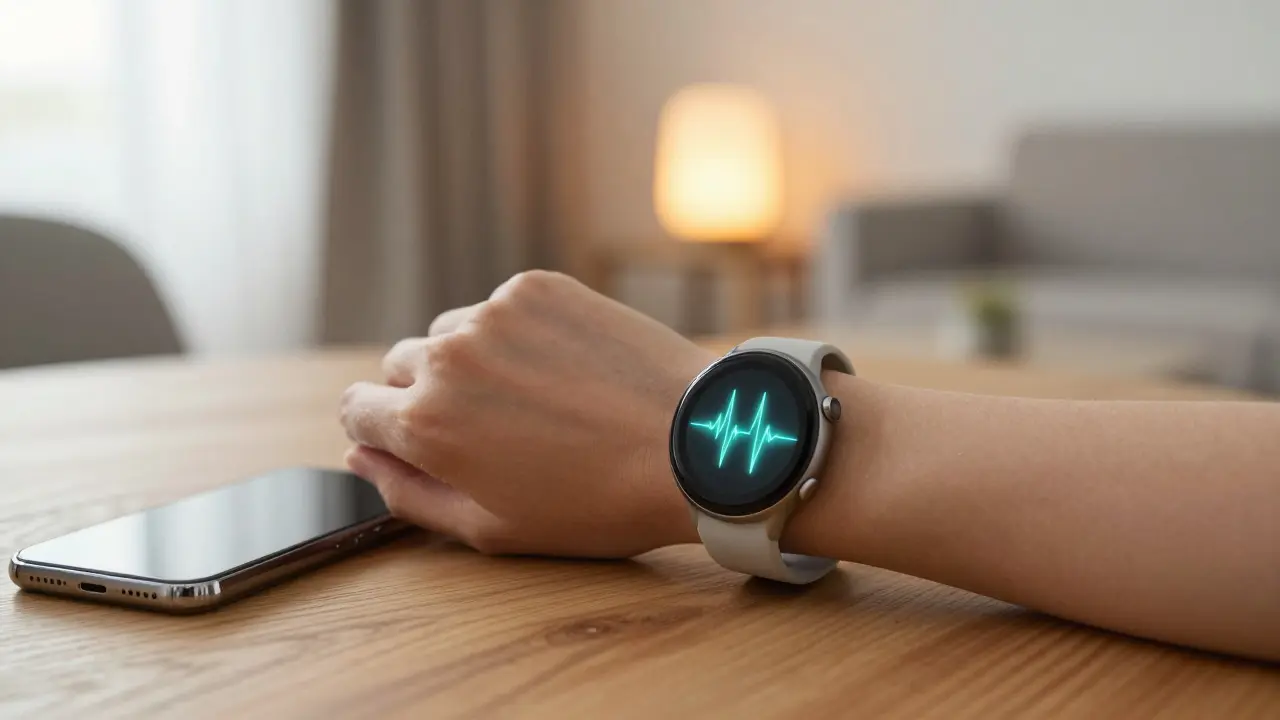
Your watch knows you’re running. Your glasses know you’re looking at a menu. But does your house? In 2026, the gap between personal wearables and Smart Home systems is closing fast. We used to treat these as separate ecosystems. Now, they are merging into a single, responsive environment. This isn’t just about convenience; it’s about efficiency. When your Wearable Technology talks directly to your thermostat, lights, and security system, your home stops reacting to commands and starts anticipating needs.
The core promise here is seamless context awareness. You don’t want to say "turn off the lights" when you’re already holding groceries. You want the lights to dim because your heart rate indicates you’re winding down. That shift from command-based interaction to context-based automation is where the real value lies. Let’s break down how this integration actually works, what it costs, and how to set it up without turning your living room into a server farm.
How Wearables Talk to Your House
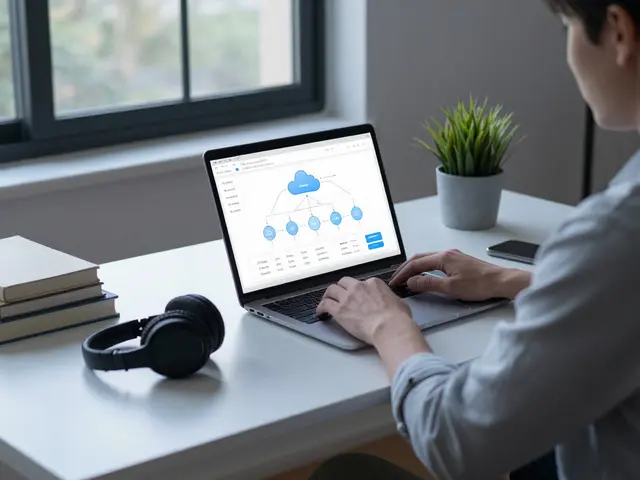
Most people assume everything goes through the cloud. It doesn’t always have to. The backbone of modern integration is Matter Protocol, a universal standard that lets devices from different brands speak the same language. Before Matter, connecting an Apple Watch to a Samsung TV was a nightmare of proprietary apps. Now, if both support Matter, they connect natively. This reduces latency and improves reliability.
However, wearables add a layer of complexity because they generate continuous biometric data. Unlike a static sensor that reports temperature once per minute, a smartwatch streams heart rate, sleep stages, and location every few seconds. This high-frequency data requires robust processing. Usually, your phone acts as the bridge. The wearable sends data via Bluetooth Low Energy (BLE) to your smartphone, which then translates that data into actionable commands for your home hub. If your phone is dead, your integration dies too. This is a critical limitation to remember.
- Bluetooth LE: Handles short-range communication between wearable and phone.
- Wi-Fi 6E: Ensures the home hub can handle multiple simultaneous device connections without dropping packets.
- Matter over Thread: Provides a stable mesh network for low-power devices like sensors and locks, reducing reliance on Wi-Fi congestion.
Biometrics as Triggers: Beyond Voice Commands
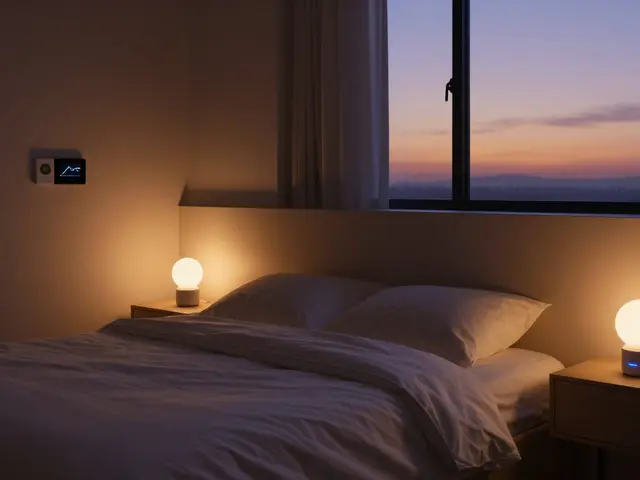
Voice assistants are great, but they require active engagement. Biometric triggers are passive. They work in the background. Consider a scenario: you’re sleeping. Your Smart Ring detects that your body temperature is rising slightly, indicating you’re about to wake up. Instead of blasting you with bright light, your smart blinds open 10% to let in natural light gradually. This is Circadian Lighting in action, driven by your physiology, not a timer.
Another powerful use case is activity detection. If your pedometer counts 10,000 steps, your smart fridge could automatically adjust its internal lighting or notify you to restock water. It sounds trivial, but these micro-interactions build trust. You stop thinking about your technology and start living in it. The key is avoiding false positives. A false trigger-like lights turning on because you moved your arm while brushing your teeth-is annoying. Modern algorithms use machine learning to filter out noise, distinguishing between actual movement and minor muscle twitches.
| Method | Latency | Reliability | Best For |
|---|---|---|---|
| Cloud-Based | High (200ms+) | Depends on Internet | Cross-device sync, remote access |
| Local Hub (Matter) | Low (<50ms) | High (Offline capable) | Real-time biometric triggers |
| Direct BLE | Very Low | Medium (Range limited) | Proximity-based actions (e.g., door unlock) |
Privacy and Data Ownership Concerns
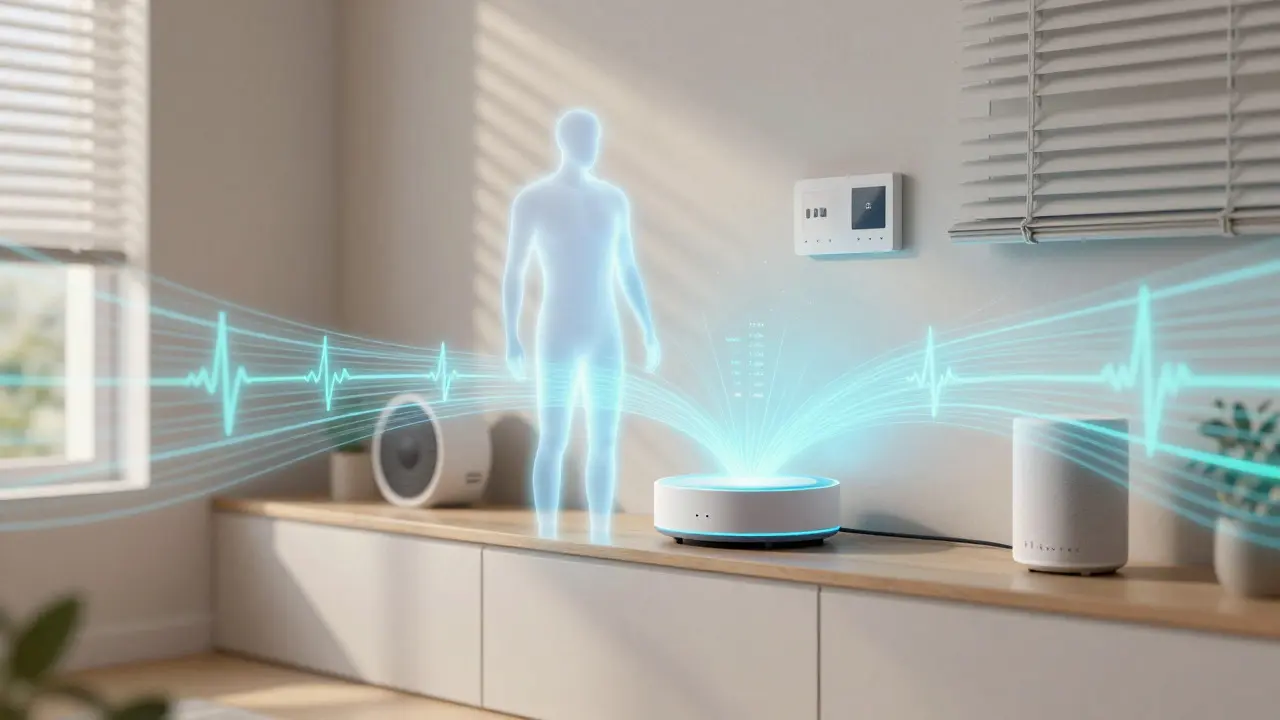
Here is the uncomfortable truth: your home now knows more about you than most friends do. It knows when you’re stressed, when you’re sick, and when you’re alone. When you integrate wearables, you are sharing this intimate data with third-party servers. Is that worth it? For many, yes. But you need to be intentional about it.
Look for local processing options. Some hubs allow you to process biometric data locally, meaning the raw heart rate data never leaves your home network. Only the resulting command ("Turn on heating") gets sent to the cloud. This significantly reduces your digital footprint. Also, check the retention policies of your wearable manufacturer. Do they keep your sleep data forever? Or do they delete it after 30 days? These details matter more than marketing specs.
Setting Up Your Integrated Ecosystem
You don’t need to replace everything overnight. Start with one high-impact integration. Here is a practical roadmap for 2026 setups:
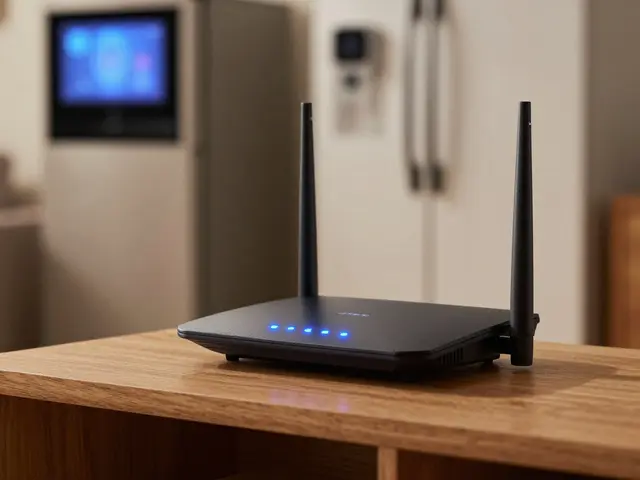
- Audit Your Hardware: Ensure your router supports Wi-Fi 6E and has enough bandwidth. Check if your existing smart bulbs and thermostats support Matter. If not, prioritize upgrading those first.
- Choose a Central Hub: Avoid relying solely on your phone. Use a dedicated hub like an Apple HomePod, Amazon Echo, or a neutral option like Home Assistant. This ensures your home stays functional even if your phone battery dies.
- Map Your Biometrics: Decide which data points you actually want to use. Sleep stage? Heart rate variability? Don’t overload the system. Pick two or three metrics that align with your daily routine.
- Create Simple Automations: Start with "If I am asleep, then turn off all lights." Move to complex ones later. Test each rule for a week before adding another.
- Monitor Latency: If there’s a delay between your action and the home response, check your Wi-Fi signal strength in the room where the wearable is worn.
A common pitfall is ignoring battery life. Wearables drain faster when constantly streaming data. If your watch battery drops below 20%, some integrations may pause to save power. Set up alerts so you know when your wearable is dying, or better yet, charge it nightly alongside your phone.

Future Trends: What’s Coming Next
We are currently in the early stages of true ambient intelligence. By late 2027, expect to see Neural Interface prototypes entering consumer markets. Imagine controlling your home volume not by tapping a screen, but by focusing your attention on a specific device. It sounds sci-fi, but the hardware is already being tested in clinical settings.
Also, look toward Energy Management. As electricity prices fluctuate, your wearable will help optimize energy usage. If your watch detects you’re working out, your smart grid connection might switch to peak solar hours for charging your electric vehicle. The home becomes an active participant in your health and financial well-being, not just a shelter.
Frequently Asked Questions
Do I need a new phone to integrate wearables with my smart home?
Not necessarily. Most modern smartphones from the last three years support Bluetooth LE and Matter. However, older phones may struggle with processing continuous biometric data without lagging. If your phone is five years old, consider upgrading for smoother performance.
What happens if my internet goes down?
If you use a local hub with Matter over Thread, most basic automations will continue to work. Lights will still turn on, and doors will still unlock based on proximity. Cloud-dependent features like remote viewing or advanced AI insights will pause until connectivity is restored.
Which wearable metric is best for home automation?
Sleep stage and heart rate variability (HRV) are the most useful. Sleep stage helps with lighting and temperature adjustments. HRV indicates stress levels, which can trigger calming environments like dimming lights or playing soft music. Step count is less reliable for automation due to false positives.
Is it expensive to set up?
It depends on your current setup. If you already have Matter-compatible devices, you only need a compatible hub ($100-$300) and a wearable ($200-$400). If you need to replace legacy devices, budget $500-$1,000 for a full retrofit. The cost is offset by potential energy savings and reduced subscription fees for standalone services.
Can I use different brands for my wearable and home hub?
Yes, thanks to the Matter protocol. An Apple Watch can talk to a Google Nest Thermostat if both support Matter. This interoperability is the biggest advantage of the 2026 ecosystem. You are no longer locked into a single vendor’s walled garden.