You bought a smart bulb. It works great with the app. Then you bought a second brand’s smart lock. Suddenly, your phone is cluttered with five different apps, and none of them talk to each other. Sound familiar? This fragmentation is exactly why smart home bridges and gateways exist. They act as translators, letting devices from different ecosystems speak the same language.
But do you actually need one? For years, the answer was "yes" if you wanted anything beyond basic Wi-Fi plugs. Today, with the rise of Matter, the landscape has shifted. Some hubs are obsolete; others are more critical than ever. Let’s figure out which side of the fence you’re on.
The Core Difference: Bridge vs. Gateway
People use these terms interchangeably, but they do different jobs. Understanding this distinction saves you money and headaches.
A bridge is a single-purpose device. It connects devices using one specific protocol (like Zigbee or Z-Wave) to your Wi-Fi network so your phone can control them. Think of it as a dedicated interpreter for one foreign language. The classic example is the old Philips Hue Bridge. It only handled Zigbee lights and sensors, passing commands to your router via Ethernet.
A gateway is broader. It often handles multiple protocols simultaneously or acts as a central brain that processes logic locally. A modern Apple TV 4K or an Amazon Echo Hub functions as a gateway because it supports Matter, Thread, and sometimes Zigbee, while also running local automations without needing the cloud.
| Feature | Bridge | Gateway |
|---|---|---|
| Protocol Support | Single (e.g., Zigbee only) | Multiple (Matter, Thread, Zigbee, BLE) |
| Logic Processing | Pass-through (Cloud-dependent) | Local execution possible |
| Complexity | Low (Plug and play) | Medium to High (Configuration required) |
| Example Devices | Hue Bridge, SmartThings V3 Hub | Apple TV 4K, Home Assistant Yellow |
When You Absolutely Need a Bridge
If your smart home relies heavily on battery-powered sensors, you likely need a bridge or a gateway with radio support. Why? Because Wi-Fi eats batteries. A Wi-Fi door sensor might last two months. A Zigbee or Thread sensor lasts two years.
Zigbee and Z-Wave create mesh networks. Each plugged-in device acts as a repeater, extending the range. But your phone doesn’t have a Zigbee radio. Neither does your standard Wi-Fi router. You need a middleman. If you buy LIFX bulbs (which are Wi-Fi native), you don’t need a bridge. But if you buy Philips Hue bulbs (Zigbee), you do. Without that bridge, those bulbs are just expensive paperweights.
There’s also the issue of latency. Cloud-based Wi-Fi devices often have a 1-2 second delay when toggling lights. Local bridges process commands instantly. If you hate waiting for your living room lights to turn on after saying "Alexa, lights on," a local bridge is your fix.
The Rise of the Multi-Protocol Gateway
The industry realized that making users buy five different bridges was annoying. Enter the multi-protocol gateway. These devices combine radios for Zigbee, Z-Wave, Bluetooth Low Energy (BLE), and Thread into one box.
Take the Samsung SmartThings Station. It includes Zigbee and Thread radios. It lets you connect Zigbee sensors and Thread devices like the Nanoleaf Essentials lightbulbs directly to the hub. No separate dongle needed. Similarly, the Home Assistant Green uses USB dongles to add Zigbee and Z-Wave support to a powerful local server.
These gateways solve the "app fatigue" problem. Instead of opening the Hue app for lights, the Yale app for locks, and the Ring app for cameras, you consolidate control into one dashboard. More importantly, they enable cross-brand automation. You can trigger a Zigbee motion sensor to turn on a Wi-Fi light, all processed locally by the gateway. That speed and reliability are hard to beat.
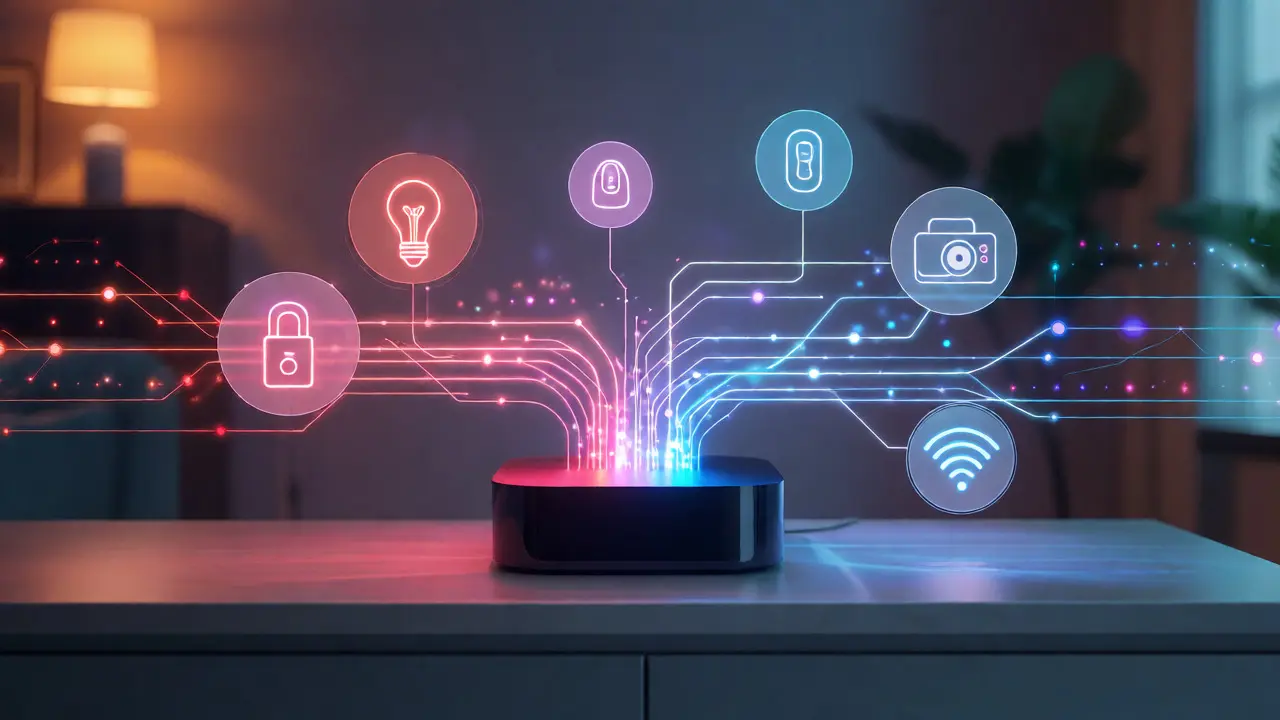
Matter Changed Everything (But Not All)
In late 2022, the Connectivity Standards Alliance launched Matter. The promise? One universal language for smart homes. If a device says it’s Matter-compatible, it should work with Apple Home, Google Home, and Amazon Alexa seamlessly.
Does this mean bridges are dead? No. Here’s the catch: Matter runs over IP (Wi-Fi and Ethernet) or Thread. It does not natively run over Zigbee or Z-Wave. So, if you already own a house full of Zigbee bulbs, you still need a bridge that supports Matter Bridging. This bridge translates Zigbee commands into Matter commands.
For new buyers, Matter simplifies things. If you buy Matter-over-Wi-Fi devices, you don’t need any extra hardware. Your existing Wi-Fi router is enough. But if you buy Matter-over-Thread devices (which are becoming popular for their low power usage), you need a Thread Border Router. This is technically a gateway function. Many newer routers, like the Eero Pro 6E, include this feature built-in. If yours doesn’t, you’ll need an Apple TV, HomePod mini, or Nest Hub Max to act as the border router.
Do You Have a Local Control Problem?
Most cheap smart devices rely on the cloud. You press a button in the app, the command goes to a server in Virginia, gets processed, and comes back to your light. If your internet goes down, your smart switches become dumb switches. You can’t even turn off the lights manually if the switch requires power from the cloud connection.
A robust gateway solves this. Platforms like Home Assistant or Hubitat Elevation run entirely on your local network. When you flip a switch, the command stays inside your house. No internet? No problem. The automation still fires. The lights still turn on.
This local-first approach is crucial for security too. Sending data to third-party servers means trusting them with your habits. When did you leave? When did you sleep? A local gateway keeps that data private within your four walls. For privacy-conscious users, this isn't a luxury; it's a requirement.

How to Decide: A Quick Checklist
Still unsure? Run through this quick diagnostic.
- Do you have Zigbee or Z-Wave devices? Yes? You need a bridge or gateway with those radios. No? Keep reading.
- Do you want to mix brands (e.g., Apple Home + Alexa)? Yes? You need a Matter Controller/Gateway that supports multi-admin. No? You might be fine with native apps.
- Does your internet go down often? Yes? Invest in a local-processing gateway like Home Assistant or Hubitat. No? Cloud-based hubs might suffice.
- Are you buying Thread devices? Yes? Ensure you have a Thread Border Router (often included in newer smart speakers/routers). No? Ignore this step.
- Do you hate having 10 different apps? Yes? Get a unified gateway like SmartThings or Home Assistant. No? Stick to individual brand bridges.
Remember, adding a gateway adds complexity. You now have another device to update, troubleshoot, and power. Don’t add one unless it solves a specific pain point-like battery life, latency, or cross-brand compatibility.
Troubleshooting Common Integration Issues
Even with the right hardware, integration fails sometimes. Here are the usual suspects:
- Range Problems: Mesh networks need density. If your Zigbee bridge is in the basement and your sensor is in the attic, the signal dies. Add a plugged-in Zigbee bulb halfway between them to act as a repeater.
- Firmware Mismatches: Matter is evolving fast. An older bridge might not support the latest Matter version. Check manufacturer notes before buying used gear.
- Network Congestion: Too many IoT devices on one Wi-Fi channel? Your 2.4GHz band gets crowded. Use a gateway that offloads traffic to Zigbee/Thread to free up Wi-Fi bandwidth.
- Pairing Failures: Always reset devices to factory settings before pairing with a new gateway. Old pairing keys cause conflicts.
Can I use my Wi-Fi router as a smart home gateway?
Only if it supports Matter and Thread. Standard Wi-Fi routers handle IP traffic but lack the specialized radios (Zigbee/Z-Wave/Thread) needed for most low-power sensors. Newer models like the Eero Pro 6E or TP-Link Deco XE75 include Thread Border Router capabilities, allowing them to manage Thread devices directly.
Do I need a bridge for Wi-Fi smart bulbs?
No. Wi-Fi bulbs connect directly to your router. However, they consume more battery (if portable) and Wi-Fi bandwidth. If you have dozens of Wi-Fi bulbs, your router might struggle, leading to slower response times. In that case, switching to Zigbee bulbs with a bridge improves performance.
What happens if my smart home bridge loses power?
If you rely on cloud processing, your automations stop working until the bridge reconnects. If you use a local-processing platform like Home Assistant or Hubitat, automations continue to run as long as the bridge itself has power. Physical switches usually still work, but app control may be lost temporarily.
Is Zigbee better than Z-Wave for my gateway?
Zigbee operates on 2.4GHz (same as Wi-Fi/Bluetooth), which can cause interference but allows for faster data rates. Z-Wave uses sub-GHz frequencies (908MHz in US), offering better wall penetration and less congestion. For large homes with thick walls, Z-Wave often performs better. For dense urban apartments, Zigbee is usually sufficient and cheaper.
Do Matter devices require a specific hub?
Not necessarily. Matter-over-Wi-Fi devices work with any Matter Controller (Apple HomePod, Google Nest Hub, etc.). Matter-over-Thread devices require a Thread Border Router. Many current controllers include this feature, so check your existing smart speaker or router specs before buying a new hub.