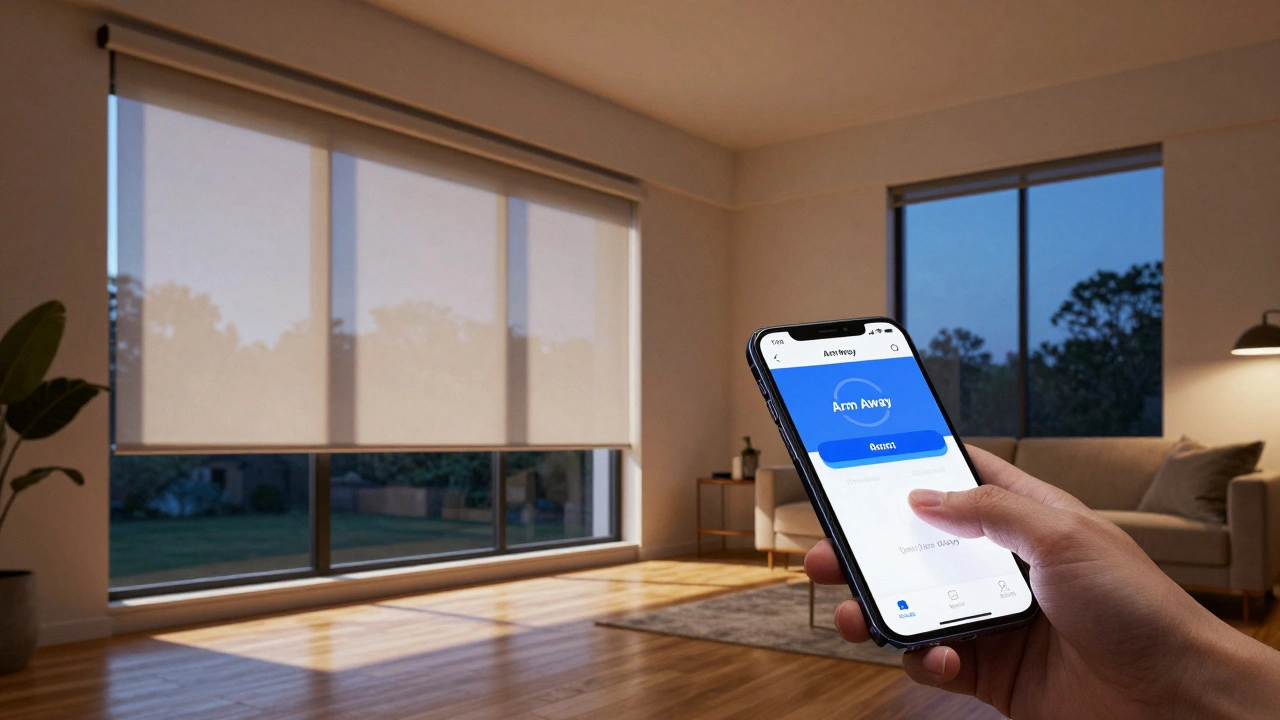
Imagine coming home from a long trip. You walk up to your front door, and the house feels alive. The lights flicker on, the thermostat adjusts, and smart blinds are motorized window coverings that open and close automatically based on schedules, sensors, or commands slide shut to block prying eyes. Now, imagine the opposite: you’re leaving for vacation. As you hit “Arm” on your security app, those same blinds snap closed, locking down the visual privacy of your living room. This isn’t just about convenience; it’s about layering security with comfort.
Integrating automated shades with your security system arming states creates a seamless defense mechanism. Most people treat lighting and shading as separate utilities, but they are critical components of a comprehensive home automation strategy. When done right, this integration sends a clear signal to potential intruders that the home is monitored, occupied, or securely locked down-all without you lifting a finger.
Why Link Blinds to Your Security System?
You might wonder if connecting curtains to an alarm is overkill. It’s not. Think about the psychology of a break-in. Intruders look for vulnerability. A darkened house at night suggests emptiness, while a house with random blind movements suggests occupancy. By tying your motorized shades to your alarm panel status, you add a physical layer to your digital security.
First, there is privacy protection. If your alarm triggers because motion was detected in the backyard, having your blinds automatically lower prevents anyone outside from seeing inside during the incident. Second, it aids in deterrence. A sudden change in the appearance of your windows can make a property look less inviting to criminals. Finally, it enhances energy efficiency. If you arm your system in "Away" mode, closing blinds reduces heat gain or loss, lowering your utility bills while you’re gone.
The Core Components You Need
To make this work, you don’t need to be a coding wizard, but you do need the right hardware ecosystem. Not all smart devices talk to each other fluently. Here is what forms the backbone of this setup:
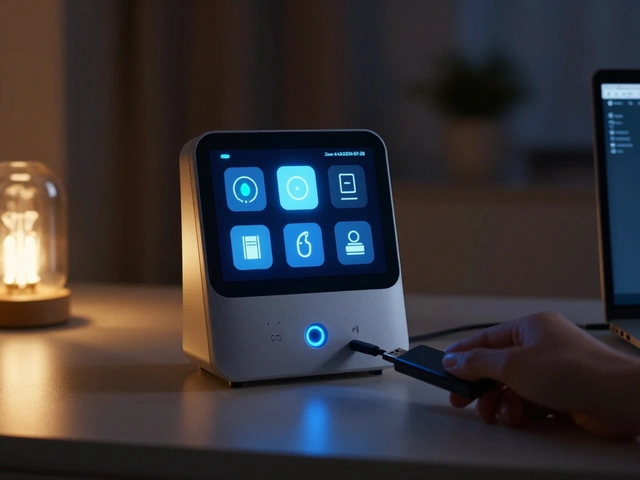
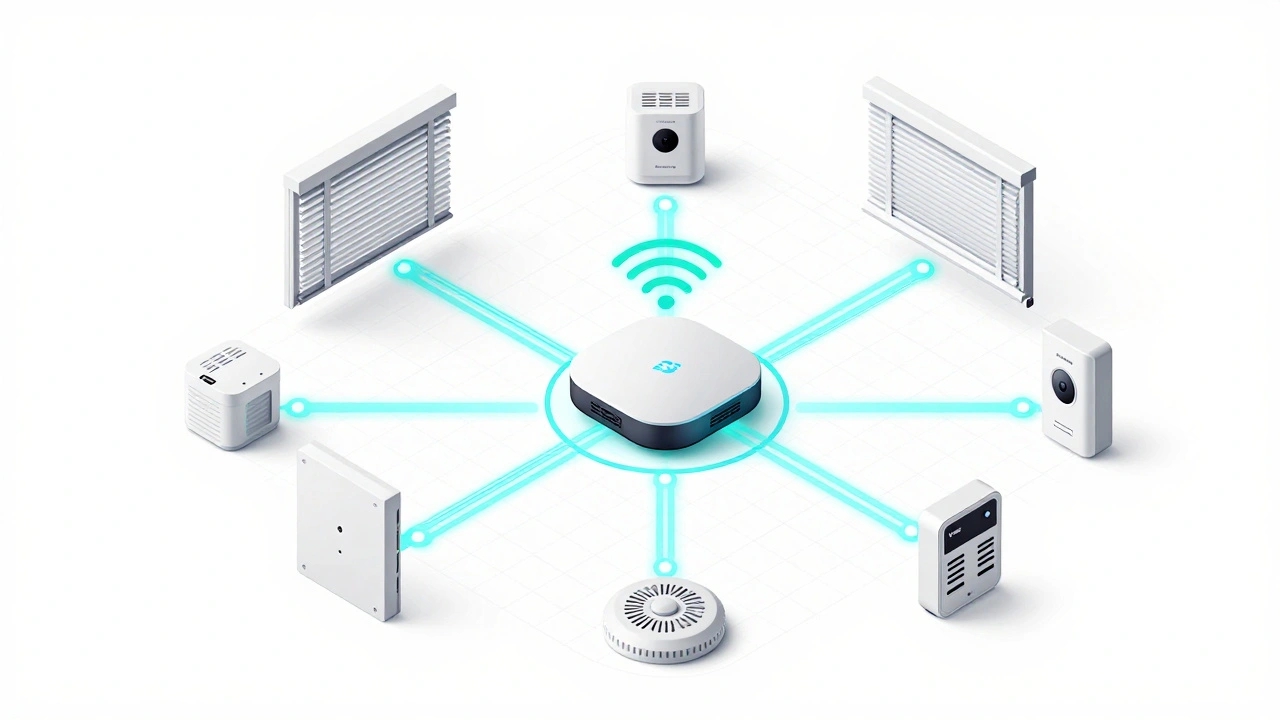
- A Central Hub: This is the brain. Platforms like Hubitat, Home Assistant, or proprietary systems like ADT or SimpliSafe act as the intermediary. They receive the "Armed" signal and send the "Close" command.
- Motorized Blinds: These must be compatible with your hub. Popular options include Lutron Caseta, Hunter Douglas PowerView, or generic Z-Wave motors. Lutron is often preferred for reliability and speed.
- Security Panel Integration: Your alarm system needs to expose its state (Disarmed, Armed Stay, Armed Away) to your hub. This usually requires a specific module or API access.
If you use a standalone smart blind controller without a central hub, linking it to a third-party security system becomes nearly impossible. The hub is non-negotiable for true integration.
Setting Up the Logic: Rules of Engagement
Once your hardware is connected, you need to define the rules. How should the blinds behave? There are three common scenarios most homeowners implement.
1. The "Away" Lockdown
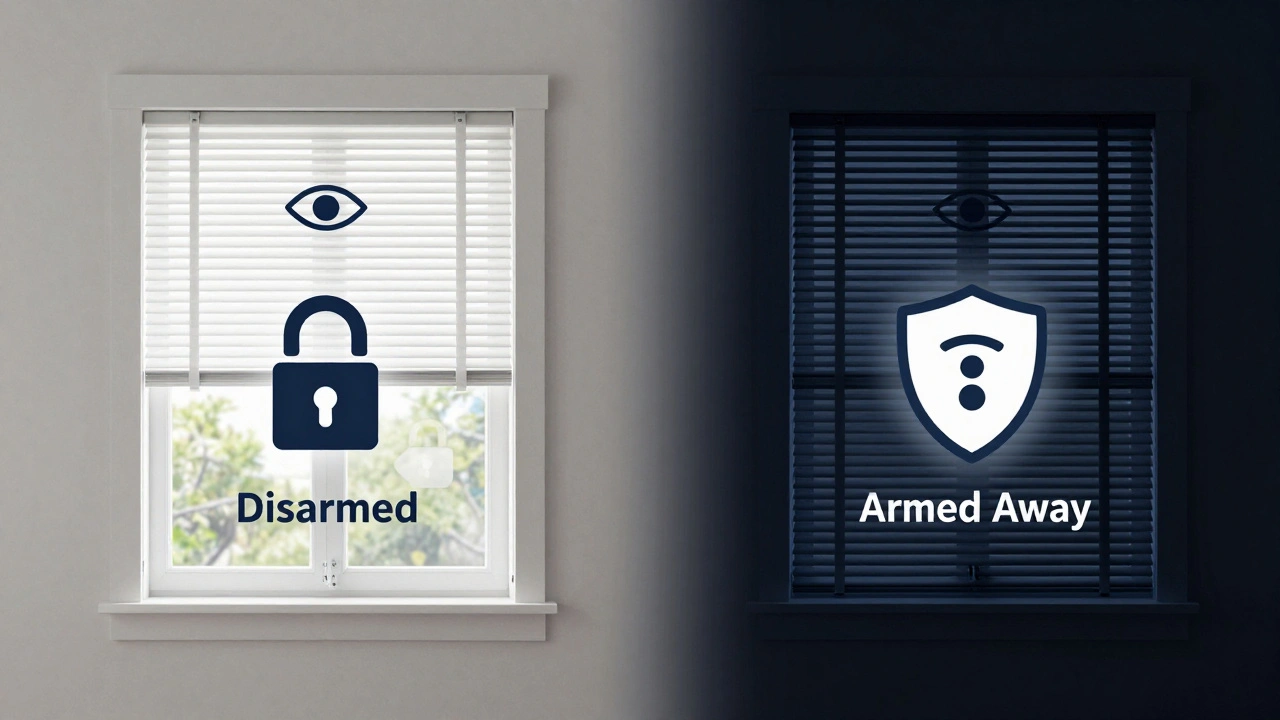
This is the most straightforward rule. When the alarm switches to "Armed Away," all ground-floor blinds close to 0%. This blocks visibility into high-risk areas like living rooms and bedrooms. You can set upper-story blinds to remain open if you want natural light, or close them too for maximum privacy.
2. The "Stay" Comfort Mode
When you arm the system in "Stay" mode (usually when you’re home but sleeping or watching TV), the logic changes. Instead of closing, blinds might adjust to a preset position-say, halfway down-to allow some light while maintaining privacy. Or, they might follow a sunset schedule regardless of the alarm state, ensuring consistency.
3. The Panic Override
If a glass-break sensor or entry detector trips, the alarm enters a panic state. In this scenario, you might want blinds to close immediately to obscure the view for any police response or to prevent further observation by an intruder who has breached the perimeter. This is a safety-first approach.
| Alarm State | Blind Action | Purpose | Recommended Speed |
|---|---|---|---|
| Disarmed | No Change / Open | Comfort & Light | N/A |
| Armed Stay | Preset Position (e.g., 50%) | Privacy while Home | Normal |
| Armed Away | Fully Closed | Deterrence & Privacy | Fast |
| Panic/Trip | Fully Closed | Safety Obscuration | Instant |
Choosing the Right Protocol: Z-Wave vs. Wi-Fi
The connection method matters more than you think. Wi-Fi blinds are easy to set up individually, but they struggle with complex automation involving multiple devices. If you have ten blinds trying to close simultaneously via Wi-Fi, you might experience lag or dropouts. This delay defeats the purpose of a security trigger.
Z-Wave or Thread protocols are superior for this task. They operate on mesh networks, meaning each device boosts the signal for others. When your hub sends a "close all" command, Z-Wave ensures every motor receives it almost instantly and confirms receipt. For security-critical actions, reliability trumps convenience. If you are starting fresh, prioritize Z-Wave Plus certified blinds and hubs.
Troubleshooting Common Integration Issues
Even with the best setup, things can go wrong. Here are the most frequent headaches users face and how to fix them.
The "Ghost" Arm: Sometimes, the alarm arms, but the blinds don’t move. This is often a connectivity issue between the alarm panel and the hub. Check if your hub is receiving the state change event. In Home Assistant, check the logs for missed updates. In Hubitat, verify the driver is still linked to the device.
Power Loss Glitches: If your blinds are battery-operated, a low battery can cause them to ignore commands. Set up low-battery alerts in your hub so you know which motors need attention before they fail during a critical moment. Hardwired blinds avoid this entirely but require professional installation.
Conflicting Routines: Did you set a sunrise routine to open blinds at 7 AM, but then armed your system for a late-night stay-at-home party? The alarm rule might override the time rule, or vice versa. Define priority levels in your automation software. Usually, security overrides should take precedence over comfort schedules.
Privacy and Legal Considerations
While automating blinds is legal, be mindful of local regulations regarding window treatments and neighborhood aesthetics. Some HOAs have rules about opaque coverings. Also, consider the psychological impact on neighbors. Sudden, erratic blind movements might draw unwanted attention. Smooth, gradual transitions are less noticeable and more aesthetically pleasing.
Furthermore, ensure your security system’s data is encrypted. If your hub is compromised, an attacker could theoretically disable your blinds’ security functions or monitor your habits through camera feeds linked to the same network. Use strong passwords, enable two-factor authentication, and keep your firmware updated.
Next Steps for Implementation
Start small. Pick one room with a high-value target, like a home office or master bedroom. Install a single Z-Wave blind motor and link it to your alarm’s "Away" state. Test it repeatedly. Does it close reliably? Is the speed appropriate? Once you are confident, expand to other rooms.
Consider adding a manual override switch. Even with automation, you might want to open a blind for a quick peek outside without disarming the entire system. A simple wall button or a dedicated scene in your app can provide this flexibility.
Finally, document your setup. Keep a list of device IDs, IP addresses, and automation rules. If you move or upgrade your system, having this documentation will save hours of troubleshooting.
Can I integrate smart blinds with SimpliSafe?
Yes, but indirectly. SimpliSafe does not natively support direct automation of third-party devices like blinds. You would need to use a bridge device such as Hubitat Elevation or Home Assistant, which can listen for SimpliSafe events via IFTTT or native integrations and then trigger your blinds.
Do smart blinds work during a power outage?
Battery-powered blinds will continue to function if the power goes out, provided the batteries are charged. However, if your hub loses power, it cannot send new commands. Hardwired blinds will stop working unless you have a UPS (Uninterruptible Power Supply) for your hub and wiring.
Is it better to use Wi-Fi or Z-Wave for blind integration?
Z-Wave is generally better for security integration. It offers lower latency, higher reliability, and a mesh network that strengthens itself. Wi-Fi can suffer from congestion and delays, especially when multiple devices activate simultaneously.
Will closing blinds automatically void my home insurance?
No, installing automated blinds does not void insurance. In fact, many insurers offer discounts for enhanced security features. Always check with your provider to see if integrating smart home security qualifies for a premium reduction.
How do I handle partial arming with blinds?
Define specific zones in your automation. For example, if only the perimeter is armed, close only the ground-floor blinds. If the whole house is armed, close all blinds. This requires your alarm system to support zone-specific states and your hub to interpret them correctly.