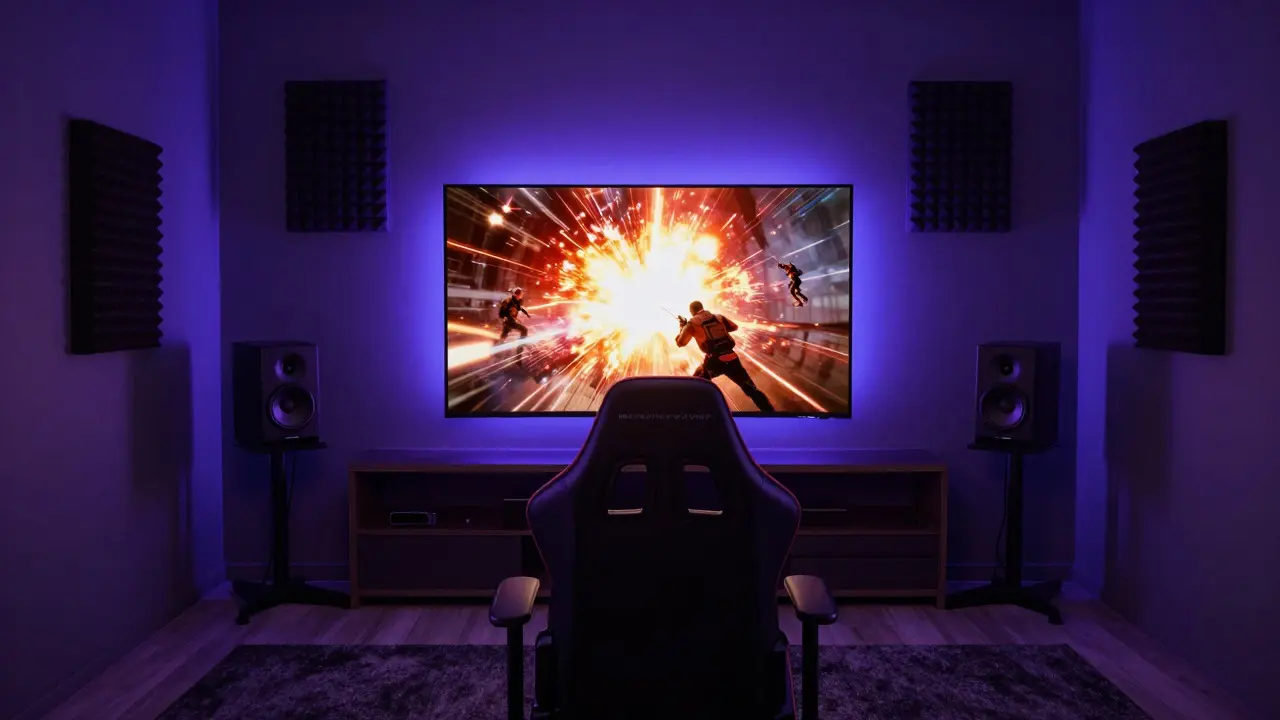
Imagine sitting down to play your favorite competitive shooter, only to have a delayed gunshot echo off the drywall or a bass-heavy explosion rattle your windows. It’s frustrating, right? A well-designed game room audio system isn't just about volume; it's about precision, clarity, and immersion that can actually improve your reaction times and spatial awareness. Most people treat their game room like an afterthought, slapping a TV on the wall and plugging in a soundbar. But if you want optimal performance, you need to treat this space as a dedicated control center. This guide breaks down how to build an environment where every footstep is heard, every notification is clear, and every cinematic moment hits hard without distortion. We’ll cover hardware selection, room acoustics, and the specific configurations that separate casual play from serious performance.
Defining Your Audio Goals: Competitive vs. Immersive
Before buying a single speaker, you need to know what kind of player you are. Your goal dictates your gear. There are two main paths here, and they require different approaches.
- Competitive Precision: If you play FPS (First-Person Shooters) or fighting games, you need pinpoint directional audio. You care more about high-frequency clarity and low latency than deep bass. A stereo setup with excellent imaging or a discrete 5.1 system often outperforms a bulky soundbar here.
- Cinematic Immersion: If you play RPGs, open-world adventures, or watch movies, you want envelopment. You need deep, rumbling bass and wide dynamic range. Here, a Dolby Atmos-enabled system with ceiling speakers or height channels becomes essential.
Hybrid players exist, but you have to prioritize. For most enthusiasts, a balanced 7.1.4 channel layout offers the best compromise, providing both positional accuracy and atmospheric depth.
Choosing the Right Hardware Components
The core of any setup is the signal chain. Let’s look at the critical components and why specific attributes matter.
| Component | Primary Function | Key Attribute for Gaming | Recommended Spec/Type |
|---|---|---|---|
| AV Receiver | Signal Processing & Amplification | Low Latency Mode, HDMI 2.1 Support | 7-9 Channel, 60W+ per channel |
| Speakers | Sound Reproduction | Fast Transient Response, Wide Dispersion | Bookshelf (Fronts), In-wall (Sides/Rears) |
| Subwoofer | Bass Extension | Quick Decay, High SPL Capability | 10-12 inch driver, Ported Enclosure |
| Headphones | Personalized Audio | Open-Back Design, Low Impedance | Planar Magnetic or Dynamic Drivers |
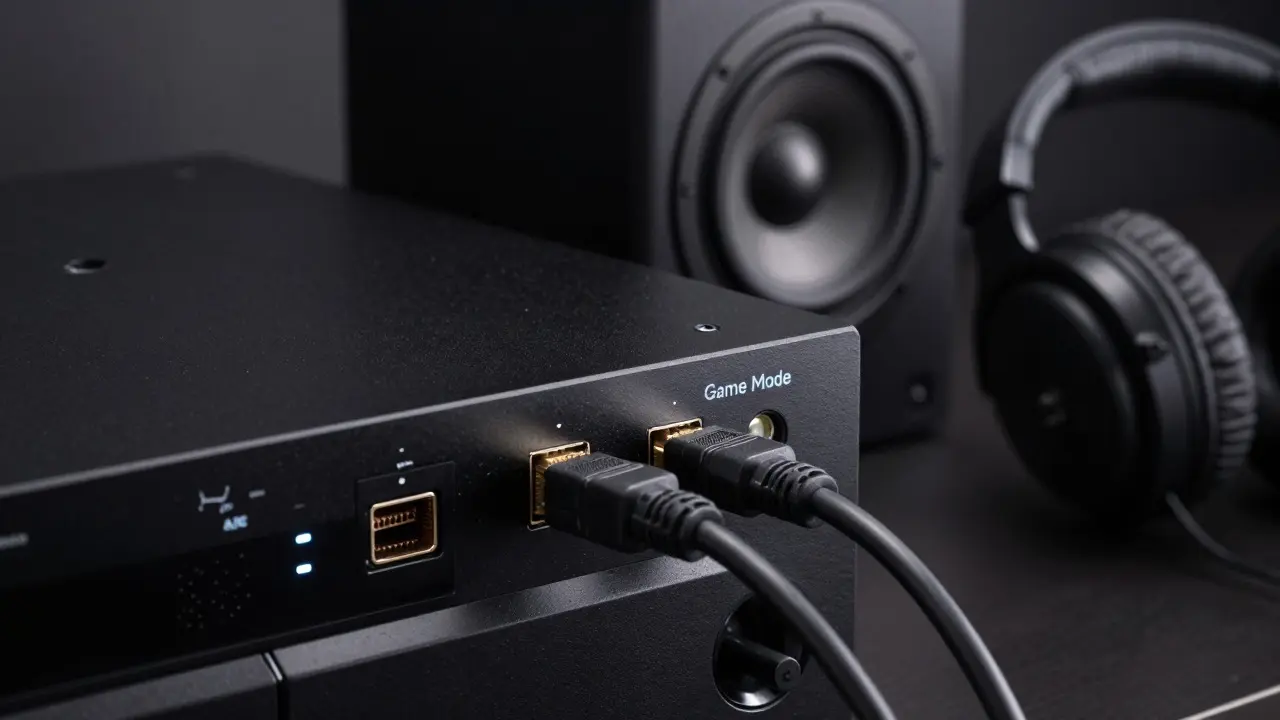
Your AV receiver is the brain of the operation. Look for models that explicitly support HDMI 2.1 with eARC. This ensures you can handle 4K/120Hz video signals without bandwidth bottlenecks while maintaining high-quality return audio. Cheaper receivers often introduce input lag, which can be fatal in fast-paced games. Always enable the "Game Mode" setting on your receiver to bypass unnecessary processing stages like virtualization when using direct stereo feeds.
For speakers, avoid large floor-standing towers in small rooms unless you have significant acoustic treatment. They tend to boom and muddy the mid-range. Instead, high-quality bookshelf speakers for the front left, right, and center positions offer tighter control. For side and rear channels, in-wall or in-ceiling speakers keep the visual clutter down and allow for precise placement relative to the listener's head.
Mastering Room Acoustics and Speaker Placement
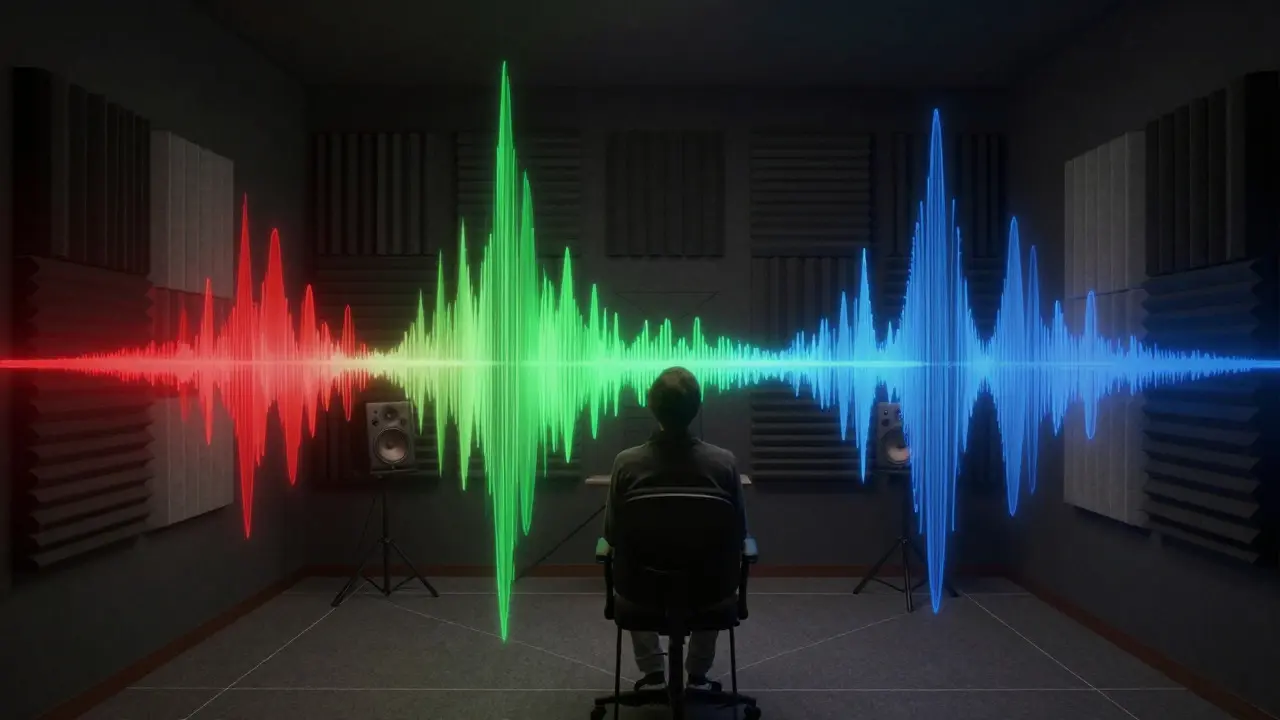
You can buy the best speakers in the world, but if your room fights against them, you’ll lose. Most home game rooms suffer from three acoustic problems: flutter echo, standing waves, and early reflections.
- Fix Flutter Echo: This is that metallic ringing sound you hear when you clap your hands in a tiled bathroom. In a game room, it happens between parallel bare walls. Place thick rugs, heavy curtains, or foam panels on one of the parallel walls to break up the reflection path.
- Treat Early Reflections: These are sounds that bounce off side walls before reaching your ears, causing phase cancellation and muddiness. Identify the first reflection points by placing a mirror on the side wall and sliding it until you see your ear in the mirror when looking at the speaker. Put absorption panels there.
- Control Standing Waves: Bass builds up in corners. If your subwoofer is in a corner, it will likely boost certain frequencies excessively. Use the "Sub Crawl" method: place your listening position at the sweet spot, put the subwoofer where you normally sit, and crawl around the room while playing a test tone. Find the spot where the bass sounds smoothest and move the subwoofer there.
Speaker placement follows the equilateral triangle rule for stereo fronts. The distance between the left and right speakers should equal the distance from each speaker to your listening position. Keep tweeters at ear level when seated. For surround channels, place them slightly above ear level and angled inward toward the listener, not outward toward the walls.
Calibration and Software Optimization
Hardware gets you 80% of the way there; calibration gets you the rest. Never skip the auto-calibration feature built into modern AV receivers. Tools like Audyssey, Dirac Live, or YPAO measure your room’s response and apply EQ curves to flatten the frequency response.
However, auto-calibration has limits. After running the process, manually adjust the following:
- Level Matching: Ensure all channels are at the same perceived loudness. The receiver’s calibration does this, but verify it with a pink noise track and a sound level meter app.
- Crossover Frequencies: Set the crossover point between your main speakers and subwoofer. A common starting point is 80 Hz, but adjust based on your speaker size. Smaller bookshelves might need a higher crossover (100-120 Hz) to relieve strain on their drivers.
- Dynamics Compression: Some games have extreme dynamic ranges. If explosions are too jarring compared to dialogue, use the receiver’s dynamic compression feature to narrow the gap slightly.
On the software side, check your console or PC settings. On PlayStation and Xbox, ensure you’re outputting uncompressed PCM or Dolby Digital TrueHD rather than compressed formats if your receiver supports them. On PC, use DirectSound or WASAPI exclusive mode for lowest latency, though this disables Windows mixing features. For gamers using Discord or TeamSpeak, route voice chat through the same audio device as your game audio to maintain consistent spatial positioning.
Lighting and Visual Integration
Audio doesn’t exist in a vacuum. Visual cues heavily influence how we perceive sound. This is known as the McGurk effect. If your lighting clashes with the mood of the game, your brain struggles to integrate the sensory input.
Install bias lighting behind your TV or monitor. This reduces eye strain and prevents the dark areas of the screen from making the bright areas seem harsher. Use smart bulbs that can sync with your media player via apps like LIFX or Philips Hue. When the game goes dark, dim the room lights to match. When action explodes, let the ambient light pulse subtly. This creates a cohesive sensory bubble that enhances immersion without distracting from the gameplay.
Also, consider cable management. Tangled HDMI cables can cause signal dropouts. Use active fiber optic HDMI cables for runs longer than 15 feet to ensure stable 4K/120Hz transmission. Label every port on your receiver so you don’t have to guess which input corresponds to your PC versus your console during quick switches.
Maintenance and Troubleshooting Common Issues
Even the best setups degrade over time. Dust accumulates on ports, firmware updates can change behavior, and connections loosen.
- Check Firmware Regularly: Manufacturers release updates that fix bugs related to HDMI handshake issues or audio dropouts. Schedule these updates for weekends when you aren’t competing online.
- Inspect Speaker Wires: Oxidation at the binding posts can cause crackling noises. Clean the terminals with a contact cleaner every six months.
- Monitor Temperature: AV receivers generate heat. Ensure ventilation gaps are clear. Overheating causes thermal shutdowns, which interrupt long gaming sessions.
If you experience audio lag, check your display settings first. Many TVs have a default "Movie Mode" that adds motion smoothing, increasing latency. Switch to "Game Mode" on your TV and receiver simultaneously. If the issue persists, try a different HDMI cable to rule out a faulty connection. Finally, remember that no amount of gear can fix a poorly ventilated room. Fresh air keeps your electronics cool and your mind sharp for longer sessions.
Do I need a subwoofer for competitive gaming?
Not necessarily. Competitive players often prefer a tight stereo image for directional cues. However, a small, fast subwoofer can help with impact feedback in shooters without muddying the mid-range. If you choose one, keep it under 10 inches and set the crossover high.
What is the best cable type for long-distance HDMI runs?
For distances over 15 feet, use certified Ultra High Speed HDMI cables or active fiber optic HDMI cables. Standard copper cables struggle to maintain 4K/120Hz signals over long distances, leading to flickering or black screens.
Should I use headphones or speakers for ranked matches?
It depends on your priority. Headphones offer superior isolation and detail, making them ideal for solo focus. Speakers provide shared social experiences and better environmental immersion. Many pros use open-back headphones for maximum airflow and clarity during long sessions.
How do I reduce echo in a room with hard surfaces?
Add soft furnishings like area rugs, upholstered furniture, and heavy drapes. If budget allows, install acoustic foam panels or broadband absorbers on the primary reflection points. Breaking up parallel hard surfaces is key to eliminating flutter echo.
Does the brand of my AV receiver matter more than the price?
Price usually correlates with build quality and feature sets, but brand reputation matters for reliability. Look for brands with strong support for gaming features like low-latency modes and robust HDMI 2.1 implementation. Read recent reviews focusing on gaming performance rather than general movie playback.