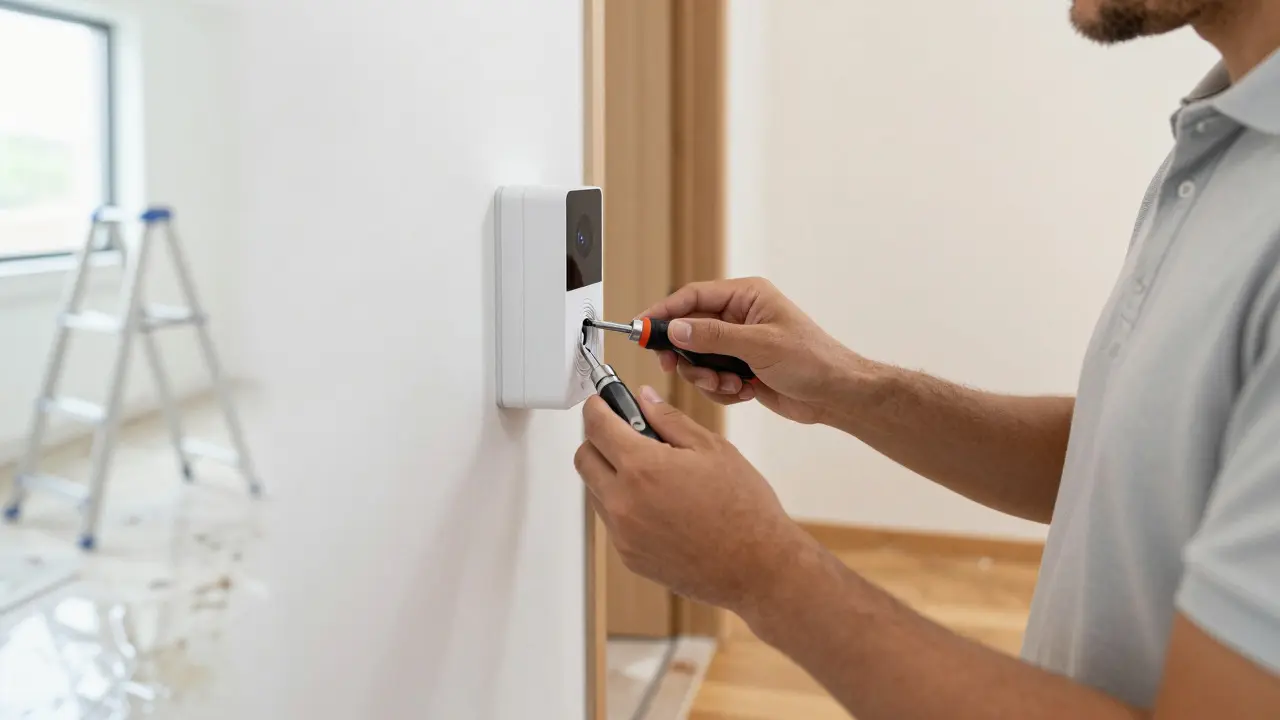
Imagine this: you spend three hours installing a complex video doorbell system for a client. Everything looks perfect. The Wi-Fi connects, the camera works, and the homeowner is thrilled. Two weeks later, they slip on the wet tile where your ladder stood, or their smart thermostat accidentally locks them out of their own house during a heat wave. Suddenly, that $800 job turns into a $15,000 lawsuit. This isn't just bad luck; it's a gap in liability planning. For professionals doing in-home technology work, the risks are unique because you’re bringing high-value electronics into someone’s personal living space, often with limited supervision.
Most tech pros start with general business insurance, but that rarely covers the specific pitfalls of residential installations. You need a strategy that protects your wallet, your reputation, and your freedom to do the job you love without fear of one bad day wiping out your savings. Let’s break down exactly what you need to cover, how much it costs, and how to structure your contracts so you’re not left holding the bag when things go sideways.
The Unique Risks of Working Inside Someone’s Home
Working in an office or data center is predictable. You have controlled environments, standard power outlets, and clear pathways. In a home, nothing is standard. Every residence has different wiring ages, different floor types, and different pet habits. When you bring In-Home Technology the installation and maintenance of smart devices, networking equipment, and audio-visual systems within a residential setting into this mix, you introduce several distinct liability vectors.
- Property Damage: It’s easy to scratch a hardwood floor, chip a drywall corner, or knock over a family photo frame. These seem minor, but if the "frame" was a $500 antique, your payout changes drastically.
- Personal Injury: Clients walk around while you work. If a cable dangles low and trips them, or if a ladder slips, you’re liable for medical bills.
- Data Breach: If you install a smart lock and leave the default password, or if your laptop gets stolen from their garage containing client lists, you face data security claims.
- Warranty Disputes: Did you void the manufacturer warranty by opening the device? If the device fails six months later, the client blames you, not the manufacturer.
These aren't hypotheticals. They happen weekly to small tech firms. The key difference between a manageable hiccup and a financial disaster is whether you had the right policy in place before you picked up your screwdriver.
Core Insurance Policies Every Tech Pro Needs
You don’t need ten different policies, but you do need three core layers of protection. Think of these as your safety net. Without all three, there’s a hole in the net.
General Liability Insurance (GL)
This is your baseline. General Liability Insurance a type of commercial insurance that covers third-party bodily injury, property damage, and personal/advertising injury covers the basics: if you trip the client or scratch their wall. Most quotes for a solo installer range from $400 to $800 per year for $1 million in coverage. It sounds like a lot, but remember, a single broken TV can cost $2,000, and a lawsuit costs far more than the premium.
Professional Liability (Errors & Omissions)
This is where many tech pros get burned. General liability doesn’t cover mistakes in your *work*. If you configure a network wrong and the client loses two days of business revenue, GL won’t pay. Professional Liability Insurance coverage for financial loss resulting from professional negligence, errors, or omissions in service delivery covers this. It protects against claims that you didn’t do your job correctly. For in-home tech, this is crucial because "correctly" is subjective to the client. Expect to pay $500 to $1,500 annually depending on your revenue volume.
Commercial Auto and Tool Coverage
Your van is your mobile office. Personal auto insurance usually excludes business use. If you crash while driving to a job, your car might be totaled, and you’d owe the client for the delayed project. Commercial auto insurance fixes this. Additionally, consider a tool floater or blanket inventory coverage. If a thief breaks into your truck and steals $3,000 worth of crimpers, drill bits, and routers, you want that covered.
| Policy Type | What It Covers | Typical Annual Cost (Solo) | Critical Gap If Missing |
|---|---|---|---|
| General Liability | Physical accidents, property damage, client injuries | $400 - $800 | Unpaid repair bills for scratched floors or broken screens |
| Professional Liability | Negligence, bad configuration, missed deadlines | $500 - $1,500 | Client sues for lost time due to your setup error |
| Commercial Auto | Van accidents, cargo theft | $1,500 - $3,000 | No coverage if you crash while en route to a job |
| Tool/Inventory Floater | Stolen or damaged equipment | $200 - $500 | Out-of-pocket replacement for expensive gear |
Structuring Contracts to Limit Exposure
Insurance pays the bills, but contracts prevent the bills from happening in the first place. Your paperwork is your first line of defense. Never start a job without a signed agreement that clearly defines scope and limits.
Here are four non-negotiable clauses for in-home tech work:
- Scope of Work Definition: Be hyper-specific. Don’t say "install Wi-Fi." Say "Install one mesh node in the living room and one in the master bedroom, providing signal strength above -65dBm at both points." Vague descriptions invite disputes.
- Pre-Existing Condition Waiver: Include a clause stating that pre-existing damage to walls, floors, or devices is the homeowner’s responsibility. Take photos of the room before you start working. Keep them in the client file.
- Limitation of Liability: Cap your total liability at the value of the contract. If you charge $500 for labor, your max payout should ideally be $500 unless gross negligence is proven. This prevents a $500 job from turning into a $50,000 lawsuit.
- Warranty Transfer: Clarify that manufacturer warranties remain with the manufacturer. State that your workmanship warranty covers only your installation labor for 90 days, not the hardware itself.
Using a template is fine, but review it annually. As Smart Home Devices connected household appliances and systems that can be controlled remotely via internet protocols evolve, so do the risks. Newer devices have more software dependencies, meaning more potential for "it doesn't work" claims that aren't actually hardware failures.
Navigating Data Privacy and Cyber Risks
We often forget that we handle sensitive data. When you install a security camera, you see inside their house. When you set up a server, you access their files. If you lose a laptop containing client passwords, you’ve breached their trust. While full-scale cyber insurance is expensive for small shops, you can mitigate risk through process.
Always use encrypted drives for any client data stored on your devices. Use a password manager rather than writing credentials on sticky notes. And, critically, get written permission to access their networks. If you change a router setting and cut off their Netflix subscription, having a signed waiver saying "Tech provider authorized to modify network settings" saves you from a petty dispute. For larger projects involving multiple users or business-in-home setups, consider adding a rider to your professional liability policy that specifically addresses data handling errors.

Common Pitfalls That Void Your Coverage
Having insurance is useless if you violate the terms. Here are the most common ways tech pros end up paying out of pocket despite having a policy:
- Subcontractor Issues: If you hire a helper who isn't listed on your policy, and they break something, you might not be covered. Ensure all employees and regular subcontractors are added to your GL policy.
- Failure to Disclose: If you start doing custom cabinet builds alongside your tech installs, tell your insurer. If they find out later after a claim, they can deny the payout for "material misrepresentation."
- Delayed Reporting: Most policies require you to report a claim within a certain timeframe (often 30 days). If a client scratches their floor and complains three months later, check your policy deadline immediately.
- Working Without a Contract: Many insurers require proof of a written contract for professional liability claims. If you did the job verbally, proving the agreed-upon scope becomes a battle.
Practical Steps to Protect Your Business Today
You don’t need to overhaul your entire business model overnight. Start with these actionable steps to tighten your risk profile.
First, audit your current coverage. Call your agent and ask specifically: "Does my policy cover professional negligence for software configuration errors?" Get the answer in writing. Second, update your contract templates. Add the limitation of liability clause and the pre-existing condition waiver. Third, create a simple checklist for every job site visit. This checklist should include: taking photos of the area before work, confirming the client’s name and address, and verifying the specific devices being installed. Finally, set aside a small emergency fund separate from your operating capital. Even with insurance, deductibles exist. Having $2,000 set aside for immediate repairs or legal fees keeps you calm when the unexpected happens.
Protecting yourself isn't about being paranoid. It’s about respecting the complexity of the work you do. By combining the right insurance policies with clear contracts and disciplined processes, you turn potential disasters into manageable administrative tasks. Your clients will appreciate the professionalism, and you’ll sleep better knowing that one bad day won’t end your career.
How much insurance do I really need for a solo tech installer?
For most solo installers, $1 million in General Liability and $1 million in Professional Liability is the standard recommendation. However, if you work with high-net-worth clients or handle large corporate home offices, consider increasing to $2 million. The cost difference is often minimal compared to the risk exposure.
Does homeowner's insurance cover damage caused by my installation?
Usually, no. Homeowner's insurance typically covers accidental damage by the homeowner or guests, not professional contractors. Once you sign a contract, you become a contractor. Relying on their policy is risky. Always carry your own General Liability insurance to cover property damage you cause.
What if a client claims I broke their Wi-Fi, but it was already slow?
This is where documentation saves you. Before starting work, run a speed test and save the screenshot. Note the existing ISP plan and modem age. If the slowness persists after your work, show the client the before-and-after data. If you had a clear scope of work defining that you were only replacing hardware, not optimizing the ISP connection, you have strong grounds to dismiss the claim.
Is it worth buying cyber insurance for a small tech firm?
It depends on your client base. If you primarily serve families with basic smart plugs, the risk is low. But if you manage servers, NAS drives, or business-critical networks for home offices, yes. A breach could lead to lawsuits for lost business income. Check if your Professional Liability policy includes a cyber rider; if not, quote a standalone policy.
How do I handle a situation where a client refuses to sign a contract?
Treat it as a red flag. You can proceed, but raise your price to account for the increased risk. Alternatively, require a 50% deposit upfront and keep detailed records of all verbal agreements via email confirmation. Send a summary email after the call: "As discussed, we will install X, Y, and Z. Please reply 'Confirmed' to approve." This creates a paper trail even without a formal contract.