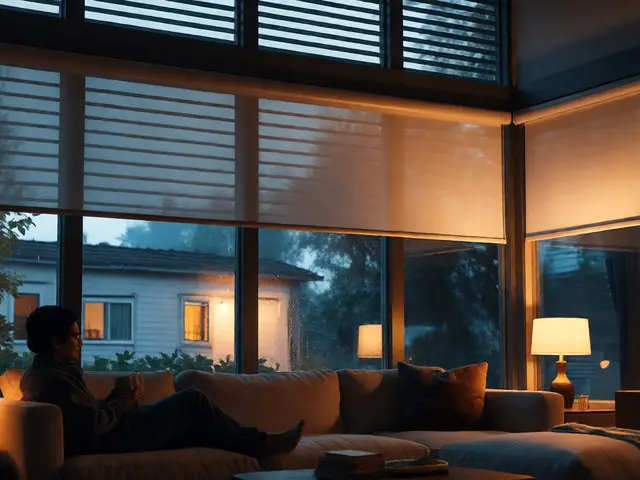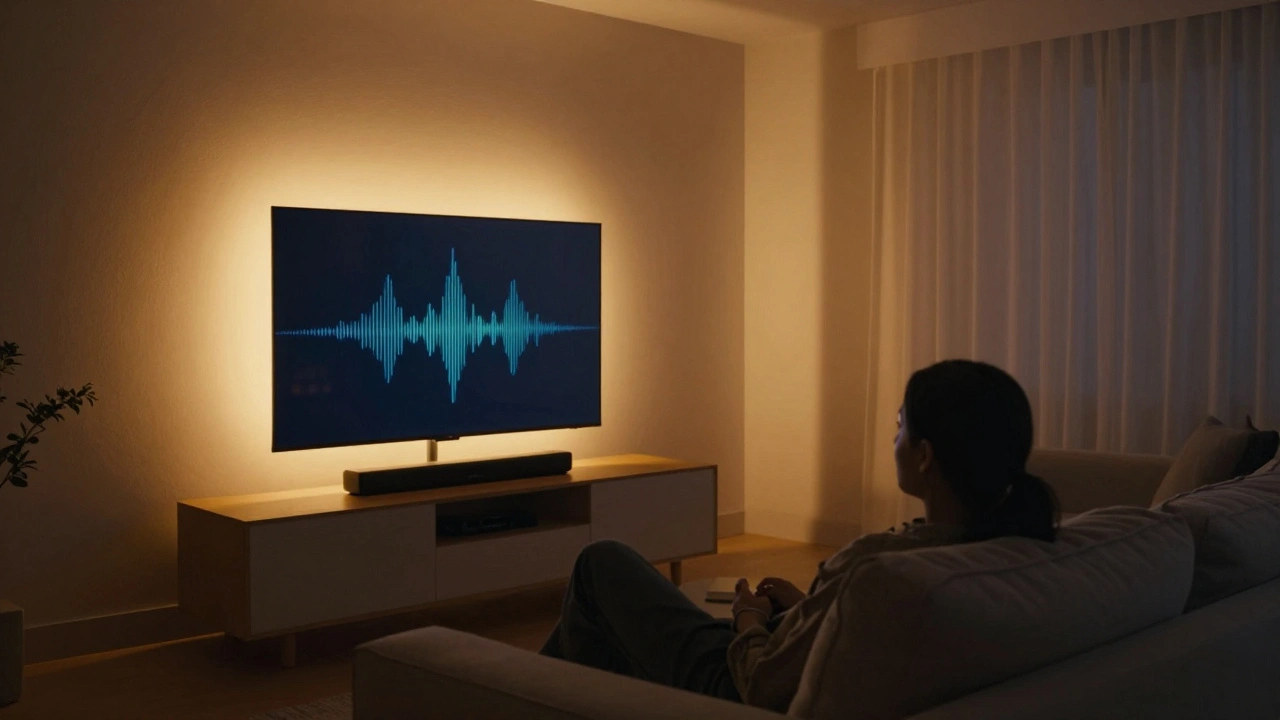
Imagine coming home after a long day. You sit down on the couch, say "Hey TV, play my favorite movie," and instantly the lights dim to a warm amber, the bass from your speakers rumbles just right, and a soft glow follows the action on screen. This isn’t sci-fi. It’s what happens when smart lighting and audio systems talk to each other - and it’s easier to set up than you think.
Why Lighting and Audio Belong Together
Most people treat smart lights and smart speakers like separate gadgets. You control lights with one app, audio with another. But that’s like having a TV without sound - or a stereo without a remote. The real magic happens when they work as one system.
Think about watching a thriller. When the screen goes dark, the lights should too. When a car chase kicks in, the bass should shake the room just enough to feel real. During a quiet scene, a soft blue glow might pulse gently on the walls. These aren’t just effects. They’re emotional cues your brain responds to - and they’re proven to increase immersion.
Studies from the University of Oregon’s Media Lab show that synchronized lighting and sound can boost perceived audio quality by up to 37% and make viewers feel 52% more engaged. That’s not magic. It’s science. And it’s now built into consumer tech.
What You Need to Get Started
You don’t need a full smart home overhaul. Just three things:
- A central hub that connects your devices (like Apple HomeKit, Google Home, or Amazon Alexa)
- Smart lights that support color and brightness control (Philips Hue, Nanoleaf, or LIFX)
- Smart speakers or a soundbar with voice control (Sonos, Apple HomePod, or Google Nest Audio)
Most of these devices already talk to each other. You just need to teach them how to act as a team.
For example, Philips Hue lights work natively with Alexa. Sonos speakers respond to Google Assistant. Apple HomePod and HomeKit lights sync flawlessly if you’re in the Apple ecosystem. The trick isn’t buying expensive gear - it’s picking gear that speaks the same language.
Step-by-Step: Setting Up Your First Scene
Let’s build a movie night scene. You’ll need:
- Open your smart home app (HomeKit, Google Home, or Alexa app)
- Create a new "Routine" or "Automation" called "Movie Night"
- Set the trigger: "When I say, 'Hey Google, start Movie Night'" or "When the TV turns on"
- Add actions:
- Turn off all ceiling lights
- Set Hue strips behind the TV to warm amber at 20% brightness
- Lower the speaker volume to 65%
- Start the movie on your streaming device (if your TV supports it)
Save it. Test it. That’s it.
Now, here’s the upgrade: Add motion. If you have a motion sensor near the couch, set it to dim the lights further if you’ve been still for more than 10 minutes. Or, if you get up to grab a snack, the lights gently brighten to guide you - then fade back when you sit down.
Advanced Sync: Lighting That Reacts to Sound
Want to go beyond basic scenes? Try sound-reactive lighting.
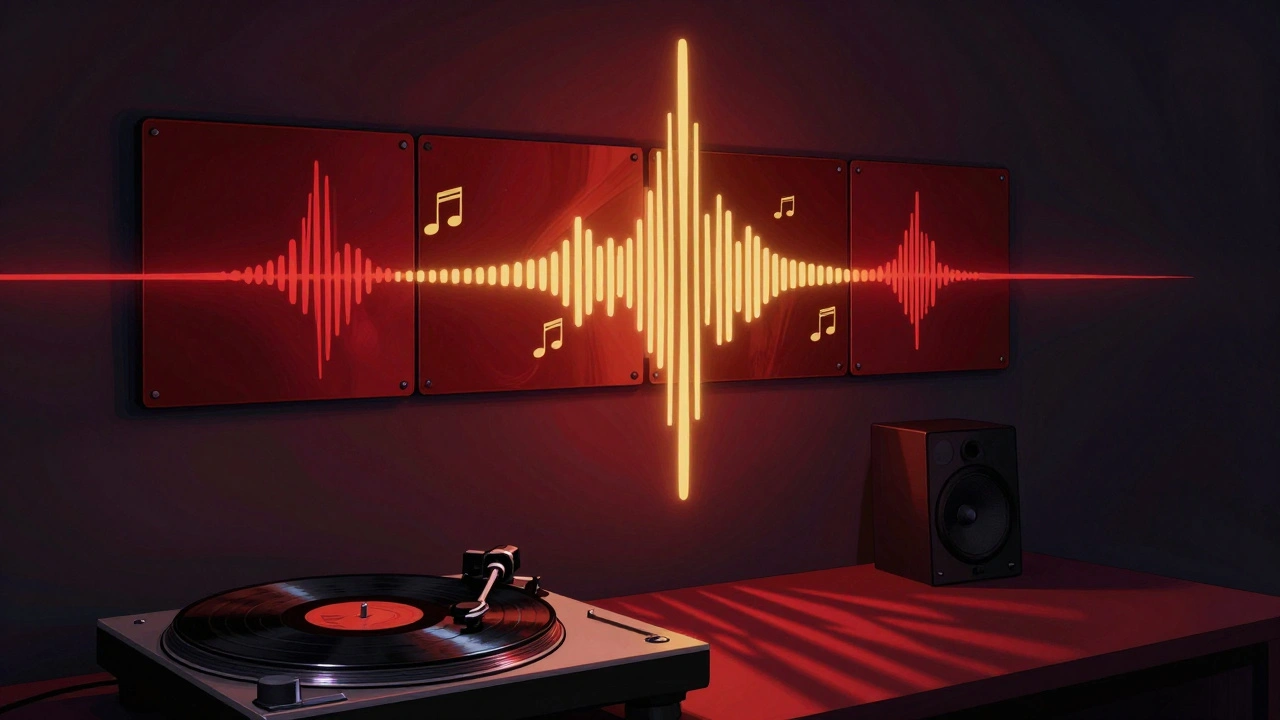
Some systems - like Nanoleaf’s Canvas or Philips Hue Sync Box - can analyze audio in real time and make lights pulse, flash, or change color with the beat. It’s not just for parties. Try it with your favorite album. The lights don’t just follow the music - they amplify it.
How it works: The system picks up the audio signal from your speaker (via Bluetooth or a USB cable), analyzes the frequency and volume, then maps it to color and brightness changes. A deep bass hit turns the lights red. A high note flares white. It’s like having a visual DJ.
Set it up in your living room for music nights. Use it in your bedroom for wind-down playlists. It works even if you’re not streaming - any audio from your phone, TV, or turntable will trigger the lights.
Common Mistakes to Avoid
People make the same three mistakes over and over:
- Using too many colors. Bright purple and neon green during a drama? It’s distracting. Stick to one or two tones that match the mood. Warm tones for movies, cool blues for relaxation.
- Ignoring delays. If your lights turn off 2 seconds after your speaker stops, it feels broken. Check your automation delay settings. Most apps let you adjust response time - aim for under 0.5 seconds.
- Forgetting manual control. If you can’t turn off the lights with a button, you’ll hate the system. Always keep a physical switch or app shortcut handy.
Test your setup for a week. If it feels like more work than fun, simplify it. Less is more.
Real-World Use Cases
Here’s what this looks like in real homes:
- Game nights: When you’re playing a fast-paced shooter, the lights flash red with every explosion. When you’re exploring a quiet forest level, they shift to deep green. A friend in Seattle says this made his PS5 sessions feel like being inside the game.
- Morning coffee: Lights slowly brighten over 15 minutes as your playlist starts. No alarm needed. Just warmth and music.
- Movie marathons: Lights dim between films, then gently cue up again 30 seconds before the next one starts. No one has to get up to turn anything off.
One family in Portland (yes, right here) set up their system to mimic sunset during bedtime stories. The lights slowly shift from white to orange, while a calming audiobook plays. Their 5-year-old falls asleep faster than ever.
What Happens When It Breaks?
It will. Systems glitch. Wi-Fi drops. Updates break things.
Don’t panic. Always have a fallback:
- Keep your lights on a regular dimmer switch - you can still turn them on manually.
- Use a simple timer for lights if your hub goes offline.
- Set up a "no automation" mode in your app. One tap turns off all smart triggers.
And if your system stops syncing? Reboot the hub. Wait 30 seconds. Reconnect the lights and speaker. Most issues fix themselves after a reset.
What’s Next? The Future Is Seamless
Right now, you’re syncing lights and sound. In a year, your system will sense your mood.
New devices are starting to use voice tone analysis and even heart rate monitors (built into smart TVs and wearables) to adjust lighting and audio automatically. If you’re stressed, the lights soften and the music lowers. If you’re excited, they ramp up.
But you don’t need to wait. What you have today - a smart speaker, a few bulbs, and a little patience - is enough to transform your home into an experience, not just a space.
Do I need expensive gear to sync lighting and audio?
No. You can start with just a smart speaker like an Amazon Echo Dot ($30) and a single Philips Hue bulb ($15). Use the Alexa app to create a routine that turns the light on when the speaker plays music. You don’t need a full setup to feel the difference.
Can I use smart lighting with my existing sound system?
Yes. If your sound system has Bluetooth or Wi-Fi (like Sonos, Bose, or even a smart TV), you can connect it to your smart home hub. Then, use that hub to trigger your lights. Even older systems with a 3.5mm jack can work - just plug in a Bluetooth transmitter and pair it with your smart speaker.
Will this use a lot of electricity?
Not really. Smart LEDs use about 8-12 watts each - less than a traditional nightlight. Even running 10 bulbs and a speaker for 4 hours a day adds less than $5 a month to your bill. The energy savings from turning off overhead lights more often usually offset the cost.
Can I sync lighting for multiple rooms?
Absolutely. Most hubs let you group rooms. Set up a "Living Room + Kitchen" zone for dinner parties, or a "Bedroom + Hallway" zone for nighttime routines. You can even have different lighting moods in each room that play together - like a slow fade from warm to cool as you move from one space to another.
What if I don’t want to use voice commands?
You don’t have to. You can trigger scenes with a button on your phone, a smart switch on the wall, or even your TV remote if it supports HDMI-CEC. Many people set up a "Movie Mode" button on their home screen that does everything at once - no voice needed.