You don't need to own your walls to make your apartment feel like the future. In fact, the best smart home setups for renters are often simpler, cheaper, and more flexible than those in owned homes. The key is avoiding anything that requires drilling into drywall, replacing light fixtures, or installing hardwired sensors. Instead, you focus on battery-powered gadgets, plug-in hubs, and apps that work out of the box. This guide breaks down exactly what works, what doesn't, and how to set it all up without breaking a sweat-or your lease.
Why Renters Should Care About Smart Tech
Many people think smart home technology is only for homeowners who can afford renovations. That's a myth. Renters actually have a unique advantage: portability. When you move, you take your setup with you. A hardwired security system stays behind; a battery-powered door sensor goes in your suitcase. Plus, smart devices can help you save money on energy bills, which matters when you're paying rent. For example, a smart thermostat can lower heating costs by 10% to 15% if programmed correctly. You also get peace of mind knowing your place is secure even when you're at work or traveling.
The Core Rule: No Drills, No Damage
The golden rule for renter-friendly tech is simple: if it needs a screwdriver, think twice. Landlords usually require you to restore the property to its original condition. Small holes from nails are often forgiven, but large holes from mounting brackets are not. So, prioritize these three installation methods:
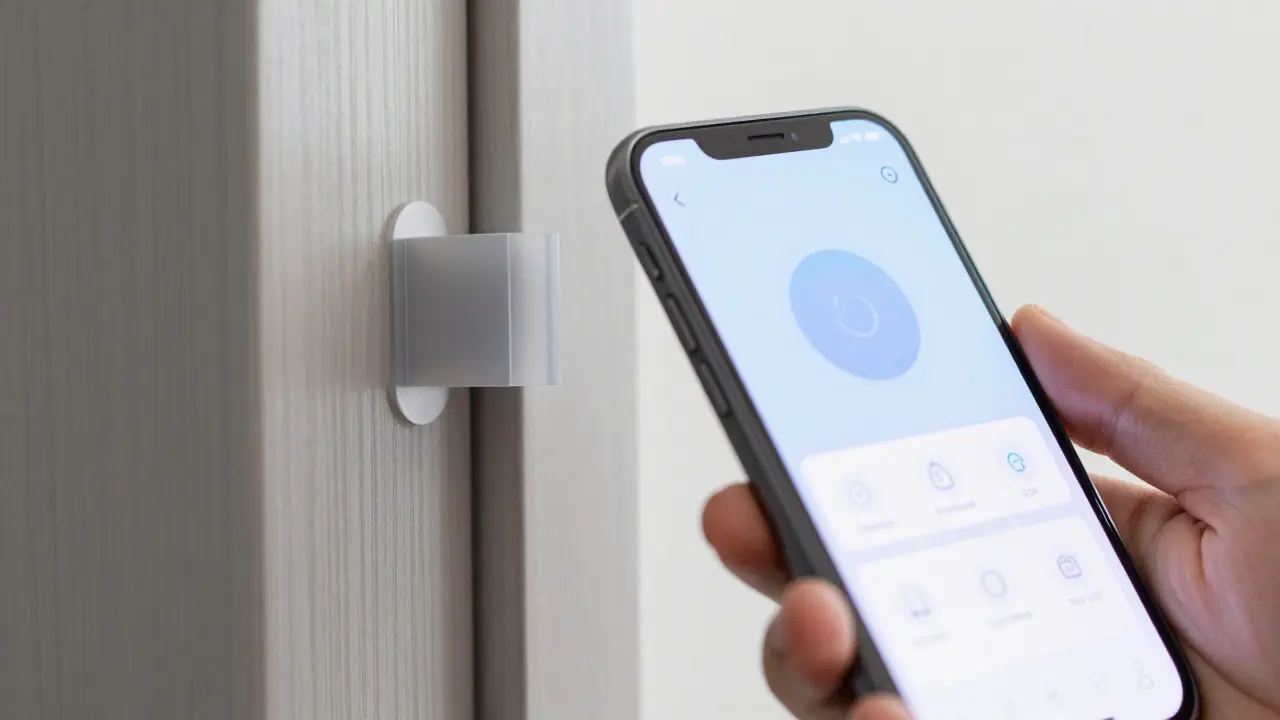
- Adhesive Mounts: 3M Command strips or similar removable adhesives work great for small devices like cameras or sensors.
- Plug-and-Play: Anything that plugs directly into an outlet or uses batteries is ideal.
- Freestanding: Devices that sit on shelves, desks, or floors without needing wall anchors.
Avoid devices that require recessed lighting replacements or hardwired electrical changes. If a device needs a professional electrician, it's probably not worth the hassle unless your landlord explicitly approves it.
Top No-Drill Smart Devices for Apartments
Here are the specific categories of devices that fit perfectly into rental spaces. Each one offers high value without permanent commitment.
Smart Plugs and Outlets
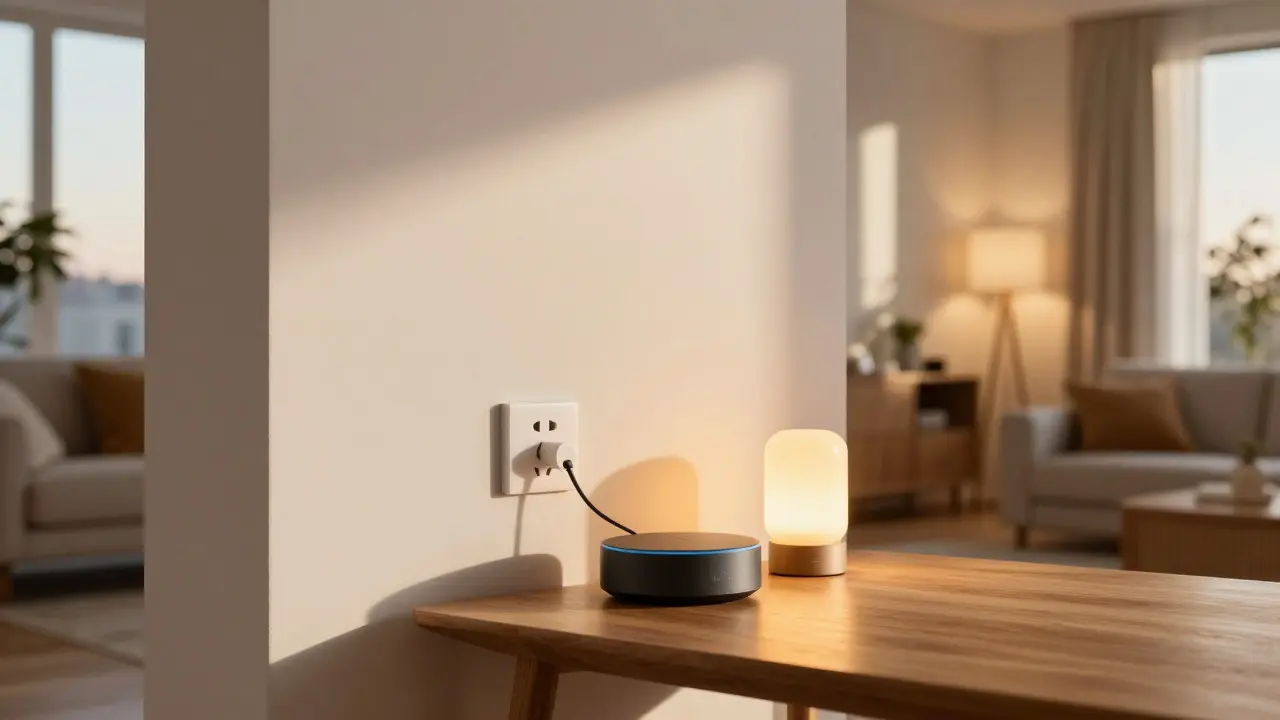
Smart Plugs are small adapters that turn any appliance into a controllable device via Wi-Fi. They cost between $10 and $25 each. You can control lamps, fans, coffee makers, or space heaters from your phone. This is the easiest entry point into automation. For example, you can set a lamp to turn on at sunset automatically, creating a cozy vibe without lifting a finger. Just make sure the plug fits your outlet type (standard US outlets are fine).
Video Doorbells and Peepholes
Installing a traditional video doorbell often requires wiring. However, wireless options exist now. Look for models that use adhesive mounts and rechargeable batteries. These let you see who's at the door from anywhere. If your building has an intercom system, check if it supports app integration before buying. Otherwise, a standalone wireless doorbell camera is a safer bet. It sits on your porch or balcony railing, requiring no structural changes.
Smart Locks
This is the most debated topic for renters. Some landlords love them; others hate them. Before buying a Smart Lock, a lock mechanism that allows keyless entry via code, app, or biometrics, ask your landlord for written permission. Many modern apartments come with compatible deadbolts. If yours does, a smart lock retrofit is easy. It replaces the internal mechanism but keeps the exterior look. The benefit? You never lose keys again, and you can give temporary access to cleaners or guests. Just remember to reset the codes when you move out.
Lighting Solutions
Forget changing light fixtures. Instead, use smart bulbs that screw into existing sockets. Brands like Philips Hue or LIFX offer color-changing LEDs that work with standard E26 bases. You can dim them, change colors, and set schedules. For rooms where you can't touch the fixture, use smart string lights or LED strips that stick to furniture or ceilings with adhesive. They’re perfect for bedrooms or living rooms and completely removable.
Setting Up Your Hub: The Brain of Your Home
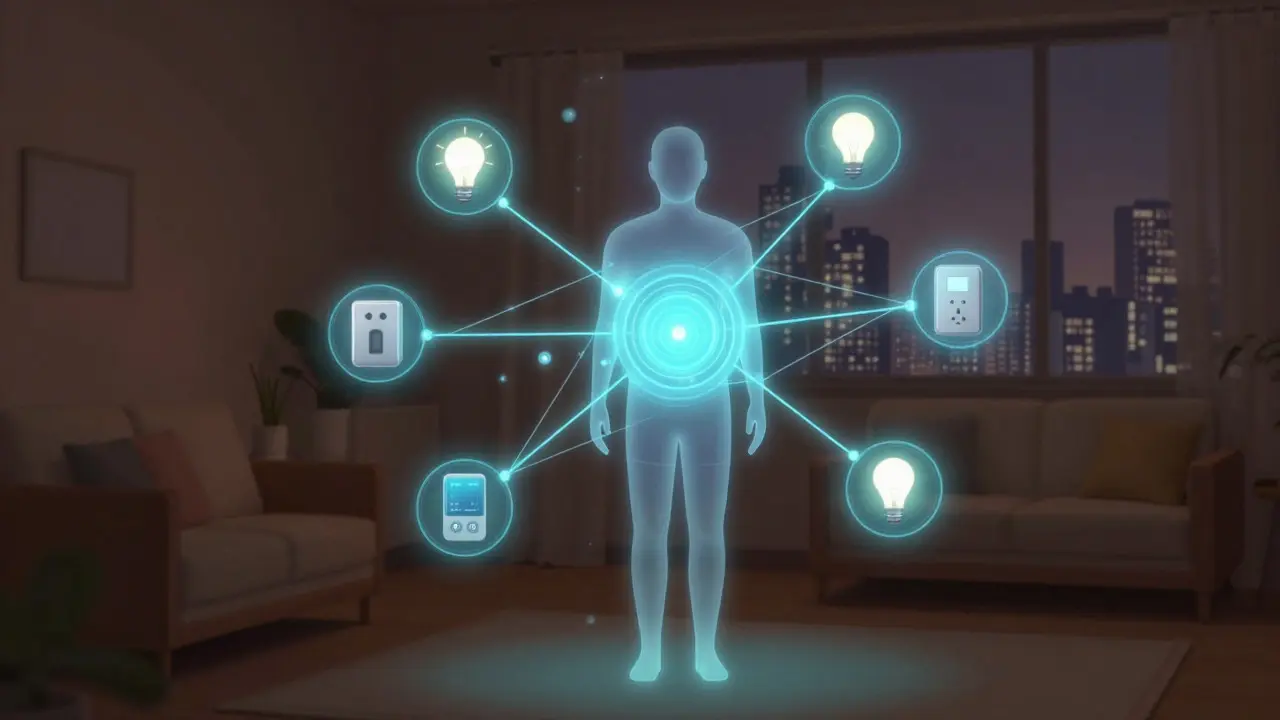
To make all these devices talk to each other, you need a hub. A hub acts as the central controller. Without one, every device might require its own app, which gets messy fast. Popular options include Amazon Echo, Google Nest Hub, or Apple HomePod. These act as both voice assistants and smart home controllers. Place the hub in a central location with good Wi-Fi signal. Since they’re freestanding, you can move them easily when you relocate. Make sure your Wi-Fi router supports 2.4GHz bands, as most smart devices still rely on this frequency for stability.
Energy Saving Tips for Renters
Smart tech isn't just about convenience; it's about efficiency. Here’s how to cut costs:
- Automate Heating/Cooling: Use a smart thermostat (if allowed) or smart plugs on space heaters. Set them to lower temperatures when you're away.
- Monitor Usage: Some smart plugs show real-time energy consumption. Identify "vampire" appliances that drain power while idle.
- Daylight Scheduling: Program lights to turn off during daylight hours to reduce electricity usage.
According to the U.S. Department of Energy, smart thermostats can save households about $180 per year on utility bills. Even if you only use smart plugs for two or three devices, you’ll likely see a noticeable drop in your monthly bill within a few months.
Security Without Surveillance Stress
Privacy is a big concern in apartments. You don’t want cameras pointing at neighbors’ windows. Stick to indoor-facing cameras or doorbell cams with adjustable angles. Enable local storage options if available, so footage doesn’t always go to the cloud. This reduces subscription fees and privacy risks. Pair this with motion sensors on doors and windows. These small battery-operated devices alert you if someone opens a window after you’ve locked up. They’re cheap, quiet, and effective.
| Device Type | Installation Method | Approximate Cost | Portability Level |
|---|---|---|---|
| Smart Plug | Plug-in | $10 - $25 | High |
| Smart Bulb | Screw-in | $15 - $40 | High |
| Wireless Doorbell | Adhesive/Mount | $50 - $150 | Medium |
| Smart Lock | Internal Replacement | $100 - $250 | Low (Check Lease) |
| Motion Sensor | Adhesive/Battery | $10 - $20 | High |
Common Mistakes to Avoid
Don’t buy too many devices at once. Start with one room. Test the Wi-Fi strength in that area before purchasing. If the signal is weak, consider a mesh network extender rather than adding more devices that will struggle to connect. Also, avoid proprietary systems that don’t support standard protocols like Matter or Zigbee. These open standards ensure your devices will work together, even if you switch brands later. Finally, read the return policy. Smart tech evolves quickly, and you might find a better model six months later. Being able to return unused items saves money and reduces clutter.
Moving Out: How to Reset Everything
When your lease ends, you need to hand over a clean slate. Factory reset all devices so your personal data isn’t left behind. Remove adhesive mounts carefully using rubbing alcohol or a hairdryer to loosen the glue. Keep track of spare batteries and accessories. If you installed a smart lock, replace it with the original deadbolt or leave it if the landlord prefers it-just get their preference in writing beforehand. This step ensures you get your full security deposit back without arguments.
Do I need a special Wi-Fi network for smart devices?
Ideally, yes. Most smart devices operate on the 2.4GHz band. If your router only broadcasts 5GHz, some devices won't connect. Check your router settings to ensure 2.4GHz is enabled. You don't necessarily need a separate network, but having a stable 2.4GHz signal is crucial for reliability.
Can I keep my smart home setup when I move?
Yes, that's the main advantage. Battery-powered devices, smart plugs, and hubs are all portable. Just unplug them, pack them in boxes, and set them up in your new place. Only hardwired items or permanently mounted devices stay behind.
Are smart locks safe for renters?
They are safe if approved by your landlord. Always get permission in writing. Choose models that allow you to revert to a traditional key if needed. This gives you flexibility and satisfies potential landlord concerns about accessibility.
What is the cheapest way to start a smart home?
Start with a single smart plug and a smart bulb. Together, they cost less than $40 and allow you to control lighting and basic appliances. This lets you test the ecosystem without a large investment.
Do smart devices increase my electricity bill?
Usually, no. While they use a tiny amount of standby power, the savings from automated scheduling and efficient operation typically outweigh the cost. A smart plug itself uses less than 1 watt of power, which is negligible on a monthly bill.