Key Takeaways for Fast Setup
- Voice commands eliminate the need for physical buttons during a fall.
- Smart speakers and wearables act as the primary triggers for alerts.
- Automation can notify multiple family members and emergency services simultaneously.
- Regular "safety drills" are necessary to ensure the system actually works.
Why Physical Buttons Often Fail
For years, the gold standard for senior safety was the wearable pendant. You've seen them-the little plastic buttons worn around the neck. But here is the reality: if a person is unconscious or in shock, they can't press a button. Or, more commonly, they feel "too healthy" to wear one and leave it on the nightstand. When an accident happens in the bathroom, that button is useless.
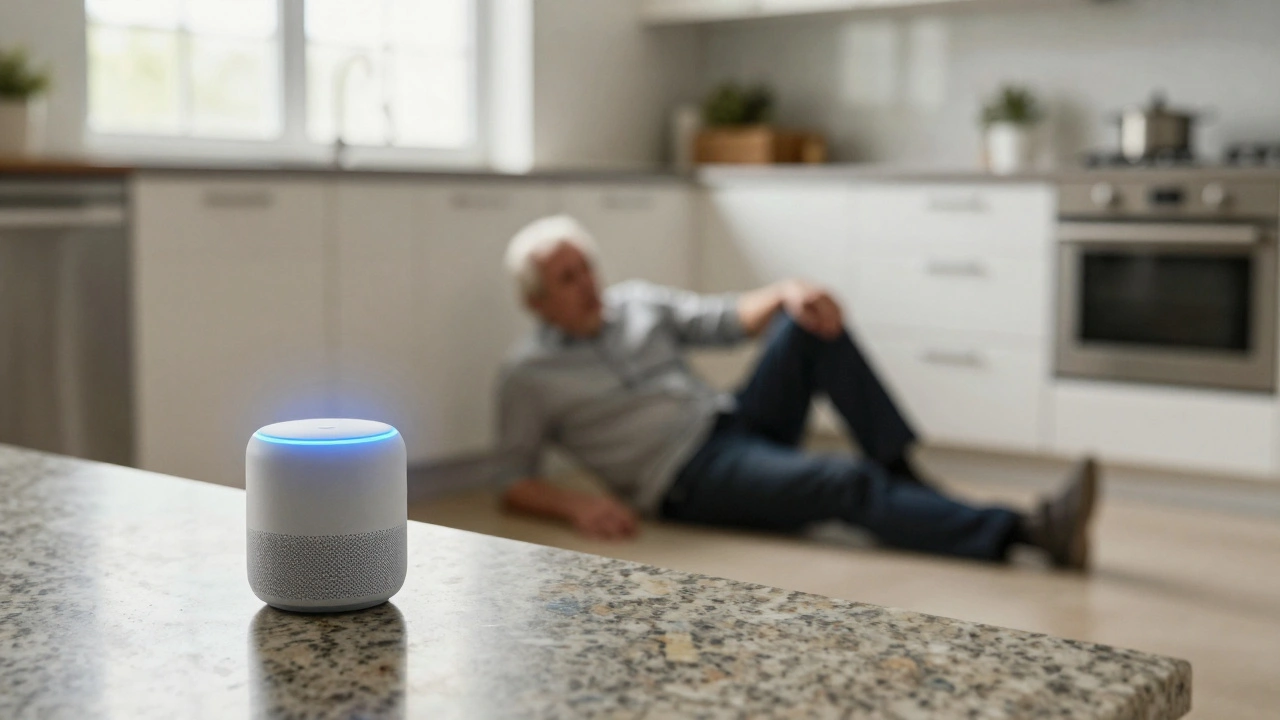
Voice-activated systems solve this by removing the physical barrier. By using Voice Recognition, a person can simply yell for help from the floor. This shifts the burden from the victim's dexterity to the home's intelligence. When you set up an emergency contact networks system, you aren't just buying a gadget; you are installing a digital guardian that doesn't need to be "worn" to be effective.
Building Your Voice-Activated Safety Net
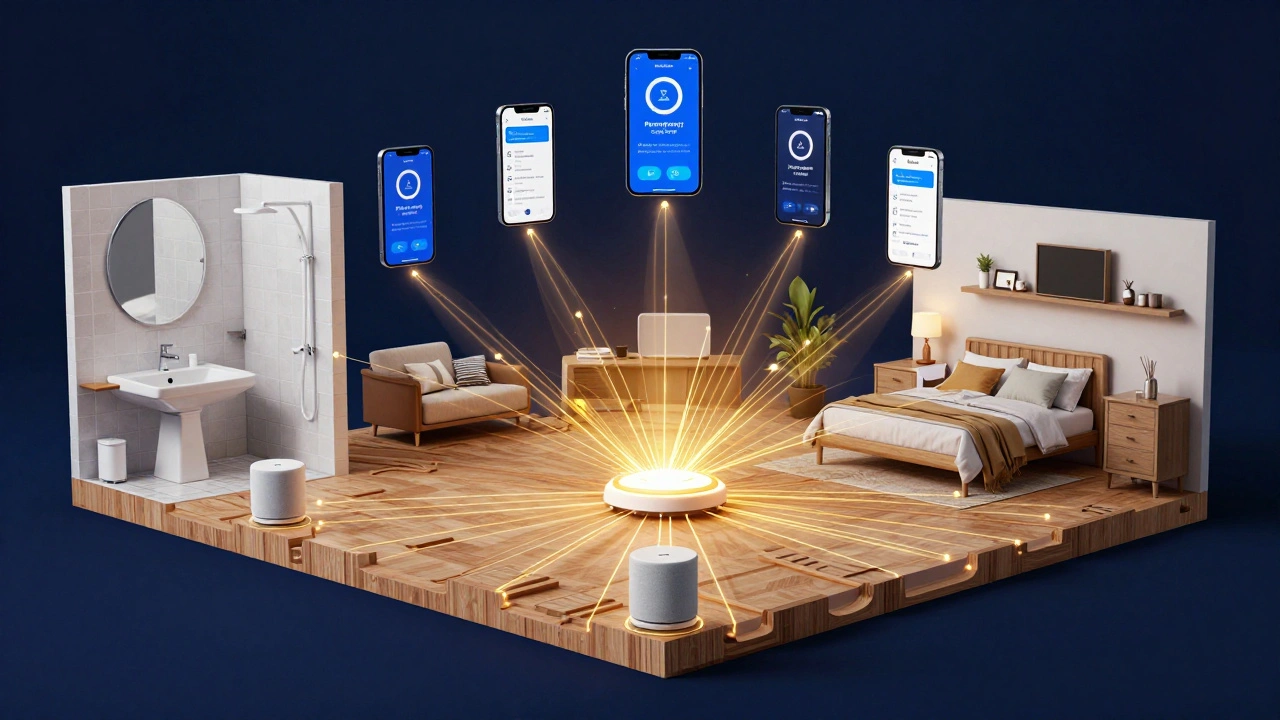
To make this work, you need three components: a trigger, a hub, and a destination. The trigger is the voice command. The hub is the smart device processing that command, and the destination is the set of people who get the alert.
Start with the hardware. Amazon Alexa and Google Assistant are the most common hubs. They are affordable and can be placed in every room. A common mistake is putting only one device in the living room. For a real safety network, you need coverage in the "high-risk" zones: the bathroom, the bedroom, and the kitchen.
Once the hardware is in place, you need to configure the logic. You don't want the system to call 911 because someone mentioned the word "help" during a TV show. You need specific, distinct phrases. Instead of just "Help," use "Alexa, I've had a fall" or "Hey Google, trigger emergency contact." These specific strings reduce false positives while ensuring the system recognizes the urgency.
| Feature | Amazon Alexa | Google Assistant | Apple Siri (HomePod) |
|---|---|---|---|
| Setup Ease | High | High | Medium |
| Integration | Extensive (Third Party) | Deep (Google Ecosystem) | Strict (Apple Only) |
| Custom Routines | Very Flexible | Strong | Limited |
| Voice Sensitivity | Adjustable | High | Very High |
Creating the Notification Hierarchy
Who gets called first? This is where most people mess up. If you set the system to call only one person, and that person is in a meeting or asleep, the network fails. A robust system uses a tiered approach.
Tier 1 should be the primary caregiver or the person living closest. Tier 2 consists of secondary family members. Tier 3 is the professional emergency service. You can use tools like IFTTT (If This Then That) to bridge the gap between a smart speaker and a phone call. For example, when a specific voice routine is triggered, IFTTT can send an automated SMS, an email, and a VoIP call to a group of people simultaneously.
Consider the "Check-in" logic. If the system triggers an alert, the primary contact should be able to use the smart speaker's two-way communication to talk to the senior. This avoids unnecessary ambulance calls if the "emergency" was actually just a dropped glass that the senior was frustrated about.
Common Pitfalls and How to Avoid Them
One of the biggest issues is "Voice Fatigue" or changes in speech patterns. Seniors with Parkinson's or those recovering from a stroke may have slurred speech. Standard voice AI can struggle with this. To combat this, spend time "training" the device. Use the voice profile settings to record the user's voice multiple times in different states-whispering, shouting, and speaking slowly.
Then there is the internet problem. If the Wi-Fi goes down, your safety network disappears. I highly recommend a backup system with a cellular failover. Some advanced home hubs can switch to a 5G signal if the main broadband line is cut. Without this, you are trusting your life to a router that might reboot at the worst possible moment.
Finally, avoid over-complicating the commands. If the phrase is "Computer, I am experiencing a medical emergency," the person in panic will likely forget it. Keep it to three words or fewer. "Help me now" is far more likely to be remembered than a formal sentence.
The Human Element: The "Safety Drill"
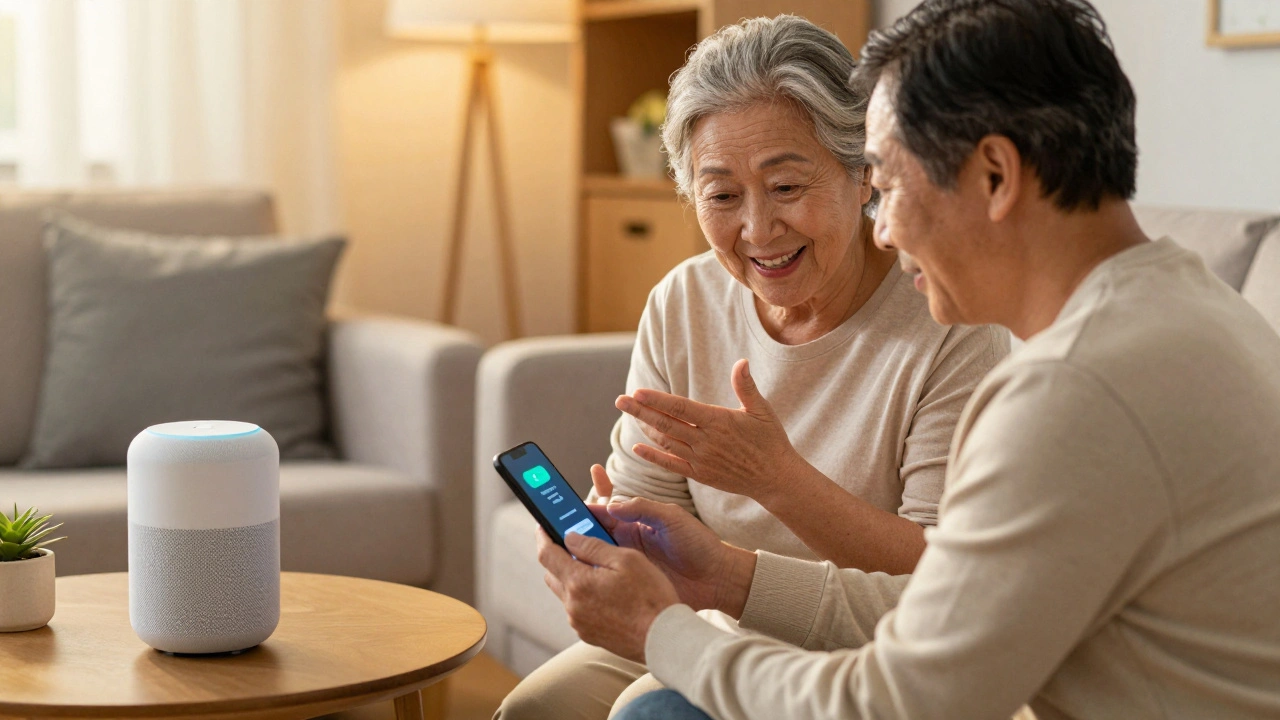
Technology is only a tool; the process is what saves lives. You cannot install these devices and then forget about them for six months. You need to run monthly drills. This is not about scaring the senior, but about building muscle memory.
Ask your parent or client to pretend they've fallen in the bathroom. Have them trigger the command. See how long it takes for the notification to hit your phone. Check if the volume on the speaker is loud enough for you to hear them from the other room. These drills often reveal a dead battery in a linked device or a changed phone number that was never updated in the contact list.
It also reduces the anxiety of the senior. Many elderly people are intimidated by "the robot in the room." When they see that the device actually works and that you respond instantly, the technology stops being a scary gadget and starts being a source of comfort.
Will these systems call 911 automatically?
Most consumer smart speakers (Alexa, Google) do not call 911 directly due to liability and legal restrictions. Instead, they trigger a "Routine" that notifies your pre-set emergency contacts. To get a direct 911 link, you typically need a dedicated medical alert service that integrates with your smart home.
What happens if the power goes out?
Smart speakers require power. If the electricity fails, the network goes down. For high-risk seniors, it is vital to have a Uninterruptible Power Supply (UPS) for the router and the main hub, or a secondary battery-operated pendant as a fallback.
Can the system be triggered by a scream?
Standard smart speakers require a "wake word" (like "Alexa"). However, some specialized senior safety devices use acoustic event detection to recognize the sound of a hard fall or a scream, though these are usually separate from the general-purpose voice assistants.
Is it a privacy risk to have microphones in every room?
Yes, there is a trade-off. To be effective, the devices must always be listening for the wake word. You can mitigate this by using the physical "mute" buttons on the devices during private moments, but remember that doing so disables the emergency trigger.
How do I stop false alarms?
Use unique, multi-word phrases. Instead of "Help," use "Help, I've fallen." You can also set up a "confirmation" step where the speaker asks, "Are you okay? Say yes to cancel," before it sends out the notifications.
Next Steps for Implementation
If you are setting this up for the first time, don't do everything at once. Start by placing one device in the room where the senior spends the most time. Set up a simple routine that sends a text to your phone. Once that is proven to work, expand to the rest of the house.
For those who are more tech-savvy, look into Smart Lighting integration. You can make the lights flash red when an emergency command is triggered. This alerts neighbors or passersby that something is wrong inside the house, even if the senior is unable to speak.
Always keep a physical list of all emergency contacts and the system's "wake words" printed and taped to the refrigerator. If the digital system fails or the internet is down, having a clear, analog backup is the only way to ensure total safety.