You bought a smart bulb. It connects to Wi-Fi. You turn it on with your phone. Great start. But then you hit a wall. Your lights don't talk to your thermostat. Your security camera ignores your door lock. You realize that Smart Home Technology is not just about buying gadgets; it is about building a system where those gadgets work together seamlessly. Most people quit here because the learning curve feels steep and unstructured. They jump from tutorial to tutorial without a map.
This guide maps out exactly how to go from zero knowledge to building robust, automated ecosystems. We will break down the journey into clear stages. No fluff, just the skills you need at each step.
The Foundation: Understanding Connectivity Protocols
Before you touch a single device, you need to understand how they talk. This is where most beginners get frustrated. They buy a Zigbee lightbulb and try to pair it with a Wi-Fi hub. It fails. Why? Because they speak different languages.
Wi-Fi is the most common protocol. It uses existing router infrastructure. It offers high bandwidth for video but consumes more power. Perfect for cameras and speakers, terrible for battery-powered sensors.
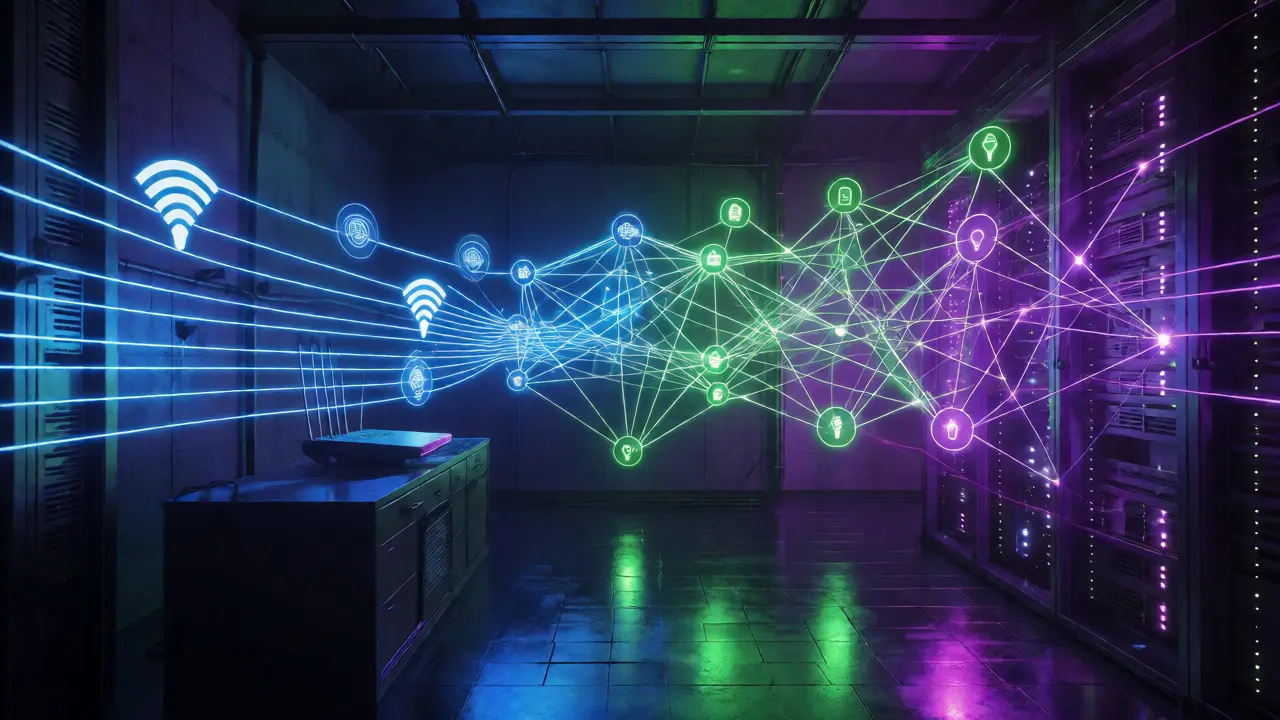
Zigbee and Z-Wave are mesh networks. Each device acts as a repeater, extending range. They use less power and handle many devices better than Wi-Fi. However, they require a dedicated hub or gateway.
Matter is the new standard aiming to unify these protocols. Launched in late 2022 and maturing through 2026, Matter allows devices from different brands to communicate directly over IP networks. It reduces the need for proprietary hubs.
| Protocol | Best For | Power Usage | Range Strategy | Hub Required? |
|---|---|---|---|---|
| Wi-Fi | High-bandwidth (Cameras, TVs) | High | Router Coverage | No (uses Router) |
| Zigbee | Sensors, Lights, Locks | Low | Mesh Network | Yes |
| Z-Wave | Locks, Security Systems | Low | Mesh Network | Yes |
| Matter | Cross-brand Interoperability | Variable | IP-based / Thread | Often (Thread Border Router) |
Your first job-to-be-done is identifying which protocol fits your lifestyle. If you rent an apartment and have few devices, stick to Wi-Fi. If you own a large home and want hundreds of sensors, invest in Zigbee or Z-Wave hubs immediately.
Beginner Stage: The Single-Hub Ecosystem
Once you grasp connectivity, pick one ecosystem. Do not mix Apple HomeKit, Amazon Alexa, and Google Home yet. Pick one and master it. This reduces complexity while you learn the basics of automation logic.
Start with three core components:
- A Hub or Bridge: A central controller like the Samsung SmartThings Hub or an Apple HomePod Mini acting as a Thread border router.
- Input Devices: Sensors that detect change. Motion sensors, door contacts, temperature probes.
- Output Devices: Things that do something. Smart plugs, bulbs, switches, blinds.
The goal here is simple "If This Then That" (IFTTT) logic. Learn to create basic automations. For example: "If the motion sensor detects movement after sunset, turn on the hallway light." This teaches you trigger conditions and action responses.
Common pitfalls at this stage include network congestion. Adding 50 Wi-Fi devices can slow down your internet. Keep heavy users (laptops, phones) separate from IoT devices if possible by using a guest network or VLAN, though that is an advanced topic. For now, just monitor your router's performance.
Intermediate Stage: Centralized Control and Local Processing
You have ten devices working. Now you want fifty. Cloud-dependent automations become sluggish. If your internet goes down, your lights might not turn off. This is where you move toward local processing.
Home Assistant is the gold standard for intermediate to advanced users. It is an open-source platform that runs locally on your hardware, such as a Raspberry Pi or a mini PC. Unlike cloud services, it processes data on your local network, ensuring speed and privacy.
Learning Home Assistant requires some technical comfort. You will encounter YAML configuration files. Don't panic. YAML is a human-readable data serialization language. You define entities, triggers, and actions in text format.
Key skills to acquire here:
- Integration Management: Connecting various brands via official integrations or community plugins.
- Entity Naming Conventions: Organizing devices logically (e.g., `light.living_room_main` instead of `hue_bulb_1`).
- Template Literals: Using code snippets to manipulate data dynamically within automations.
At this level, you stop relying solely on voice commands. You start using dashboards. Create custom views for specific rooms or functions. A "Security View" shows all locks and cameras. An "Energy View" tracks real-time power consumption. This visibility helps you troubleshoot issues quickly.
Advanced Stage: Logic Complexity and Energy Optimization
Now you are managing complex scenarios. Simple timers aren't enough. You need context-aware automation. This involves variables, conditions, and state tracking.
Consider energy optimization. Instead of turning lights on when motion is detected, check the ambient light level. Only turn on lights if it is dark AND motion is detected. Use solar production data to run heavy appliances (like dishwashers or EV chargers) only when your solar panels are generating excess power.
You will also delve into presence detection. Geofencing alone is often inaccurate due to GPS drift. Combine geofencing with Bluetooth beacons or WiFi connection status to determine who is home with higher precision. This prevents lights from turning off while someone is still in the room but standing still.
Another advanced concept is virtual entities. Create a switch in Home Assistant called "Movie Mode." When toggled, it dims lights, closes blinds, turns on the TV, and sets the thermostat. This abstracts multiple physical actions into a single logical command.
Expert Level: Custom Development and Voice Integration
Ready to build things that don't exist yet? At this stage, you write custom code. Python becomes your best friend. You might write a script to scrape weather data from a local station rather than using a generic API. Or you might develop a custom integration for a niche industrial sensor.
Voice control evolves too. Instead of saying "Alexa, turn on lights," you implement natural language processing pipelines. Tools like Rhasspy or Piper allow you to host speech-to-text and text-to-speech models locally. This ensures your voice commands work even without internet access.
Hardware tinkering returns here. You might flash firmware onto cheap Zigbee sensors to unlock hidden features. You may design custom PCBs for environmental monitoring. The line between software developer and electrician blurs.
Practical Checklist for Progression
Use this checklist to gauge where you stand and what to tackle next.
- Beginner: Can set up a smart plug via app; understands difference between Wi-Fi and Bluetooth; creates one time-based automation.
- Intermediate: Runs Home Assistant on a Raspberry Pi; uses Zigbee/Z-Wave devices; creates automations with two or more conditions; manages entity naming.
- Advanced: Uses templates for dynamic values; implements presence detection combining multiple sources; optimizes energy usage based on real-time data; backs up configurations automatically.
- Expert: Writes custom Python scripts; develops custom integrations; hosts local voice assistants; designs custom hardware interfaces; maintains system uptime during internet outages.
Remember, technology changes fast. What works today might be deprecated in two years. Focus on understanding underlying principles-networking, logic, data flow-rather than memorizing specific app buttons. Those principles transfer across platforms.
Frequently Asked Questions
Do I need coding skills to start with smart home automation?
No, you do not need coding skills to begin. Platforms like SmartThings, HomeKit, and Alexa offer graphical interfaces where you drag and drop blocks to create automations. Coding becomes useful at the intermediate level when you adopt systems like Home Assistant, allowing for deeper customization and complex logic that graphical interfaces cannot easily handle.
Is Matter compatible with my old Zigbee devices?
Generally, no. Matter is a new application layer protocol. While some newer hubs act as bridges, older Zigbee devices typically require a Zigbee coordinator to function. They do not natively support Matter unless the manufacturer releases a firmware update that adds Matter bridging capabilities, which is rare for legacy hardware.
What hardware do I need for Home Assistant?
You can run Home Assistant on a Raspberry Pi 4 or 5, a mini PC, or even a NAS. For beginners, the Home Assistant Yellow kit or Green kit provides pre-flashed SD cards and recommended hardware. Ensure you have sufficient RAM (at least 4GB recommended for smooth operation) and storage space for logs and databases.
Why does my smart home lag when I use voice commands?
Lag usually stems from cloud dependency. When you issue a command, it travels from your speaker to the vendor's server, processes there, and sends instructions back to your device. Switching to local processing solutions like Home Assistant with local voice assistants eliminates this round-trip delay, resulting in near-instant response times.
How do I prevent my smart home from failing during power outages?
Use Uninterruptible Power Supplies (UPS) for your router, modem, and main hub. Additionally, choose devices with battery backups for critical security components like locks and cameras. Design automations that fail gracefully; for instance, ensure smart locks default to unlocked or accessible via physical key if electronic power is lost.