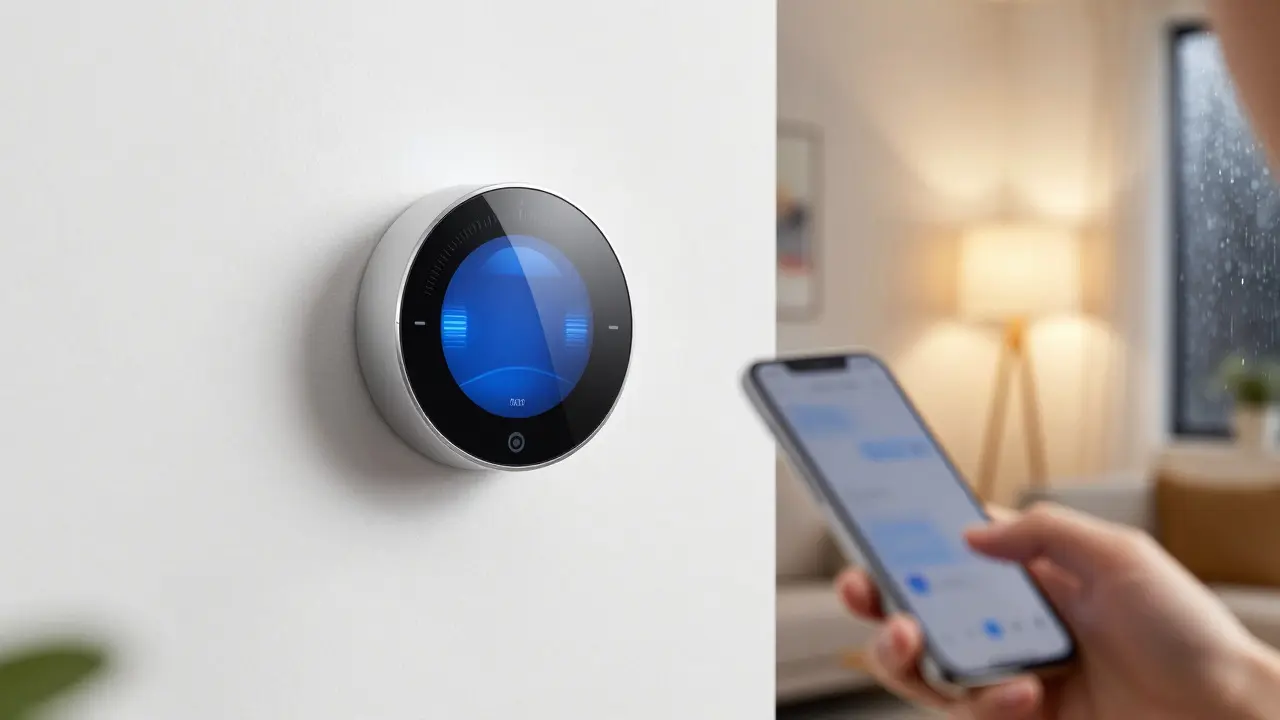
It’s 45 degrees outside in Portland, but your office is sweltering. You remember leaving the heating on full blast this morning and wonder if you’re wasting money. With remote temperature control via a smart thermostat that allows users to adjust indoor climate settings from any location using a mobile app or voice commands, you can fix that mistake before you even leave your desk. This isn't just about comfort; it's about reclaiming control over your energy usage and ensuring your home feels exactly right when you walk through the door.
Modern Smart Thermostats have moved far beyond simple dials. They are central hubs in Home Automation ecosystems, connecting with sensors, locks, and lighting systems. Whether you live in a drafty Victorian house or a modern apartment, understanding how these devices work helps you make smarter decisions about your indoor environment.
How Remote Climate Management Actually Works
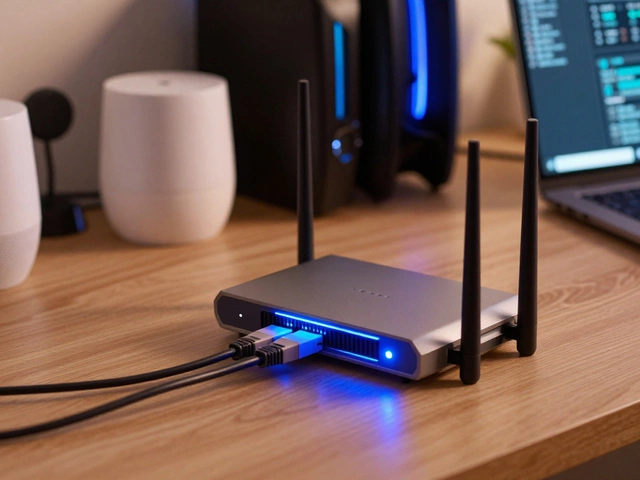
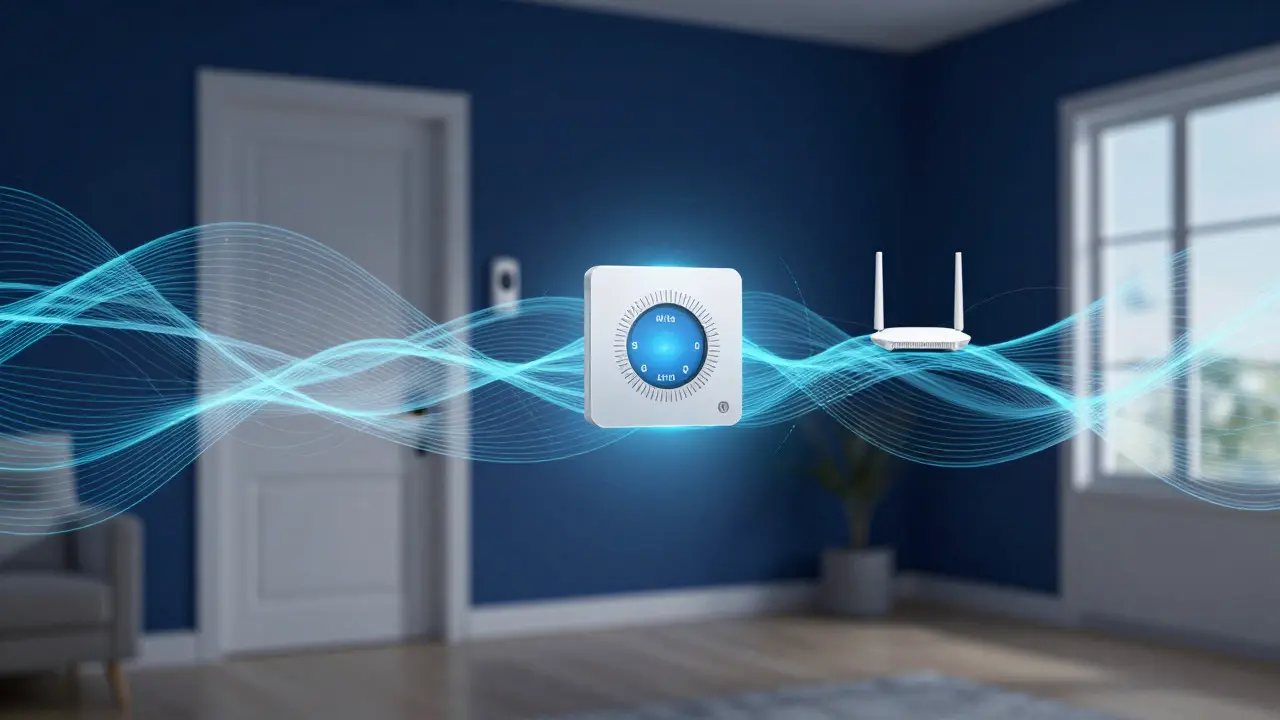
At its core, remote temperature control relies on a seamless connection between your device and your smartphone. When you tap "Heat" on your app, the signal travels through the cloud to your Wi-Fi Router, which then communicates with the thermostat. This process usually takes less than two seconds. However, stability matters. A weak Wi-Fi signal can lead to laggy responses or failed commands, which is why placement of both the router and the thermostat is critical for reliable performance.
Most modern units use Zigbee or Thread protocols to talk to other devices like motion sensors or window detectors. These low-power wireless standards allow the thermostat to build a picture of your home’s thermal behavior without draining batteries quickly. For example, if a window sensor detects an open window, the thermostat might automatically pause heating to save energy, a feature known as Geofencing or adaptive scheduling.
Key Features That Matter for Daily Use
Not all thermostats are created equal. While basic models offer simple on/off controls, advanced units provide granular data and automation capabilities. Here are the features that genuinely impact your daily life:
- Learning Algorithms: Devices like the Nest Learning Thermostat observe your habits and adjust schedules automatically. After a week or two, it knows you prefer 70°F in the morning and 68°F at night.
- Multi-Zone Control: If you have different rooms with varying temperatures, multi-zone systems allow you to set specific targets for each area, preventing hot spots in the living room while keeping the bedroom cool.
- Voice Integration: Compatibility with Amazon Alexa or Google Assistant lets you say, "Hey Google, set the living room to 72," hands-free.
- Energy Reports: Detailed dashboards show how much energy you used and where you can save. Some apps even give you a real-time cost estimate based on local utility rates.
These features turn a passive wall unit into an active participant in your home’s efficiency strategy. You stop guessing and start knowing exactly what’s happening in your home’s thermal envelope.
Setting Up Your System for Maximum Reliability
Installation is the step most people rush, but it’s where many issues originate. First, check your wiring. Most smart thermostats require a C-Wire (common wire) to provide constant power. If your home lacks one, you may need a power extender kit or a battery-operated model. Skipping this check can lead to brownouts where the screen dims or the device reboots unexpectedly.
- Verify Compatibility: Check if your HVAC system (heating, cooling, or heat pump) is supported. Not all boilers or furnaces work seamlessly with every brand.
- Optimize Wi-Fi Placement: Ensure the thermostat has a strong signal. If it’s in a basement or far corner, consider a mesh network node nearby.
- Configure Geofencing: Set up your phone’s location services so the thermostat knows when you’re home or away. This prevents heating an empty house.
- Calibrate Sensors: Place remote sensors in key areas like bedrooms or offices. The main unit often sits in a hallway, which may not reflect the actual room temperature.
Taking these steps ensures that your remote controls remain responsive and accurate, reducing the frustration of fighting with technology that should simplify your life.
Energy Savings and Real-World Impact
The primary argument for switching to smart thermostats is cost savings. According to data from the U.S. Department of Energy, programmable thermostats can save households up to 10% annually on heating and cooling costs. Smart models with learning algorithms and geofencing often exceed this benchmark because they eliminate human error, like forgetting to change the setting when leaving for vacation.
In my own experience in Portland, where winters are damp and summers are mild, the biggest savings came from adjusting the setback schedule. By lowering the temperature by just 7-10°F for eight hours a day, I reduced my winter gas bill by roughly 15%. The app’s energy report confirmed this, showing a clear dip in consumption during nights when I was asleep. It’s a small adjustment, but the cumulative effect over a year is significant.
Moreover, these systems help extend the life of your HVAC equipment. Frequent, drastic temperature swings stress compressors and fans. Smooth, gradual adjustments reduce wear and tear, potentially delaying expensive repairs or replacements by several years.
Common Pitfalls and How to Avoid Them
Even with the best hardware, user error can undermine performance. Here are the most common mistakes I see:
- Ignoring Filter Maintenance: A clogged air filter restricts airflow, causing the thermostat to think the room isn’t reaching the set temperature. Change filters every 90 days, or more often if you have pets.
- Over-Reliance on Auto-Schedule: Sometimes the algorithm learns bad habits. If you work irregular hours, manually override the schedule occasionally to keep the learning curve accurate.
- Poor Sensor Placement: Placing a remote sensor near a window or direct sunlight skews readings. Keep sensors away from drafts and heat sources for accurate data.
- Network Congestion: During peak internet hours, video calls or streaming can slow down command execution. Prioritize your IoT devices on your router’s QoS (Quality of Service) settings if possible.
Awareness of these pitfalls turns potential headaches into manageable tasks. Regular maintenance keeps the system running smoothly, ensuring that remote control remains a convenience rather than a source of stress.

Choosing the Right Device for Your Home
With dozens of options on the market, selection can be overwhelming. Focus on your specific needs rather than brand prestige. Do you need multi-zone control? Is your home wired for C-Wires? Do you prefer a touchscreen interface or a simple dial?
| Feature | Nest Learning Thermostat | EcoNet Smart Thermostat | Honeywell T9 |
|---|---|---|---|
| Price Range | $249 - $279 | $129 - $149 | $199 - $229 |
| Learning Algorithm | Yes | No (Manual Scheduling) | Basic |
| Remote Sensors | Sold Separately | Up to 8 Included | Up to 3 Included |
| Voice Control | Alexa, Google, Siri | Alexa, Google | Alexa, Google |
| C-Wire Required | Yes (or Battery Kit) | No (Battery Operated Option) | Yes |
This table highlights that budget doesn’t always mean lack of features. EcoNet offers extensive multi-room sensing at a lower price point, making it ideal for larger homes where temperature variance is a concern. Nest provides a polished user experience and superior learning capabilities, appealing to those who want a set-and-forget solution. Honeywell strikes a balance with solid hardware and competitive pricing.
Frequently Asked Questions
Do smart thermostats work with old HVAC systems?
Most modern smart thermostats are compatible with standard forced-air heating and cooling systems installed after 1980. Older systems may require a neutral wire adapter or a specific model designed for low-voltage systems. Always check the manufacturer’s compatibility list before purchasing.
How much can I really save on energy bills?
Typical savings range from 10% to 20% on heating and cooling costs. This depends on your previous habits, local climate, and how well you utilize features like geofencing and adaptive scheduling. Households that previously left the temperature unchanged all day tend to see the highest savings.
What happens if my Wi-Fi goes down?
The thermostat continues to operate locally, maintaining your current schedule and setpoints. You just lose the ability to make changes from your phone or receive real-time notifications. Once the connection is restored, the device syncs automatically.
Are remote sensors worth the extra cost?
If you have large rooms or multiple floors with significant temperature differences, yes. Remote sensors provide more accurate readings for specific zones, allowing the thermostat to average out temperatures or focus on occupied rooms. This improves comfort and reduces unnecessary cycling of the HVAC system.
Can I control the temperature from abroad?
Yes, as long as you have an internet connection on your phone, you can access the thermostat app from anywhere in the world. This is particularly useful for preventing pipe freezes during winter vacations or ensuring the house is comfortable before arriving back.