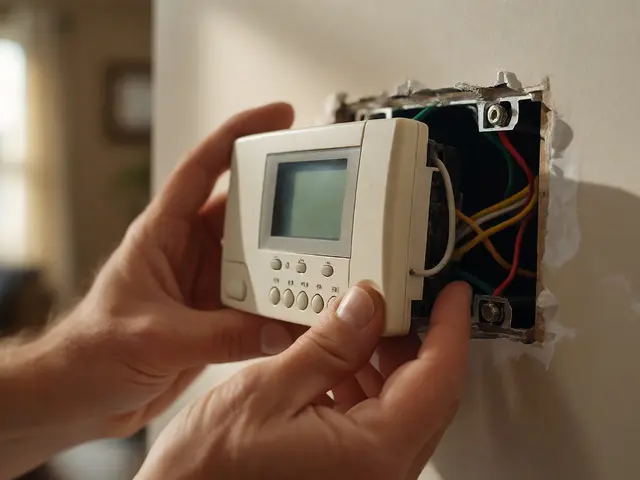
Picture this: It’s 2:00 PM on a Tuesday. Your sales team is closing a major deal, your customer support line is buzzing, and suddenly-silence. The internet drops. Emails bounce. Cloud apps freeze. In that moment, every second of system downtime costs you money, trust, and momentum. For most businesses, the culprit isn’t a hacker or a natural disaster. It’s a silent failure in the network infrastructure that went unnoticed until it was too late.
This is why Network Monitoring matters so much. It is not just about watching graphs on a screen; it is the difference between reacting to chaos and preventing it entirely. Whether you are running a small office in Portland or a distributed enterprise, understanding how to maintain your digital arteries is critical for survival in 2026.
The Hidden Cost of Ignoring Network Health
We often think of IT issues as binary: things either work or they don’t. But network health is a spectrum. Before a total outage occurs, there are warning signs. Slow packet delivery, intermittent Wi-Fi drops, and high latency spikes are all symptoms of underlying strain. If you ignore these subtle cues, you are essentially driving a car with a check-engine light on, hoping the engine doesn’t blow up during rush hour.
The cost of downtime is staggering. According to recent industry data, the average cost of an hour of downtime for a mid-sized business can exceed $300,000 when factoring in lost productivity, revenue, and recovery efforts. But beyond the financial hit, there is the reputational damage. Clients do not care if your router overheated; they care that their order didn’t process. Proactive System Maintenance shifts the narrative from 'we broke' to 'we are reliable.'
Proactive vs. Reactive: Two Different Worlds
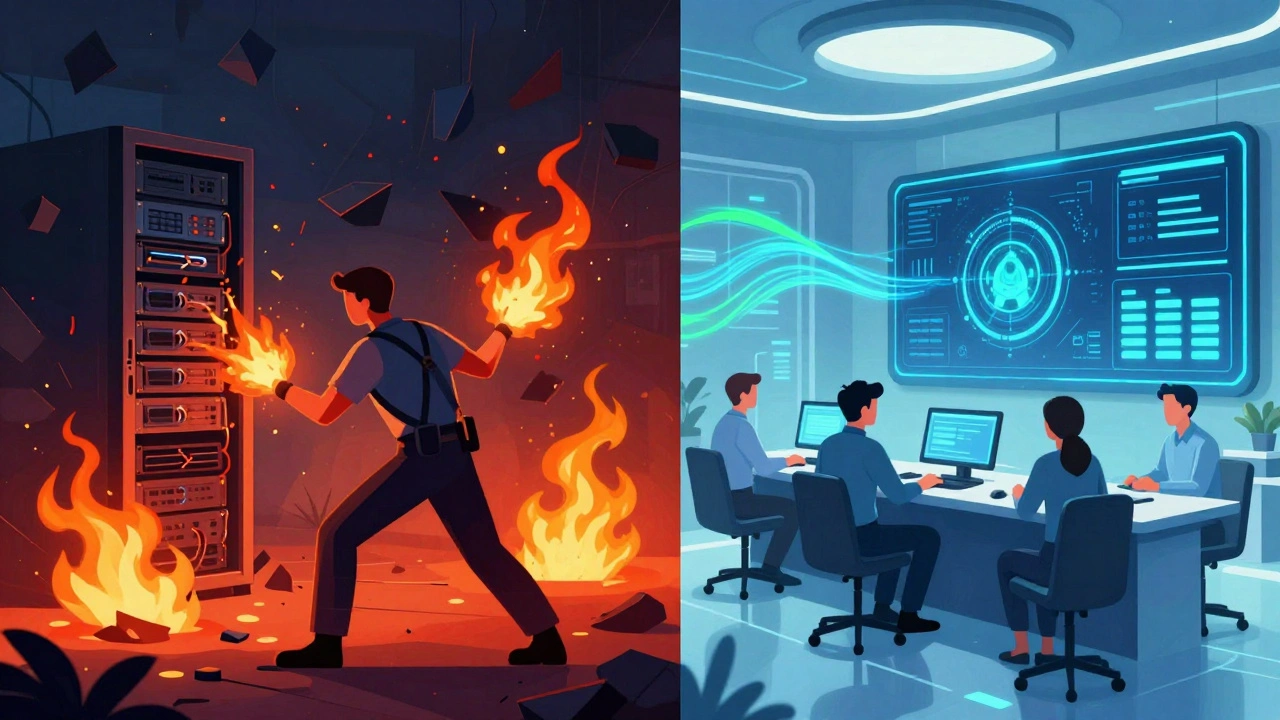
There are two ways to manage your technology stack. The reactive approach is what most companies start with. You wait for a ticket to come in, a user to complain, or a service to crash, and then you fix it. This method is exhausting because it keeps your IT staff (or external provider) constantly fighting fires. You never get ahead; you only survive.
The proactive approach flips the script. Here, you use tools and strategies to identify potential failures before they impact users. Imagine knowing that your primary firewall’s hard drive is 95% full and replacing it on a Sunday night at 2 AM, rather than having it fail during peak trading hours on Friday. This is the core promise of modern network monitoring.
| Feature | Reactive Approach | Proactive Approach |
|---|---|---|
| Detection Method | User complaints / Error alerts | Automated sensors / Threshold warnings |
| Downtime Frequency | High (unexpected outages) | Low (scheduled maintenance windows) |
| Cost Structure | High emergency repair fees | Predictable operational budget |
| Staff Morale | Burnout from constant crises | Focus on strategic improvements |
| Security Posture | Vulnerable to long-term threats | Rapid threat identification and mitigation |
Core Components of Effective Network Monitoring
To prevent downtime, you need visibility. You cannot manage what you cannot see. Effective monitoring relies on several key components working together. Think of these as the vital signs of your network body.
- Availability Monitoring: This is the simplest form. Is the server up? Can we ping the router? While basic, it is essential. Tools like ICMP (Internet Control Message Protocol) checks ensure devices are reachable.
- Performance Monitoring: Just because a device is online doesn't mean it is performing well. This involves tracking bandwidth usage, latency, jitter, and packet loss. High latency might not stop traffic, but it will make video calls unusable and cloud applications sluggish.
- Configuration Management: A common cause of downtime is human error. Did someone change a VLAN setting incorrectly? Configuration monitoring tracks changes to device settings and alerts you if unauthorized modifications occur.
- Security Monitoring: Intrusions often look like performance anomalies. A sudden spike in outbound traffic could indicate a data exfiltration attempt or a botnet infection. Integrating security info and event management (SIEM) with network monitoring provides a holistic view.
The Role of Managed IT Services in 2026
Many organizations struggle to implement robust monitoring because it requires specialized skills and 24/7 attention. This is where Managed IT Services (MSPs) become invaluable. An MSP acts as your outsourced IT department, providing expertise that would be too expensive to hire in-house.
In 2026, the landscape of managed services has evolved significantly. It is no longer just about break-fix support. Modern MSPs utilize Artificial Intelligence for IT Operations (AIOps). These platforms analyze vast amounts of historical data to predict failures. For example, if a specific switch model tends to overheat after 18 months of continuous use, the AI flags it for replacement before it fails. This predictive capability is a game-changer for preventing system downtime.
Furthermore, MSPs provide remote monitoring and management (RMM) tools. These agents run silently on your endpoints and servers, sending real-time data to the provider's dashboard. They can patch vulnerabilities, restart stuck services, and clear disk space automatically, often resolving issues before any employee notices them.
Key Metrics You Must Track Daily
If you are managing your own network or overseeing an MSP, you need to know which metrics matter. Vanity metrics look good in reports but don't help prevent outages. Focus on these actionable indicators:
- Mean Time Between Failures (MTBF): This measures the average time elapsed between one failure and the next. A decreasing MTBF indicates degrading hardware or software instability.
- Mean Time to Repair (MTTR): How long does it take to restore service after a failure? Lowering this metric through automation and better documentation reduces the impact of inevitable outages.
- Bandwidth Utilization: Keep an eye on peak usage times. If your network consistently hits 80-90% capacity during business hours, you are at risk of congestion-related slowdowns. Plan upgrades before you hit 100%.
- Error Rates: Monitor interface errors on routers and switches. CRC errors, collisions, and dropped packets are early warnings of physical layer issues, such as bad cabling or failing ports.
Building a Resilient Network Architecture
Monitoring is half the battle; architecture is the other. No amount of monitoring can save a poorly designed network. To minimize downtime, your infrastructure must be resilient by design.
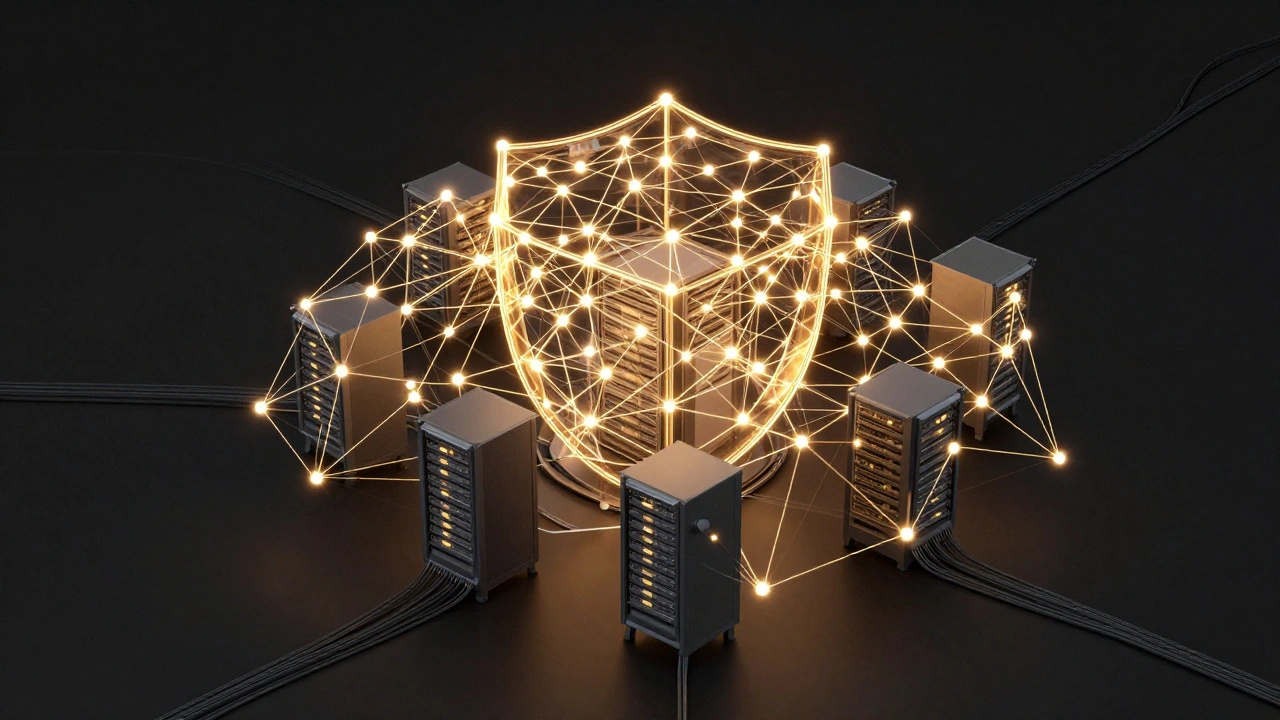
Redundancy is non-negotiable. Critical components should have backups. This includes dual internet connections from different providers, redundant power supplies for servers, and backup firewalls. If your primary ISP goes down, your secondary link should kick in seamlessly. This is known as active-passive or active-active redundancy.
Segmentation is another critical strategy. By dividing your network into smaller subnets (VLANs), you contain problems. If a malware outbreak hits the guest Wi-Fi, it should not spread to your internal finance servers. Proper segmentation limits the blast radius of any incident, keeping core business functions running even during partial failures.
Common Pitfalls in Network Maintenance
Even with the best intentions, many companies fall into traps that undermine their efforts. Avoid these common mistakes:
- Alert Fatigue: Configuring monitoring tools to alert you for every minor fluctuation leads to noise. When everything is urgent, nothing is. Tune your thresholds to alert only on significant deviations that require action.
- Neglecting Firmware Updates: Outdated firmware contains security vulnerabilities and bugs. Establish a regular schedule for testing and applying updates to routers, switches, and access points. Always test in a staging environment first.
- Lack of Documentation: If your network diagram is outdated, troubleshooting becomes guesswork. Maintain accurate records of IP schemes, cable runs, and device configurations. This speeds up recovery during emergencies.
- Ignoring Physical Environment: Servers and networking gear are sensitive to heat and humidity. Ensure your server room has adequate cooling and power conditioning. Overheating is a leading cause of unexpected hardware failure.
The Future of Network Reliability
As we move further into 2026, networks are becoming more complex due to the rise of IoT devices, hybrid work models, and edge computing. Traditional perimeter-based security and monitoring are insufficient. Zero Trust Architecture is becoming the standard, requiring continuous verification of every device and user.
Network Monitoring and Maintenance must adapt to this shift. It is no longer enough to monitor just the core routers. You must monitor endpoints, mobile devices, and cloud instances. Integrated platforms that offer end-to-end visibility across on-premise and cloud environments are essential. The goal remains the same: keep the lights on, the data flowing, and the business moving forward without interruption.
What is the difference between network monitoring and network management?
Network monitoring is the passive observation of network activity, collecting data on performance, availability, and security. Network management is the active process of configuring, maintaining, and optimizing the network based on the insights gained from monitoring. Monitoring tells you what is happening; management ensures things happen correctly.
How can I reduce system downtime without hiring a large IT team?
You can leverage Managed IT Services (MSPs) that provide remote monitoring and management. Additionally, implementing automated backup solutions, using cloud-based redundancy for critical services, and ensuring all hardware is under warranty with rapid replacement options can significantly mitigate downtime risks without expanding your headcount.
What are the top causes of network downtime in 2026?
The leading causes include hardware failures (especially aging equipment), human error (misconfigurations), cyberattacks (such as DDoS or ransomware), and software bugs. Power outages and environmental factors like overheating also contribute significantly to unplanned downtime.
Is proactive maintenance more expensive than reactive fixes?
While proactive maintenance requires a consistent budget allocation, it is almost always cheaper in the long run. Emergency repairs involve premium labor rates, expedited shipping for parts, and the hidden costs of lost productivity and revenue during outages. Proactive spending is predictable and prevents costly crisis scenarios.
How often should I review my network monitoring thresholds?
You should review and adjust thresholds quarterly or whenever significant changes occur in your infrastructure, such as adding new servers, migrating to the cloud, or experiencing seasonal traffic spikes. Regular tuning ensures that alerts remain relevant and reduces alert fatigue.