You just bought your first smart lightbulb and now you're staring at it, wondering if you need a hub, an app, or a second mortgage. It’s a common trap. The smart home market is flooded with gadgets that promise to change your life but often just add another password to remember. You don't need to automate your coffee maker on day one. You need a foundation that actually works without making you feel like IT support for your own toaster.
| Priority | Action | Why It Matters |
|---|---|---|
| 1 | Secure your Wi-Fi network | Smart devices are useless if the connection drops constantly. |
| 2 | Choose one ecosystem (Alexa, Google, or Apple) | Mixing ecosystems early causes compatibility headaches. |
| 3 | Start with lighting and plugs | Low cost, high impact, and easy to install. |
| 4 | Add sensors later | Automation becomes useful when devices react to real-world events. |
The Hub vs. Direct Connection Dilemma
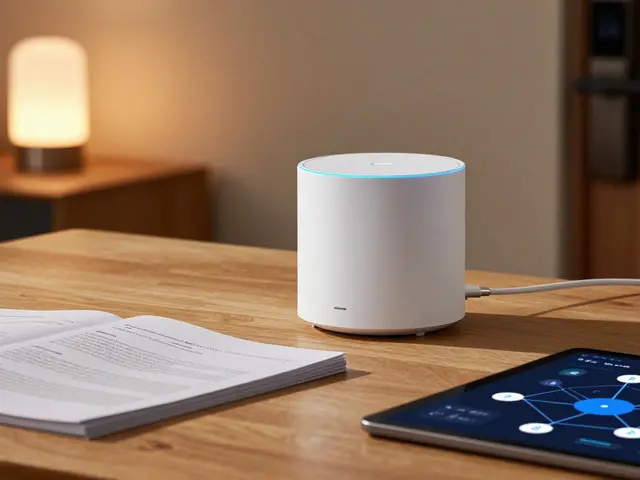
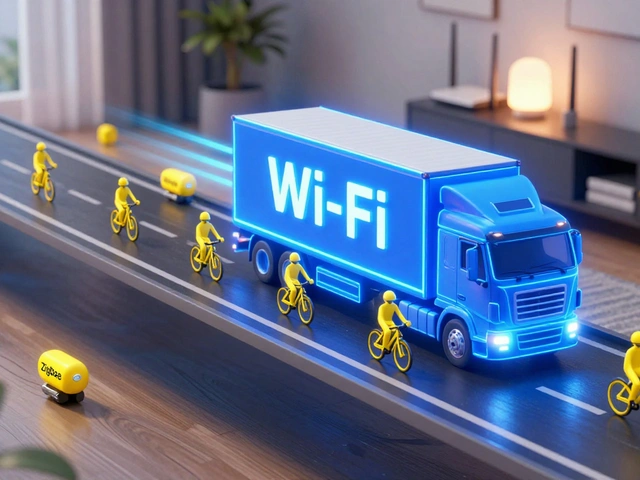
Before you buy anything, decide how your devices will talk to each other. This is the biggest fork in the road. Do you go with a central smart home hub, a physical device that manages communication between various smart devices using protocols like Zigbee or Z-Wave? Or do you rely on direct Wi-Fi connections?
For most beginners, a hub-free approach via Wi-Fi is simpler. Devices like Wi-Fi smart plugs connect directly to your router. No extra hardware, no pairing rituals. But there's a catch. If you have more than 20 devices on Wi-Fi, your network might choke. That's where hubs shine. They offload traffic from your main router. If you plan to expand beyond ten devices, consider a hub-based system like Zigbee, a low-power wireless mesh networking standard used for personal area networks. It’s more stable for lights and sensors because they don’t all compete for bandwidth.
Pick Your Voice Assistant Ecosystem
You can’t have three bosses in your house. Pick one primary voice assistant: Amazon Alexa, an intelligent virtual assistant developed by Amazon, Google Assistant, an AI-powered virtual assistant created by Google, or Siri, the intelligent virtual assistant developed by Apple. This choice dictates which bulbs, locks, and thermostats work best together.
If you’re deep into iPhones and Macs, Apple HomeKit offers tight security and privacy, though compatible devices cost more. If you want the widest selection of cheap gadgets, Alexa wins. Google Assistant sits comfortably in the middle, especially if you use Android phones. Don’t try to make all three play nice initially. It creates a tangled web of routines that break when you update firmware. Stick to one platform until you understand how its automation logic works.
Start With Lighting and Plugs
Why start here? Because changing a bulb takes five seconds, and plugging in a lamp takes two. There’s no wiring involved. You get immediate gratification. A smart LED bulb lets you dim lights from bed or set schedules so your living room turns on at sunset. It feels magical without requiring an electrician.
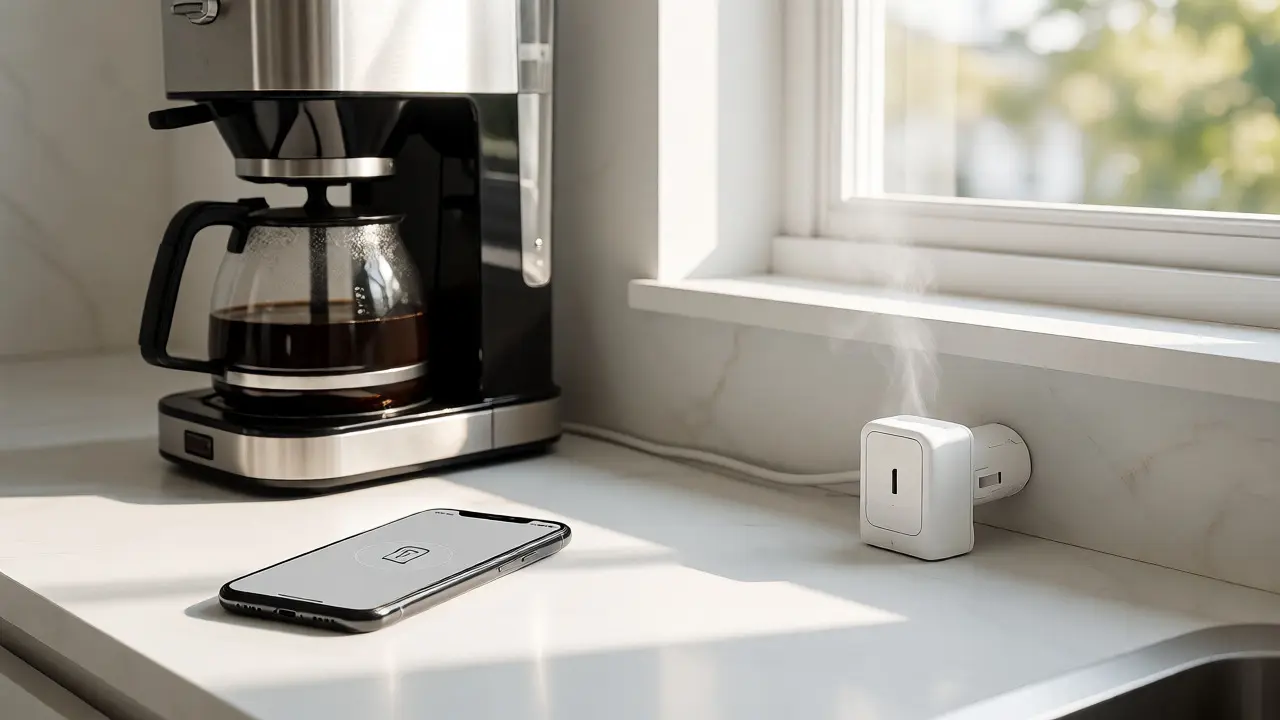
Pair this with smart plugs. These are game-changers for older appliances. Want your coffee maker to turn on at 6 AM? Plug it into a smart outlet. Need your Christmas tree lights to shut off automatically? Same solution. Look for plugs with energy monitoring features. Knowing exactly how much power your space heater uses is surprisingly satisfying and helps spot inefficient appliances.
Security Comes Next
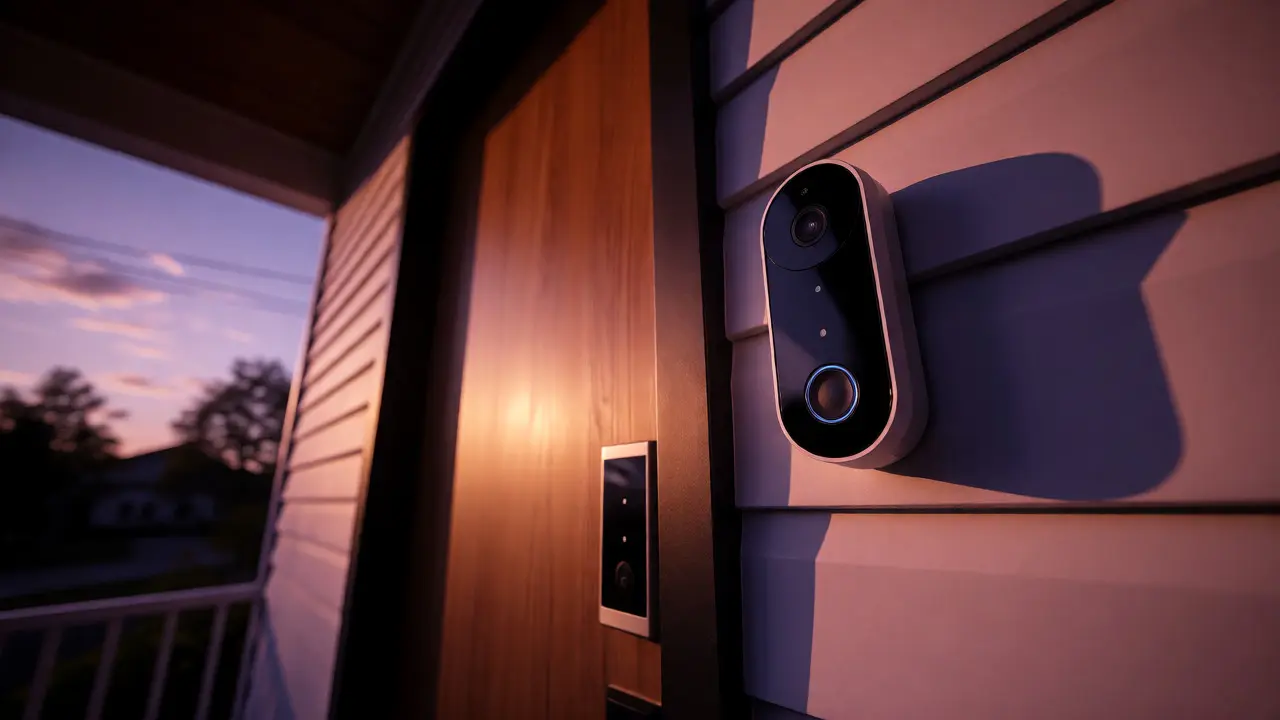
Once you’ve mastered turning things on and off, think about peace of mind. A video doorbell is often the most valuable single purchase. It replaces your old chime and sends a notification to your phone whenever someone steps on your porch. You can see who it is before deciding whether to answer the door. This is practical utility, not just tech novelty.
Follow up with smart locks. Keyless entry means you never worry about locking yourself out again. Plus, you can grant temporary access codes to dog walkers or guests. Just ensure the lock supports your chosen ecosystem. Some locks require a separate bridge or hub to communicate with your Wi-Fi network, so check the specs carefully before buying.
Avoid Common Beginner Mistakes
The biggest mistake people make is buying too many devices at once. You end up with a drawer full of gadgets you never configured properly. Start small. Master three devices before adding a fourth. Another pitfall is ignoring internet reliability. If your Wi-Fi signal doesn’t reach your backyard shed, a smart camera there will frustrate you daily. Invest in a decent router or a mesh system before expanding coverage.
Also, beware of proprietary apps. Every brand wants you to download their specific app. If you buy five different brands, you’ll have five apps open on your phone. Try to stick to major manufacturers whose devices integrate well with your chosen voice assistant. This reduces clutter and keeps control centralized.
Building Automations That Actually Help
Automation is where smart homes truly shine, but only if done right. Don’t create complex rules immediately. Start simple. "If motion detected after 8 PM, turn on hallway light." That’s it. Once that works reliably, add conditions. "And if no motion for 5 minutes, turn it off."
Use scenes for convenience. A "Goodnight" scene could lock doors, turn off lights, and lower the thermostat with one command. A "Away" mode could simulate occupancy by randomly turning lights on and off while you’re on vacation. These aren’t just cool tricks; they save energy and enhance security. Test them thoroughly. Nothing kills enthusiasm faster than a routine that fails halfway through execution.
Future-Proofing Your Setup
The smart home landscape changes fast. New standards emerge, and older devices lose support. To protect your investment, look for devices that support Matter, the new universal connectivity standard. Matter aims to let devices from different brands work together seamlessly, regardless of whether you use Apple, Google, or Amazon. While adoption is still growing, choosing Matter-compatible devices now ensures better long-term compatibility.
Keep your firmware updated. Manufacturers frequently release patches that fix bugs or add features. Set aside time every few months to review your devices’ settings. Remove any unused integrations. A clean, simple setup is easier to troubleshoot when something inevitably breaks.
Do I need a hub for my starter smart home kit?
Not necessarily. Many modern devices connect directly via Wi-Fi or Bluetooth. However, if you plan to use Zigbee or Z-Wave devices, or if you expect to have more than 15-20 connected items, a hub helps reduce network congestion and improves stability.
Which voice assistant should I choose for beginners?
Choose based on your existing phone and preferences. Alexa has the widest device compatibility and lowest prices. Google Assistant integrates well with Android and search queries. Siri offers strong privacy and seamless integration for Apple users. Stick to one to avoid complexity.
Are smart home devices secure?
Generally yes, if you follow basic practices. Use strong, unique passwords for your Wi-Fi and device accounts. Enable two-factor authentication where available. Keep firmware updated. Avoid cheap, unknown brands that may lack regular security patches.
What happens if my internet goes down?
Most Wi-Fi devices stop responding to remote commands but may still work locally via physical switches or Bluetooth. Hub-based systems (Zigbee/Z-Wave) often continue functioning internally even without internet, allowing automations to run locally depending on the hub's capabilities.
Can I mix brands in one smart home system?
Yes, provided they support your chosen ecosystem (Alexa, Google Home, or Apple HomeKit). Look for devices labeled as "Works with..." for your preferred assistant. Using the Matter standard also increases cross-brand compatibility significantly.