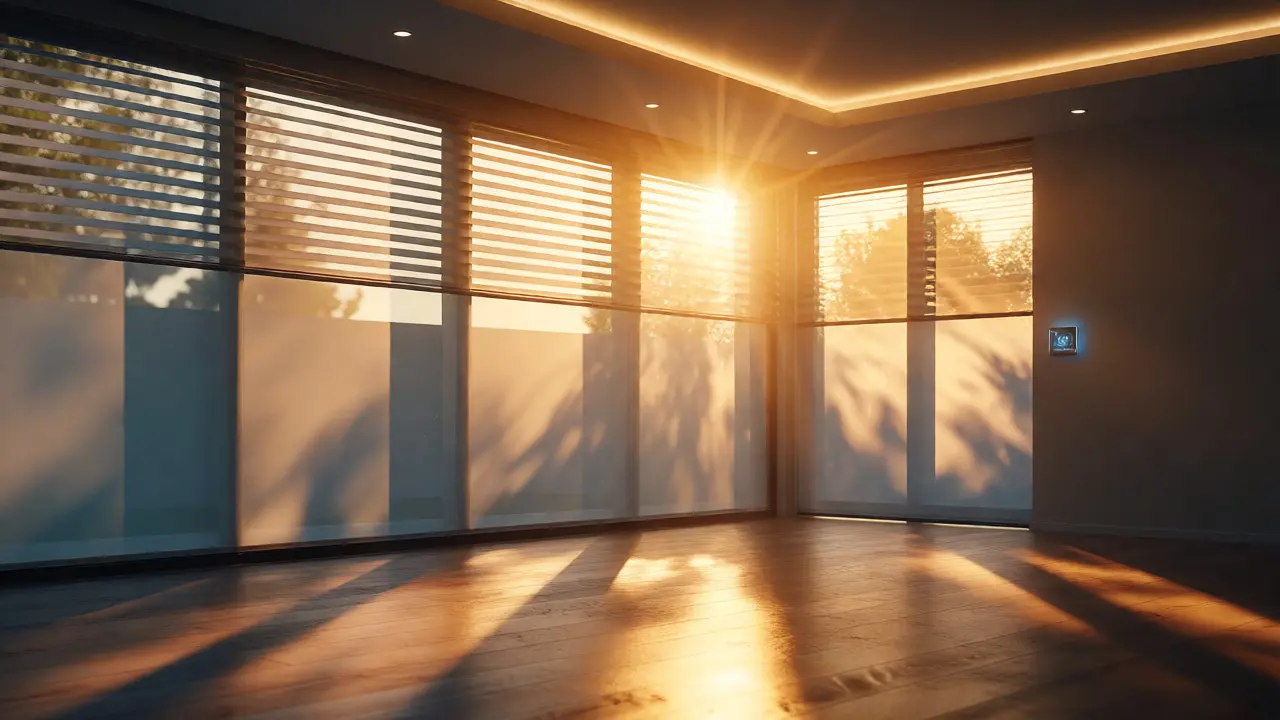
You just bought the latest motorized shades. They’re sleek, quiet, and controlled by an app. But here’s the thing: if they’re sitting in isolation, doing nothing more than opening when you tap a button, you’re wasting their potential. Smart blinds are not just window coverings; they are active sensors and actuators within your home's thermal and visual ecosystem. When you connect them to your lights and thermostat, you stop managing devices individually and start managing comfort.
Think about a typical summer afternoon. The sun hits your west-facing windows. Without integration, your AC cranks up because the room gets hot, while your living room lights stay on at 100% brightness even though it’s blazing outside. This is inefficient and annoying. By linking these three systems-blinds, lighting, and climate control-you create a responsive environment that reacts to the sun, the time of day, and your presence. Let’s break down how to make this happen without turning your home into a tech maze.
The Core Triad: Why These Three Systems Belong Together
Why blinds? Why not just automate the lights? Because light is the primary driver of heat gain and human circadian rhythms. Your thermostat manages temperature, but it doesn’t know *why* the temperature is rising. Is it because you turned on the oven? Or because the sun is pouring through the glass?
Smart lighting adjusts visibility, but it doesn’t account for glare or solar heat load. Smart blinds bridge the gap. They control the input (sunlight) before it becomes a problem for the other two systems. When you integrate them, you build a feedback loop:
- Solar Gain Control: Blinds close to block heat, reducing the load on the HVAC system.
- Visual Comfort: Lights dim automatically when natural light is sufficient, saving energy and preventing eye strain.
- Privacy & Security: Blinds close and lights turn on together at sunset to mimic occupancy or ensure privacy.
This isn't just about convenience; it's about physics. A closed blind can reduce solar heat gain by up to 45%. If your thermostat sees a cooler room because the blinds did their job, it runs less often. That’s real money saved.
Choosing the Right Protocol for Integration
Before you buy anything, check your protocols. This is where most people get stuck. You might have Zigbee bulbs, Wi-Fi blinds, and a Z-Wave thermostat. They speak different languages.
For seamless integration, consistency matters. Matter, the new universal standard, is changing the game as of 2026. If you’re starting fresh, look for Matter-compatible devices. It ensures that your Apple HomeKit hub can talk to your Android-controlled blinds and your generic smart plug without needing three different bridges.
| Protocol | Best For | Integration Ease | Latency |
|---|---|---|---|
| Zigbee | Battery-powered blinds and bulbs | High (requires hub) | Low |
| Wi-Fi | Direct app control, no hub needed | Medium (network congestion risk) | Variable |
| Matter | Cross-platform compatibility (Apple/Google/Alexa) | Very High | Low |
| Z-Wave | Large homes with many devices | High (requires specific hub) | Very Low |
If you already own non-Matter devices, don’t panic. Most major hubs like Home Assistant or Samsung SmartThings act as translators. They can ingest data from Zigbee blinds and send commands to Wi-Fi thermostats. Just be aware that complex automations across different protocols might have a slight delay-usually under a second, which is imperceptible to humans but noticeable if you’re trying to sync music with lights.
Setting Up Daytime Scenes: The "Morning Routine"
Let’s get practical. What does a good integration look like? Start with the morning. Your goal is to wake up gently without blasting artificial light or freezing the house.
Create a scene called "Sunrise." Here’s the logic flow you should program into your automation platform:
- Trigger: Local sunrise time (calculated by your hub).
- Action 1 (Blinds): Open bedroom blinds to 50%. Not fully open yet-we want gradual exposure.
- Action 2 (Lights): Turn off all overhead lights. Dim bedside lamps to 10% color temperature (warm white).
- Action 3 (Thermostat): Switch from "Sleep" mode to "Wake" mode. Increase target temperature by 2 degrees.
Why 50%? Full openness can cause glare on screens immediately after waking up. As the sun rises higher, add a secondary trigger: "If ambient light sensor > 500 lux, open blinds to 100%." This dynamic adjustment feels natural. It mimics how nature works, rather than a robotic snap-to-position.
Pro tip: Use your smartphone’s location services as a secondary trigger. If you leave the house before sunrise, keep the blinds closed to maintain security and insulation. If you’re still there, execute the routine.
Afternoon Heat Management: The Energy Saver
This is where the money is made. In July and August, your AC bill spikes because of solar gain. Instead of letting the thermostat fight the sun, let the blinds win first.
Set up a "Heat Guard" automation. This requires a weather entity or a local temperature sensor near the window. The logic looks like this:
AND Sun Position is West-facing
AND Indoor Temp > Target Temp + 2°
THEN
- Close Living Room Blinds to 10% (leave a crack for visibility)
- Set Thermostat to Eco Mode
- Dim Smart Bulbs to 40% (reduce internal heat generation from LEDs)
Notice the interplay. Closing the blinds reduces the heat entering the room. Dimming the lights reduces the heat generated inside. The thermostat sees a slower rise in temperature and cycles the compressor less frequently. Over a month, this can shave 10-15% off your cooling costs.
Don’t forget the reverse. On cold winter days, if the sun is shining and the indoor temp is below target, open the blinds to capture passive solar heating. Then, lower the thermostat setting slightly because the sun is doing the work. This is called "passive solar gain utilization," and it’s free energy.
Evening Transitions: Privacy and Ambiance
Nighttime is tricky. You need privacy, but you also want ambiance. Automating this prevents the common mistake of leaving blinds open while lights are on, turning your living room into a fishbowl for neighbors.
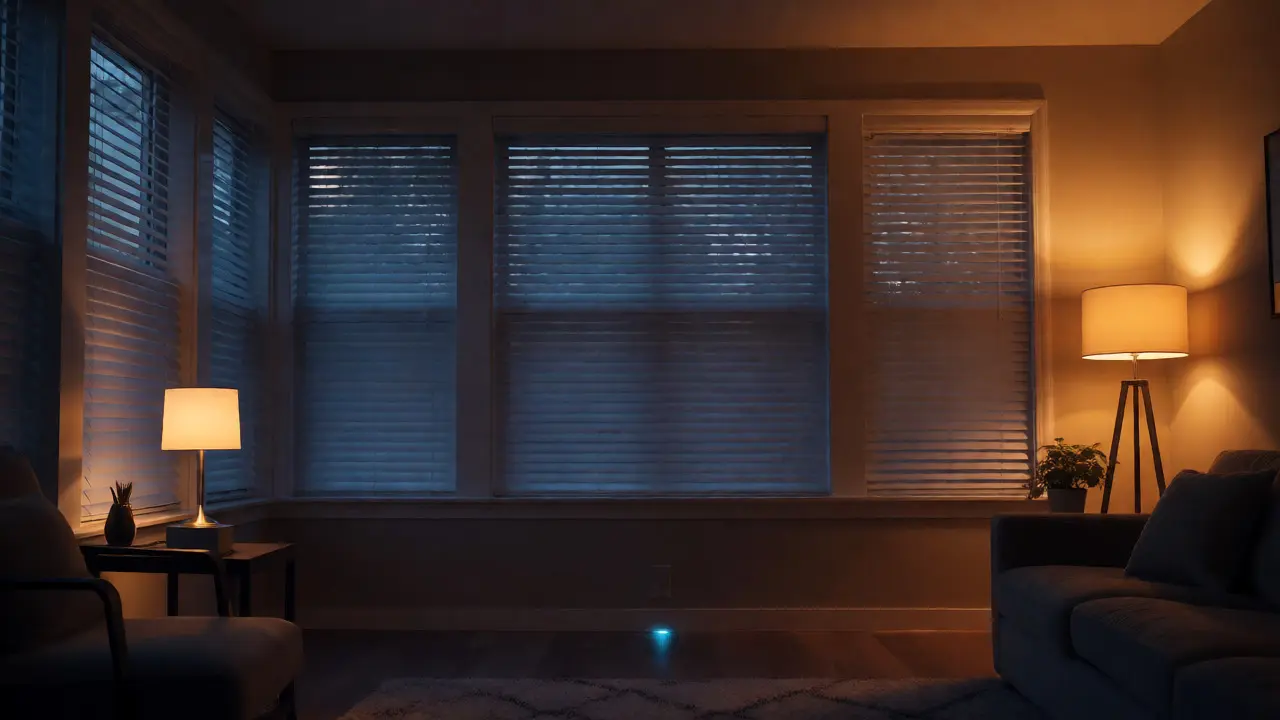
Create a "Dusk" scene triggered by sunset minus 30 minutes (the golden hour).
- Blinds: Close to 100% for privacy. If you have sheer layers, keep those open to diffuse streetlights.
- Lights: Turn on accent lighting and floor lamps. Avoid overhead ceiling lights to create a cozy atmosphere.
- Thermostat: Drop the temperature by 3-4 degrees. Body heat and appliances generate warmth indoors, so you don’t need the furnace running as hard.
Add a conditional statement: "If motion detected in living room after dusk, turn on pathway lights at 20% brightness." This integrates security with comfort. If someone walks past the window, the lights don’t blast on; they glow softly. If no motion is detected for 15 minutes, turn everything off and lock the blinds.
Troubleshooting Common Integration Issues
It won’t always work perfectly on day one. Here are the headaches you’ll likely face and how to fix them.
Conflict Loops: Sometimes, your thermostat says "cool down," so the AC turns on. But your blinds are open, so the room stays hot. The AC runs forever. Fix this by adding a "dwell time" to your automations. Don’t let the blinds react instantly to every degree change. Wait until the temperature has been high for 10 minutes before closing blinds. This prevents rapid toggling.
Network Lag: If your blinds take 5 seconds to respond while lights turn on instantly, it breaks the immersion. Check your Wi-Fi signal strength near the window. Motorized blinds often sit far from the router. Consider adding a Zigbee repeater or switching to Matter-over-Thread for better mesh networking.
Manual Override Confusion: What happens if you manually close the blinds via the wall switch? Does the automation override you? Configure your hub to respect manual changes for a set period (e.g., 2 hours). After that, resume automated schedules. This gives you control without breaking the system.
Advanced Tweaks: Presence Detection and Vacation Modes
Once the basics are stable, get smarter. Use geofencing. When your phone leaves the home zone, trigger "Away Mode." Close all blinds, turn off all lights, and set the thermostat to "Energy Saving." This saves power and simulates occupancy if you randomize the timing slightly.
For vacation mode, use randomized timers. Instead of closing blinds at exactly 6:00 PM every night, vary the time between 5:45 and 6:15. Randomly turn lights on and off in different rooms. Combined with closed blinds during the day, this makes an empty house look lived-in.
Finally, monitor your energy dashboard. Most hubs now show kWh usage per device. Compare weeks with integrations enabled versus disabled. Seeing the concrete drop in HVAC runtime validates the effort. It turns abstract "smart home" concepts into tangible financial wins.
Do I need a hub to integrate smart blinds with lights and thermostats?
Not necessarily, but it helps. If all your devices support Matter, you can often manage them directly through your phone's native smart home app (like Apple Home or Google Home) without a separate physical hub. However, for complex automations involving multiple triggers (like weather + time + motion), a dedicated hub like Home Assistant or Samsung SmartThings offers more robust processing and reliability.
Will closing smart blinds actually save me money on my electric bill?
Yes, primarily through reduced HVAC usage. By blocking solar heat gain in summer and retaining interior heat in winter, your heating and cooling systems run less frequently. Studies suggest that automated shading can reduce cooling loads by 10-20% depending on your climate and window orientation. Additionally, using natural light instead of artificial lighting saves electricity directly.
What happens if the internet goes out? Do my smart blinds still work?
Most modern smart blinds have local control capabilities. Even if your internet connection drops, they usually communicate with your local hub or controller via Zigbee, Z-Wave, or Thread. You can still operate them via a physical remote or a local app on your phone. However, cloud-based automations that rely on external weather data might pause until connectivity is restored.
Can I integrate third-party smart blinds with a proprietary thermostat brand?
Generally, yes, provided both devices connect to a common platform like Alexa, Google Home, or Apple HomeKit. If your thermostat is Ecobee and your blinds are Lutron, you can link them through the Lutron Caséta bridge integrated into HomeKit. Direct integration between brands without a middleman platform is rare unless they share the same parent company or protocol stack.
How do I prevent my blinds from closing when I'm watching TV?
Use media state triggers. Many smart home platforms can detect if a streaming device (like Apple TV or Roku) is playing content. Create an automation rule: "If Media Player State = Playing, disable automatic blind closure." Alternatively, simply press a "Movie Mode" button on your remote, which overrides the schedule and keeps blinds closed regardless of the time of day.