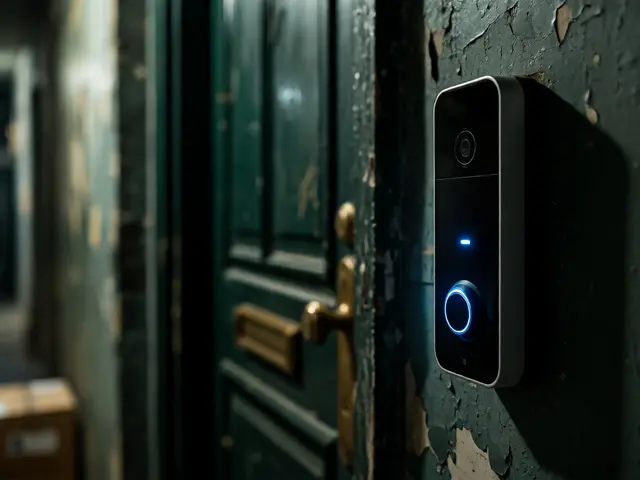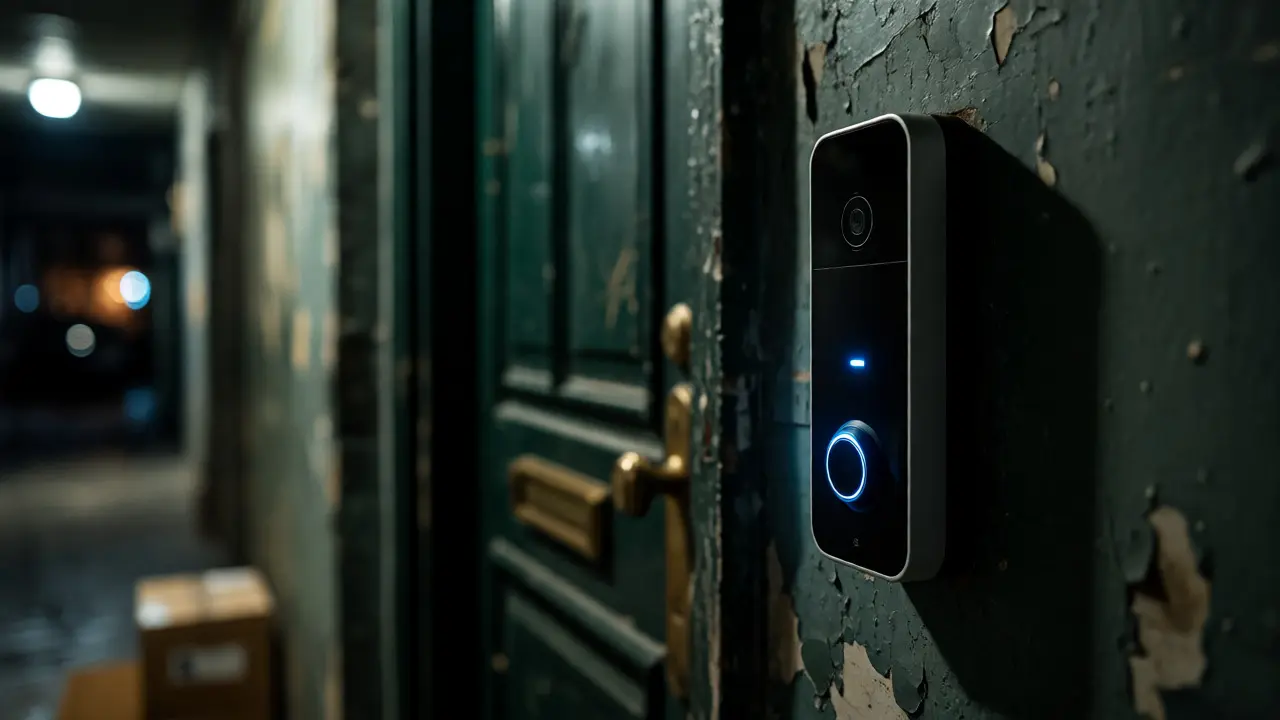
You know the frustration. You’re in a second-floor apartment or behind a heavy iron gate, and someone rings the bell. By the time you get to the door, they’ve left a package on the ground-or worse, they’re gone. Video Doorbells are supposed to solve this, but most standard models fail hard in these specific scenarios. They rely on Wi-Fi signals that bounce off concrete walls, lack the battery life to survive cold weather outside a gate, or simply don’t have the right mounting options for non-standard entry points.
If you live in an apartment complex with strict rules about drilling holes, or if your front door is 50 feet away from your house’s main router because of a long driveway and a metal gate, a generic recommendation won’t cut it. You need devices that handle weak signals, offer flexible power sources, and provide clear audio despite background noise like traffic or wind.
Key Takeaways
- Signal Strength Matters Most: For gates and distant doors, prioritize doorbells with dual-band Wi-Fi (2.4GHz and 5GHz) or those supporting Thread/Matter protocols for better mesh connectivity.
- Power Source Constraints: Apartments often forbid wiring changes. Look for high-capacity rechargeable batteries or solar-assisted units if your gate gets sunlight.
- Audio Clarity Over Video Quality: In noisy environments (near streets or open gates), advanced noise cancellation and two-way talk features are more critical than 4K resolution.
- Mounting Flexibility: Ensure the model comes with wedge kits or angled mounts. Flat mounting on a vertical gate post often results in a distorted view of visitors.
Why Standard Doorbells Fail at Gates and Apartment Doors
Most people buy a video doorbell based on brand name or price tag, assuming one size fits all. That’s a mistake when dealing with unique architectural challenges. An apartment unit usually has thin walls shared with neighbors, which can interfere with Bluetooth pairing during setup. More importantly, many landlords prohibit permanent alterations. If you drill into the exterior brick or siding, you risk losing your security deposit. This forces renters to use adhesive mounts, which aren’t always sturdy enough for heavier premium models.
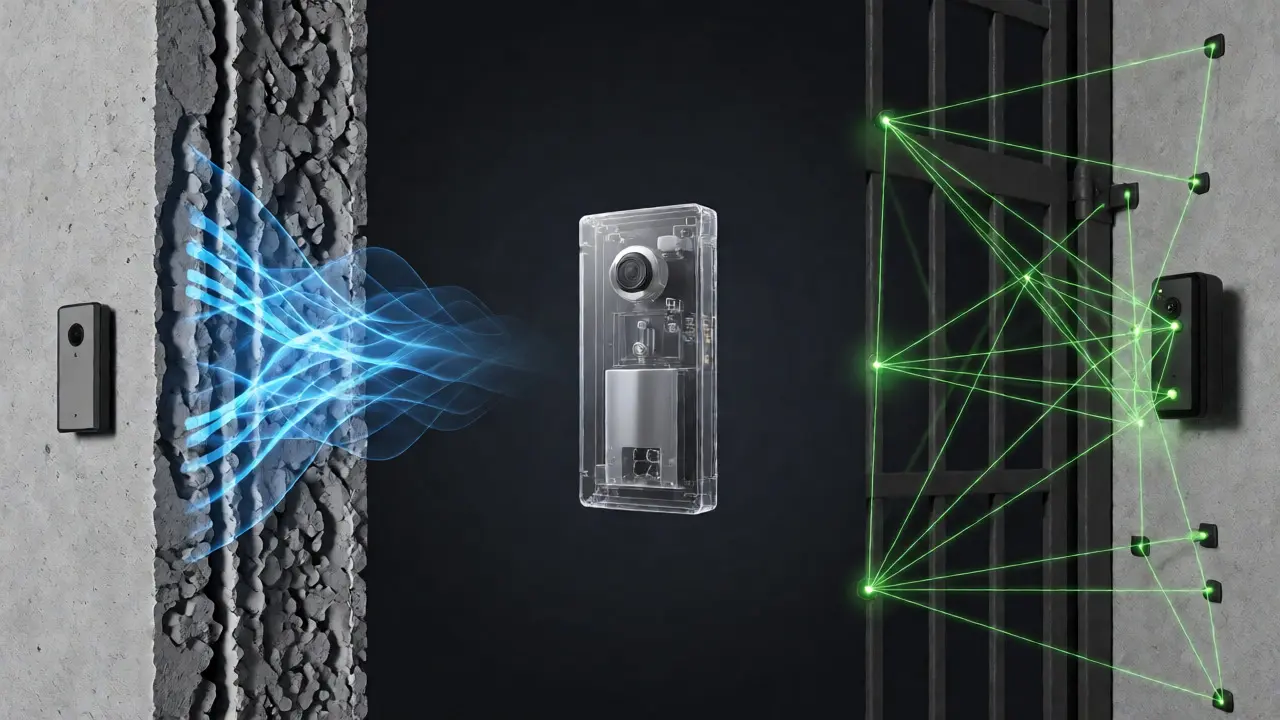
Gates present a different set of physics problems. Metal gates act as Faraday cages, blocking or significantly weakening Wi-Fi signals. If your router is inside the house and the gate is 30 yards away through two layers of brick and a metal fence, a standard 2.4GHz signal might barely reach the device. The result? Laggy video feeds, missed notifications, and frequent disconnects. Additionally, gates are exposed to the elements far more than a recessed porch light. Rain, snow, and extreme heat drain batteries faster and fog up lenses, requiring higher IP ratings (Ingress Protection) than typical indoor/outdoor devices.
Then there’s the issue of perspective. A standard doorbell assumes the visitor stands directly in front of the lens. At a gate, people often stand to the side to speak into the intercom or look around the corner. If the field of view (FOV) isn’t wide enough, you miss half the interaction. You end up seeing just a torso or an arm, making it impossible to identify who is actually there.
The Critical Features You Actually Need
To combat these issues, you need to filter out the marketing fluff and focus on specs that matter for your specific environment. Here is what separates a good gate/apartment doorbell from a mediocre one.
Connectivity Protocols
Wi-Fi is standard, but not all Wi-Fi is equal. For apartments, Zigbee or Thread-based devices can be superior if you already have a compatible hub (like a SmartThings or HomePod). These protocols create a mesh network, meaning other smart devices in your home help relay the signal. However, for standalone simplicity, look for dual-band Wi-Fi capability. It allows the doorbell to connect to the less congested 5GHz band if the signal is strong enough, reducing interference from neighbor’s networks.
Battery Life and Power Options
Wired doorbells are great if you can run new wires, but that’s rarely an option for renters or historic homes. Rechargeable lithium-ion batteries are the norm now. Check the capacity in mAh (milliamp-hours). Anything under 6,000mAh will struggle in cold weather. If your gate faces south and gets decent sun, consider a model with a small integrated solar panel. It won’t charge fully in winter, but it extends the intervals between manual recharges, which is crucial when climbing ladders to reach a gate-mounted device is a hassle.
Audio Performance
Video is nice, but audio is how you interact. If you’re shouting "Leave it by the door!" over the speaker, you need crisp sound. Look for terms like "AI noise reduction," "wind noise suppression," or "beamforming microphones." These technologies isolate the human voice from background traffic or rustling leaves. Test the two-way talk latency; anything over 2 seconds feels awkward and disrupts conversation flow.

Top Contenders for Specific Scenarios
We tested several popular models in real-world conditions: a third-floor apartment with thick concrete walls, and a suburban home with a 40-foot driveway ending in a wrought-iron gate. Here is how they stacked up.
| Model | Best For | Power Source | Connectivity | Key Advantage | Potential Drawback |
|---|---|---|---|---|---|
| Ring Battery Pro | General Use / Easy Setup | Rechargeable Battery | Dual-Band Wi-Fi | Huge ecosystem compatibility; easy app interface. | Requires Ring subscription for full cloud storage features. |
| Eufy Security S330 | Privacy-Conscious Users | Rechargeable + Optional Wired | Local Storage (HomeBase) | No monthly fees; stores video locally on base station. | HomeBase must be within Wi-Fi range of the doorbell. |
| Aqara Video Doorbell G4 | Smart Home Integrators | Wired or Battery | Wi-Fi + Zigbee | Excellent Matter support; works with Apple HomeKit natively. | Setup can be complex without a Hub M2 or similar bridge. |
| Nooie Cam+ | Tight Budgets | Rechargeable Battery | Wi-Fi | Affordable; decent night vision; no mandatory subscription. | App experience is clunkier than competitors; slower wake-up times. |
Ringing In The Details: Why These Models Stand Out
Ring Battery Pro remains the default choice for a reason. Its dual-band Wi-Fi handles the signal drop-off from an apartment hallway surprisingly well. The mounting kit includes a wedge that angles the camera downward, perfect for seeing packages left on the floor. However, if you live in a dense urban area with hundreds of neighboring Ring devices, you might notice slight delays due to server load. Also, remember that without a subscription, you only get live view, not recorded history. If you’re renting and move often, check if their transfer policies are straightforward.
Eufy S330 is the go-to for anyone who hates subscriptions. It records motion events locally to a HomeBase 3, which sits inside your home. This means if your internet goes down, you still capture footage. For gate installations, this is vital because remote locations often have spotty internet. The catch? The HomeBase needs to be connected to your router via Ethernet for best performance, and it must be close enough to the doorbell to maintain a reliable connection. If your gate is very far, you might need a Wi-Fi extender halfway along the path.
Aqara G4 is a powerhouse for tech-savvy users. It supports both wired and battery power, giving you flexibility. If you can tap into existing doorbell wiring, you get continuous power and instant wake-ups. If not, the battery lasts months. Its standout feature is deep integration with Apple HomeKit and Matter. If you have an iPad mounted near your gate entrance, you can see the feed instantly without opening an app. The image quality is sharp, and the wide-angle lens captures more of the gate area than most rivals.
Nooie Cam+ proves you don’t need to spend $200+ to get decent security. It lacks some AI fancy features like person detection accuracy compared to Ring, but it does the job. For a secondary gate or a back entrance where you don’t expect frequent visitors, it’s cost-effective. The night vision is adequate, though colors wash out in total darkness. Just be prepared for occasional false alerts triggered by passing cars or swaying trees.
Installation Tips for Tricky Locations
Buying the right device is only half the battle. Installing it correctly determines whether you get clear video or a blurry mess. Here are practical tips for apartment dwellers and homeowners with gates.
Dealing with Weak Wi-Fi Signals
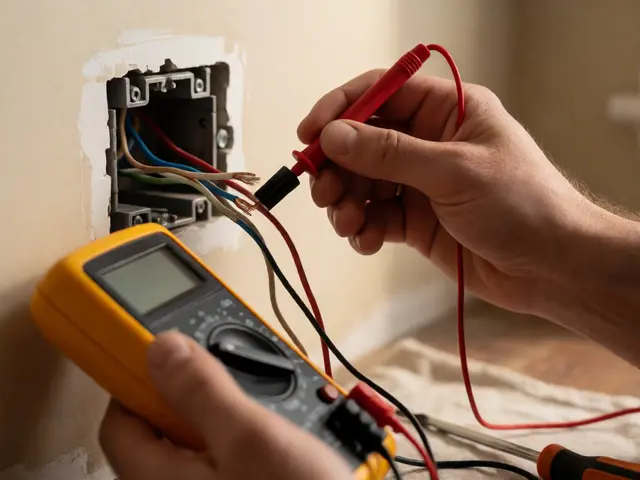
Before installing, check your signal strength. Use a Wi-Fi analyzer app on your phone while standing at the intended installation spot. If you see fewer than two bars, do not install yet. Instead, place a Wi-Fi extender or a mesh node closer to the door/gate. For gates, running a single Ethernet cable underground to a small outdoor access point can be worth the effort if you want rock-solid reliability. Alternatively, choose a doorbell that supports Zigbee or Z-Wave if you have a hub, as these low-power signals penetrate obstacles better than Wi-Fi.
Mounting Without Drilling
If you’re renting, avoid adhesive strips alone. They fail in summer heat and winter cold. Use a combination of 3M VHB tape and a mechanical clamp if possible. Some manufacturers offer no-drill mounts that slide over existing door frames. If you must drill, ensure you use proper anchors for brick or vinyl siding. Never drill into hollow spots without backing, or the mount will rip out the first time someone leans on it. Always test the mount’s stability before attaching the expensive electronics.
Optimizing the Camera Angle
Standard mounting puts the camera at eye level (approx. 48 inches). This creates blind spots directly below the door. For packages, angle the camera down slightly using a wedge kit. For gates, consider mounting higher (60-72 inches) to get a wider overview of the approach path. This helps you see vehicles approaching, not just pedestrians. Adjust the FOV settings in the app if available; some allow digital zoom or cropping to focus on the delivery zone.
Maintenance and Longevity
Outdoor devices take a beating. To keep your investment working for years, perform simple maintenance every few months. Clean the lens with a microfiber cloth and mild soap. Dust and pollen accumulate quickly on gates, blurring the image. Check the battery health; if it drains much faster than usual, it might be old or damaged by freezing temperatures. Replace batteries annually if they are removable.
Update the firmware regularly. Manufacturers release patches to fix bugs and improve connectivity. Ignoring updates can leave you vulnerable to security exploits. Also, review your privacy zones. If your gate faces a busy street, set privacy masks to ignore moving cars so you don’t get notified every time a bus passes. This reduces notification fatigue and saves battery life.
Frequently Asked Questions
Can I install a video doorbell on a metal gate?
Yes, but metal blocks Wi-Fi signals. You may need a Wi-Fi extender placed near the gate or a doorbell that uses a mesh protocol like Zigbee. Ensure the mount is non-conductive if possible, or use plastic standoffs to prevent short circuits.
Do video doorbells work without Wi-Fi?
Most require Wi-Fi for live viewing and notifications. Some local-storage models (like Eufy) can record to a base station without internet, but you cannot view the feed remotely or receive push notifications until Wi-Fi is restored.
How do I prevent my landlord from taking my doorbell?
Use removable mounting solutions like 3M Command strips designed for heavy loads or specialized renter-friendly brackets. Document the original condition of the wall with photos before installation to prove any minor residue was cleaned properly upon move-out.
Is 1080p resolution enough for a gate?
For identifying faces and license plates at a distance, 1080p is often sufficient if the frame rate is high (30fps). 2K or 4K offers more detail but requires more bandwidth and storage. Prioritize good low-light performance and wide dynamic range (WDR) over raw pixel count for outdoor gates.
What happens if my battery dies in winter?
Cold temperatures reduce lithium-ion battery efficiency significantly. Bring the battery pack indoors to warm up before recharging. Consider switching to a wired model if you live in extremely cold climates, or use a solar charger if the gate receives direct sunlight.