You spent the weekend installing that new smart thermostat or mounting a floating shelf, only to find it won't power on, wobbles when you touch it, or looks completely wrong. It happens to everyone. The gap between the instruction manual and reality is where most DIY projects fail. You don't need a professional contractor to fix these issues; you just need to know what usually goes wrong and how to spot it quickly.
Why Your Device Won’t Power On
This is the most common complaint with electronic installations, from smart locks to LED light strips. Before you assume the product is defective, check the power source. Many people plug devices into outlets controlled by wall switches they forgot about, or they use USB ports on computers that go to sleep.
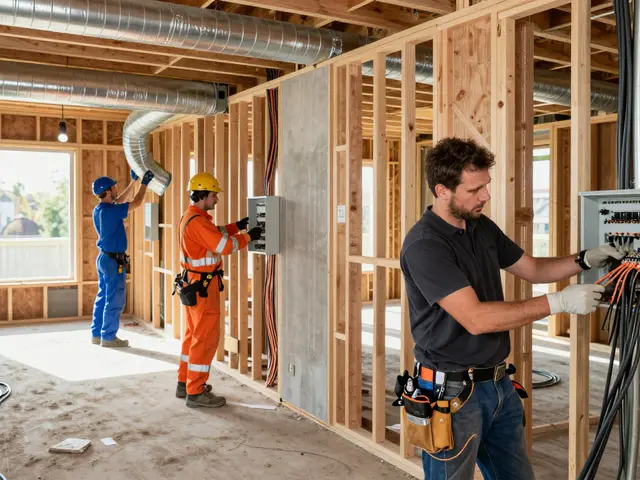
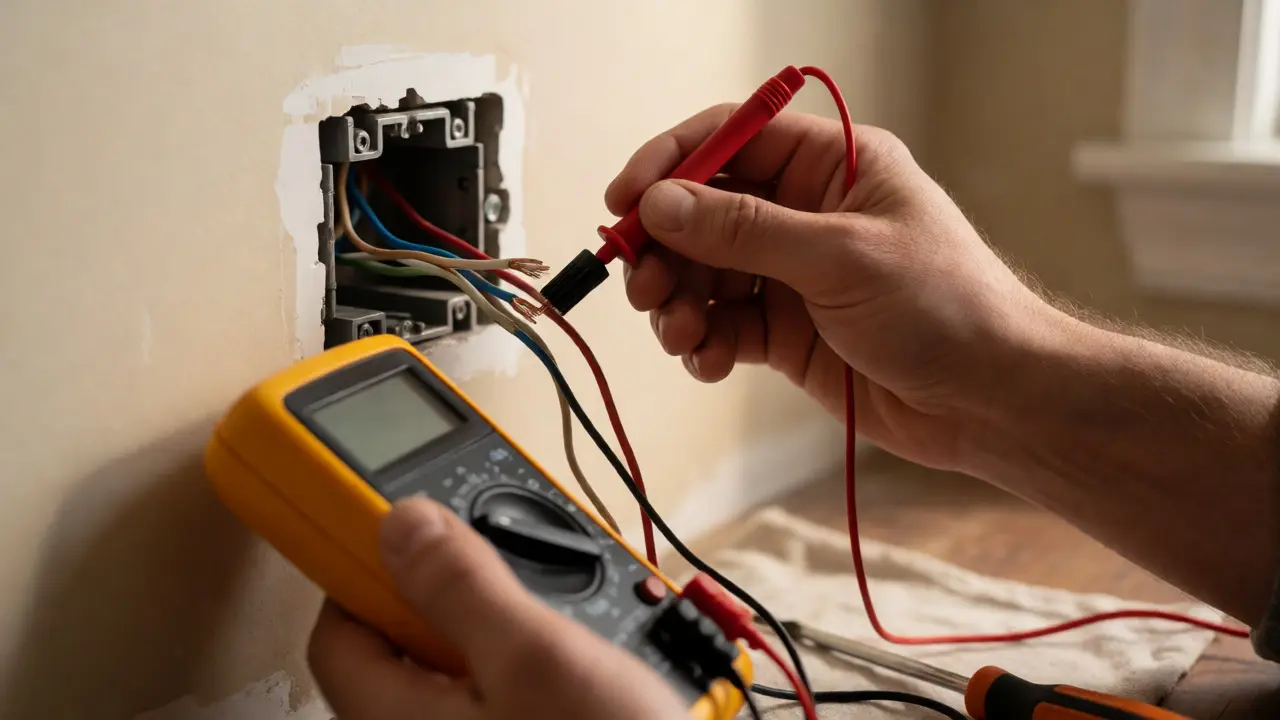
If you are dealing with hardwired devices, such as a video doorbell or a ceiling fan, the issue is often loose wiring. A wire nut might look tight but isn't making solid contact. Turn off the breaker, open the junction box, and twist the wires again. If the copper strands are frayed, trim them back for a clean connection. Always verify voltage with a multimeter before touching anything if you aren't sure the power is off.
- Check the switch: Ensure no wall switch controls the outlet.
- Test the outlet: Plug in a lamp to confirm power flow.
- Inspect batteries: Even "new" batteries can be dead if stored poorly.
- Verify polarity: For DC devices, ensure positive and negative wires match.
Misalignment and Leveling Issues
A crooked picture frame is annoying, but a crooked TV mount or cabinet is dangerous. Humans are terrible at judging level by eye alone. We see what we want to see. If your installation looks tilted, trust your tools, not your eyes.
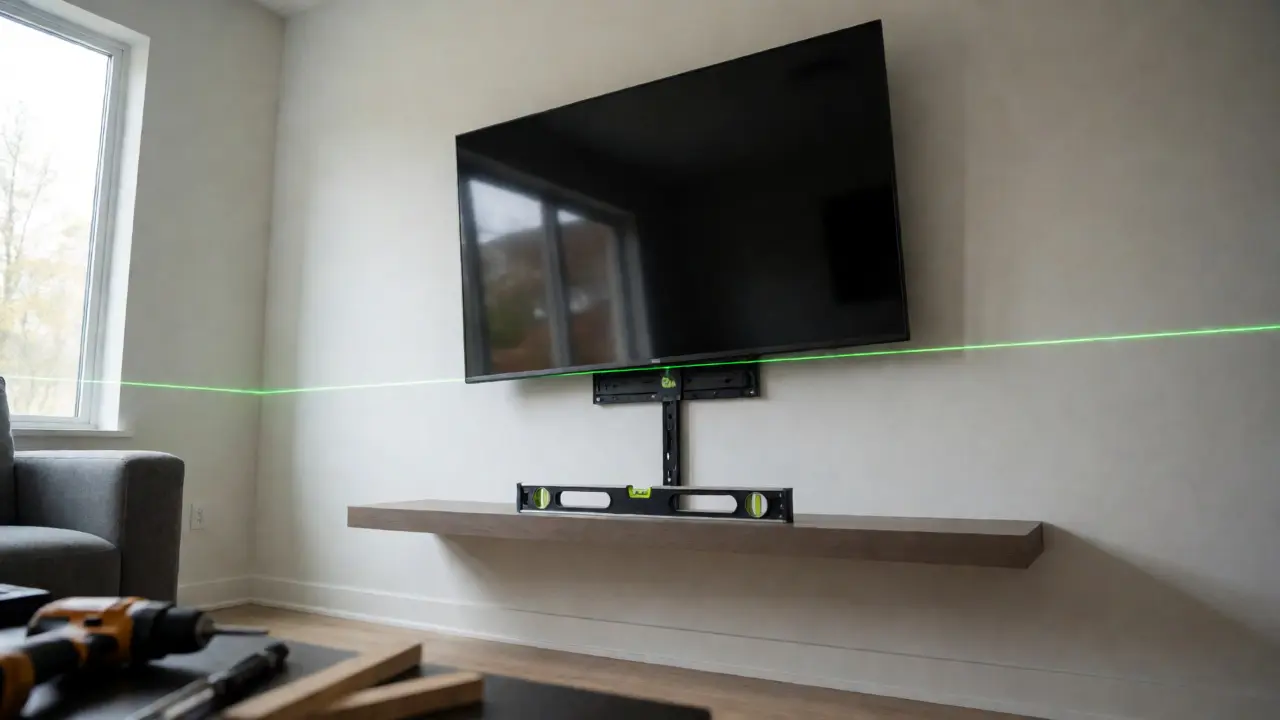
The standard spirit level has limitations. Bubble levels can be inaccurate if not calibrated correctly. For long spans, like shelves or baseboards, use a laser level. These devices project a flat plane across the room, eliminating guesswork. If you don't own one, many hardware stores rent them for cheap, or you can use a smartphone app with an accelerometer, though accuracy varies.
Another culprit is uneven walls. Older homes, especially those built before 1980, rarely have perfectly straight studs or plaster. If your shelf sits on two studs that are slightly out of alignment, the shelf will rock. Use shims-thin pieces of wood or plastic-to fill gaps behind the mounting bracket. Do not force the screw tighter; this warps the material. Shim first, then tighten.
Connectivity Problems in Smart Home Devices
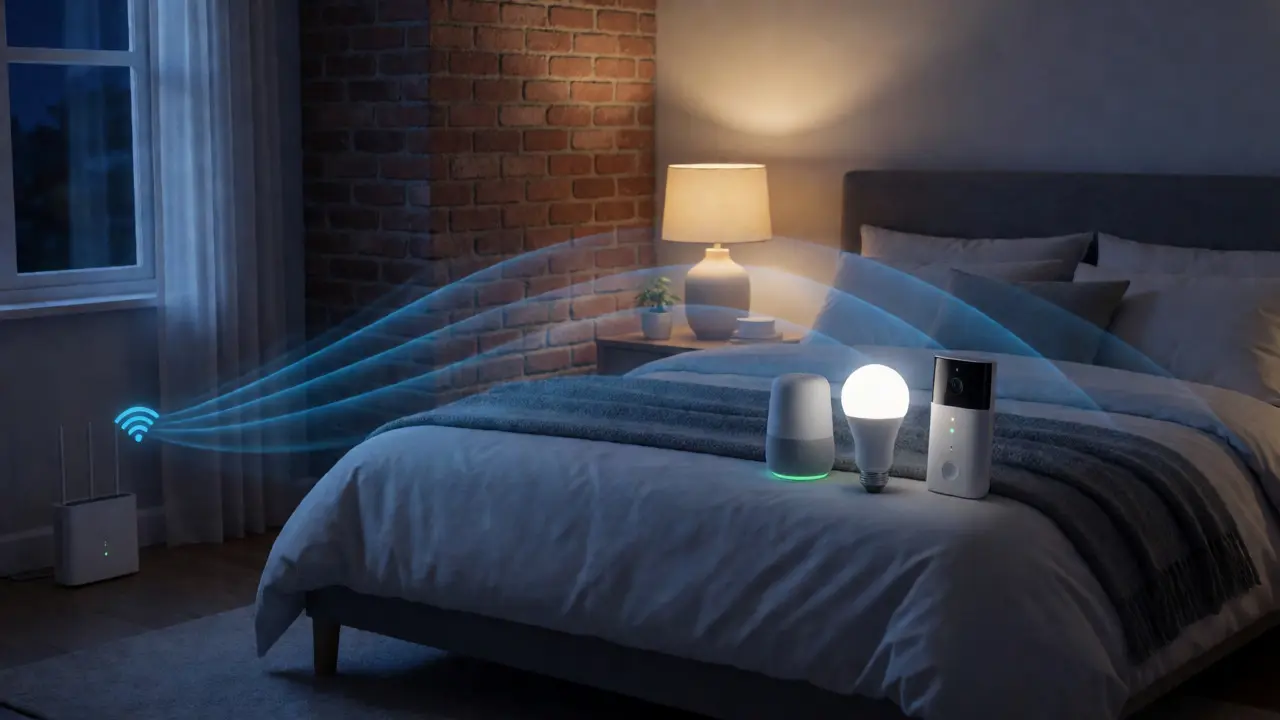
Wi-Fi interference is real. Walls made of brick, concrete, or metal mesh block signals effectively. If your smart bulb connects but drops frequently, it's likely too far from the router or blocked by dense materials. Moving the device even six inches can sometimes restore a stable connection.
Bandwidth congestion is another factor. If you have dozens of IoT devices on a single 2.4GHz band, the network gets clogged. This causes lag or disconnections. Check your router settings. Most modern routers allow you to create a separate SSID (network name) specifically for IoT devices. This isolates them from your high-bandwidth streaming and gaming traffic, reducing conflicts.
| Symptom | Likely Cause | Quick Fix |
|---|---|---|
| Device disconnects randomly | Weak signal or interference | Move closer to router or add Wi-Fi extender |
| Setup fails at 50% | Password error or 5GHz incompatibility | Ensure phone is on 2.4GHz network during setup |
| Slow response time | Network congestion | Create dedicated IoT VLAN or reduce connected devices |
Structural Failures: When Things Fall Down
Hanging heavy objects requires understanding what's behind the drywall. Drywall alone cannot hold significant weight. If you drive a screw directly into drywall without an anchor, it will eventually pull out. This is especially true for dynamic loads, like a swing or a TV that you tilt.
Always locate a stud for heavy items. Stud finders are helpful, but they can give false positives due to pipes or wires running parallel to studs. Verify by drilling a small pilot hole. If you hit resistance after half an inch, you've likely found wood. If you must mount on drywall, use toggle bolts, not plastic expansion anchors. Toggle bolts spread the load over a larger area behind the wall.
For tile installations, avoid using standard masonry bits on glazed ceramic. They slip and crack the surface. Start with a carbide-tipped spear point bit or a diamond core drill. Apply steady pressure without hammering until you break through the glaze, then switch to a standard bit if needed.
Software and Firmware Glitches
Digital installation problems often mimic hardware failures. A smart lock might seem broken because its firmware is outdated. Manufacturers release updates to patch bugs and improve battery efficiency. Ignoring these updates leaves you vulnerable to known issues.
Perform a factory reset if pairing fails repeatedly. Hold the reset button for the specified duration-usually 10 to 30 seconds-while watching the LED indicators. Wait for the confirmation blink pattern before releasing. This clears corrupted configuration data. After resetting, restart your router. Sometimes the issue isn't the device, but the router's DHCP table being full or stale.
Preventing Future Installation Errors
Measure twice, cut once. This old adage holds true, but modern DIY adds a digital layer. Use painter's tape to mark drill points. It prevents the drill bit from wandering on smooth surfaces like glass or tile. Place a piece of masking tape over the spot where you plan to drill; the rough texture gives the bit traction.
Document your work. Take photos of the wiring before you disconnect anything. Tape the photos inside the cover plate or save them to a cloud folder named after the project. Six months later, when you need to replace a part, you won't have to guess which wire was neutral and which was live.
Finally, know your limits. Electrical work involving the main panel or plumbing modifications that require cutting water lines often benefit from a professional inspection. A $100 inspection fee is cheaper than repairing a fire caused by overloaded circuits or a flood from a bad pipe joint.
How do I know if my wall has studs?
Use a magnetic stud finder to detect nails in the wood framing, or an electronic stud finder to sense density changes. Knocking on the wall also helps: hollow sounds indicate empty space, while a solid thud suggests a stud. Always verify by drilling a small test hole.
My smart device won't connect to Wi-Fi. What should I check first?
First, ensure your smartphone is connected to the same 2.4GHz Wi-Fi network as the device, as many smart devices do not support 5GHz bands. Next, check if the password contains special characters that might cause encoding errors. Finally, move the device closer to the router to rule out range issues.
What type of anchor should I use for heavy mirrors?
For heavy mirrors, always try to mount into a wooden stud. If studs aren't available, use toggle bolts rated for the mirror's weight plus a safety margin. Plastic expansion anchors are generally insufficient for heavy static loads on drywall.
Why does my drilled hole keep slipping?
This usually happens on smooth surfaces like tile or glass. Place a piece of masking tape over the drilling spot to provide friction. Alternatively, use a center punch to create a small indentation that guides the drill bit.
Can I install a smart thermostat myself if I have a boiler?
Yes, but be cautious. Boilers often operate at higher voltages (24V or line voltage) than standard forced-air systems. Ensure the thermostat is compatible with hydronic heating. If unsure, consult a professional to avoid damaging the control board.