Have you ever looked at your electricity bill after a hot July and wondered why it doubled when you barely changed your habits? The culprit is often Time-of-Use (TOU) electricity rates. Unlike the old flat-rate plans where power cost the same whether you ran your AC at 2 AM or 5 PM, TOU charges you more during specific "peak" windows. If your cooling system kicks on right when everyone else in your neighborhood does, you are paying a premium for comfort.
The good news? You don't need to sweat through summer evenings to save money. By syncing your home's temperature control with these fluctuating prices, you can slash costs without sacrificing comfort. This guide breaks down how TOU works, why standard thermostats fail this test, and exactly how to program your device to outsmart the grid.
What Are Time-of-Use Electricity Rates?
Utility companies introduced TOU pricing to manage demand. When millions of people turn on air conditioners simultaneously between 4 PM and 9 PM, the grid strains. To discourage this, utilities charge higher rates during these hours. Conversely, they offer lower rates during "off-peak" hours, typically late at night or early morning.
Most modern plans divide the day into three distinct periods:
- Off-Peak: Lowest rates. Usually overnight (e.g., 10 PM - 6 AM).
- Mid-Peak (or Shoulder): Moderate rates. Often daytime hours when businesses are open but residential demand is lower.
- On-Peak: Highest rates. Late afternoon and early evening (e.g., 4 PM - 9 PM).
Your utility provider defines these exact times. In Portland, Oregon, for example, Pacific Power might define peak hours differently than Portland General Electric. Always check your local provider's current rate schedule before programming your device. Assuming the times will lead to unexpected bills.
Why Your Old Thermostat Costs You Money
A traditional non-programmable thermostat holds one temperature all day. If you set it to 72°F, it runs whenever the house drops below that number. During peak hours, if the sun heats your home and the temp drops to 71.9°F, the compressor kicks on. At $0.30 per kWh instead of $0.12, that short cycle costs two and a half times more.
Even basic programmable thermostats struggle here. They allow simple schedules like "Weekday: 7 AM to 8 PM." But TOU rates shift seasonally. A schedule that saved money in January might waste cash in July because peak hours move with daylight saving time and seasonal demand patterns. Manual adjustments become a chore most people abandon after two months.
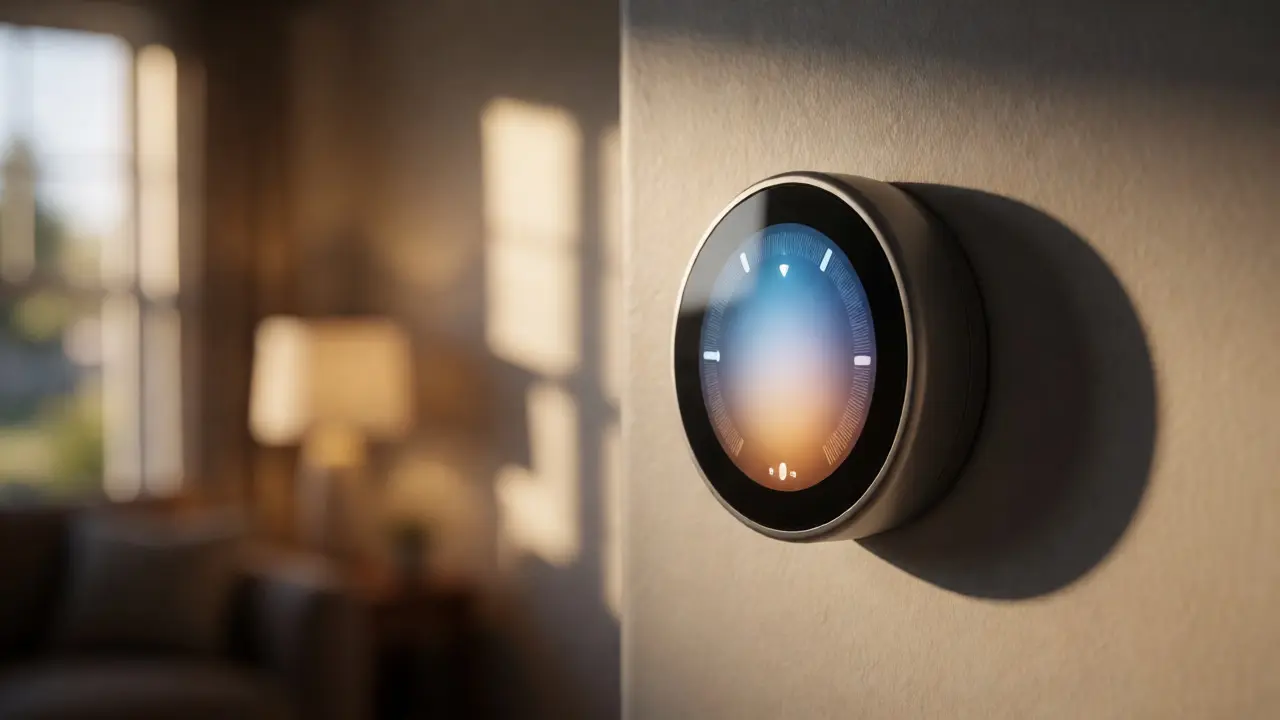
This is where smart thermostat scheduling shines. These devices connect to Wi-Fi, pull real-time data from your utility, and adjust automatically. They don't just follow a clock; they react to price signals and weather forecasts.
How Smart Thermostats Optimize for Peak Hours
Smart thermostats use algorithms to balance comfort and cost. They employ two main strategies: pre-cooling and setback management.
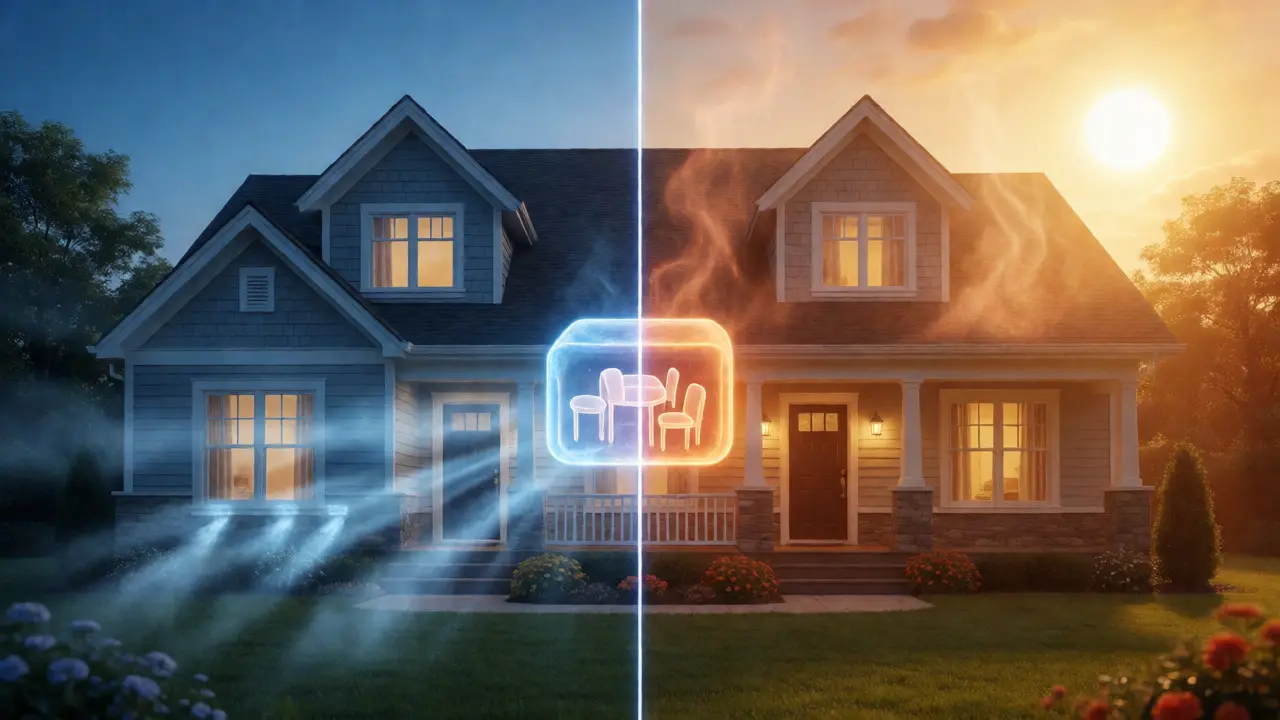
Pre-cooling involves lowering the temperature slightly during off-peak hours. Imagine setting your thermostat to 68°F at 3 PM while rates are still low. Then, as peak pricing starts at 4 PM, you raise the target to 74°F. Because your home is already cool, the thermal mass (walls, furniture, floors) keeps the interior comfortable for hours without running the compressor. You effectively store "cold air" like a battery stores electricity.
Setback management means letting the house drift warmer during peak times. If you know you'll be out of town until 6 PM, a smart thermostat won't fight to keep the house at 72°F at 5 PM. It allows the temp to rise to 78°F, then cools back down just before you arrive. This prevents expensive compressor cycles during the highest-priced window.
| Feature | Manual Thermostat | Basic Programmable | Smart Thermostat |
|---|---|---|---|
| Adapts to Seasonal Rate Changes | No | Requires Manual Update | Automatic via App/Data |
| Pre-Cooling Capability | No | Limited (Fixed Schedule) | Dynamic (Weather & Price Aware) |
| Geofencing Integration | No | No | Yes (Detects Presence) |
| Cost Savings Potential | Low | Moderate | High (10-20% typical) |
Step-by-Step Guide to Setting Up Your Schedule
Setting up your device correctly takes about 15 minutes. Follow these steps to ensure you actually save money rather than just adding complexity.
- Identify Your Utility Provider: Log into your utility account online. Find the "Rate Plan" section. Note the exact start and end times for Off-Peak, Mid-Peak, and On-Peak. Write them down.
- Connect Your Device: Ensure your smart thermostat is linked to your utility provider’s API. Brands like Nest, Ecobee, and Honeywell Home have direct integrations with major US utilities. This allows the device to pull live pricing data.
- Enable "Price-Sensitive" Modes: Look for features named "Time of Use," "Demand Response," or "Savings Mode." Turn these on. If available, enable "Peak Shift Rewards," which may pay you credits for reducing usage during critical peaks.
- Set Comfort Baselines: Define what temperatures you find acceptable. For summer, a common strategy is 72°F for Off-Peak/Mid-Peak and allowing a drift to 76-78°F during On-Peak. Be honest-if you hate being warm, narrow the gap.
- Configure Geofencing: Link your smartphone location. If you leave work at 5:30 PM but peak ends at 9 PM, the thermostat should know you aren't home yet. It shouldn't blast the AC at 6 PM if you won't walk through the door until 7:30 PM.
- Review Weekly Reports: After two weeks, check the app's energy report. Look for spikes in usage during peak hours. If you see high consumption at 6 PM, tighten your setback range or adjust pre-cooling start times.
Common Pitfalls That Kill Savings
Many users install a smart thermostat, set it once, and forget it. Here is where things go wrong.
Ignoring Humidity: In humid climates like Portland's summers, raising the temperature too much during peak hours can make the house feel muggy. High humidity makes 78°F feel like 82°F. If your thermostat doesn't account for dew point, you might end up cranking the fan or AC anyway, negating savings. Some advanced models monitor humidity levels specifically to prevent this.
Over-Correcting Pre-Cooling: Trying to cool the house to 65°F by 3 PM uses massive energy. If you over-pre-cool, you spend so much cheap energy getting there that you lose the benefit of avoiding peak rates. Aim for modest pre-cooling-just enough to extend the comfort window.
Forgetting Vacation Modes: If you leave for a week in August, do not leave your schedule active. Set the thermostat to "Away" mode. Otherwise, it might try to maintain comfort for an empty house during peak hours, wasting hundreds of dollars.
Real-World Impact: What Can You Save?
Let's look at concrete numbers. Assume a household uses 1,000 kWh per month for cooling. Under a flat rate of $0.15/kWh, that costs $150. Under a TOU plan, 30% of that usage might fall into peak hours at $0.30/kWh, while 70% falls into off/mid-peak at $0.12/kWh.
Without optimization, the bill is: (300 kWh * $0.30) + (700 kWh * $0.12) = $90 + $84 = $174.
With smart scheduling shifting 20% of that peak usage to off-peak hours: (240 kWh * $0.30) + (760 kWh * $0.12) = $72 + $91.20 = $163.20.
You saved roughly $11 a month. Multiply that by six months of heavy usage, and you've saved nearly $70. Add winter heating savings, and a smart thermostat pays for itself in under two years. Plus, many utilities offer rebates for installing qualifying smart devices, further reducing upfront costs.
Beyond Cooling: Heating and Winter Strategies
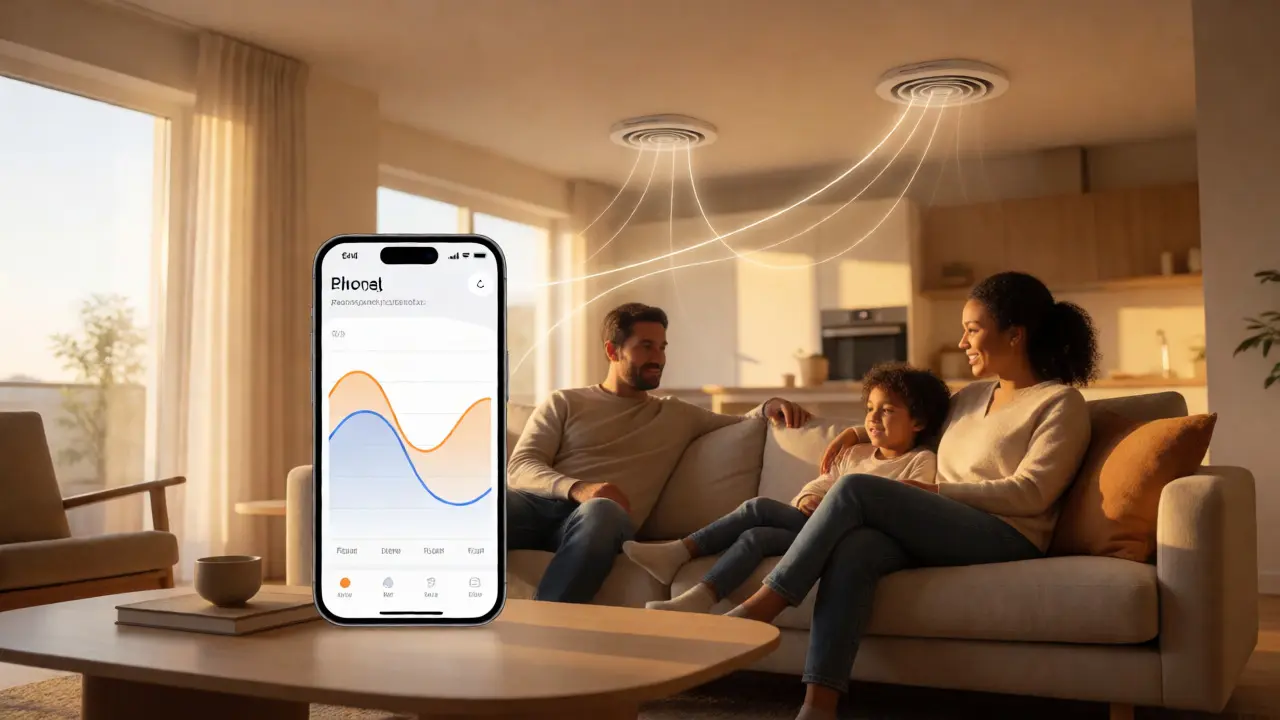
TOU rates apply year-round. In winter, peak hours often shift to mornings (6-9 AM) and evenings (4-9 PM). The strategy flips: pre-heat during off-peak hours. Set your thermostat to lower temps during peak windows and let the house cool naturally. Since heat rises and insulation retains warmth, maintaining a steady baseline is easier than fighting cold drafts.
Electric heat pumps are particularly sensitive to TOU rates. Running auxiliary electric strips during peak hours is expensive. Smart thermostats can prioritize efficient heat pump operation during shoulder hours and only engage backup heat if necessary, optimizing efficiency alongside cost.
Frequently Asked Questions
Do I need a smart thermostat for Time-of-Use rates?
While not strictly required, a smart thermostat is highly recommended. Manual adjustment requires constant attention to changing rate schedules. Smart devices automate the process, ensuring you don't miss peak windows due to human error or forgetfulness.
Will I be uncomfortable during peak hours?
Not necessarily. Most people tolerate a 2-4 degree variance without noticing significant discomfort. Additionally, smart thermostats use geofencing to resume cooling/heating just before you arrive home, ensuring comfort when you actually occupy the space.
Can my utility company control my thermostat remotely?
Some programs allow utilities to send "demand response" signals that temporarily adjust your thermostat during extreme grid stress. These events are usually limited to a few days a year. You can typically opt-out of these programs if you prefer full manual control.
How do I know if my area has Time-of-Use rates?
Check your recent electricity bill or log into your utility provider's website. Look for sections labeled "Rate Plans," "Tariffs," or "Billing Options." Many providers now default new customers to TOU plans, but legacy customers may need to request the switch.
Does solar panel ownership change TOU benefits?
Yes, significantly. If you have solar panels, you might generate excess power during mid-day (often mid-peak) and export it to the grid. However, net metering policies vary. Some states credit exports at retail rates, making self-consumption during peak hours more valuable. Smart thermostats help maximize self-consumption by shifting load to sunny, low-cost periods.
Next Steps for Energy Efficiency
If you haven't switched to a TOU plan yet, contact your utility provider today. Ask for a comparison calculator to estimate potential savings based on your historical usage. Once you confirm TOU is beneficial, invest in a reputable smart thermostat compatible with your HVAC system. Start with conservative settings, monitor your first two bills closely, and tweak the temperature bands until you find the sweet spot between comfort and cost.