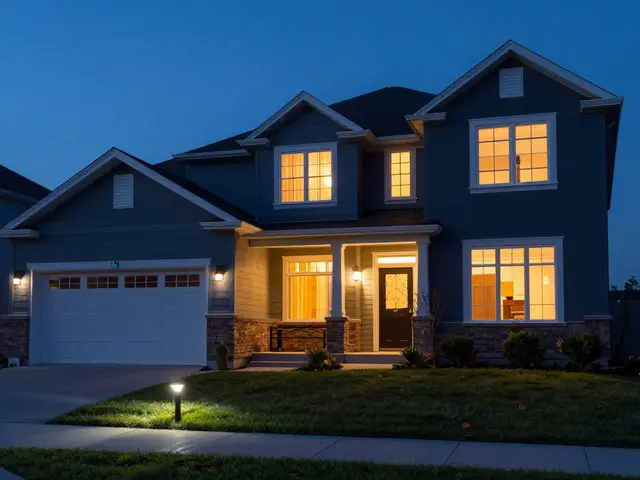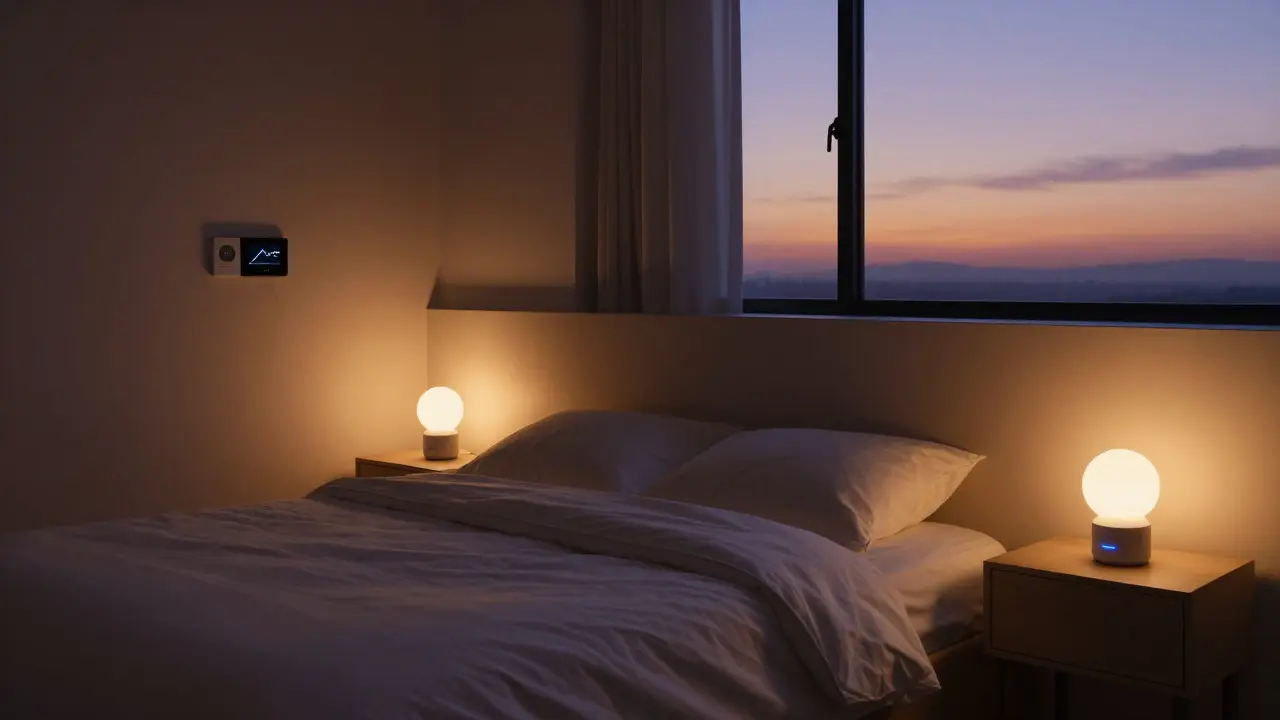
Waking up to a house that already knows your schedule feels less like magic and more like having a helpful assistant who never sleeps. Yet, most people treat their voice assistants as simple question-answering machines, missing out on the power of automated sequences. The real value lies in setting up specific pre-programmed actions triggered by time or location that handle the mundane tasks before you even ask. Whether you are struggling with the chaos of a rushed start to the day or want your lights to dim automatically when you leave the house, mastering these three core scenarios transforms your living space into a responsive environment.
Why Voice Routines Beat Simple Timers
Many users default to basic timers because they seem easier. However, a timer only turns something on or off at a set minute. It doesn’t account for context. A voice routine, by contrast, is a series of commands linked together under one trigger. You can combine lighting, audio, temperature changes, and status updates into a single phrase. This multi-device coordination is what saves time. Instead of saying "Turn on the kitchen light," "Set thermostat to 70 degrees," and "Play jazz" separately, one command handles all three. This reduces friction significantly during high-stress moments like mornings or late nights.
The key difference is flexibility. Timers are rigid; if you wake up early, the timer might fire too soon or too late. Routines often include conditions or manual overrides. For example, a morning routine can be triggered by a specific phrase like "Good morning" rather than just 6:30 AM. This allows you to adjust your schedule without reprogramming every individual device. It’s about shifting from controlling devices to managing states of being.
Building the Perfect Morning Routine
Your morning routine should aim to reduce decision fatigue. The goal is to have the environment ready so you can focus on getting dressed and eating, not fumbling with switches. Start by identifying the absolute minimums you need: light, temperature, and perhaps audio.
- Lighting Gradual Wake-Up: Avoid bright overhead lights immediately. Program your smart bulbs to start at 10% brightness and increase to 50% over ten minutes. This mimics sunrise and helps regulate your circadian rhythm.
- Climate Adjustment: Set your smart thermostat to raise the temperature gradually starting 30 minutes before your alarm. If you live in a cold climate, this ensures the bedroom is comfortable when you step out of bed.
- Audio Cues: Choose low-volume ambient music or news briefings. Avoid jarring alarms. A gentle fade-in of soft jazz or nature sounds works better for waking up naturally.
- Information Briefing: Ask your voice assistant to read a summary of your calendar and weather forecast. Hearing this while brushing your teeth keeps you informed without needing to look at a screen.
Test this sequence for a week. Note which elements feel intrusive and which feel helpful. Many people find that turning on the coffee maker via a smart plug is a critical addition, saving those precious first five minutes of autonomy.
Crafting a Calming Bedtime Mode
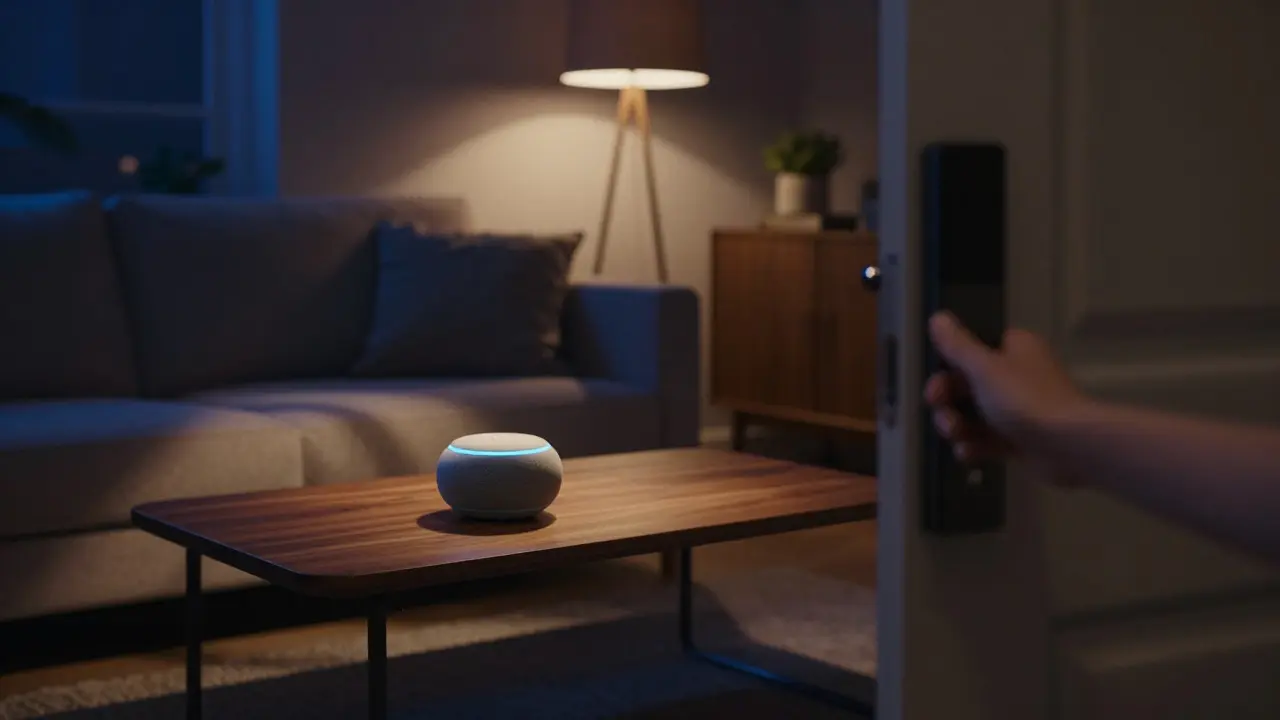
If mornings are about energy, bedtime is about winding down. The objective here is to signal to your brain that it’s time to sleep. A well-designed bedtime mode does this by lowering stimulation levels across the home.
A common pitfall is including too many steps. Keep the bedtime routine short. If it takes more than two seconds to activate, you’re less likely to use it consistently. The phrase "Goodnight" is typically the best trigger, as it’s intuitive and requires no complex syntax. Away mode is often overlooked until a security concern arises or utility bills spike. This routine activates when you leave the house for an extended period, such as going to work or traveling. Its primary jobs are security and energy conservation.
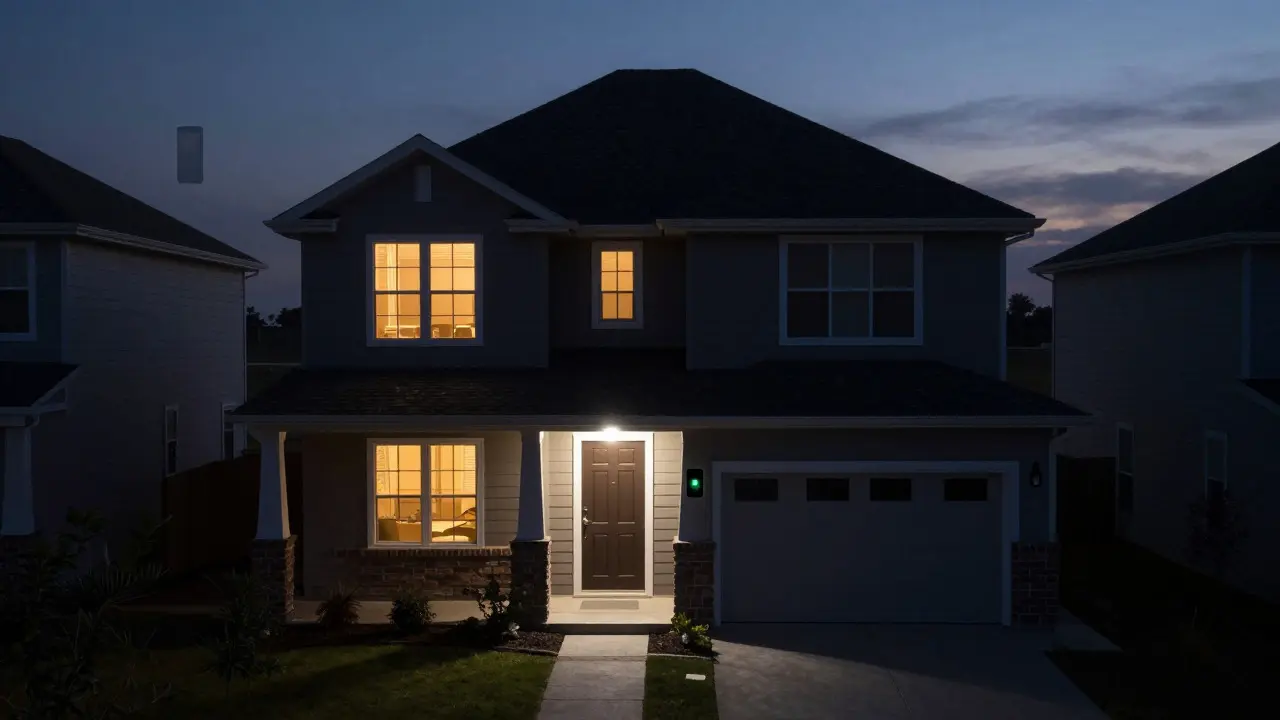
Unlike morning and bedtime routines, away mode benefits heavily from geofencing. Modern voice assistants can detect when your phone leaves a designated radius around your home. When this happens, the system can automatically switch to away mode. This removes the human error of forgetting to turn off lights or unarm the security system.
For energy efficiency, set the thermostat to an eco-friendly range, such as 65°F (18°C) in winter or 78°F (25°C) in summer. For security, consider randomizing the lighting schedule. Some systems allow you to simulate presence by turning lights on and off at irregular intervals, making it harder for intruders to determine if the house is empty. Even the best plans hit snags. Here are the most frequent issues users face and how to fix them quickly.
Trigger Conflicts: If your morning routine triggers too early, check if another app or device is sending a conflicting signal. Ensure only one source controls the thermostat.
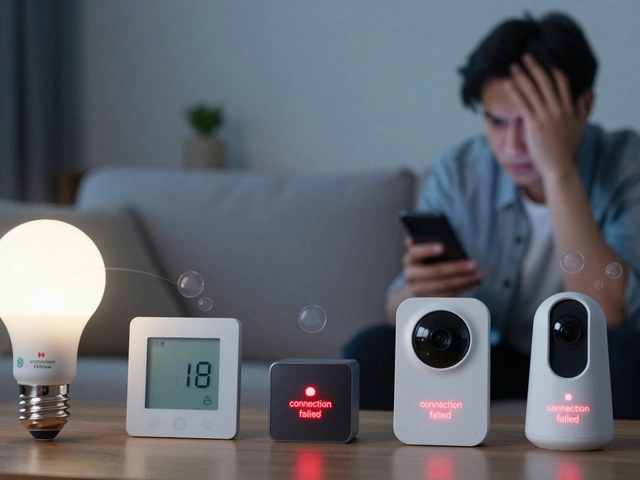
Device Latency: If lights take too long to respond, update the firmware on your smart plugs and bulbs. Outdated software causes delays that break the flow of a routine.
Voice Recognition Errors: In noisy environments, like a busy kitchen, recognition accuracy drops. Try using shorter phrases or placing the speaker closer to where you usually stand.
Battery Drain on Smart Locks: Frequent locking/unlocking can drain battery-powered locks. Check the battery level monthly or switch to hard-wired options if available. Not always. Most major voice assistants support direct Wi-Fi connections for many devices. However, if you use Zigbee or Z-Wave devices, a compatible hub is required to bridge the communication between the protocol and the cloud service. Yes. You can create separate routines for weekdays and weekends. For example, your weekday morning routine might include a news briefing, while the weekend version focuses on relaxing music and later light activation times. Most cloud-based routines will fail if the internet cuts out. To mitigate this, keep critical functions like heating on local schedules within the thermostat itself, independent of the voice assistant. Local-only hubs offer more resilience but require additional setup. Generally yes, provided you use a reputable smart lock with encryption. The risk is minimal compared to physical keys. Just ensure that the 'Away' routine includes locking the door, and that the 'Morning' routine does not accidentally unlock it before you are ready to leave. Use the manual trigger feature in your voice assistant's app. Every routine has a 'Run Now' button. Use this to verify that all devices respond correctly and in the right order before relying on the automatic schedule.
Managing Away Modes for Security and Efficiency
Mode
Primary Trigger
Key Actions
Goal
Morning
Voice Command / Time
Lights up, Temp rise, Audio play
Reduce friction, boost energy
Bedtime
Voice Command
Lights dim, Temp drop, Doors lock
Promote relaxation, safety
Away
Location Change / Manual
Lights off, Thermostat eco, Alarms arm
Save energy, enhance security
Troubleshooting Common Setup Issues
Frequently Asked Questions
Do I need a hub to create voice routines?
Can I have multiple routines for different days of the week?
What happens if my internet goes down during a routine?
Is it safe to let the assistant control my front door lock?
How do I test a routine without waiting for the actual time?