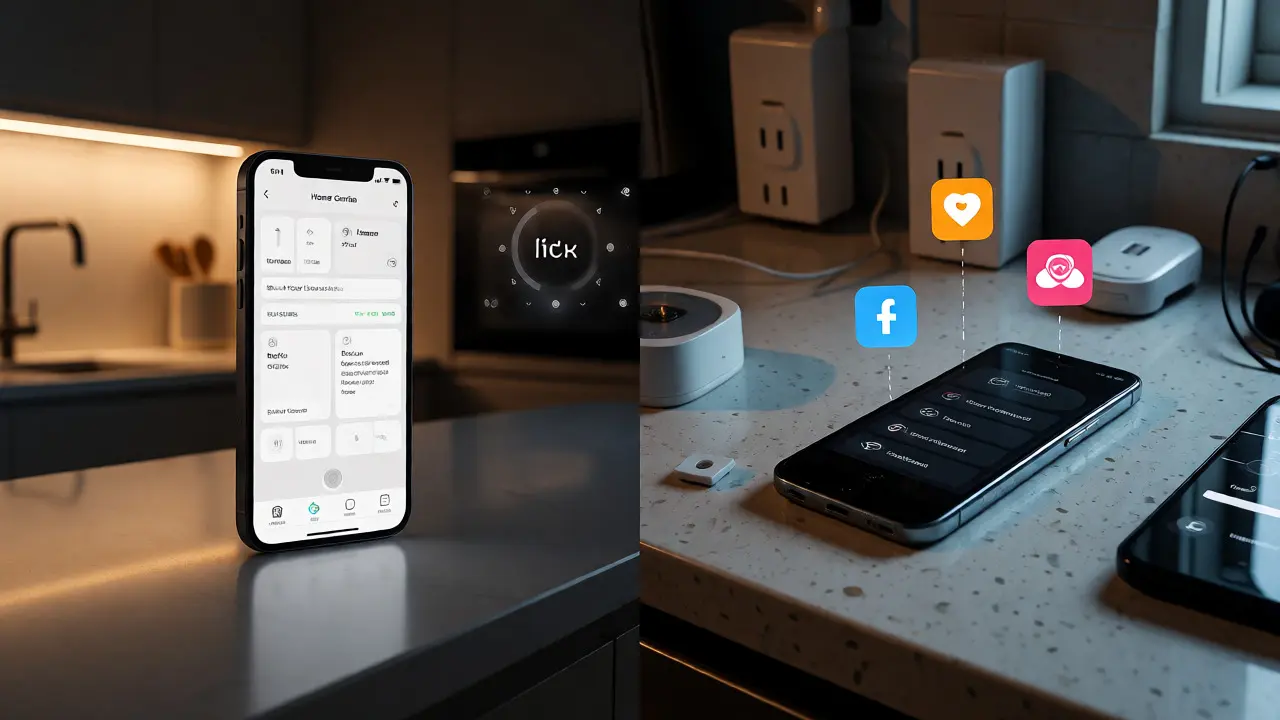
You’re standing in your kitchen, trying to dim the lights and lower the thermostat before guests arrive. You pull out your phone. On an iPhone, you tap a sleek, unified widget. On an Android, you might be juggling three different apps because your smart plugs don’t talk to your smart bulbs. This isn’t just a preference issue; it’s a fundamental difference in how Apple and Google approach smart home ecosystem integration. Choosing between iOS and Android for smart home control dictates your hardware choices, your setup headaches, and ultimately, how seamless your life feels at home.
If you’ve ever felt frustrated by a device that works perfectly on one platform but barely functions on another, you’re not alone. The battle between Apple HomeKit and Google Home is real, and it impacts everything from security cameras to robot vacuums. Let’s break down exactly what you need to know to pick the right side-or decide if going hybrid is worth the hassle.
The Core Philosophy: Walled Garden vs. Open Playground
At its heart, Apple HomeKit is a curated experience. Apple demands strict adherence to privacy standards and performance benchmarks. If a bulb doesn’t meet their criteria, it doesn’t get the "Works with HomeKit" badge. This creates a highly reliable system where devices generally work together without fuss. But this reliability comes at a cost: fewer device options and often higher prices.
Google Home, powered by the Matter standard, takes a more inclusive approach. It supports a massive array of devices, from budget-friendly smart plugs to high-end thermostats. The trade-off? Fragmentation. While Matter promises universal compatibility, the transition period has left many users dealing with inconsistent firmware updates and app bloat. You have more choice, but you also have more responsibility to vet each device’s compatibility.
| Feature | Apple HomeKit (iOS) | Google Home (Android) |
|---|---|---|
| Device Variety | Limited, Curated | Extensive, Open |
| Setup Complexity | Low (Standardized) | Medium-High (Varies) |
| Privacy Focus | High (On-device processing) | Moderate (Cloud-dependent) |
| Cost Entry Point | Higher | Lower |
| Automation Logic | Simple, Visual | Complex, AI-driven |
Hardware Compatibility: What Actually Works?
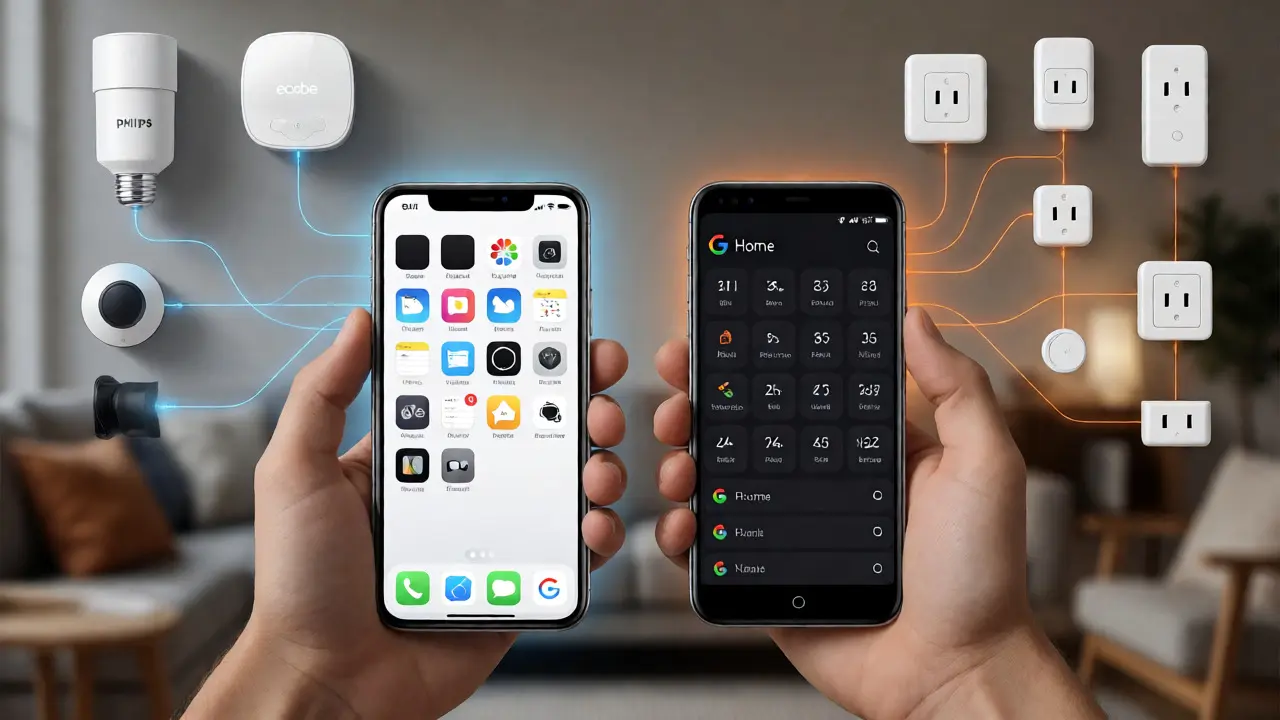
Let’s get specific about the gear. If you own an iPhone, you are locked into devices that support HomeKit or Matter via Thread. Brands like Lutron, Philips Hue, and Ecobee are first-class citizens here. They integrate seamlessly with the native Apple Home App. You don’t need third-party hubs for most basic tasks. Siri handles voice commands locally, which means faster response times even if your internet goes down.
Android users have access to virtually any smart device. Want a cheap Wi-Fi plug from a no-name brand? It likely works with Google Assistant. However, relying solely on the native Google Home app can feel clunky. Many power users install third-party launchers or use Home Assistant as a middleware layer to unify these disparate devices. Without this extra step, you might find yourself opening five different apps to run a single scene.
Automation and Intelligence
This is where the platforms diverge sharply. Apple Shortcuts allow for powerful, visual automations. You can create complex sequences-like turning off all lights and locking doors when you say "Goodnight"-without writing code. The interface is intuitive, though some advanced triggers require using the Shortcuts app rather than the Home app directly.
Google’s strength lies in its predictive intelligence. Because Google knows so much about your schedule, location, and habits, it can suggest automations you didn’t think of. For example, it might suggest lowering the heat when you leave the house based on calendar events. However, setting up custom routines in the Google Home app is less visual and more text-based, which can be frustrating for non-technical users.
Privacy and Security Concerns
If you value privacy, iOS has a clear edge. Apple processes most HomeKit data directly on your device or through iCloud Private Relay. Your video footage from a HomeKit Secure Video camera is encrypted end-to-end. Apple literally cannot see your footage unless you share it.
Google’s model relies heavily on cloud processing. While convenient for features like object detection, it means your data lives on Google’s servers. Recent controversies over human review of voice recordings have made some users wary. If you choose Android, consider using local-only hubs like Hubitat to keep sensitive data off the cloud.
Which Platform Should You Choose?
Pick iOS if:
- You prioritize ease of use and reliability over cost.
- You want strong privacy protections out of the box.
- You already own other Apple products like an Apple TV or iPad.
- You prefer a unified interface without installing multiple vendor apps.
Pick Android if:
- You want the widest selection of devices at every price point.
- You enjoy tinkering and building custom dashboards.
- You rely heavily on Google Assistant for information retrieval alongside home control.
- You are comfortable managing multiple apps or using third-party hubs.
The Hybrid Future: Matter and Beyond
Here’s the good news: the lines are blurring. The introduction of Matter means that new devices will work natively across both ecosystems. A Matter-compatible lock bought today will work with both your iPhone and your Android tablet. This reduces the risk of buying the "wrong" device. However, existing legacy devices won’t magically become compatible. If you have a closet full of older Wi-Fi plugs, they may remain stuck in their original ecosystem unless you replace them.
For now, your smartphone choice still matters. It determines the primary controller for your home. But as Matter adoption grows, the gap between iOS and Android smart home experiences will narrow. Until then, choose based on your current lifestyle needs, not future hypotheticals.
Can I use HomeKit devices with an Android phone?
Not natively. HomeKit requires an Apple device (iPhone, iPad, Mac, or Apple TV) to act as the central hub. You can control HomeKit devices from an Android phone using third-party apps that bridge the connection, but you lose the native integration and Siri voice control benefits.
Is Google Home better than Alexa for Android users?
Generally, yes. Google Home integrates more deeply with Android’s operating system, including calendar sync and location services. Alexa works well on Android, but it often feels like an external service rather than a built-in feature. Google Assistant provides a smoother, more cohesive experience for Android users.
Do I need a separate hub for smart home control?
It depends on the protocol. Wi-Fi devices connect directly to your router. Bluetooth devices pair directly to your phone. However, Zigbee and Z-Wave devices require a dedicated hub. Additionally, while not strictly required, having a dedicated hub like an Apple TV or Google Nest Hub ensures remote access and faster response times compared to relying solely on your phone.
What happens if my internet goes down?
With HomeKit, local automations continue to work because processing happens on your home hub. With Google Home, many automations rely on the cloud, so they may fail during an outage. Using a local-only hub like Home Assistant can mitigate this risk on either platform.
Are Matter devices truly cross-platform?
Yes, once fully adopted. Matter allows a single device to be controlled by multiple ecosystems simultaneously. For example, a Matter light bulb can be controlled by both HomeKit and Google Home. However, initial setup usually ties the device to one primary administrator, so switching controllers later can be cumbersome.