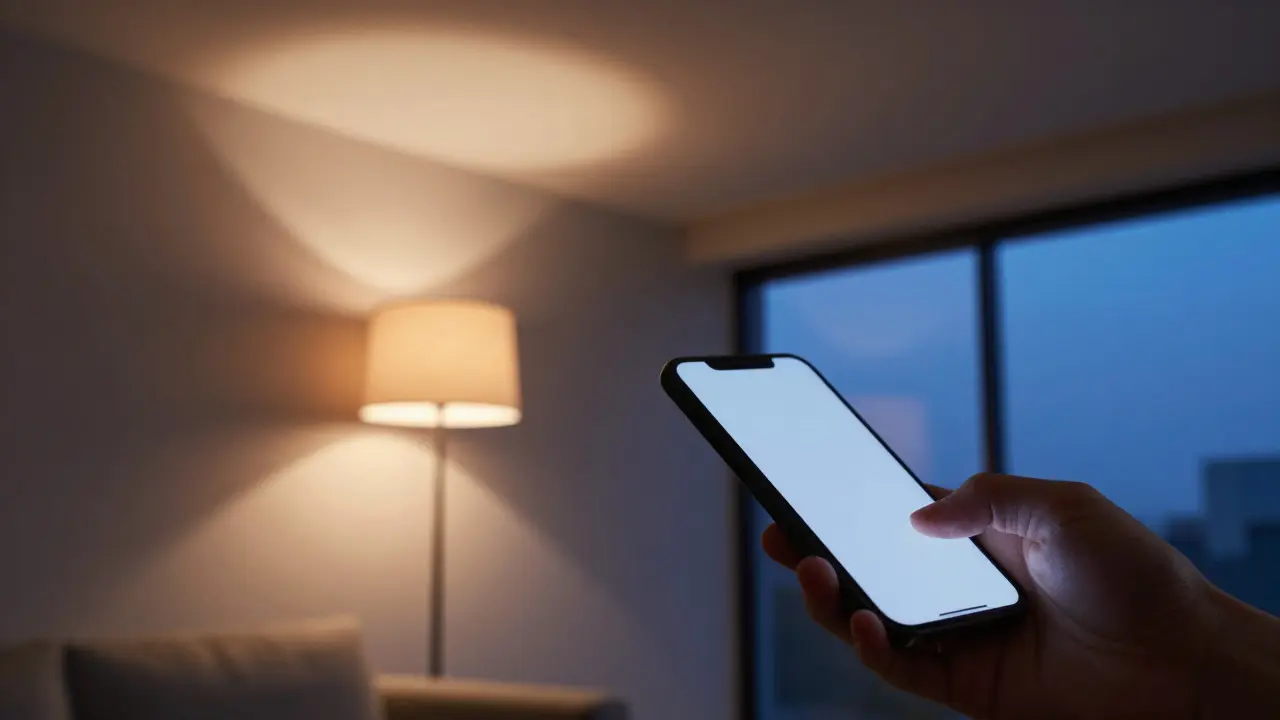
Imagine walking into your living room and having the lights dim to a warm, cozy glow without touching a single wall switch. Or maybe you want that exact same effect in your kitchen, but with a different color temperature. This is where the debate between smart light bulbs and smart switches usually starts. Both technologies promise convenience, energy savings, and a more modern home experience, but they work very differently under the hood. Choosing the wrong one can lead to frustration, compatibility headaches, or wasted money.
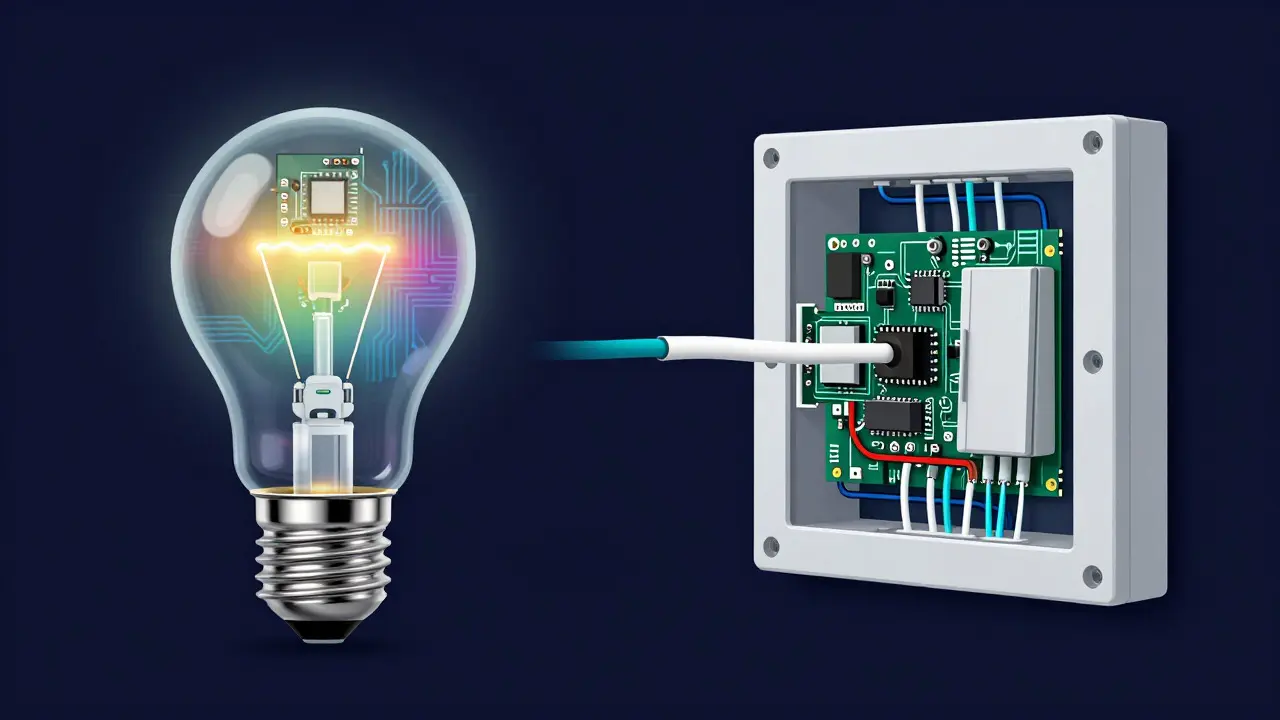
The core difference lies in what gets replaced. A smart bulb replaces the existing filament or LED inside your fixture. A smart switch replaces the physical toggle on your wall. One controls the light source directly; the other controls the power flow to any standard bulb. Understanding this distinction is the first step to building a lighting system that actually works for your daily life.
How Smart Bulbs Work and Why You Might Love Them
Smart light bulbs are LED lamps that contain built-in wireless technology, allowing them to connect to your home network via Wi-Fi, Bluetooth, or Zigbee. Unlike traditional bulbs, these devices don't just turn on and off. They often offer adjustable color temperatures (from cool white to warm yellow) and even full RGB color changes. This makes them incredibly versatile for setting moods, highlighting artwork, or creating ambient lighting in bedrooms and living rooms.
The biggest advantage here is flexibility. If you have a ceiling fan with a light kit, a pendant lamp, or a floor lamp, you can make it smart simply by screwing in a new bulb. No electrician required. Most major brands like Philips Hue, Lifx, and Wyze offer apps that let you schedule routines, such as turning lights on at sunset or simulating occupancy while you're away.
However, there are trade-offs. Because the electronics are inside the glass shell, smart bulbs tend to run hotter than standard LEDs. In enclosed fixtures, this heat can shorten their lifespan. Also, if you have a three-way switch (the kind that allows low and high brightness), smart bulbs can sometimes struggle to interpret the signal correctly unless you buy specific models designed for that purpose.
The Power of Smart Switches for Whole-Room Control
Smart switches are electronic wall plates that replace standard mechanical switches, using radio frequency or wired protocols to control the flow of electricity to connected fixtures. Instead of controlling the bulb itself, they control the power line. This means you can keep your existing, cheaper, high-quality LED bulbs and still get smart features like dimming, scheduling, and remote access.
This approach shines when you have multiple lights controlled by a single switch. Think about a hallway with four recessed cans or a dining room with two chandeliers. Replacing every single bulb with a smart version would be expensive and cumbersome. Installing one smart switch handles all those lights simultaneously. It’s also the better choice for outdoor lighting, where replacing individual bulbs on a pole or in a sconce is difficult and prone to weather issues.
One critical technical detail to watch out for is the neutral wire. Most smart switches require a neutral wire in the electrical box to maintain a small amount of current to keep the device powered even when the lights are off. If your home was built before the 1980s, you might not have a neutral wire in every switch box. In those cases, you need "no-neutral" smart switches, which use capacitors to stay alive, though they can sometimes cause slight flickering with certain LED types.
Head-to-Head Comparison: Cost, Installation, and Features
To help you decide, let's look at the practical differences side-by-side. The table below breaks down the key attributes of both systems based on typical residential scenarios.
| Feature | Smart Light Bulbs | Smart Switches |
|---|---|---|
| Installation Difficulty | Very Easy (DIY friendly) | Moderate (Requires electrical knowledge) |
| Upfront Cost | High per unit ($15-$60 each) | Moderate per unit ($30-$100 each) |
| Color Options | Full RGB + White Spectrum | Usually Dimming Only (White) |
| Multi-Light Control | Poor (Each bulb acts independently) | Excellent (Controls all lights on circuit) |
| Compatibility Risk | Low (Standard sockets) | Medium (Neutral wire requirement) |
| Best For | Accent lighting, mood setting, single fixtures | Overhead lighting, hallways, outdoor areas |
Notice the cost dynamic. If you have ten lights in a room, buying ten smart bulbs could cost $300+. Buying one smart switch might cost $80. However, if you only have one bedside lamp you want to change colors, a smart switch is useless because it only controls power, not color. The right choice depends entirely on whether you need *color* or just *control*.
Where to Use Each Technology in Your Home
Instead of picking one winner, the most effective strategy is a hybrid approach. Different rooms serve different purposes, and your lighting should match that.
- Bedroom: Use smart bulbs for bedside lamps and vanity lights. You likely want soft, warm tones for reading or relaxing, and perhaps a different color for getting ready in the morning. The overhead light can remain standard, controlled by a regular switch or a simple smart plug.
- Kitchen: Use smart switches for the main overhead lighting and under-cabinet strips. You generally want bright, consistent white light for cooking and cleaning. Controlling the entire zone from one app button is far more efficient than managing individual bulbs.
- Living Room: This is the ideal spot for smart bulbs. Since you spend leisure time here, you benefit from color-changing capabilities for movie nights, parties, or TV watching. Pair this with a smart switch for the main ceiling fixture if you want total blackout capability without leaving the sofa.
- Outdoor/Patio: Stick to smart switches. Outdoor bulbs are exposed to rain, snow, and extreme temperatures. Swapping them out is a hassle. A smart switch lets you keep rugged, cheap outdoor LEDs and still control them from your phone.
Connectivity Protocols: Wi-Fi, Zigbee, and Matter
When shopping, you'll see terms like Wi-Fi, Zigbee, Z-Wave, and Matter. These aren't just marketing buzzwords; they determine how reliable your system will be.
Wi-Fi is the easiest to set up because it connects directly to your router. Brands like Lifx rely heavily on this. The downside? If your internet goes down, your lights might go dark too. Plus, having dozens of Wi-Fi devices can congest your network.
Zigbee is a mesh network protocol used by Philips Hue and many others. Devices talk to each other to extend range. It's faster and more stable for large setups, but you need a dedicated hub (bridge) to connect it to your phone. Matter, the newer industry standard, aims to unify these protocols so that a Zigbee bulb from one brand can talk to a Wi-Fi speaker from another. As of 2026, Matter support is widespread, making it a safer long-term bet for future-proofing your investment.
Common Pitfalls to Avoid
Even with the best hardware, installation mistakes can ruin the experience. Here are the top issues people face:
- Ignoring Heat Dissipation: Don't put smart bulbs in fully enclosed fixtures unless they are rated for it. The internal chip needs airflow. If the glass gets too hot, the bulb may fail prematurely.
- Forgetting the Neutral Wire: Before buying a smart switch, open the switch plate (with power off!) and check for a white wire (neutral). If it's missing, you're limited to no-neutral models, which have fewer options.
- App Overload: Using five different apps for five different brands is annoying. Try to stick to one ecosystem (like Apple HomeKit, Amazon Alexa, or Google Home) that supports multiple brands via Matter or proprietary hubs.
- Dimmer Compatibility: Not all smart switches work with all dimmers. If you have an old analog dimmer, it might interfere with the smart switch's operation. Replace the dimmer with a compatible smart dimmer or remove it entirely.
Frequently Asked Questions
Do smart bulbs work with regular dimmer switches?
Generally, no. Traditional dimmers chop the AC power wave, which confuses the digital drivers inside smart bulbs, causing flickering or damage. You should either bypass the dimmer (keeping it on max) or replace it with a smart switch that communicates digitally with the bulb.
Which is more energy-efficient: smart bulbs or smart switches?
Smart bulbs are slightly less efficient because the internal electronics consume a tiny amount of standby power (vampire load) even when off. Smart switches cut power completely at the source. However, the difference is negligible-usually less than a dollar per year per device. Efficiency gains come mostly from using LEDs and automated schedules to turn lights off when rooms are empty.
Can I use smart switches with non-LED bulbs?
Yes, technically. But it defeats the purpose. Incandescent and halogen bulbs waste energy and generate heat. Smart switches allow you to control any bulb type, but pairing them with high-efficiency LEDs maximizes your energy savings and extends the life of your lighting setup.
What happens if my Wi-Fi goes down with smart bulbs?
If your bulbs use direct Wi-Fi, they may stop responding to app commands or voice assistants, though local scenes might still work depending on the firmware. If you use a Zigbee or Z-Wave hub, the lights usually continue to function locally because the hub maintains the connection independent of the internet cloud. For critical lighting, consider local control methods.
Is it worth hiring an electrician for smart switches?
If you are comfortable working with basic household wiring and know how to identify live, neutral, and ground wires, DIY is feasible. However, if your home has older aluminum wiring, complex multi-gang boxes, or if you feel unsure about safety, hiring a licensed electrician is worth the cost to avoid fire hazards or code violations.