Did you know that the average household now has three to five security cameras? While they keep burglars at bay, they also create a constant stream of visual data. For many homeowners in Portland and across the US, this raises a simple but urgent question: who actually owns your footage? The answer isn't always you. Understanding privacy considerations with indoor and outdoor security cameras is no longer just for legal experts; it's a basic part of modern home ownership.
You might think installing a camera on your front porch is harmless. But if that lens captures your neighbor’s driveway, or if your indoor camera records your family watching TV, you’re creating digital footprints. These footprints can be accessed by cloud servers, hacked, or even used against you in disputes. Let’s break down exactly how these devices affect your private life and what you can do about it.
The Difference Between Indoor and Outdoor Risks
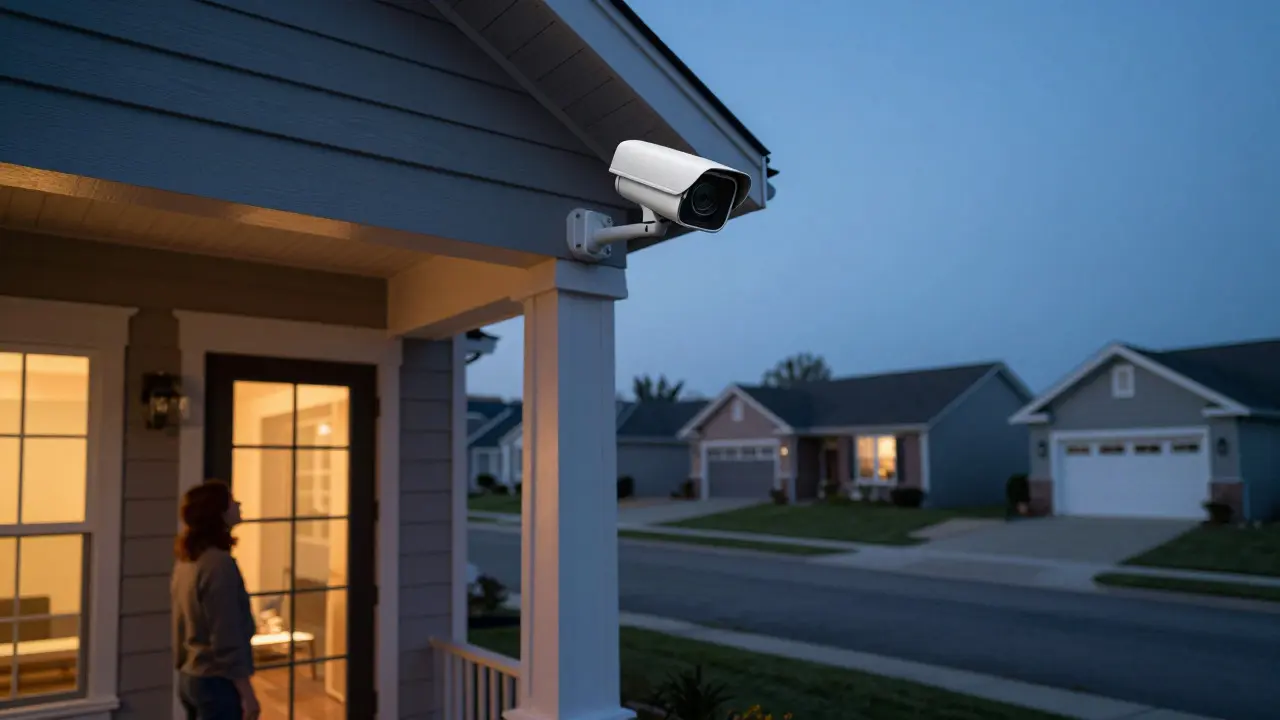
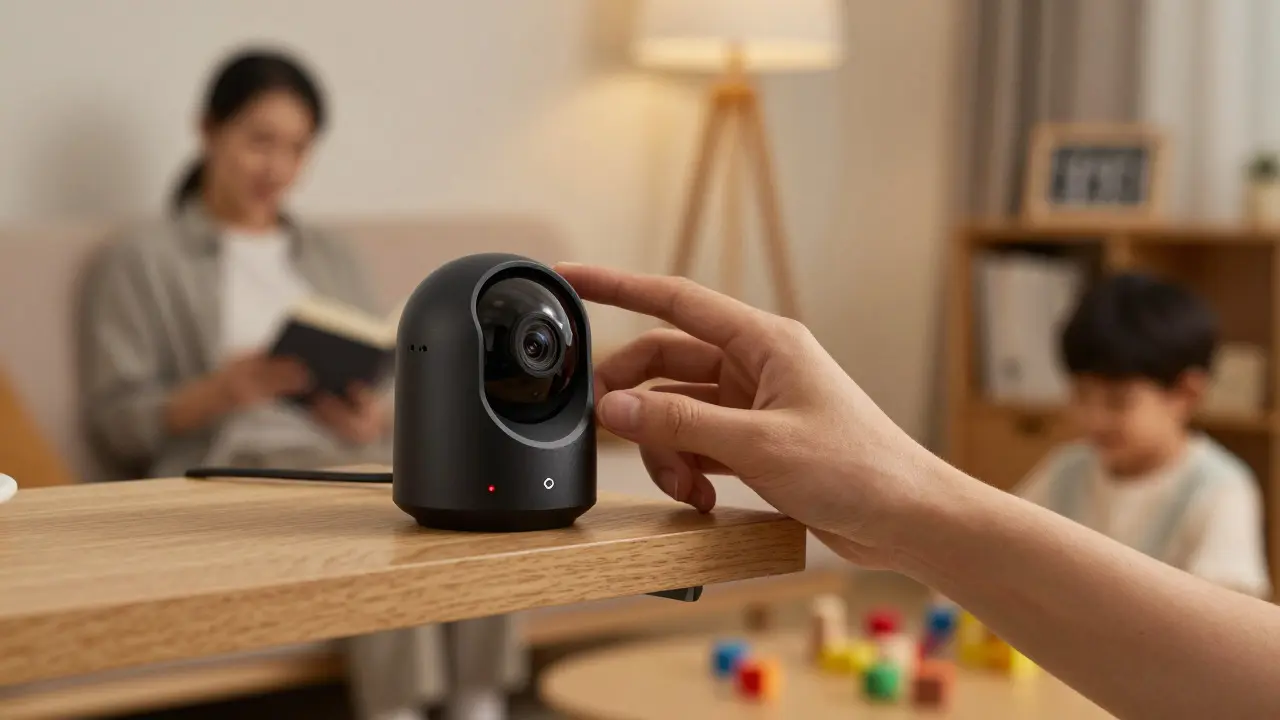
Indoor and outdoor cameras serve different purposes, but they carry distinct privacy risks. An outdoor camera typically monitors public-facing areas like driveways or entryways. The risk here is usually external-like capturing neighbors or passersby without their explicit consent. In contrast, an indoor camera often sits in living rooms or nurseries. The risk here is internal: recording personal moments, conversations, and habits that never left the house before the internet existed.
Consider the concept of "reasonable expectation of privacy." Legally, you have less privacy in your backyard than in your bedroom. However, technology doesn’t care about legal lines. If your indoor camera has a wide-angle lens, it might capture the bathroom door or a window where someone expects privacy. This overlap creates friction. Neighbors may complain about outdoor lenses pointing at their windows, while family members may feel watched by indoor sensors. Balancing security with comfort requires knowing exactly where the line is drawn.
Where Your Footage Actually Goes
Most people assume their video stays on a local hard drive or SD card. That was true ten years ago. Today, most smart security systems rely on cloud storage. When you record a clip, it travels from your home router to a data center, often located in another state or country. This journey introduces vulnerabilities. If the company hosting your data gets breached, your home videos could end up on a dark web forum.
Even if you use local storage, there are other pathways. Many cameras integrate with smart home hubs. If your camera triggers an alert when motion is detected, that signal goes to your smartphone app. This means your phone holds metadata about every movement in your house. Who came home at 11 PM? How long did the dog stay in the yard? This metadata is valuable to advertisers and insurers alike. You need to audit not just where the video is stored, but where the *data* about the video lives.
| Feature | Indoor Cameras | Outdoor Cameras |
|---|---|---|
| Primary Risk | Internal surveillance of family habits | External capture of neighbors/public |
| Legal Gray Area | Low (private property) | High (common law/easements) |
| Data Sensitivity | High (intimate moments) | Moderate (public behavior) |
| Common Conflict | Household disagreement | Neighbor disputes |
Legal Boundaries: What Is Allowed?
In the United States, privacy laws regarding video surveillance are patchy. There is no single federal law that says "you can film your neighbor" or "you cannot." Instead, it depends on state and local regulations. In Oregon, for example, eavesdropping laws focus heavily on audio. If your camera records sound, you must ensure both parties consent, or you risk violating wiretapping statutes. Video alone is generally safer legally, but only if you respect the "reasonable expectation of privacy."
This means you shouldn’t point a camera directly into a neighbor’s bedroom window. You also shouldn’t film a shared hallway in an apartment complex if it captures everyone entering and leaving. Courts have ruled that filming a public sidewalk is fine, but zooming in on a specific person’s face repeatedly can constitute harassment. The key is intent. Are you securing your property, or are you stalking? Context matters more than the technology itself.

Smart Home Integration and Data Leaks
Your security camera is rarely a standalone device. It talks to your Wi-Fi network, your smart lock, and maybe your voice assistant. This interconnectedness amplifies privacy risks. If your camera sees you leave the house, it might unlock the garage door. If that connection is weak, a hacker could exploit the camera to gain access to the whole system.
Look at the software updates. Many camera manufacturers release patches for security flaws. If you ignore these updates, you’re leaving the door open. In 2024, several major brands had vulnerabilities that allowed unencrypted streams to be viewed by anyone with the right URL. This wasn’t a hack of the cloud; it was a failure of basic encryption protocols. Regularly checking for firmware updates is as important as changing your password.
Practical Steps to Protect Your Privacy
You don’t have to choose between safety and secrecy. Here are actionable steps to tighten your setup:
- Audit Your Angles: Physically stand where the camera is mounted. Look through the lens. If you see your neighbor’s mailbox clearly, adjust the angle. Use physical barriers like shrubs or fences to block unwanted views.
- Disable Audio When Possible: Unless you specifically need to hear voices, turn off the microphone. This reduces the risk of accidental eavesdropping and simplifies legal compliance.
- Use Local Storage: If your budget allows, buy a camera with an SD card slot or a Network Attached Storage (NAS) option. Keeping data on your own hardware gives you total control. Cloud backups are convenient, but local primary storage is safer.
- Encrypt Everything: Ensure your Wi-Fi network uses WPA3 encryption. Set strong, unique passwords for your camera apps. Avoid using the same password for your email and your security system.
- Post Signage: Put up clear signs saying "Video Surveillance in Effect." This serves two purposes: it deters crime, and it notifies people that they are being recorded, which strengthens your legal position if a dispute arises.
Future-Proofing Your Setup
Technology moves fast. Edge computing is becoming standard in new cameras. This means the camera processes video locally rather than sending raw footage to the cloud. Only alerts or short clips are uploaded. This significantly reduces bandwidth usage and privacy exposure. When buying new equipment, look for "on-device processing" features.
Also, watch out for facial recognition. While convenient, it adds a layer of biometric data to your home. Biometrics are harder to change than a password. If your camera identifies "John" versus "Stranger," it’s building a database of faces. Decide if that level of automation is worth the privacy trade-off. For many, a simple motion alert is enough.
Frequently Asked Questions
Do I need permission to install a security camera on my own property?
Generally, yes, you have the right to monitor your own land. However, if the camera captures a significant portion of your neighbor’s private property, they may have grounds to ask you to adjust the angle. In common law jurisdictions, this falls under nuisance or invasion of privacy claims. It’s best practice to discuss placement with neighbors beforehand to avoid conflict.
Is it legal to record audio with a security camera in Oregon?
Oregon follows a one-party consent rule for electronic communications. This means if you are part of the conversation, you can record it. However, if you are secretly recording a private conversation between two other people, you risk violating state wiretapping laws. To stay safe, disable audio on outdoor cameras and use audio sparingly indoors.
How long should I keep security camera footage?
There is no legal requirement for residential users to keep footage for a specific period. However, keeping too much data increases the risk of breach. Most experts recommend a rolling retention policy of 7 to 14 days. If you have a specific incident, save that clip separately and delete the rest to minimize your digital footprint.
What happens if a hacker steals my camera feed?
If your feed is exposed, the immediate risk is loss of privacy. Hackers might sell the feed or simply watch. To mitigate this, change your default admin password immediately, update the firmware, and check your router logs for unusual traffic. If you suspect a breach, consider switching to a local-only storage method temporarily.
Are baby monitors considered security cameras for privacy purposes?
Yes, especially if they connect to Wi-Fi. Traditional RF baby monitors are safer because they don’t use the internet. Wi-Fi-enabled monitors send data to the cloud, making them susceptible to the same risks as security cameras. Always check the manufacturer’s privacy policy to see if they sell data or share it with third parties.