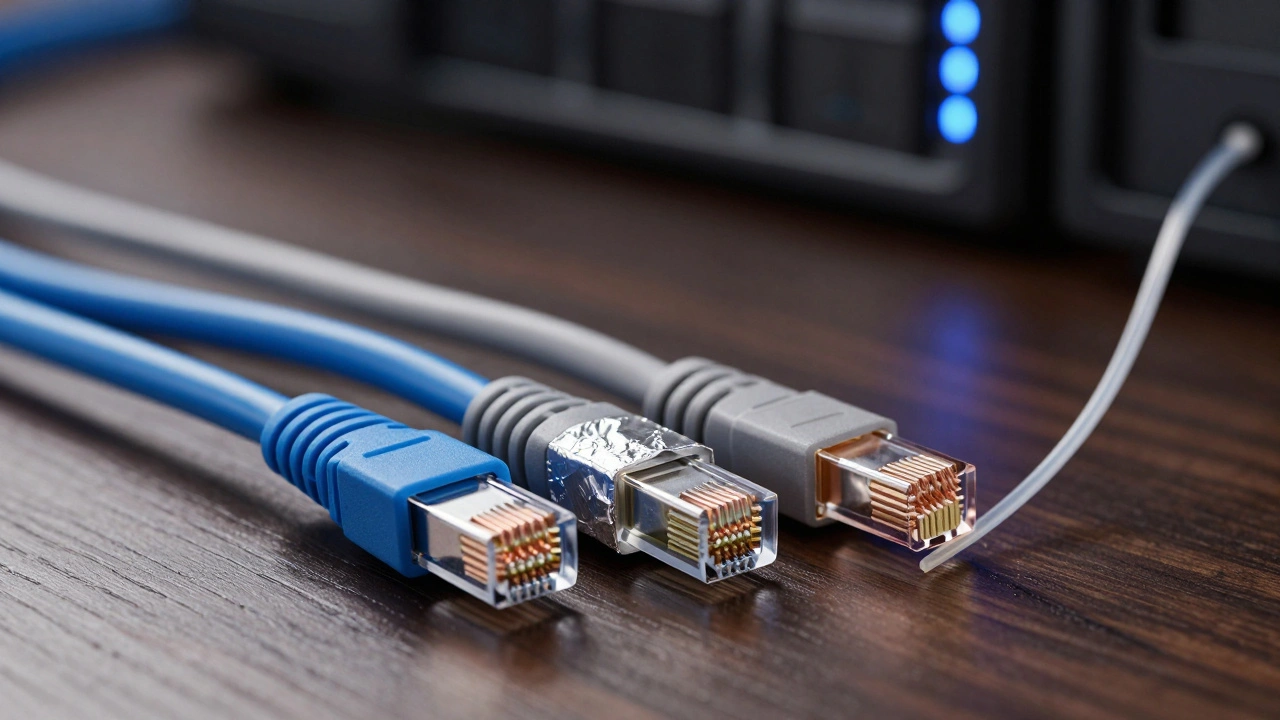
Wi-Fi is convenient, but it’s not reliable enough for a serious smart home. If you’ve ever had your security cameras freeze during a storm or your 4K stream buffer because someone else started a video call, you know the pain of wireless bottlenecks. In 2026, with Wi-Fi 7 routers and terabytes of local storage becoming common, your home’s physical wiring is the new bottleneck. The question isn’t whether to run cables-it’s which ones.
You’re standing at a crossroads between Cat6, the workhorse copper cable that handles gigabit speeds over short distances, Cat6a, its shielded cousin designed for 10-gigabit stability and noise immunity, and Fiber Optic, light-speed transmission that ignores electromagnetic interference entirely. Choosing the wrong one means ripping up drywall in five years when your internet plan upgrades. Let’s break down exactly what each cable does, where it fails, and how to build a network that lasts.
The Reality of Copper Cables: Cat6 vs. Cat6a
Most homes still run on twisted-pair copper. It’s cheap, easy to terminate, and works with standard RJ45 jacks you can buy anywhere. But "copper" isn’t a single product. The difference between Cat6 and Cat6a comes down to two things: bandwidth frequency and shielding.
Cat6 Cable supports frequencies up to 250 MHz. For most households, this is plenty. It reliably delivers 1 Gbps (gigabit per second) up to 100 meters. That’s enough for streaming 4K content, backing up phones, and running basic IoT devices. However, if you try to push 10 Gbps through Cat6, it only manages about 55 meters before signal degradation kills the speed. Worse, standard Cat6 is often unshielded (UTP). This means electrical noise from your HVAC system, dimmer switches, or even neighboring Ethernet lines can cause crosstalk-essentially static on your data line.
Cat6a Cable doubles the bandwidth to 500 MHz. The "a" stands for augmented. This extra capacity allows full 10 Gbps speeds all the way to 100 meters. More importantly, Cat6a usually includes better internal splitters and often comes shielded (F/UTP or S/FTP). Shielding wraps the twisted pairs in foil or braided mesh, blocking external electromagnetic interference (EMI). If your smart home hub sits near a large motor or a power conduit, Cat6a keeps the signal clean. The trade-off? It’s thicker, stiffer, and harder to bend around tight corners. You also need grounded keystone jacks to make the shielding work; otherwise, the shield acts like an antenna picking up noise.
| Feature | Cat6 | Cat6a |
|---|---|---|
| Max Bandwidth | 250 MHz | 500 MHz |
| 10 Gbps Distance | ~55 meters | 100 meters |
| Shielding | Often Unshielded (UTP) | Often Shielded (F/UTP/S/FTP) |
| Bend Radius | Easier to route | Stiffer, requires more space |
| Cost per Foot | Lower | ~20-30% Higher |
When Fiber Optics Make Sense
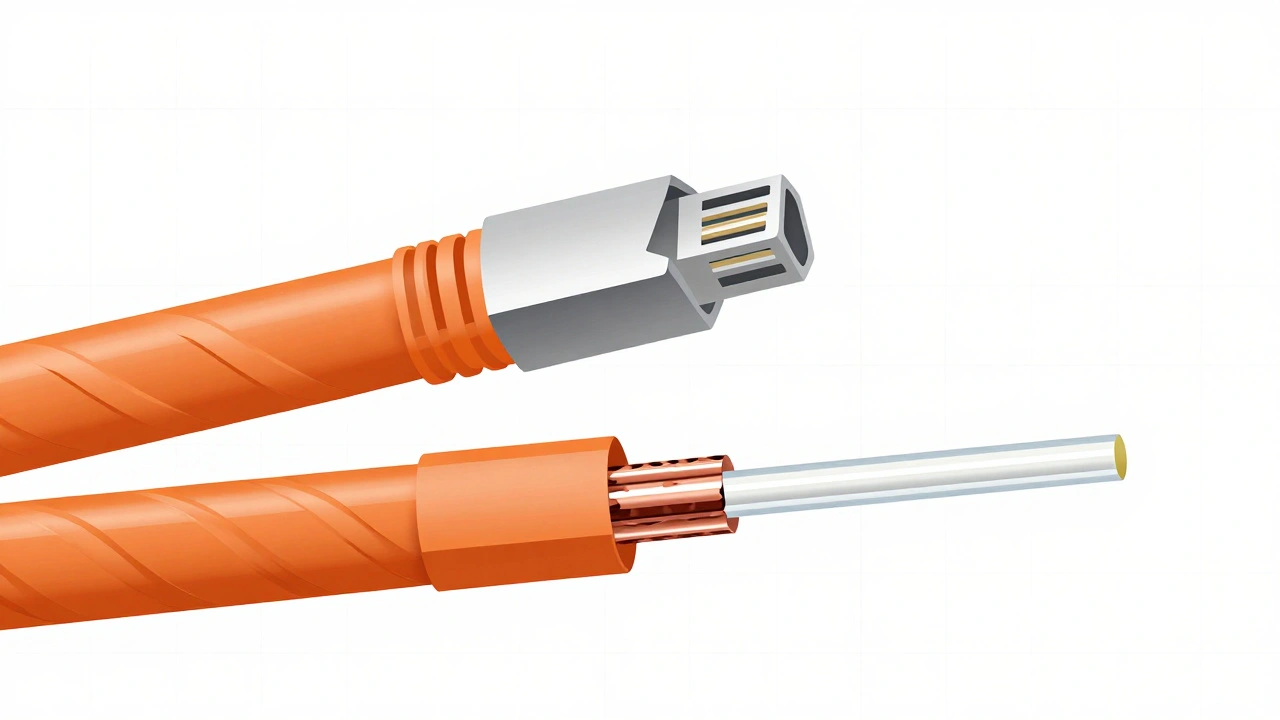
If copper carries electricity, Fiber Optic Cable carries light. This fundamental difference changes everything. Fiber is immune to EMI. You can run it right next to high-voltage power lines without a single bit of error. It also doesn’t suffer from attenuation (signal loss) over long distances. A single strand of single-mode fiber can carry 10 Gbps, 40 Gbps, or even 100 Gbps for hundreds of meters without dropping speed.
So why isn’t every home wired with fiber? Cost and complexity. Terminating fiber requires fusion splicing or specialized mechanical connectors. You can’t just punch down a fiber jack with a $20 tool like you do with Cat6. You need media converters to turn the light signals back into Ethernet for your router and switches. Also, fiber is fragile. Bend it too sharply (violating its minimum bend radius), and the glass core cracks, killing the connection instantly.
However, fiber shines in specific smart home scenarios. Imagine a large estate where the main router is in the basement, but you have a detached garage workshop with CNC machines generating massive electrical noise. Or consider a future-proof backbone: if you want to connect a home server room to a separate building 200 feet away, fiber is the only logical choice. It’s also the best option for runs longer than 100 meters, where copper simply cannot reach.
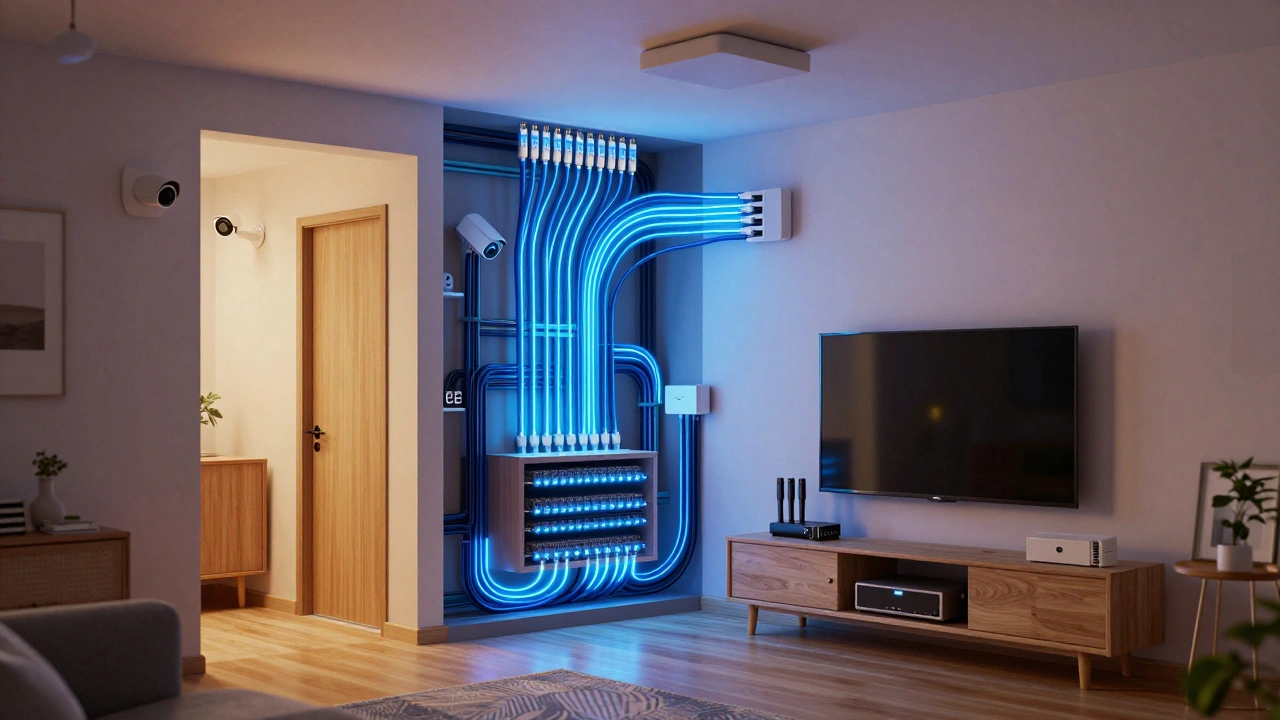
Mapping Your Home’s Needs
Before buying a spool of cable, map out your endpoints. Not every device needs a direct wire. Here’s how to decide:
- Main Router & Switches: Connect these via Cat6a or Fiber if they are far apart. This is your backbone.
- Desktop PCs & Gaming Consoles: Cat6 is sufficient for now, but Cat6a ensures you don’t upgrade again for a decade.
- Smart TVs & Streaming Boxes: Cat6 is perfect. They rarely exceed 1 Gbps requirements.
- NVRs (Security Cameras): Use PoE (Power over Ethernet) capable Cat6. Most IP cameras draw power directly from the switch. Ensure your cable is rated for PoE+ to handle the heat generated by continuous power delivery.
- Access Points (APs): Hardwire every AP. Wireless mesh systems are fine for coverage, but hardwired APs provide the actual speed. Run Cat6a to each ceiling mount location.
A common mistake is running cables to dead ends. Don’t run Ethernet to a closet unless you know something will live there. Instead, install keystone jacks in accessible locations: behind TVs, near desks, and in entertainment centers. Leave extra slack-called a "service loop"-in your patch panel so you can re-terminate wires later if needed.
Installation Pitfalls to Avoid
Even the best cable performs poorly if installed incorrectly. Here are the three biggest sins in home networking:
- Ignoring Bend Radius: Both Cat6a and Fiber have strict bend limits. Cat6a should not be bent tighter than four times its diameter. Fiber is even stricter. Kinking a cable destroys its performance permanently.
- Mixing Shielded and Unshielded Gear: If you run shielded Cat6a (S/FTP), you must use shielded patch panels, shielded keystones, and grounded outlets. Connecting a shielded cable to an unshielded jack creates a ground loop, which introduces noise instead of removing it. Stick to UTP (unshielded) unless you have a specific EMI problem.
- Poor Labeling: Six months from now, you won’t remember which cable goes to the garage. Label both ends. Use color-coded tags or a digital labeling app. A disorganized patch panel is a nightmare to troubleshoot.
Also, avoid running Ethernet parallel to AC power lines for more than a few inches. If they must cross, do so at a 90-degree angle to minimize interference. Keep them separated by at least 12 inches where possible.
The Verdict: What Should You Buy?
For 95% of smart homes in 2026, Cat6a is the sweet spot. It’s slightly more expensive than Cat6 but offers double the bandwidth and better noise protection. It’s thick enough to feel robust but flexible enough to run through walls. It supports current 10-Gbps home internet plans and will handle whatever comes next for the next ten years. Buy bulk spools of F/UTP Cat6a for critical runs (like to your NVR or main AP) and standard UTP Cat6a for general access points.
Reserve Fiber for long-distance runs (>100m), inter-building connections, or areas with extreme electrical noise. Only choose Cat6 if you are on a tight budget and your runs are under 50 meters with no nearby power interference.
Can I mix Cat6 and Cat6a in the same network?
Yes, you can mix them, but the entire link will perform at the speed of the slowest component. If you connect a Cat6a switch to a Cat6 wall jack, that port will likely be limited to 1 Gbps or short-range 10 Gbps, depending on distance. For consistency and future-proofing, it’s better to standardize on one type throughout the house.
Do I really need to shield my Cat6a cables?
Only if you have significant electromagnetic interference (EMI) sources nearby, such as industrial motors, large HVAC units, or fluorescent lighting ballasts. For typical residential environments, unshielded (UTP) Cat6a is sufficient and easier to install. Shielding requires proper grounding at both ends, which many homeowners don’t set up correctly, leading to worse performance.
Is fiber optic cable worth it for a single-family home?
Generally, no. The cost of termination tools and media converters outweighs the benefits for most single-home setups. Fiber is ideal for connecting detached buildings, running cables over very long distances, or in environments with heavy electrical noise. For standard room-to-room connections, Cat6a is cheaper and easier to manage.
What is the maximum distance for Cat6 Ethernet?
The official standard limit for Cat6 is 100 meters (328 feet) for 1 Gbps speeds. However, for 10 Gbps speeds, Cat6 is only reliable up to 55 meters. If you need to go beyond 100 meters, you must use fiber optics or add a managed switch midway to boost the signal.
Can I use Cat6 cables for Power over Ethernet (PoE)?
Yes, Cat6 is excellent for PoE. It has lower resistance than older cables, meaning less voltage drop and heat generation. Just ensure the cable is rated for the specific PoE standard you’re using (e.g., PoE+ or PoE++). High-power PoE applications benefit from the larger wire gauge found in Cat6 and Cat6a compared to Cat5e.