When you think about learning to code or building a website, you probably imagine someone sitting at a desk with a laptop, eyes glued to the screen. But what if you can’t see the screen? What if you can’t use a mouse? What if you need extra time to process instructions? Too many tech training programs still assume a one-size-fits-all approach-and that leaves out a huge portion of potential learners. The truth is, accessible tech training isn’t a bonus feature. It’s a requirement.
Why Accessibility in Tech Training Matters
One in four adults in the U.S. lives with a disability, according to the CDC. That’s not a small group. It’s millions of people who want to enter tech careers but are blocked by poorly designed courses. Many bootcamps and online platforms still rely on video lectures without captions, coding exercises that require precise mouse movements, or interfaces that don’t work with screen readers. These aren’t just inconveniences-they’re gatekeepers.
Accessible training doesn’t just help people with disabilities. It helps everyone. Captions help non-native speakers and people in noisy environments. Keyboard navigation helps people with temporary injuries. Clear layouts help people with ADHD or anxiety. When you design for accessibility, you’re designing for more flexibility, more clarity, and more inclusion.
Key Barriers in Current Tech Training
Most tech courses are built by people who’ve never had to use assistive technology. That leads to predictable gaps:
- Video content without accurate captions or sign language interpretation
- Code editors that don’t support keyboard-only navigation
- Quizzes with timed responses that exclude neurodivergent learners
- PDF handouts that aren’t tagged for screen readers
- Group projects that assume all participants can see visual whiteboards or chat logs
These aren’t edge cases. They’re standard. A 2024 survey of 1,200 learners with disabilities found that 68% dropped out of at least one tech course because the materials weren’t accessible. That’s not a failure of the learner-it’s a failure of the system.
Seven Inclusive Teaching Methods That Work
Changing this starts with how you teach. Here are seven practical, real-world methods that make tech training more inclusive:
1. Offer Multiple Ways to Access Content
Don’t just post a video. Offer a transcript, a text summary, and a downloadable audio version. Use tools like Otter.ai or Descript to auto-generate captions, then edit them for accuracy. For coding lessons, provide written step-by-step instructions alongside the video. A learner who can’t watch videos due to seizures or sensory overload should still be able to follow along.
2. Build Keyboard-Accessible Interfaces
Many online coding platforms rely on drag-and-drop or mouse-based interactions. That’s a problem for people who use keyboards, switch devices, or voice control. Every interactive element-buttons, menus, code editors-must be navigable using Tab, Enter, and Space. Test your platform with just a keyboard. If you can’t complete a lesson without a mouse, it’s not accessible.
3. Use Clear, Consistent Language
Avoid jargon like “callback,” “state management,” or “asynchronous.” When you must use technical terms, define them simply. Use short sentences. Break complex ideas into smaller chunks. This helps not just people with cognitive disabilities, but also non-native English speakers and beginners.
4. Provide Flexible Timing
Not everyone learns at the same speed. Allow extended time for assignments and quizzes. Don’t lock content behind timers. Let learners pause, rewind, and revisit material without penalty. A 2023 study from the National Center for Learning Disabilities found that flexible pacing improved completion rates by 52% among neurodivergent students.
5. Design for Screen Readers
If your course uses PDFs, slides, or web pages, they must be properly structured. Headings should be hierarchical (H1, H2, H3). Images need descriptive alt text. Tables should have row and column headers. Test your materials with free tools like NVDA (Windows) or VoiceOver (Mac). If a screen reader can’t make sense of your content, it’s not usable.
6. Offer Alternative Assessment Methods
Instead of forcing everyone to build a full-stack app in 48 hours, offer choices. Can they submit a video explanation? A written report? A voice-recorded walkthrough? Let learners demonstrate their knowledge in ways that work for them. This removes bias and gives a truer picture of their skills.
7. Involve Disabled Learners in Design
The biggest mistake? Designing for accessibility without asking people with disabilities what they need. Bring learners with disabilities into your curriculum planning. Hire them as teaching assistants. Pay them for feedback. Their input will reveal blind spots you didn’t even know existed.
Tools That Support Accessible Tech Training
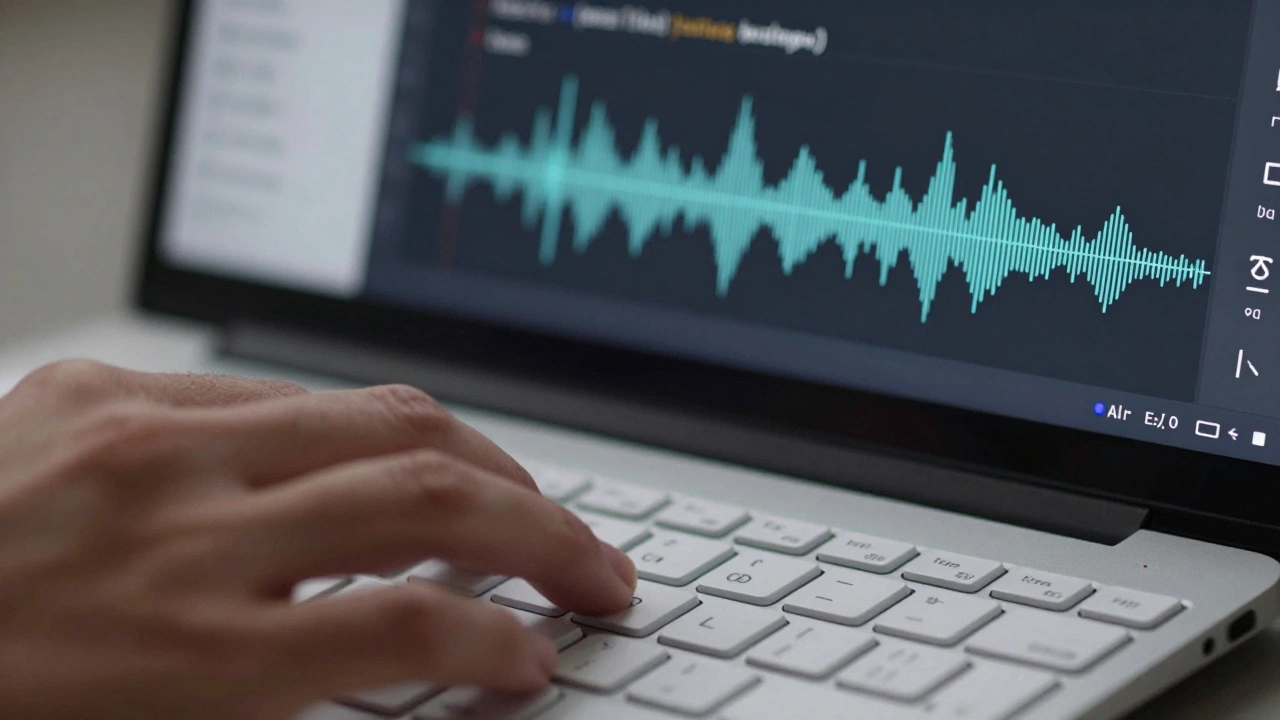
You don’t need to build everything from scratch. Here are some proven tools that help:
- VS Code with screen reader extensions and keyboard shortcuts
- GitHub Copilot for voice-controlled code suggestions
- Notion with built-in accessibility checks for documents
- CodePen with keyboard-navigable editors
- Recap for auto-captioned video summaries
Many of these tools are free or low-cost. The real cost isn’t in the software-it’s in the mindset shift.
Real Examples of Inclusive Programs
Some organizations are already getting it right:
- Ada Developers Academy offers all courses with live captioning, ASL interpreters, and flexible deadlines. Their retention rate for neurodivergent students is 91%-nearly double the industry average.
- Google’s IT Support Certificate includes audio descriptions, downloadable transcripts, and a version designed for low-vision learners.
- Code.org redesigned its entire K-12 curriculum after consulting with blind coders. Now, all block-based programming activities work with screen readers.
These aren’t charity projects. They’re successful programs that serve more learners, with better outcomes.
What Employers Need to Know
Companies that hire from accessible training programs aren’t just doing the right thing-they’re getting better talent. A 2025 report from Microsoft found that teams with neurodiverse members solved complex coding problems 30% faster than homogenous teams. Why? Because diverse thinking leads to more creative solutions.
When employers only recruit from traditional bootcamps, they’re missing out on people who’ve already proven they can adapt, problem-solve, and persist. These are the exact skills tech teams need.
How to Start Making Your Training Accessible
You don’t need a big budget. Start small:
- Run an accessibility audit on your course materials. Use WAVE or axe DevTools.
- Add captions to your next video-even if they’re auto-generated.
- Replace one mouse-dependent activity with a keyboard-friendly alternative.
- Ask one learner with a disability for feedback.
- Share your progress publicly. Accountability drives change.
Progress isn’t about perfection. It’s about progress. One change at a time.
The Bigger Picture
Tech is supposed to connect people. But if our training systems are built like locked doors, we’re not building connection-we’re building exclusion. Accessible tech training isn’t about compliance. It’s about justice. It’s about recognizing that talent doesn’t come in one shape, one body, or one way of learning.
When you design for accessibility, you’re not just helping someone with a disability. You’re creating a better experience for everyone. More clarity. More flexibility. More opportunity.
The future of tech doesn’t belong to the loudest or the fastest. It belongs to the most inclusive.
What’s the difference between accessibility and accommodation in tech training?
Accessibility means designing courses so they work for everyone from the start. Accommodation means making adjustments after someone asks for help. Accessibility is proactive. Accommodation is reactive. A truly inclusive program builds accessibility into every lesson, not just as a last-minute fix.
Do I need to be an expert in accessibility to teach inclusively?
No. You don’t need to be an expert. You just need to be willing to learn. Start with one change-like adding captions or letting learners submit work in different formats. Use free tools like WAVE or Microsoft’s Accessibility Checker. Ask learners what they need. You’ll learn more from them than any guidebook.
Are there legal requirements for accessible tech training?
Yes. In the U.S., the Americans with Disabilities Act (ADA) and Section 508 of the Rehabilitation Act require digital content to be accessible if it’s offered by public institutions or businesses serving the public. Even private bootcamps can face lawsuits if their materials exclude people with disabilities. But beyond legal risk, there’s a moral and business case: exclusion limits your talent pool and damages your reputation.
Can accessible training still be challenging and rigorous?
Absolutely. Accessibility doesn’t mean lowering standards. It means removing barriers so everyone can meet those standards. A blind student learning Python isn’t doing an easier version of the course-they’re learning the same concepts, just with different tools. The challenge remains. The path changes. The outcome doesn’t.
How do I get feedback from learners with disabilities?
Start by asking. Send out anonymous surveys with options for text, voice, or video responses. Partner with disability advocacy groups. Hire a few learners with disabilities as paid consultants. Don’t rely on volunteers. Their time and insight are valuable. And always follow up-show them their feedback led to real changes.