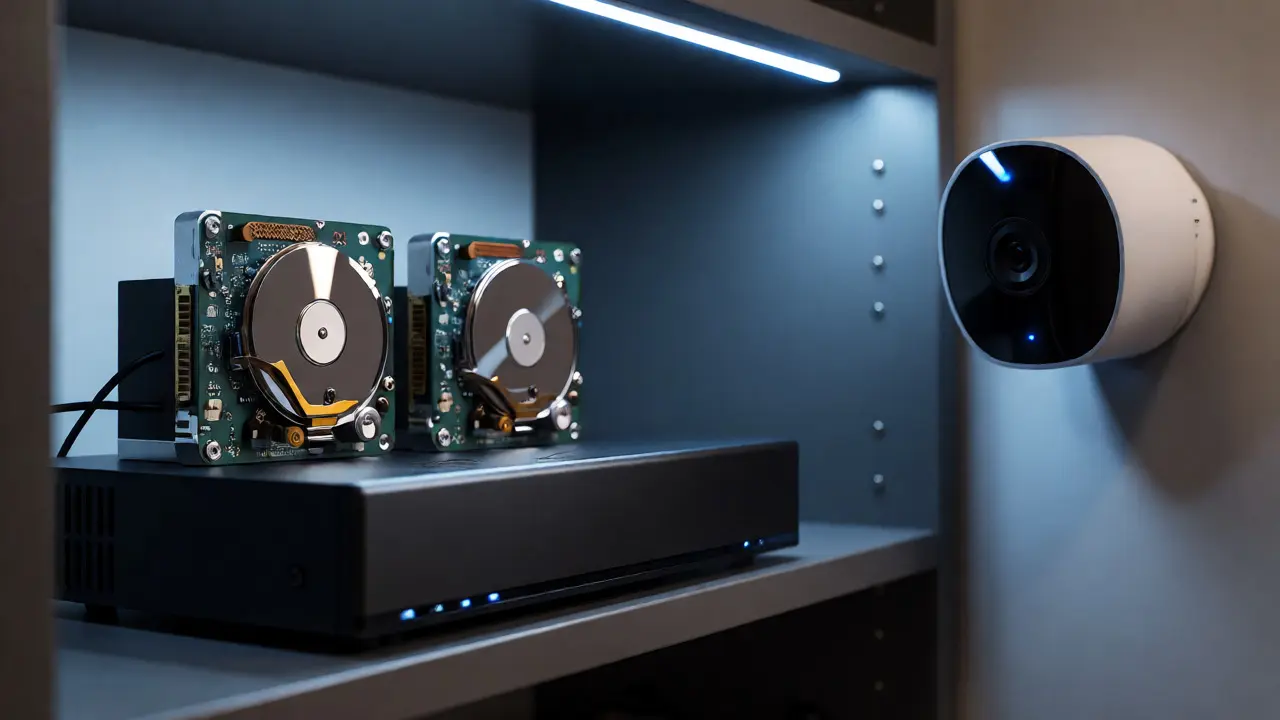
You just bought a new smart camera. It looks sleek, it has night vision, and it connects to your Wi-Fi. But then you hit the paywall. To see yesterday’s footage, you need to pay $3 a month. Or maybe you’re staring at a bulky Network Video Recorder (NVR) in your closet, wondering if buying hard drives is really worth the hassle compared to letting Amazon or Google store your videos for you.
This isn’t just about saving a few bucks. It’s about control, privacy, and what happens when your internet goes down during a storm. Choosing between a local NVR and a cloud subscription is one of the biggest decisions in modern home security. Let’s break down the real trade-offs so you don’t end up with a system that fails you when you need it most.
The Core Difference: Where Does Your Video Live?
At its simplest, the difference is physical location. A local NVR stores video on hard drives inside your house. Cloud storage sends video over the internet to remote servers managed by companies like Ring, Nest, or Arlo.
Think of an NVR like a filing cabinet in your basement. You own the papers. If the power goes out, the cabinet stays put. If you want to look at a file from five years ago, you can pull it out instantly-assuming you kept it. Cloud storage is like a safety deposit box at a bank across town. You access it via an app. If the bank closes (or your internet dies), you can’t get in. But if your house burns down, the bank still has your stuff.
Most people think this is a binary choice. It’s not. Many systems offer hybrid models, but understanding the primary architecture helps you spot where the vulnerabilities lie.
Cost Analysis: The Hidden Price of "Free" Storage
Let’s talk money, because that’s usually the first question. Cloud subscriptions feel cheap upfront. $3 to $10 a month per camera seems negligible. But do the math for a typical four-camera setup. At $5/month per camera, that’s $240 a year. Over five years, you’ve spent $1,200. That’s enough to buy a high-end NVR system with plenty of storage space.
NVRs have higher upfront costs. A decent 8-channel NVR might cost $200-$400. Add two 4TB surveillance-grade hard drives, and you’re looking at another $150-$200. Total initial investment? Around $500-$600. After that, your monthly cost is zero. No fees, no tiers, no "premium features" locked behind a paywall.
| Feature | Cloud Subscription (4 Cameras) | Local NVR System |
|---|---|---|
| Upfront Hardware Cost | $400 (Cameras only) | $600 (NVR + Drives + Cameras) |
| Monthly Fee | $20 (avg $5/cam) | $0 |
| 5-Year Total Cost | $1,600 | $600 |
| Storage Capacity | Limited (30-60 days typically) | Expandable (Years of footage) |
| Internet Dependency | Total | Minimal (for remote view only) |
The catch with cloud? Bandwidth caps. If you have four 4K cameras streaming constantly, you could push 10-20 Mbps upstream. Some ISPs charge extra for heavy upload usage or throttle speeds after a certain limit. NVRs process video locally, so they barely touch your internet bandwidth unless you’re actively watching live feeds remotely.
Reliability: What Happens When the Internet Dies?
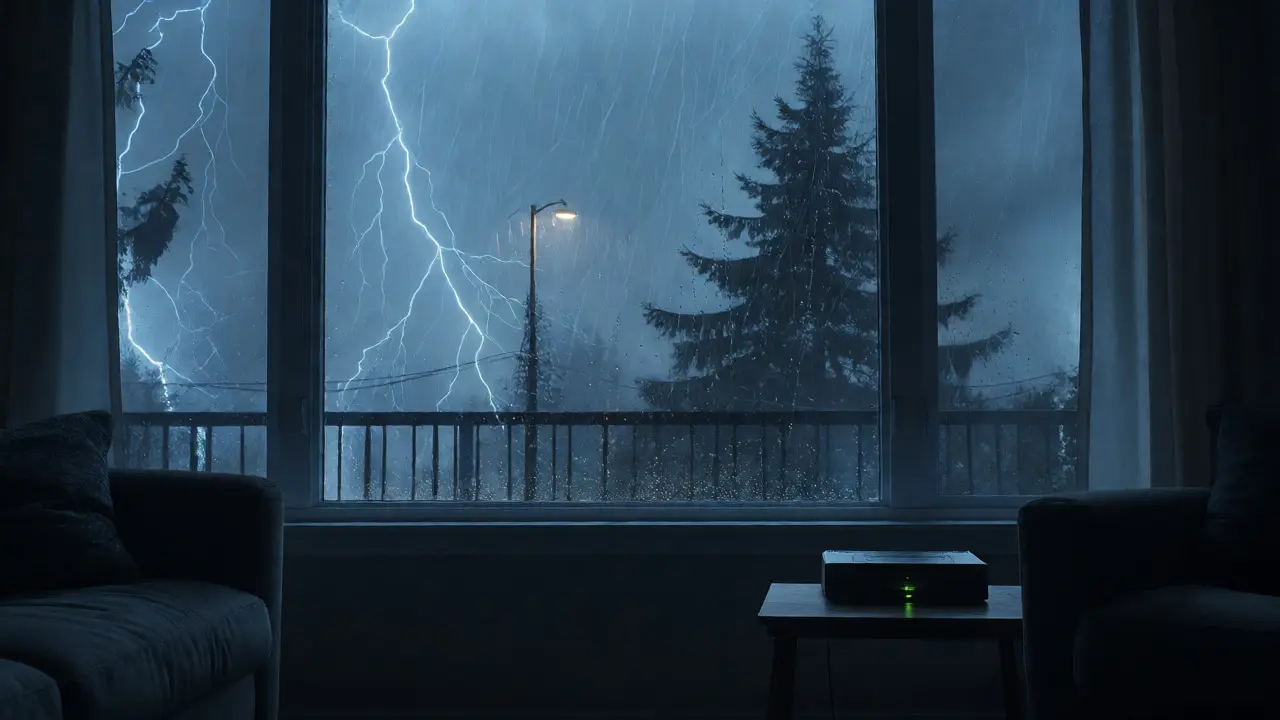
Pacific Northwest weather is unpredictable. Storms knock out power and fiber lines regularly. Here’s where the architectures diverge sharply.
If you rely on cloud-only cameras, a dead router means dead eyes. The camera records nothing. It doesn’t buffer to the cloud because there’s no connection. Some newer cameras have tiny internal SD cards for emergency buffering, but these are often overwritten within minutes or hours. They’re not designed for long-term archival.
A local NVR keeps recording as long as it has power. Even better, many NVRs support UPS (Uninterruptible Power Supply) backup easily. If your power flickers, the NVR stays on. If the internet goes out, you still capture every motion event. You can review footage later once connectivity returns. For critical areas like entryways or garages, this reliability is non-negotiable.
Consider a scenario: A thief cuts your power and disables your Wi-Fi router before entering. With cloud cameras, you get a black screen. With an NVR running on a small battery backup, you still get clear footage of the cut wires and the intruder’s face.
Privacy and Data Ownership: Who Sees Your Home?
This is the part tech blogs gloss over. When you use cloud services, your video data lives on someone else’s server. Companies like Ring have faced criticism for sharing user data with law enforcement without warrants. While policies change, the fundamental issue remains: you are renting storage, not owning it.
With a local NVR, your data never leaves your network unless you explicitly stream it. You control who accesses it. You can encrypt the drives. You can physically disconnect the NVR from the internet if you want total isolation. For people concerned about facial recognition algorithms analyzing their backyard parties or sensitive moments captured indoors, local storage offers peace of mind.
Also, consider vendor lock-in. If a cloud company shuts down (remember SimpliSafe’s early issues or various startup failures), your historical footage might vanish. Hard drives in your NVR last 3-5 years under constant write cycles. You replace them yourself. You keep the old drive. You own the history.
Performance and Searchability: Finding That One Clip
Searching through hours of footage is tedious. Cloud platforms often have superior AI search tools. Need to find a clip where a person appeared between 2 PM and 4 PM? Cloud apps let you filter by object type (person, car, pet) instantly. This is powered by massive server-side computing resources.
Local NVRs are catching up, but it depends on the brand. High-end NVRs now include onboard AI chips that perform similar filtering. However, budget NVRs require manual scrubbing. You watch 10x speed until you see movement. This takes time.
Latency is another factor. Cloud streams can lag by 2-5 seconds due to encoding, transmission, and decoding delays. Local NVRs viewing on the same LAN (Local Area Network) have near-zero latency. If you’re monitoring a delivery driver approaching your door, that split-second matters. On mobile, remote viewing from both systems will have some delay, but local NVRs generally handle concurrent streams more efficiently if your network hardware is robust.

Scalability and Maintenance: Growing Your System
Adding a fifth camera to a cloud plan usually means adding another monthly fee. Adding a fifth camera to an NVR requires ensuring you have free channels and sufficient PoE (Power over Ethernet) ports. Most 8-channel NVRs come with built-in switches, making expansion simple.
Maintenance differs too. Cloud maintenance is invisible to you. Servers are patched, software updates roll out automatically. NVR maintenance involves firmware updates, checking hard drive health (SMART status), and occasionally replacing fans. It’s not much work-maybe twice a year-but it exists. If you hate tinkering, cloud wins on convenience. If you prefer knowing exactly how your system works, NVR gives you that agency.
Bandwidth scaling is also easier with NVRs. If you add ten 4K cameras, your local switch handles the traffic internally. Your internet speed doesn’t suffer. With cloud, each additional camera increases upstream load, potentially slowing down other devices if your router isn’t powerful enough.
Which One Should You Choose?
There is no universal winner. It depends on your specific constraints.
- Choose Cloud if: You rent your home, cannot drill holes for cabling, travel frequently, want easy setup, and value AI-powered alerts over raw footage ownership. Also, if you have unlimited data plans and stable fiber internet, cloud simplifies life.
- Choose Local NVR if: You own your home, have unreliable internet, care deeply about privacy, want to archive years of footage, and prefer a one-time payment model. Ideal for tech-savvy users who don’t mind occasional maintenance.
- Hybrid Approach: Use local NVR for main coverage (driveway, backyard) and cloud for critical entry points where you want instant push notifications and easy sharing with neighbors or police.
Remember, the best security system is the one you actually maintain and trust. Don’t let marketing buzzwords obscure the practical realities of power outages, bandwidth limits, and subscription fatigue.
Can I use existing Wi-Fi cameras with a local NVR?
Not always. Many consumer Wi-Fi cameras (like basic Wyze or Blink models) are closed ecosystems and don't support ONVIF or RTSP protocols required by standard NVRs. You typically need IP cameras that support open standards or specific brands compatible with your chosen NVR manufacturer.
How long does an NVR hard drive last?
Surveillance-grade hard drives (like WD Purple or Seagate SkyHawk) are designed for 24/7 operation and typically last 3 to 5 years under continuous write conditions. Factors like temperature, vibration, and write intensity affect lifespan. Regularly checking SMART health data is recommended.
Is cloud storage secure from hackers?
Major providers use encryption in transit and at rest. However, security breaches happen. The risk shifts from local theft to account compromise. Using strong passwords and two-factor authentication is critical. Local NVRs can be secured by firewall rules and changing default credentials, offering direct control over vulnerability patches.
What happens if my NVR gets stolen?
If the thief takes the NVR unit itself, they take the hard drives and thus the footage. To mitigate this, mount the NVR in a hidden, locked closet or attic. Some advanced setups mirror critical clips to a secondary location or cloud backup, though this negates the pure local advantage.
Do I need a separate monitor for an NVR?
No. Modern NVRs connect to your home network. You can view live feeds and playback via smartphone apps, tablets, or computers using web browsers or dedicated client software. A direct HDMI/VGA output to a TV is optional for local display.