You spent three months wiring your smart lights, configuring scenes in Home Assistant, and getting the perfect sunset routine. Then, six months later, a sensor stops reporting temperature, or you try to add a new switch and realize you have no idea how the existing logic works. Sound familiar? This is the silent killer of smart homes: lack of documentation.
Most people treat home automation like a toy. You set it up, it works, and you forget about it. But as your system grows from five devices to fifty, the complexity explodes. Without a clear map of how your automations trigger, what conditions they check, and which devices are involved, you’re building a house on sand. One bad update or a moved device can break everything, and without notes, you’ll spend hours guessing instead of fixing.
Why Your Brain Isn’t Enough
We tend to overestimate our memory. You might remember that the "Goodnight" scene turns off the living room lights because you wrote it last week. But will you remember why there’s a delay on the hallway light? Or why the thermostat only adjusts when the garage door is closed? These nuances vanish quickly.
Documentation isn’t just for IT pros managing enterprise servers. It’s a survival tool for any homeowner who wants their system to remain stable and upgradeable. Think of it as an insurance policy against future headaches. When something breaks-and it will-you want to be able to trace the failure path instantly rather than digging through code at 10 PM.
The Three Pillars of Automation Documentation
Effective documentation doesn’t mean writing a novel. It means capturing three specific types of information that answer the questions you’ll inevitably ask yourself later:
- The Logic Map: What triggers the action, what conditions must be met, and what is the result?
- The Device Inventory: Where is each physical device located, what is its firmware version, and what role does it play?
- The Change Log: What did you change, when, and why?
Let’s break these down into actionable steps you can start today.
Capturing the Logic: The "If-Then-Else" Record
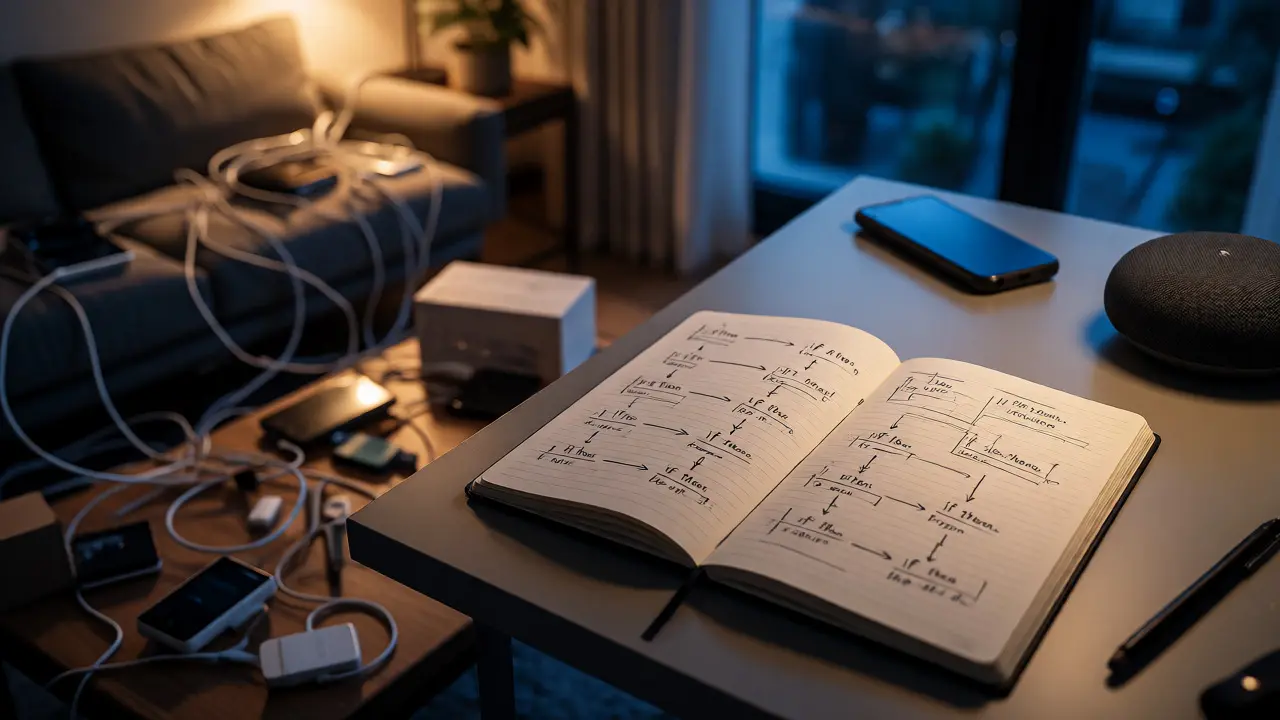
The core of any automation is its logic. Whether you use visual editors like Node-RED or YAML configurations in Home Assistant, the underlying structure remains similar. Don’t just save the file; annotate it.
If you use a GUI-based platform, take screenshots of complex flows and store them in a cloud folder organized by room or function. If you code in YAML or JSON, use comments generously. A comment line explaining *why* a condition exists is worth ten lines of code.
| Component | Details | Notes |
|---|---|---|
| Trigger | Motion Sensor (Hallway) | State changes to 'on' |
| Condition | Time between 6 PM - 8 AM | Avoids daytime false positives |
| Action | Turn on Hallway Light | Brightness set to 40% |
| Exception | Skip if Guest Mode active | Input boolean 'guest_mode' is true |
This simple table format lets you see the entire flow at a glance. Notice the "Exception" row. That’s the kind of detail you’ll forget in two weeks but desperately need when debugging why the lights didn’t turn on during a party.
Mapping Your Physical Reality
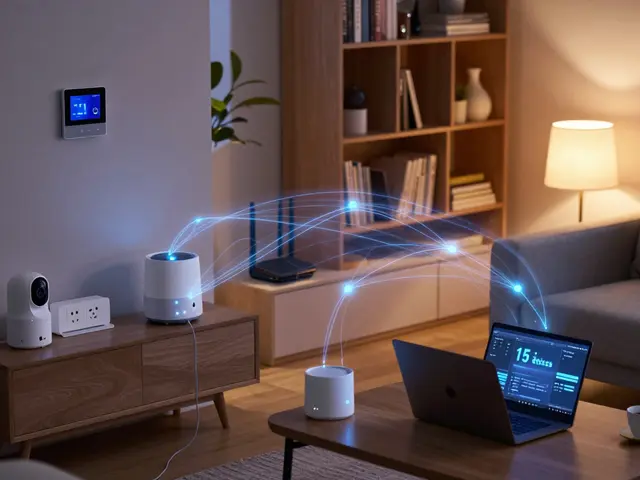
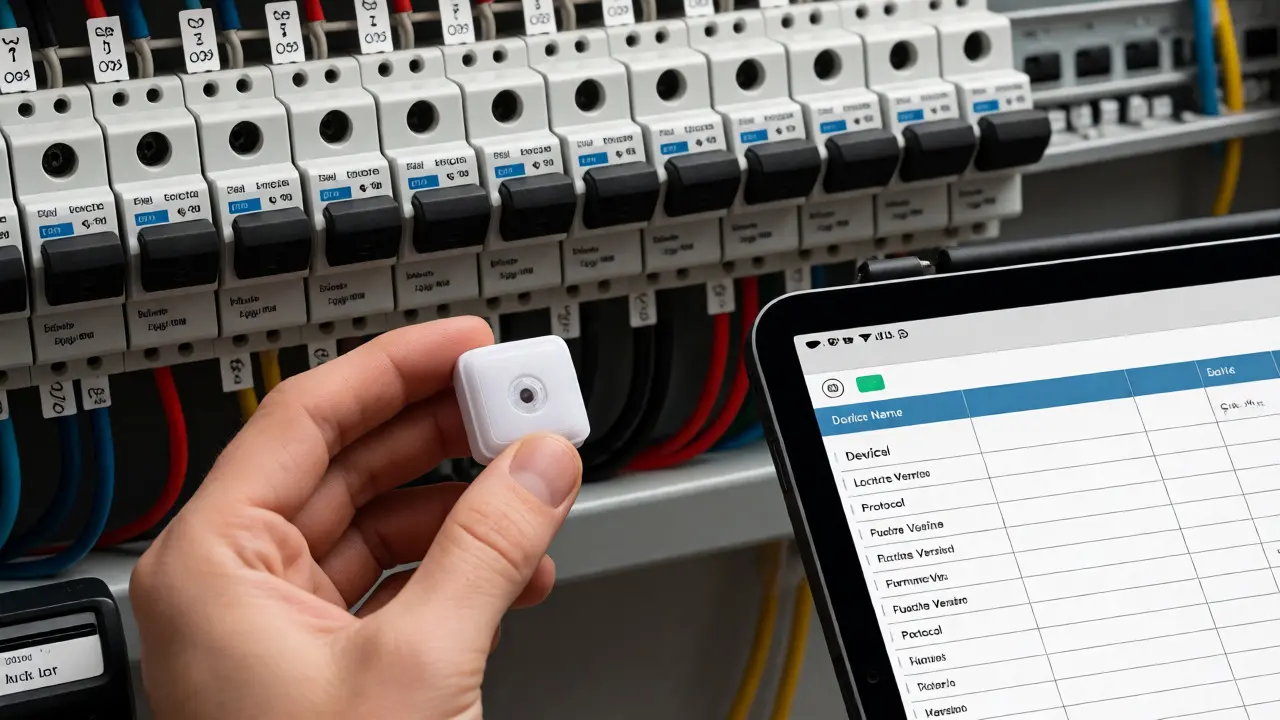
Digital documentation often fails because it ignores the physical world. Your smart bulb isn’t just an entity in a database; it’s a piece of hardware screwed into a ceiling fixture in the upstairs bedroom. If you replace that bulb with a different brand, your automation might break if the new bulb uses Zigbee instead of Wi-Fi, or if the signal strength drops.
Create a device inventory spreadsheet. Include these columns:
- Device Name: The friendly name used in your interface.
- Physical Location: Be specific. "Living Room Ceiling Left," not just "Living Room."
- Protocol: Z-Wave, Zigbee, Matter, Wi-Fi, Thread.
- Firmware Version: Crucial for troubleshooting compatibility issues.
- Purpose: What does this device actually do for you?
This map helps when you’re adding new devices. You’ll know immediately if you’re overcrowding a specific Zigbee channel or if you need a repeater in the basement because the signal from the main hub is weak.
The Importance of a Change Log
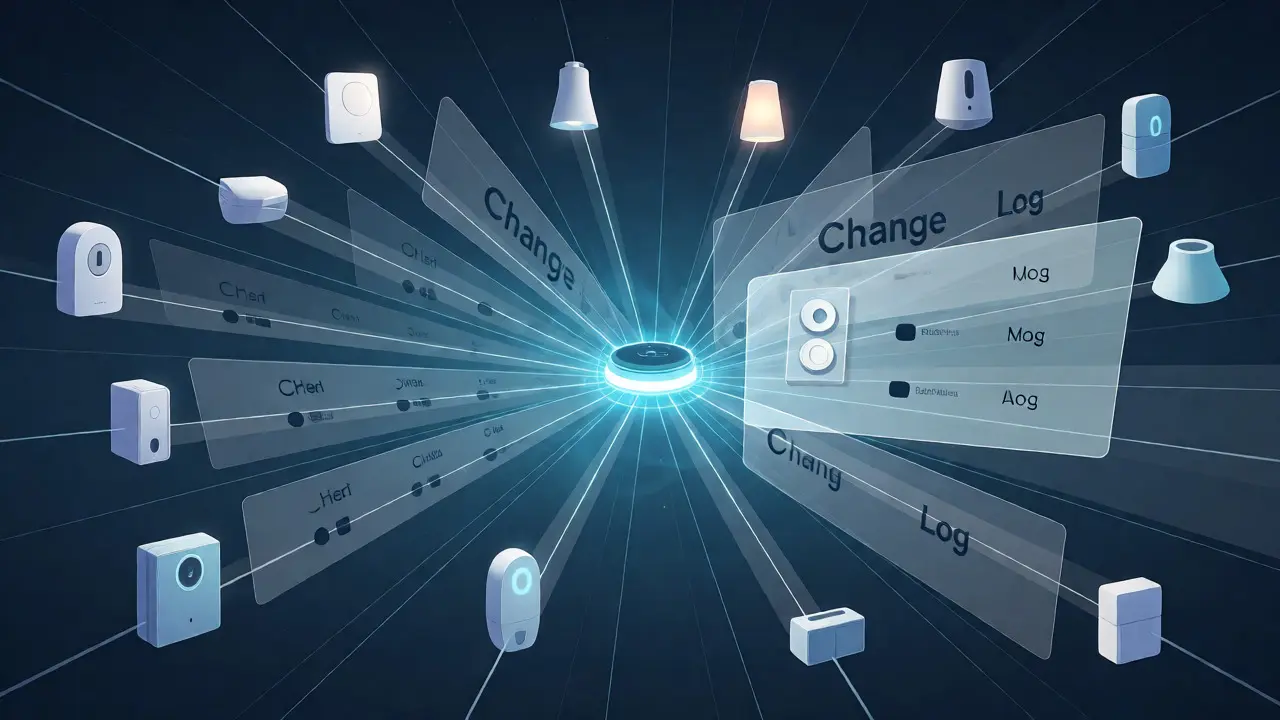
Smart home systems are never finished. You tweak schedules, swap batteries, update firmware, and add sensors. Every change introduces risk. A change log is a chronological record of modifications. It doesn’t need to be fancy-a text file named `changes.log` works fine.
Format entries simply:
[2026-10-15] Updated motion sensor firmware v1.2 -> v1.3. Result: Sensitivity increased, causing false triggers at night. Adjusted threshold in config.
When something breaks next month, you can look back and see if a recent change correlates with the issue. Did you update the hub software right before the lights started flickering? The log tells you yes or no, saving you from random guesswork.
Tools That Help (And Which Ones to Avoid)
You don’t need expensive software. In fact, proprietary tools often lock your data away. Here’s what works best for long-term maintenance:
- Markdown Files in Git: If you’re comfortable with GitHub or GitLab, storing your configuration files here gives you version control for free. You can revert to previous states if an update breaks things.
- Notion or Obsidian: Great for non-coders. Use templates to create pages for each room or automation suite. Link related notes together.
- Spreadsheet Apps: Google Sheets or Excel are excellent for device inventories. Easy to filter and sort.
Avoid relying solely on screenshots stored in your phone’s camera roll. They get buried, lose context, and aren’t searchable. Keep your documentation in one accessible place, backed up to the cloud.
Troubleshooting with Docs
Here’s where the payoff happens. Imagine your porch light won’t turn on at dusk. With good documentation, you follow a checklist:
- Check the device inventory: Is the bulb online? What protocol does it use?
- Review the automation logic: Does it depend on a weather condition or a presence sensor?
- Scan the change log: Did I update the location settings recently?
Without docs, you’re clicking through menus, wondering if the sun position calculation is wrong or if the bulb died. With docs, you isolate variables systematically. This reduces frustration and makes home automation feel like a manageable utility rather than a fragile hobby.
Keeping It Up to Date
The biggest trap is letting documentation go stale. An outdated manual is worse than none because it misleads you. Set a rule: whenever you change an automation, update the doc immediately. Make it part of the process, not an afterthought.
Consider a quarterly "audit day." Spend thirty minutes reviewing your device list and logs. Remove deprecated devices, archive old automations, and verify that your maps match reality. This small habit prevents technical debt from accumulating.
Do I need to document every single device?
You should document every device that participates in an automation or has a specific function beyond basic on/off. Simple smart plugs controlling lamps might not need detailed logic notes, but they still belong in your device inventory for location and protocol tracking.
What if I use multiple platforms like HomeKit and Home Assistant?
Document each platform separately but link them where they interact. For example, note that a HomeKit scene triggers a webhook in Home Assistant. Cross-referencing these handoffs is critical for debugging integration issues.
Is version control necessary for beginners?
Not strictly, but it’s highly recommended. Even basic backups of your configuration files before major updates serve as a poor man’s version control. Tools like Git make this easier and allow you to see exactly what changed between versions.
How do I document physical wiring?
Take photos of your breaker panel and label each circuit. For low-voltage setups, photograph wire terminations in junction boxes. Store these images in your digital folder with descriptive names like "Breaker_Panel_Labels_2026.jpg".
Can AI help generate documentation?
Yes, AI tools can summarize complex YAML files or explain code snippets. However, always review AI-generated summaries for accuracy. They may miss subtle logical dependencies that only you understand about your specific household habits.