Ever tried to sync a hundred devices across a five-story mansion only to find the lighting system fighting with the security cameras? It happens more often than you think. In large smart home installations, the technology is rarely the bottleneck; the chaos of coordination is. When you move from a standard apartment setup to a complex estate or commercial-grade residence, the rules change completely. You aren't just installing gadgets anymore. You are engineering an ecosystem where HVAC, audio-visual, access control, and entertainment systems must talk to each other without dropping a packet.
This guide breaks down how professional integrators handle these massive projects. We’ll look at the specific phases, the tools that keep teams sane, and the mistakes that cost thousands of dollars. If you’re managing a team or planning a high-end build, this is your roadmap to avoiding the 'it works on my laptop' trap.
Why Big Projects Fail Without Structure
Most small-scale smart home jobs rely on intuition. You install the hub, pair the sensors, and test it. Done. But in a 10,000-square-foot home, intuition fails. The sheer volume of data points creates a combinatorial explosion of potential conflicts. For example, if the automated blinds close when the sun hits a certain angle, but the AV system also triggers a 'movie mode' that adjusts lighting, who wins? Without a clear hierarchy defined in the project plan, both systems might try to execute simultaneously, leading to flickering lights or stuck motors.
The core problem isn't technical incompatibility; it's logical conflict. Professional project management in this space focuses on defining the 'source of truth.' Which system has priority? Usually, safety systems (smoke detectors, locks) override comfort systems (thermostats, music). Getting this wrong during the design phase leads to painful rework later. It’s not just about making things work; it’s about making them work in the order the homeowner expects.
The Pre-Installation Phase: Where Success Is Decided
Before a single wire is pulled, the heavy lifting happens on paper. This phase involves three critical components: site surveying, network architecture design, and stakeholder alignment.
- Site Surveying: Don't trust floor plans. Walls move, outlets get moved by general contractors, and Wi-Fi dead zones hide behind metal studs. Walk every room. Map out power sources for every device. Note ceiling heights for camera placement. This physical reality check saves weeks of guesswork.
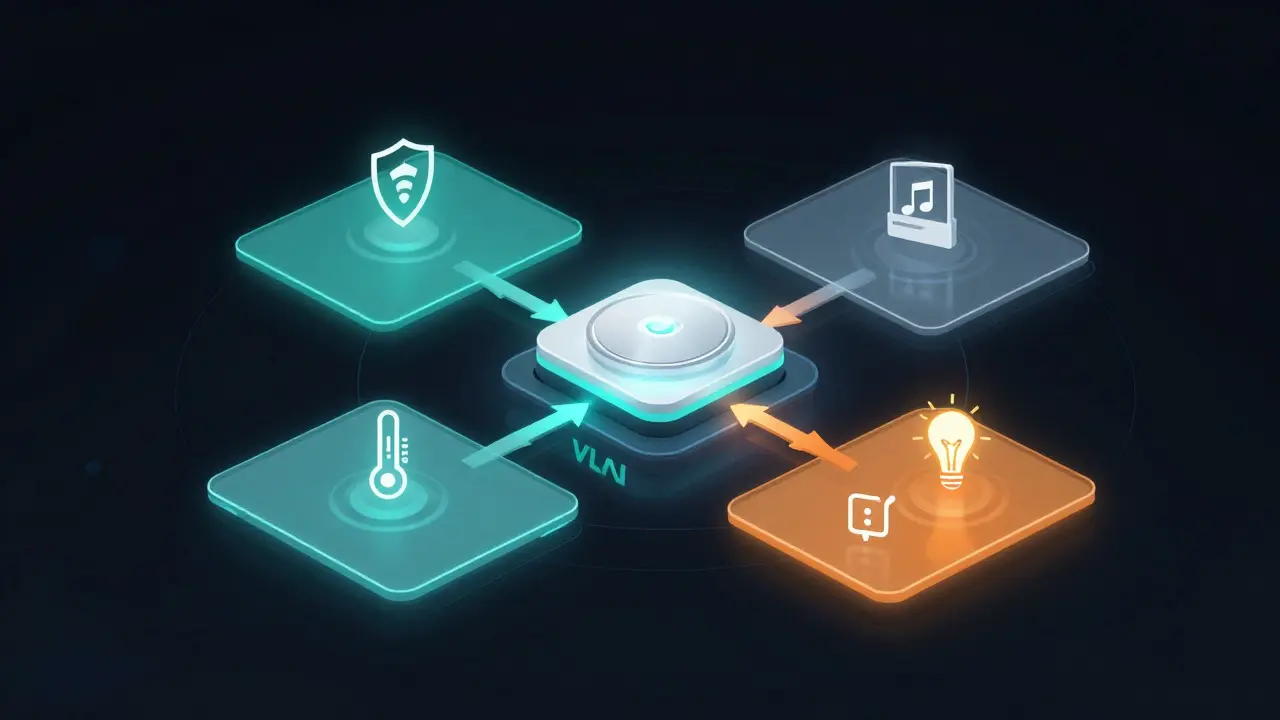
- Network Architecture: Large installs require dedicated networks. You need separate VLANs for IoT devices, security cameras, and user traffic. Why? Because if a cheap smart bulb gets hacked, you don’t want it having access to your banking portal. Designing this segmentation early prevents bandwidth bottlenecks and security risks.
- Stakeholder Alignment: Homeowners often have vague ideas like 'I want it all connected.' Your job is to translate that into a scope of work. List every device, every location, and every automation rule. Get sign-off on this document before buying hardware. Changes after procurement are expensive.
Coordinating the Trades: The Human Element
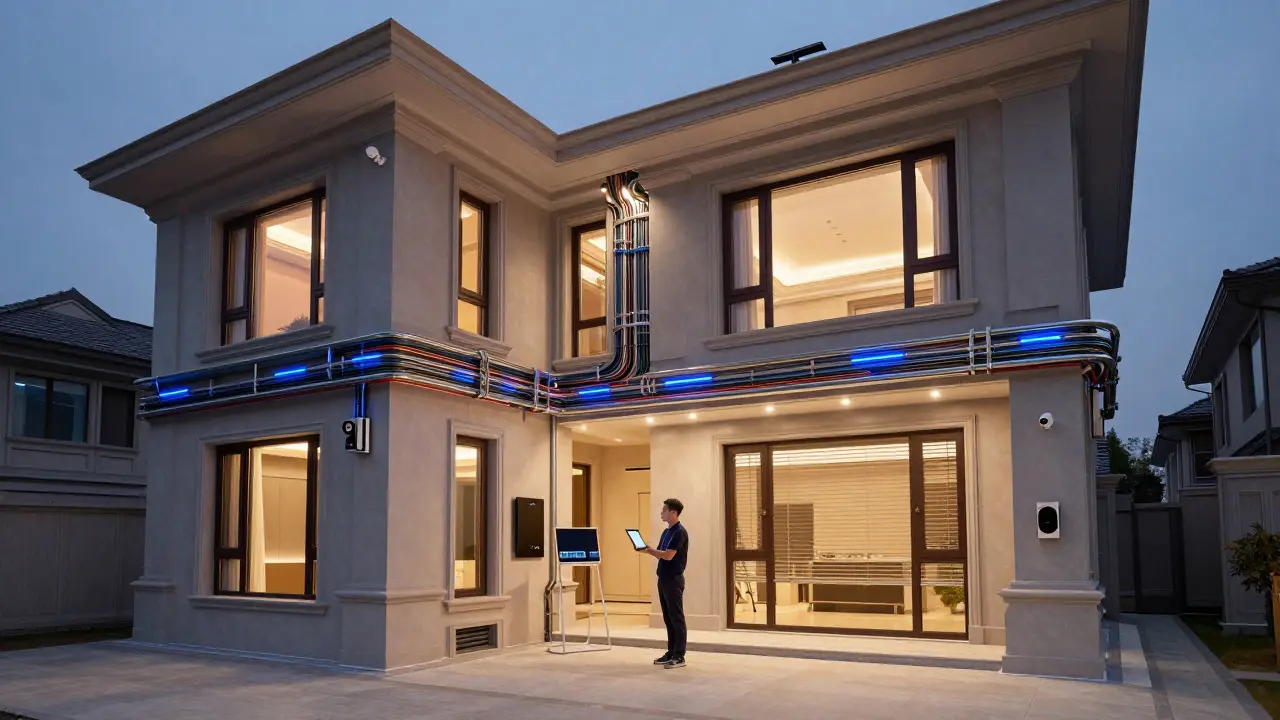
Smart home pros rarely work alone. You’re sharing space with electricians, carpenters, painters, and landscapers. Miscommunication here is the biggest source of delays. The painter covers your low-voltage conduit because they didn’t see it. The electrician cuts your fiber optic line because they thought it was copper. To mitigate this, implement a shared digital dashboard. Tools like Procore or Buildertrend allow you to upload daily photos and mark up drawings. If you run a cable through a wall, tag it clearly. More importantly, hold weekly coordination meetings with the general contractor. Ten minutes of talking can save ten hours of digging up walls. Make sure everyone knows where the 'smart' stuff is buried. Label everything. Over-label. Assume no one else will remember what you did last Tuesday.
Hardware Selection and Inventory Control
In large projects, inventory management is a discipline, not an afterthought. You might be ordering 50 motion sensors, 20 keypads, and 100 smart plugs. If one batch arrives defective, do you have spares? If the lead time for a specific keypad is six weeks, did you order it in month one or month three? Use a Bill of Materials (BOM) that tracks status in real-time. Categorize items into 'Critical Path' and 'Non-Critical.' Critical path items are those that block other trades. For instance, you can’t paint over a recessed speaker until it’s installed. Non-critical items, like decorative light fixtures, can wait. Prioritize purchasing for the critical path to keep the construction schedule moving. Also, always buy 10-15% extra of consumables like cables and connectors. They break, they get cut, and they get lost.
Commissioning and Quality Assurance
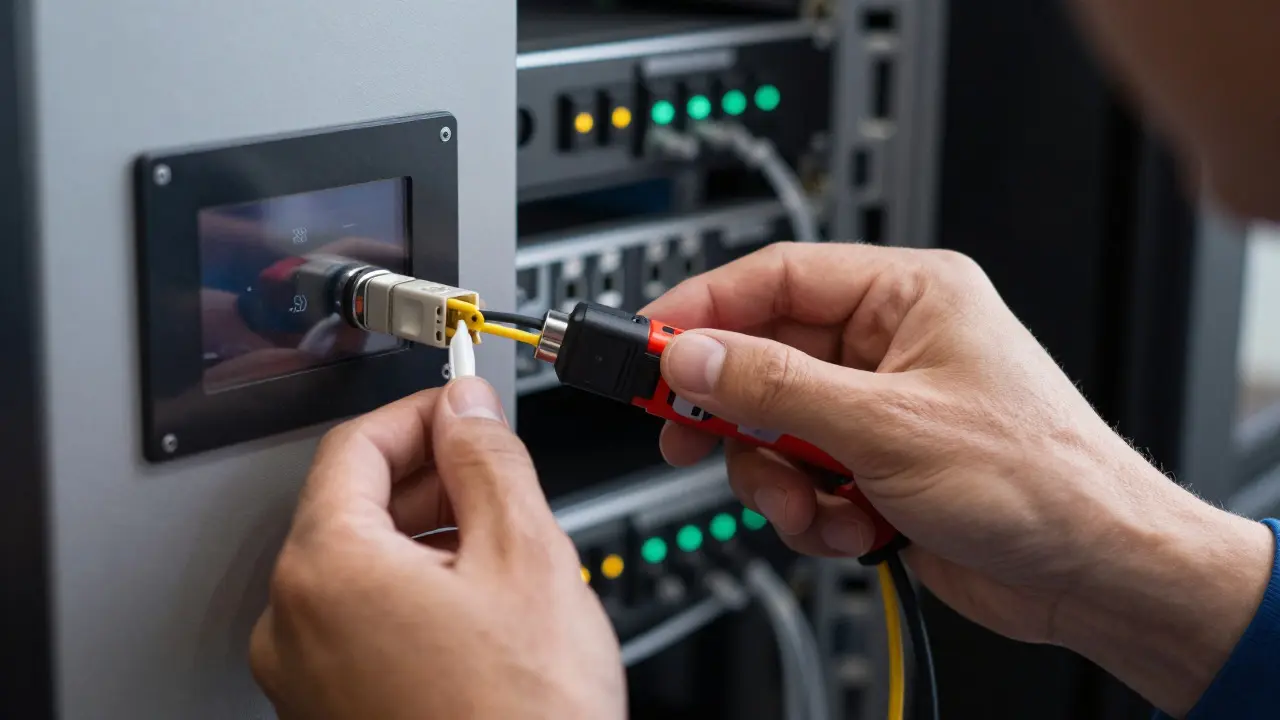
Installation is done when the lights turn on. Commissioning is done when the system behaves exactly as designed under stress. This is where most DIY efforts fall apart. You need a rigorous testing protocol.
- Individual Device Testing: Verify every sensor detects motion. Check every lock responds to commands. Ensure every camera streams video clearly.
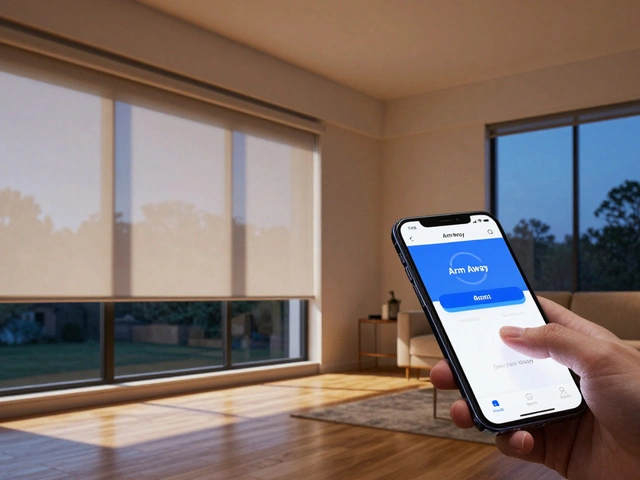
- System Integration Testing: Run the automations. Trigger the 'Away Mode.' Does the alarm arm? Do the lights turn off? Does the thermostat drop? Watch for lag. In large networks, latency matters. If there’s a 5-second delay between pressing a button and the light turning on, fix it now, not after handover.
- Failover Testing: Unplug the main internet router. Does the local network still control the locks and lights? Most modern systems support local control, but you must verify it. If the cloud goes down, the house shouldn’t stop working.
Handover and Training
The project doesn’t end when the client pays the invoice. It ends when the client feels confident using the system. If they don’t understand it, they won’t use it, and they’ll call you for trivial issues. Create a simple, visual manual. Avoid technical jargon. Use icons and short sentences. Show them how to change a temperature setting, how to open the garage door, and how to reset a paired device. Offer two training sessions: one for basic operations and one for advanced troubleshooting. Record these sessions so family members who weren’t present can watch later. This reduces support tickets significantly in the first year.
Common Pitfalls to Avoid
Even experienced teams make mistakes. Here are the top three traps that derail large installations:
- Scope Creep: The client adds a new feature mid-installation. Always charge for changes. Have a clear change order process. If it’s not in the original BOM, it costs money and time.
- Ignoring Firmware Updates: Devices released today may have bugs fixed next month. Wait for stable firmware releases before final commissioning. Installing beta software in a production environment is risky.
- Poor Documentation: If you don’t write down the IP addresses, VLAN IDs, and API keys, you’re in trouble when something breaks in six months. Future-you will thank present-you for being thorough.
Frequently Asked Questions
What is the biggest challenge in large smart home installations?
The biggest challenge is coordination between multiple trades and ensuring logical consistency across different subsystems. Technical integration is secondary to human communication and clear prioritization of system controls.
Do I need a dedicated network for a smart home?
Yes, for large installations, a dedicated network with segmented VLANs is essential. This isolates IoT devices from personal data, improves security, and prevents bandwidth congestion from streaming media affecting control signals.
How long does a large smart home installation take?
A comprehensive installation in a large residence typically takes 8 to 12 weeks, depending on complexity. This includes design, rough-in wiring, device installation, programming, and commissioning. Smaller upgrades can take 2 to 4 weeks.
What should be included in the final handover package?
The handover package should include network diagrams, device lists with model numbers, admin credentials, automation logic descriptions, and a user-friendly manual. Video tutorials of common tasks are also highly recommended.
Is local control necessary for smart homes?
Local control is crucial for reliability. It ensures that basic functions like locking doors and adjusting thermostats continue to work even if the internet connection fails. Cloud dependence introduces unnecessary risk for critical home systems.