Your sales team is closing a deal from a coffee shop. Your engineers are debugging code on the subway. Your HR manager is reviewing sensitive contracts from the back of a taxi. This is the reality of modern work, and it creates a massive blind spot for most IT departments. When employees use their own smartphones, tablets, and laptops to access corporate networks, you lose physical control over where your data lives. Bring Your Own Device (BYOD) isn't just a perk; it's a complex security challenge that requires a shift in how you think about perimeter defense.
The core problem is simple: personal devices are messy. They run outdated apps, connect to unsecured public Wi-Fi, and hold photos of family members alongside quarterly financial reports. If you don't have a structured approach, one lost phone or one malicious click can expose your entire organization. The goal here isn't to ban personal tech-it's to create a clear set of rules that keeps company data safe without making employees feel like they're living in a prison.
Why Traditional Perimeter Defense Fails with BYOD
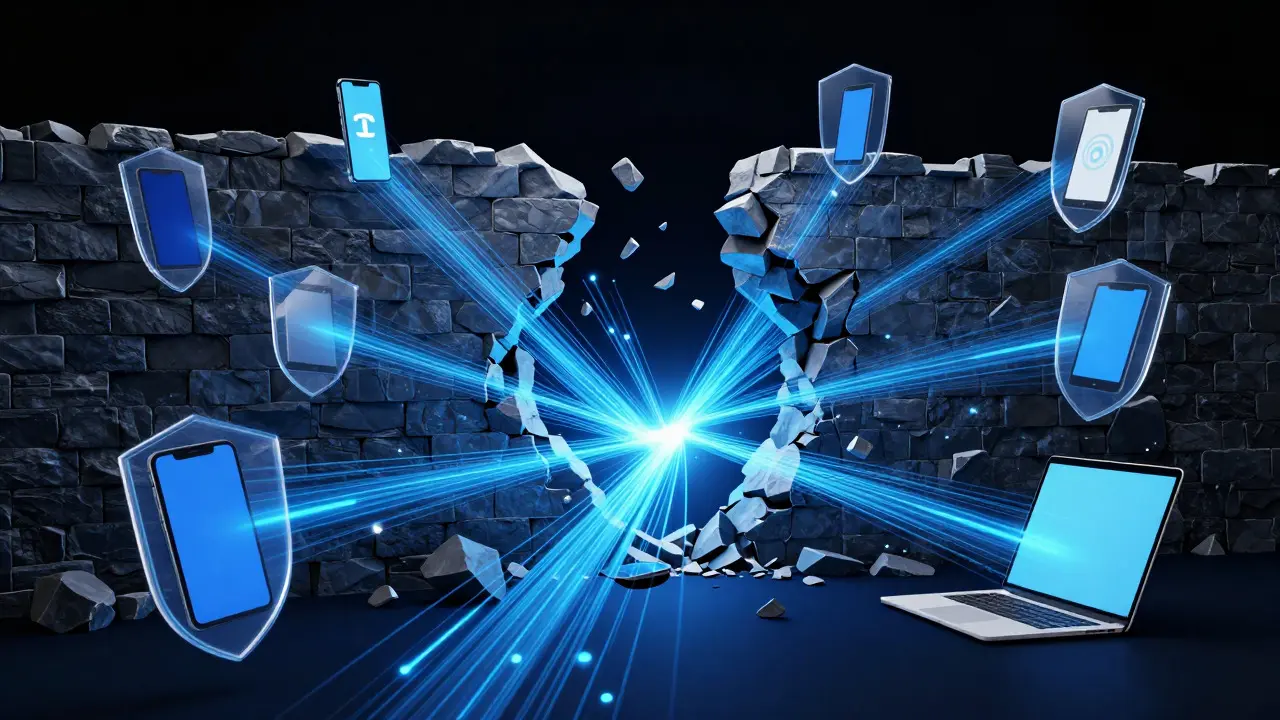
For decades, companies relied on firewalls and office walls to keep threats out. You were either inside the network or outside it. But with Cloud Computing and remote work, the "office" is now everywhere. A laptop in a hotel room is just as much part of your infrastructure as the server rack in the basement. This means the perimeter has dissolved. Now, the endpoint itself-the device-is the new border.
This shift demands a different mindset. Instead of asking "Is this device on our LAN?", you need to ask "Does this device meet our security standards?". If an employee connects their old Android phone to the guest Wi-Fi and then opens the company email app, they are effectively bridging two separate worlds. Without controls, that bridge is wide open to Phishing Attacks and malware. The risk isn't just about hackers; it's also about accidental leaks. An employee might forward a client list to their personal Gmail by mistake, or leave a tablet unlocked on a park bench. These human errors are often more likely than sophisticated cyberattacks, which is why policy needs to be as strong as technology.
The Core Pillars of a Robust BYOD Policy
A good policy isn't a 50-page legal document nobody reads. It’s a practical framework built on three main pillars: visibility, control, and separation. Let’s break down what each pillar actually looks like in practice.
- Visibility: IT needs to know what devices are connecting. You can’t secure what you can’t see. This involves maintaining an inventory of all approved devices, their OS versions, and their security status. If a device hasn’t updated its operating system in six months, it should be flagged immediately.
- Control: Once you see the device, you need the ability to enforce rules. This usually means requiring specific security features like full-disk encryption, a strong password, or automatic screen lock after five minutes of inactivity. If the device doesn’t comply, it shouldn’t get access to sensitive data.
- Separation: This is the most critical part for user adoption. Employees want to keep their personal life private. Your policy must clearly define that company tools only manage company data. If an employee deletes their phone, it shouldn’t wipe their vacation photos-only the company apps and files. This distinction builds trust and reduces resistance to compliance.
Implementing Mobile Device Management (MDM)
Policies are just words until you have technology to enforce them. This is where Mobile Device Management (MDM) software comes in. MDM acts as the middleman between your IT department and the employee’s device. It allows you to push settings, install apps, and monitor compliance without needing physical access to the hardware.
Think of MDM as a digital bouncer. It checks every device at the door. If the device has the right ID (certificate) and meets the dress code (security policies), it gets in. If not, it stays out. Modern MDM solutions support both iOS and Android, as well as Windows and macOS laptops. They allow for "containerization," which is the technical term for keeping work and personal data in separate silos. For example, if an employee uses a containerized email app, their work emails stay in the work container. If they switch to their personal email app, they can’t see those messages. This makes it easy to revoke access when someone leaves the company-you just delete the work container, leaving their personal data untouched.
| Strategy | Security Level | User Friction | Best For |
|---|---|---|---|
| Full MDM Control | High | Medium | Highly regulated industries (Finance, Health) |
| Containerization Only | Medium-High | Low | General corporate environments |
| Policy-Based Access | Low-Medium | Very Low | Small teams with low-risk data |
Addressing Employee Privacy Concerns
Here is the hard truth: employees hate feeling watched. If your BYOD policy feels like an invasion of privacy, compliance will drop, and people will find workarounds. To avoid this, transparency is key. Clearly communicate what IT can and cannot see. For instance, tell them that while IT can track the location of a lost company-issued laptop, they won’t track the location of a personal phone unless it’s being used for business purposes.
Focus on the benefits. Explain that MDM helps *them* by allowing quick recovery of lost devices and ensuring their work apps are always up to date. When employees understand that the policy protects their personal data too (by separating it from vulnerable work channels), they become partners in security rather than obstacles. Regular check-ins and feedback loops help adjust the policy if it becomes too restrictive or too loose.

Risk Management and Incident Response
Even with the best policies, things go wrong. Phones get lost. Laptops get stolen. Malware slips through. Having a pre-defined incident response plan turns chaos into a manageable process. The first step is always containment. If a device is lost, the immediate action should be to remotely lock it and wipe company data via the MDM platform. This should happen within hours, not days.
Next, investigate the breach. Did the device sync with an insecure cloud service? Was there a phishing attempt? Documenting these incidents helps you patch holes in your policy. For example, if you notice multiple breaches coming from devices connected to public Wi-Fi, you might mandate the use of a Virtual Private Network (VPN) for all remote connections. Risk management isn't a one-time setup; it's a continuous cycle of monitoring, adjusting, and improving.
Building a Culture of Security Awareness
Technology fails when humans make mistakes. A robust BYOD strategy includes ongoing education. Don't just send a yearly newsletter; use short, engaging training modules. Show real examples of how a single weak password led to a data leak. Make security part of the daily conversation, not just an IT topic.
When new hires join, include BYOD expectations in their onboarding. When existing staff change roles, re-evaluate their device access. Security is a shared responsibility. By empowering employees to take ownership of their device hygiene-like updating apps and using strong passwords-you create a human firewall that is often stronger than any software solution.