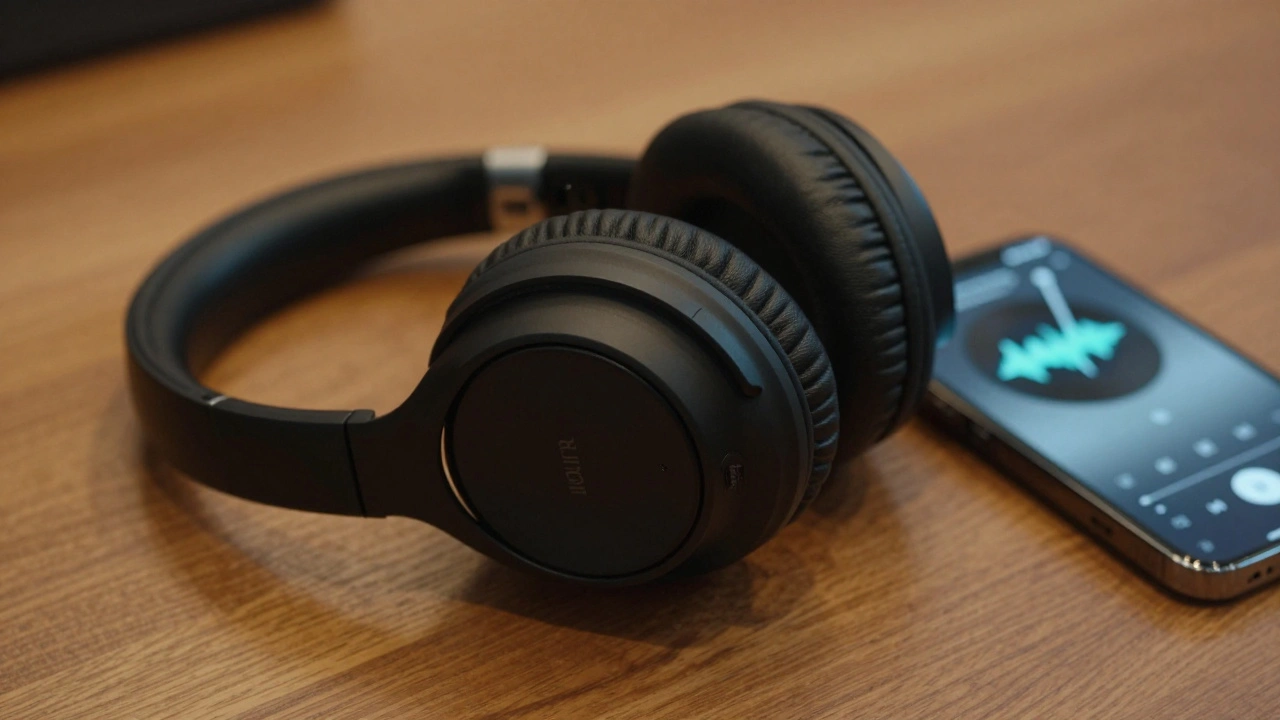
Put on your best headphones. Close your eyes. Listen to that one track you know by heart. Now, ask yourself: does it sound like a recording in a studio, or does it sound like a phone call from 2010? The answer usually isn't about your ears-it's about the file format sitting on your hard drive or streaming through your Wi-Fi.
We are living in an era where Hi-Res Audio is marketed as the holy grail of sound, promising crystal-clear fidelity that reveals every breath of the vocalist. But here is the catch: most people pay for premium subscriptions without understanding what they are actually hearing. Are you getting better sound, or just bigger file sizes?
To make sense of this, we need to strip away the marketing jargon. Let's look at the three main players in your library: FLAC, Free Lossless Audio Codec, AAC, Advanced Audio Coding, and the broader concept of Hi-Res Streaming, Audio with higher sampling rates than standard CD quality. Understanding these will save you money, storage space, and maybe even your sanity.
The Truth About Lossless Compression: FLAC
If you have ever downloaded music from Bandcamp or ripped your own CDs, you have likely encountered FLAC. It stands for Free Lossless Audio Codec. The word "lossless" is doing all the heavy lifting here. Unlike MP3s, which chop up audio data to save space (and lose quality in the process), FLAC compresses the audio without deleting any information.
Think of FLAC like a ZIP file for audio. When you unzip a document, it looks exactly like the original. When you play a FLAC file, your device decompresses it back into raw PCM data-the exact same binary code that was recorded in the studio. For audiophiles who want bit-perfect accuracy, this is non-negotiable.
However, there is a trade-off. A typical FLAC file is about 70% to 85% the size of a WAV file but still significantly larger than an MP3. A five-minute song might take up 30MB to 40MB of space. If you have a library of 10,000 songs, that is roughly 300GB to 400GB of storage. In 2026, with SSDs being cheaper, this is less of a burden than it was in the 2010s, but it still matters if you are storing music on a smartphone with limited capacity.
- Bitrate: Variable, typically averaging 900kbps to 1400kbps depending on complexity.
- Compatibility: Widely supported on Android, PC, Mac, and most dedicated DACs (Digital-to-Analog Converters). iOS support has improved but can sometimes require conversion.
- Best For: Archiving personal collections, critical listening sessions, and users with high-capacity storage.
The Efficient Contender: AAC
Enter AAC, or Advanced Audio Coding. This is the successor to MP3 and the default codec for Apple Music, iTunes, and many other streaming services. AAC is a "lossy" format, meaning it throws away audio data that human ears are supposedly less sensitive to. This is called psychoacoustic modeling.
Here is where things get interesting. AAC is incredibly efficient. At 256kbps (the bitrate used by Apple Music), an AAC file sounds virtually identical to its source CD for the vast majority of listeners. In blind tests-which are the only way to truly judge audio quality-most people cannot distinguish between a 256kbps AAC file and a lossless FLAC file. Even at 128kbps, AAC often outperforms MP3 because it handles lower frequencies and stereo imaging much better.
Why do we use AAC? Because bandwidth and storage are finite resources. Streaming 256kbps AAC uses a fraction of the data compared to FLAC. For commuting, working out, or casual background listening, AAC is the sweet spot. It delivers "good enough" quality without choking your mobile data plan or filling up your device.
If you are using AirPods or Beats headphones, you are already optimized for AAC. Apple's ecosystem is built around this codec, ensuring seamless integration and battery efficiency. You don't need to force lossless audio here; the hardware and software are designed to work together perfectly with AAC.
What Is Hi-Res Audio Streaming?
Now, let's talk about the buzzword: Hi-Res Audio. Technically, any audio that exceeds the resolution of a standard CD (16-bit depth, 44.1kHz sampling rate) qualifies as Hi-Res. Most streaming services offering "Hi-Res" provide files at 24-bit depth and 96kHz or even 192kHz sampling rates.
The theory behind Hi-Res is simple: higher sampling rates capture more detail, and higher bit depths provide a wider dynamic range. In practice, this means you hear nuances in the recording that were previously buried in noise or compression artifacts. You might notice the rustle of clothing, the room tone of a live performance, or the subtle decay of a piano string.
But here is the controversy: can you actually hear it? The Nyquist-Shannon theorem states that a sampling rate of 44.1kHz captures all frequencies up to 22.05kHz, which is beyond the upper limit of human hearing (typically 20kHz). So, why does 96kHz matter? Proponents argue that higher sampling rates reduce aliasing errors and improve the phase response of digital filters, resulting in a more natural soundstage.
Skeptics say it's placebo. And honestly, for many setups, they are right. If you are listening through Bluetooth earbuds, cheap speakers, or in a noisy car, Hi-Res audio is useless. The transmission protocol (like SBC or even standard AAC over Bluetooth) bottlenecks the quality before it reaches your ears. To benefit from Hi-Res, you need a chain of high-quality components: a good source file, a wired connection (USB or optical), a decent DAC, and high-end headphones or speakers.
| Feature | FLAC (Lossless) | AAC (Lossy) | Hi-Res (24-bit/96kHz+) |
|---|---|---|---|
| Quality | CD Quality (Bit-perfect) | Near-Transparent (at 256kbps) | Beyond CD Quality |
| File Size | d>Large (~30-40MB/song)Small (~5-10MB/song) | Very Large (~50-100MB/song) | |
| Storage Needs | High | Low | Very High |
| Best Use Case | Archiving, Critical Listening | Streaming, Mobile Devices | Audiophile Setups, Wired Headphones |
| Bluetooth Support | Limited (requires LDAC/aptX HD) | Excellent (standard) | Poor (over standard Bluetooth) |
Choosing the Right Format for Your Lifestyle
You don't need to pick just one. The key is matching the format to your scenario. Here is how I break it down based on real-world usage.
The Commuter / Casual Listener: Stick with AAC. Services like Spotify (though technically Ogg Vorbis, similar principle) or Apple Music's standard tier are perfect. You won't miss the difference while driving, walking, or working out. Save your data and battery life.
The Home Enthusiast: If you have a nice set of speakers or over-ear headphones and listen at home via Wi-Fi, switch to FLAC or Lossless ALAC (Apple Lossless). You get the full CD experience without the massive file sizes of Hi-Res. This is the "sweet spot" for 90% of music lovers.
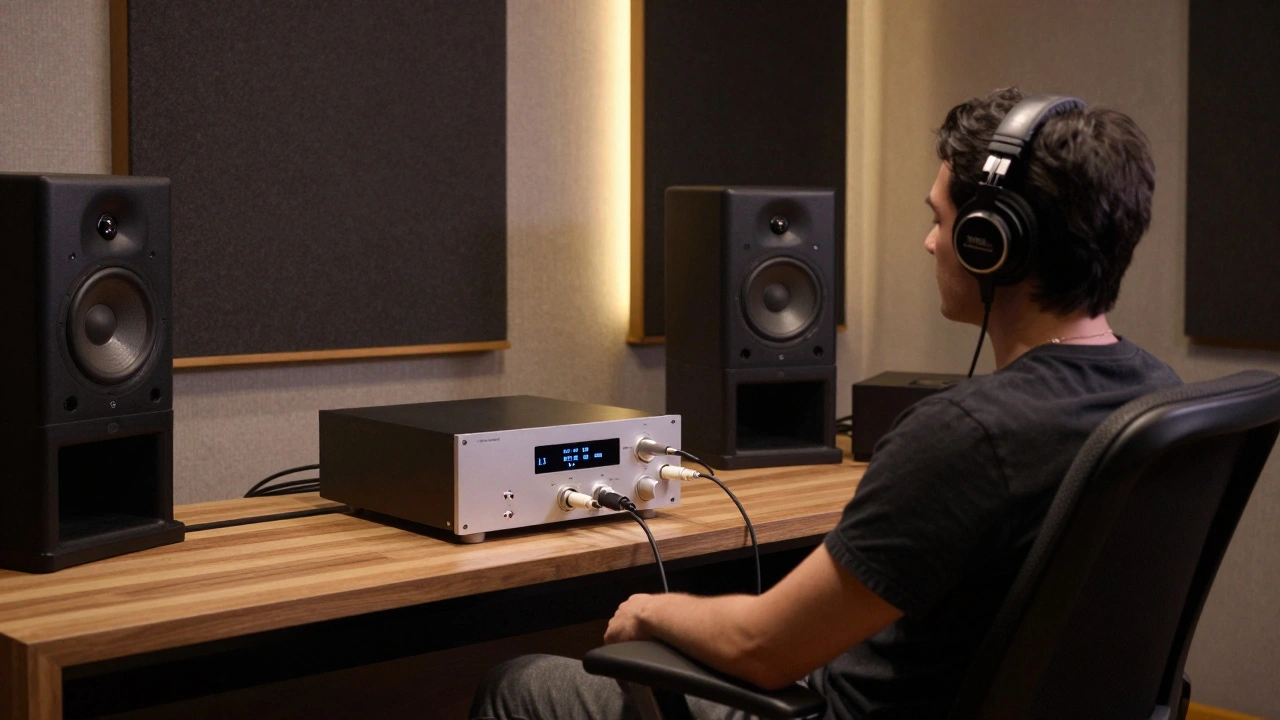
The Audiophile: Go for Hi-Res. But only if you have the gear to support it. This means a dedicated DAC, high-resolution headphones (like Sennheiser HD800S or Focal Utopia), and a quiet listening environment. Also, ensure your streaming service supports true Hi-Res (like Tidal Max, Qobuz, or Apple Lossless up to 24-bit/192kHz).
Common Pitfalls to Avoid
One major mistake people make is assuming that "Lossless" always means "Better." If your source material is a poorly recorded vinyl rip or a low-quality demo, converting it to FLAC won't magically add detail. It just preserves the flaws perfectly. Garbage in, garbage out.
Another pitfall is Bluetooth limitations. Many people buy expensive Hi-Res subscriptions but listen through standard Bluetooth headphones. Most Bluetooth protocols compress audio heavily. Unless you have headphones that support LDAC (Sony) or aptX HD (Qualcomm), you are not hearing Hi-Res audio. You are hearing a compressed version of a lossless file. Check your headphone specs.
Finally, don't ignore metadata. FLAC files handle tags (artist, album, cover art) well, but some older players struggle with them. AAC files embedded in M4A containers are generally more robust across different devices. If you share files with friends, AAC is safer.
Future Trends in Audio Streaming
As we move further into 2026, the lines between formats are blurring. New codecs like Opus are gaining traction because they offer high quality at very low bitrates. Spatial Audio and Dolby Atmos are also changing the game, adding immersive dimensions that traditional stereo FLAC or AAC cannot replicate. However, the core debate remains: do you value convenience (AAC) or purity (FLAC/Hi-Res)?
The technology is improving, but our ears aren't necessarily getting sharper. The best format is the one that makes you enjoy your music more, without frustrating you with technical hurdles. Start with AAC. Upgrade to FLAC when you notice you want more. Try Hi-Res only when you have the time and gear to appreciate it.
Is FLAC better than AAC for everyday listening?
For most people, no. AAC at 256kbps is transparent to the human ear in casual settings. FLAC is better for archiving or critical listening with high-end equipment, but it requires more storage and bandwidth.
Can I hear the difference between Hi-Res and CD quality?
Only under specific conditions. You need high-quality headphones or speakers, a quiet environment, and a wired connection. Over Bluetooth or in noisy environments, the difference is negligible.
Does Apple Music support FLAC?
Apple Music uses ALAC (Apple Lossless Audio Codec), which is functionally equivalent to FLAC. Both are lossless and bit-perfect. The difference is primarily in file container and tagging compatibility.
What is the best audio format for Bluetooth headphones?
AAC is the best balanced choice for Bluetooth. If your headphones support LDAC or aptX HD, you can stream higher quality lossless audio, but standard AAC provides consistent reliability and good sound quality.
Do I need Hi-Res audio if I have good speakers?
Not necessarily. Good speakers reveal flaws in recordings, but Hi-Res audio only helps if the source recording was made at high resolution. Many classic albums were mastered at CD quality, so Hi-Res offers no benefit for those tracks.