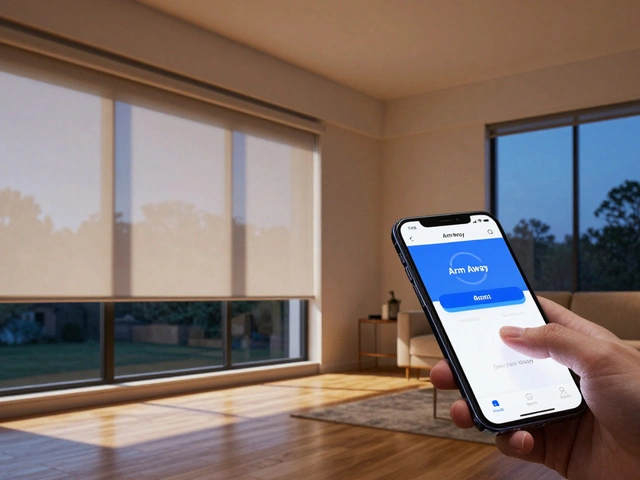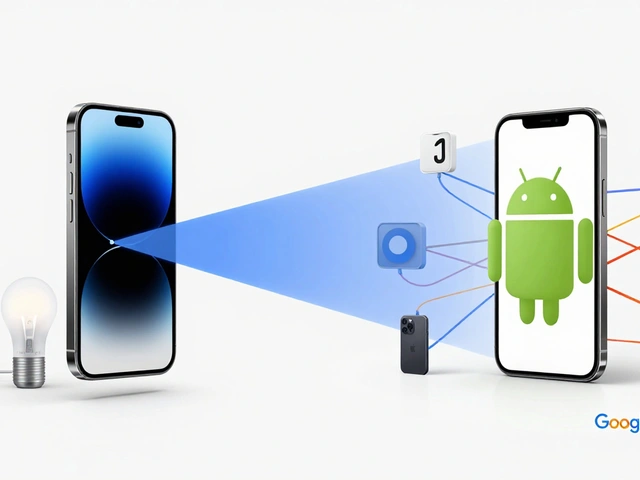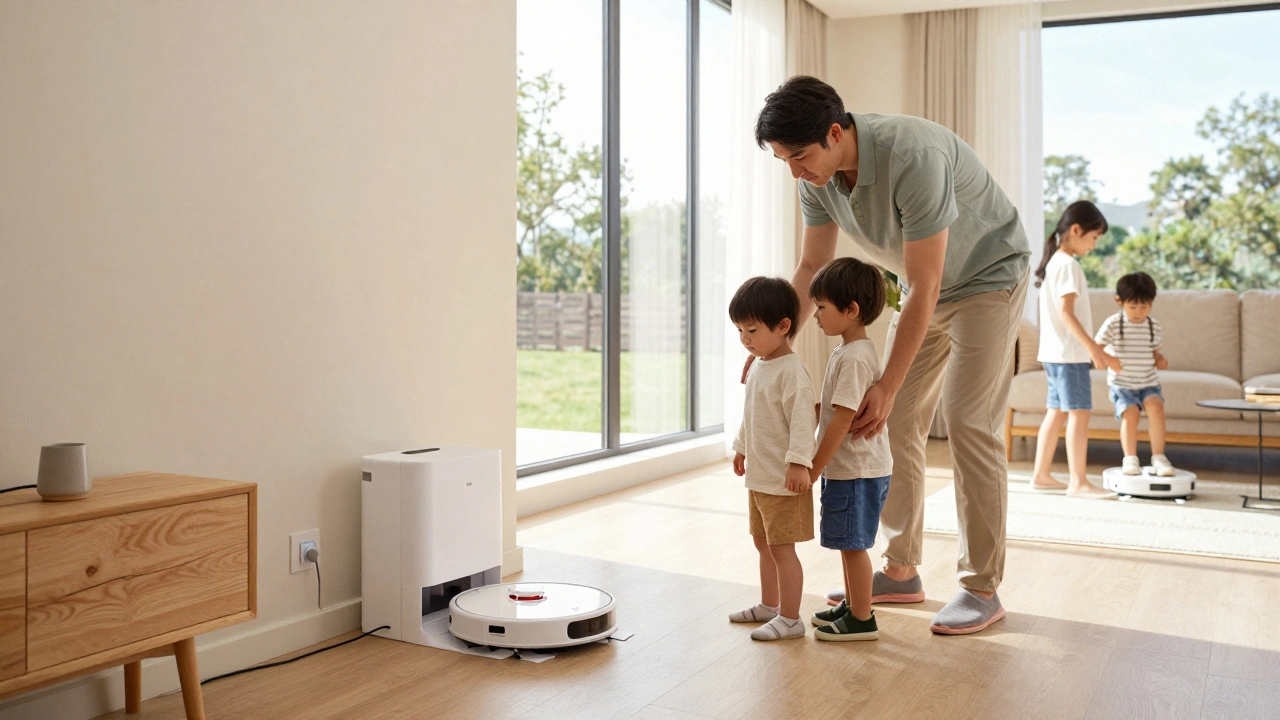
Smart homes are no longer just a luxury for tech enthusiasts; they are becoming the standard for modern living. However, when you introduce Smart Home Safety into a household with young children, the stakes change dramatically. It’s not just about convenience anymore-it’s about creating an environment where technology protects rather than endangers.
I’ve spent years testing these systems in my own Portland home, and I’ve seen too many parents struggle with the hidden risks of connected devices. From voice assistants that accidentally order toys to cameras that might be hacked, the digital landscape is tricky. This guide cuts through the noise to give you practical, actionable steps to secure your smart home for your family in 2026.
The Hidden Dangers of Connected Devices
Before we start plugging in gadgets, let’s look at what can go wrong. The biggest risk isn’t usually physical injury from a robot vacuum (though those do happen). It’s data privacy and unauthorized access. In 2025, reports showed a 40% increase in hacks targeting baby monitors and pet cameras. Why? Because these devices often have weak default passwords and outdated firmware.
Consider this scenario: You buy a cheap smart doorbell because it’s on sale. It works great for packages, but it lacks two-factor authentication. A hacker gains access, sees your daily routine, and knows when the house is empty. That’s not a minor inconvenience; that’s a serious safety breach. Always prioritize brands that offer regular security updates and robust encryption.
- Data Privacy: Smart speakers listen for wake words, but accidental activations can record private conversations.
- Physical Risks: Small parts in smart plugs or loose cables can pose choking or tripping hazards.
- Digital Footprint: Children don’t understand consent. Their voices and faces might be stored in cloud servers without their knowledge.
Securing Your Network: The First Line of Defense
Your Wi-Fi network is the backbone of your smart home. If your network is weak, every device connected to it is vulnerable. Start by changing the default administrator password on your router. Most routers come with simple passwords like "admin" or "password," which are easy guesses for bots scanning for open networks.
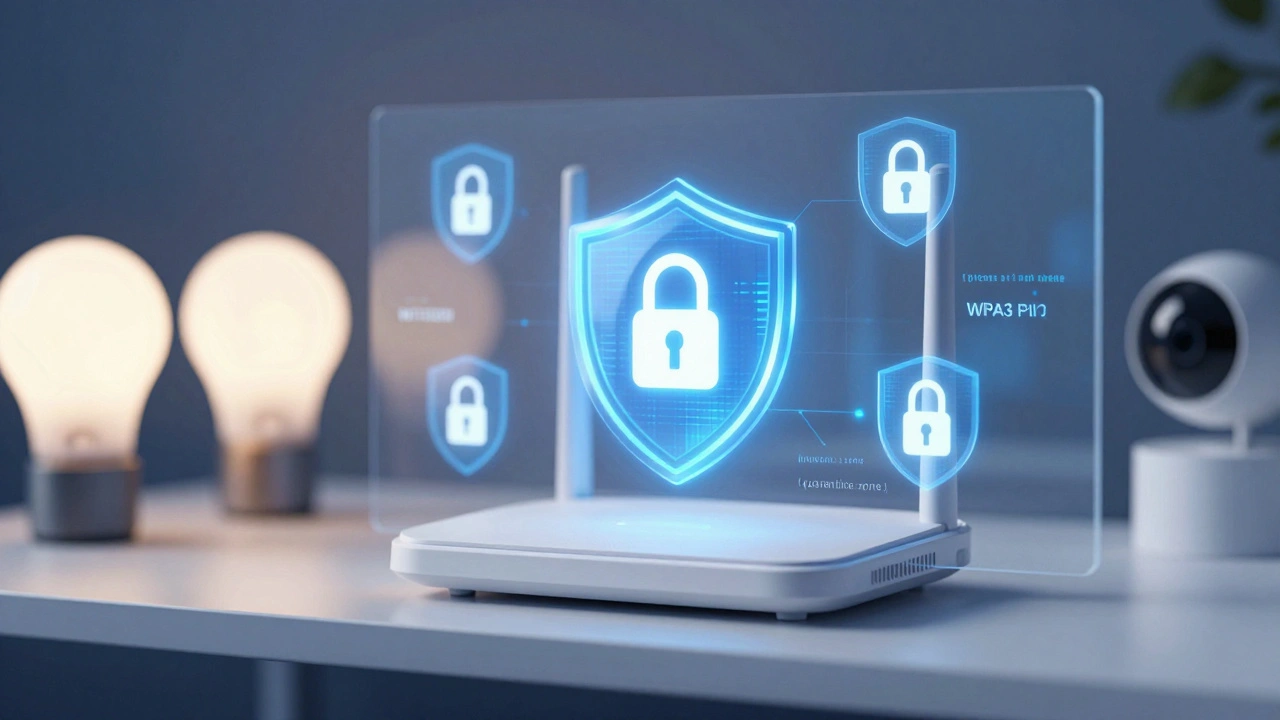
Next, enable WPA3 encryption if your router supports it. WPA3 is the latest security standard and offers stronger protection against brute-force attacks compared to the older WPA2. If your router is older, check if a firmware update can enable WPA2-AES, which is more secure than WPA2-TKIP.
Create a separate guest network for all your smart devices. This isolates your phones, laptops, and work computers from your smart bulbs, cameras, and thermostats. If one smart device gets compromised, the attacker won’t have direct access to your personal data. Think of it as a quarantine zone for your IoT gadgets.
| Action | Why It Matters | Difficulty |
|---|---|---|
| Change Router Password | Prevents unauthorized access to your network settings | Easy |
| Enable WPA3 Encryption | Protects against modern hacking techniques | Medium |
| Use Guest Network for IoT | Isolates smart devices from personal data | Medium |
| Disable WPS | WPS has known vulnerabilities that can be exploited | Easy |
Child-Proofing Smart Speakers and Displays
Voice assistants like Amazon Alexa, Google Assistant, and Apple Siri are incredibly useful, but they can be dangerous for kids. They can make purchases, call contacts, or even unlock smart locks if not properly configured. In 2026, most major platforms offer parental controls, but you have to activate them manually.
Start by setting up a PIN code for purchases. On Amazon, this is called "Voice Purchase Protection." Without the four-digit PIN, the device will refuse to complete any transaction. This stops the dreaded "I asked Alexa to buy a toy" incident.
For younger children, consider using "Kid Mode" or similar features. These modes filter content, limit search results, and disable certain commands. For example, Google Assistant’s Kids mode restricts access to age-appropriate content and requires a parent’s approval for new activities.
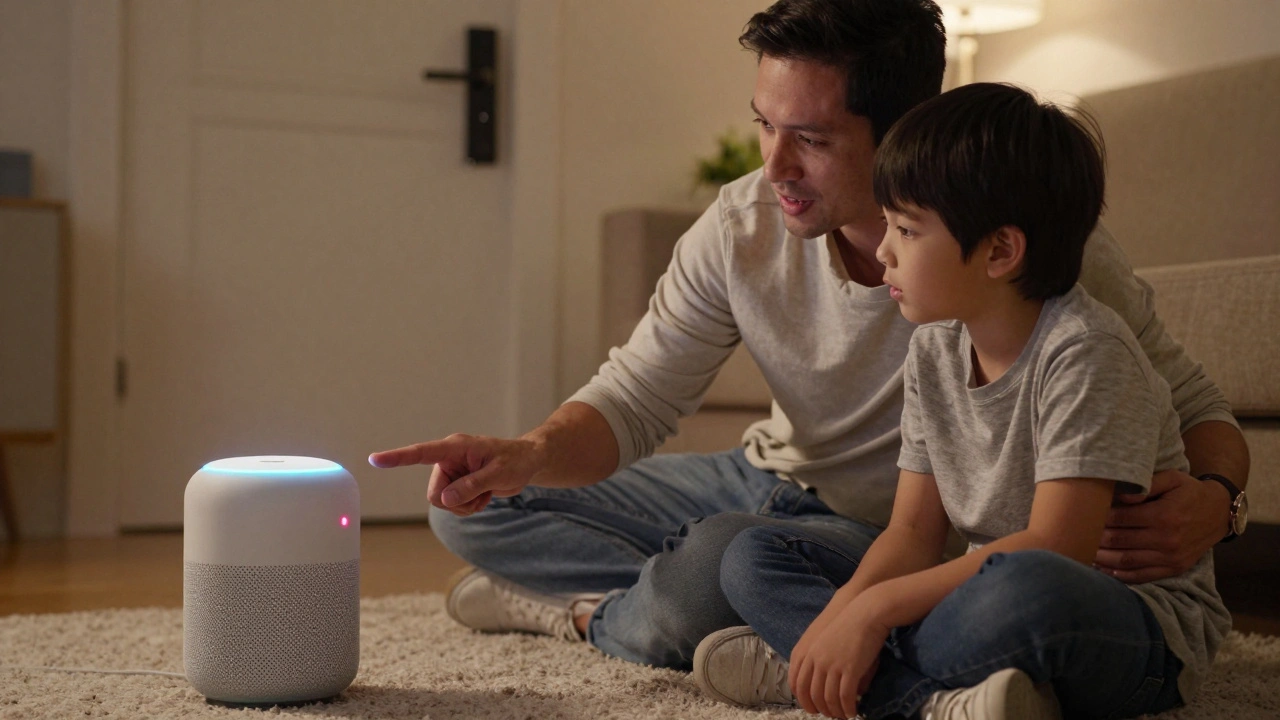
If you’re still worried about accidental activations, use a physical mute button. Many smart speakers have a microphone off switch that cuts power to the mic. Teach your kids that when the light is red (or orange, depending on the brand), the device isn’t listening. This gives them a tangible understanding of privacy.
Safety Features for Smart Locks and Cameras
Smart locks are convenient for letting in babysitters or delivery drivers, but they can be risky if misused. Ensure your smart lock has a mechanical key override. If the battery dies or the app crashes, you need a way to get in and out. Never rely solely on digital codes.
When setting up access codes, avoid obvious numbers like 1234 or 0000. Use unique codes for each person and change them regularly. Some apps allow you to set time-based access, so a babysitter’s code only works between 6 PM and 8 PM. This adds an extra layer of control.
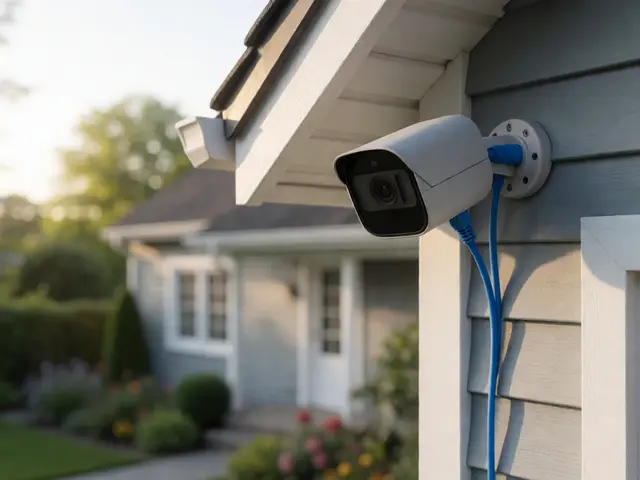
For cameras, placement is key. Avoid pointing indoor cameras toward bedrooms or bathrooms. Even if the camera has a privacy shutter, hackers can sometimes bypass software controls. Place cameras in common areas like the living room or entryway. Also, ensure your camera feeds are encrypted end-to-end. Look for certifications like UL Verified or CSA Certified, which indicate rigorous security testing.
Managing Smart Plugs and Electrical Hazards
Smart plugs are popular for controlling lamps and fans, but they can be a fire hazard if overloaded. Check the wattage rating of your smart plug before connecting high-power appliances like space heaters or air conditioners. Most smart plugs are rated for 15 amps, but continuous high load can cause overheating.
Keep smart plugs out of reach of toddlers. The small buttons or switches can be tempting for little fingers. Mount them behind furniture or use covers designed for electrical outlets. Additionally, ensure that the cord management is tidy to prevent tripping.
Some smart plugs offer energy monitoring features. Use this data to identify inefficient devices. For example, if a nightlight is drawing more power than expected, it might be faulty. Regularly inspect cords for fraying or damage, especially if pets or kids chew on them.
Educating Kids About Digital Safety
Technology is part of life, so teach your kids how to interact with it safely. Explain that smart devices are tools, not toys. Show them how to use voice commands responsibly and why they shouldn’t share personal information like their name, address, or school with a virtual assistant.
Role-play scenarios where a stranger asks for information online. Practice saying "no" and coming to you for help. Encourage curiosity but set boundaries. Let them know that it’s okay to ask questions about how things work, but they should never try to fix or modify devices themselves.
Finally, model good behavior. If you leave your phone unlocked or ignore security warnings, your kids will follow suit. Demonstrate strong password habits and respect for privacy. By making safety a family value, you create a culture where everyone looks out for each other.
Regular Maintenance and Updates
A smart home is not a "set it and forget it" system. Manufacturers release security patches regularly to fix vulnerabilities. Enable automatic updates for all your devices whenever possible. If automatic updates aren’t available, set a reminder to check for updates monthly.
Review your device list every six months. Remove accounts for devices you no longer use. Old, unused devices can become backdoors for hackers. Unplug them and store them securely, or recycle them properly.
Test your emergency protocols. What happens if the power goes out? Do you have backup batteries for your smoke detectors and carbon monoxide alarms? Ensure that your smart home doesn’t compromise traditional safety measures. Technology should enhance, not replace, basic preparedness.
Are smart cameras safe for rooms where children play?
Yes, but with precautions. Choose cameras with physical privacy shutters and place them in common areas, not bedrooms. Ensure the camera firmware is up to date and use a strong, unique password. Avoid models that stream video directly to social media platforms.
How do I stop my child from ordering things with a smart speaker?
Enable Voice Purchase Protection in your account settings. This requires a four-digit PIN for any purchase over $0.01. You can also disable purchasing entirely in the app if you don’t want voice orders at all.
What is the best way to secure my Wi-Fi network for smart devices?
Create a separate guest network for all IoT devices. This isolates them from your main network where your personal data lives. Use WPA3 encryption if available, and change the default router password immediately.
Can smart locks be hacked easily?
Most reputable smart locks use encryption that makes remote hacking very difficult. However, they can be vulnerable to local attacks if the Bluetooth signal is intercepted. Always keep the firmware updated and use complex passcodes. Keep the mechanical key accessible in case of digital failure.
Should I turn off my smart devices when not in use?
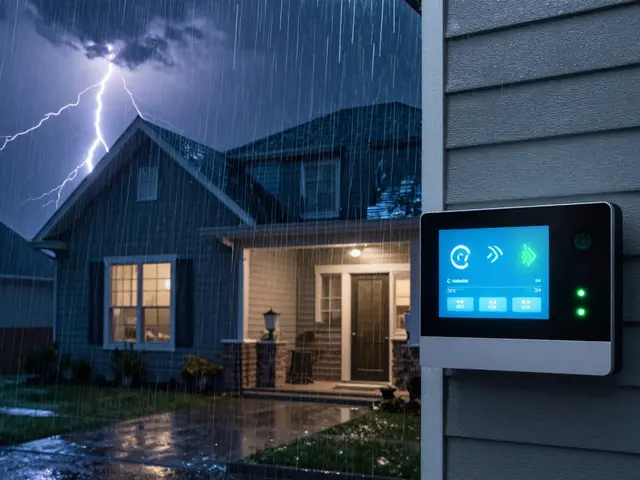
It’s not necessary to unplug them constantly, but using smart plugs to cut power to non-essential devices during storms or long vacations can reduce risk. For daily use, ensuring strong network security is more effective than turning devices off.