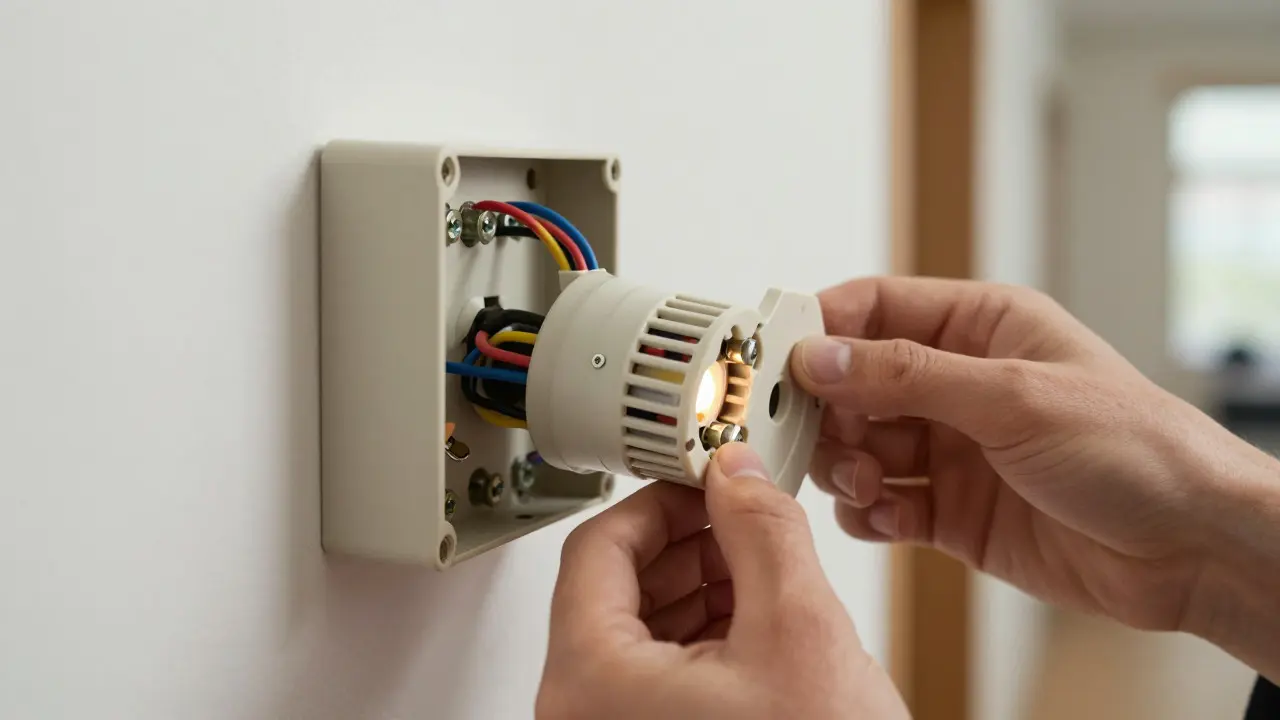
Buying a smart thermostat is easy. Making it work with your specific HVAC system is where people get stuck. You can spend $250 on a sleek device only to find out you need an electrician because your house lacks a critical wire. Or worse, the unit works but drains its internal battery every two weeks. To avoid these headaches, you need to understand the physical connection between your wall plate and your furnace or air handler before you click "buy."
The Critical Role of the C-Wire
Most modern smart thermostats, including popular models from Nest and Ecobee, require constant power to run their Wi-Fi radios and screens. This power comes from a specific wire called the C-wire (Common wire). Unlike older mechanical thermostats that used the heat signal to power themselves, smart units draw a continuous low-voltage current. If your home has a C-wire running from the furnace to the thermostat, you are in great shape. If not, you have three options: install a new wire (which can cost $150-$300 for a pro), use a power adapter kit if your model supports it, or rely on the built-in lithium-ion battery which will need frequent recharging. Always check the back of your current thermostat cover to see if there is a terminal labeled 'C' or 'COM'. If it’s empty, you likely don’t have one.
Heating Type Matters More Than Brand
Your heating source dictates which terminals you need. A standard forced-air gas furnace typically uses 24V AC low-voltage wiring, which is compatible with almost all major brands. However, if you have electric baseboard heaters, radiant floor heating, or a heat pump, the requirements change significantly. Heat pumps add complexity because they often include a reversing valve controlled by a Y2 or O/B wire. If your existing thermostat doesn’t have this wire connected, some smart models might default to single-stage heating, leaving your cool function disabled. Electric resistance heating systems often operate at line voltage (120V or 240V) rather than low voltage. Connecting a low-voltage smart thermostat directly to line voltage without a proper transformer or interface module can destroy the unit instantly. Always verify whether your system is 24V low-voltage or line voltage before purchasing.
Stage Count and Cooling Capacity
Not all homes have simple single-stage systems. Many newer builds feature two-stage furnaces or variable-speed air conditioners. A two-stage furnace has two levels of heat output: high fire and low fire. To utilize both stages, your smart thermostat must support dual-stage heating (Y1 and Y2 terminals). If you buy a basic single-stage unit, it will simply ignore the second stage, forcing your furnace to run at full blast constantly, which reduces efficiency and increases wear. Similarly, multi-zone systems require additional wiring for each zone's damper controller. While some advanced models like the Ecobee SmartThermostat handle multiple zones natively, others may require third-party modules. Check your furnace label; if it says "Two-Stage" or "Variable Speed," ensure your chosen thermostat lists support for those features in its specifications.
Wiring Terminology Decoded
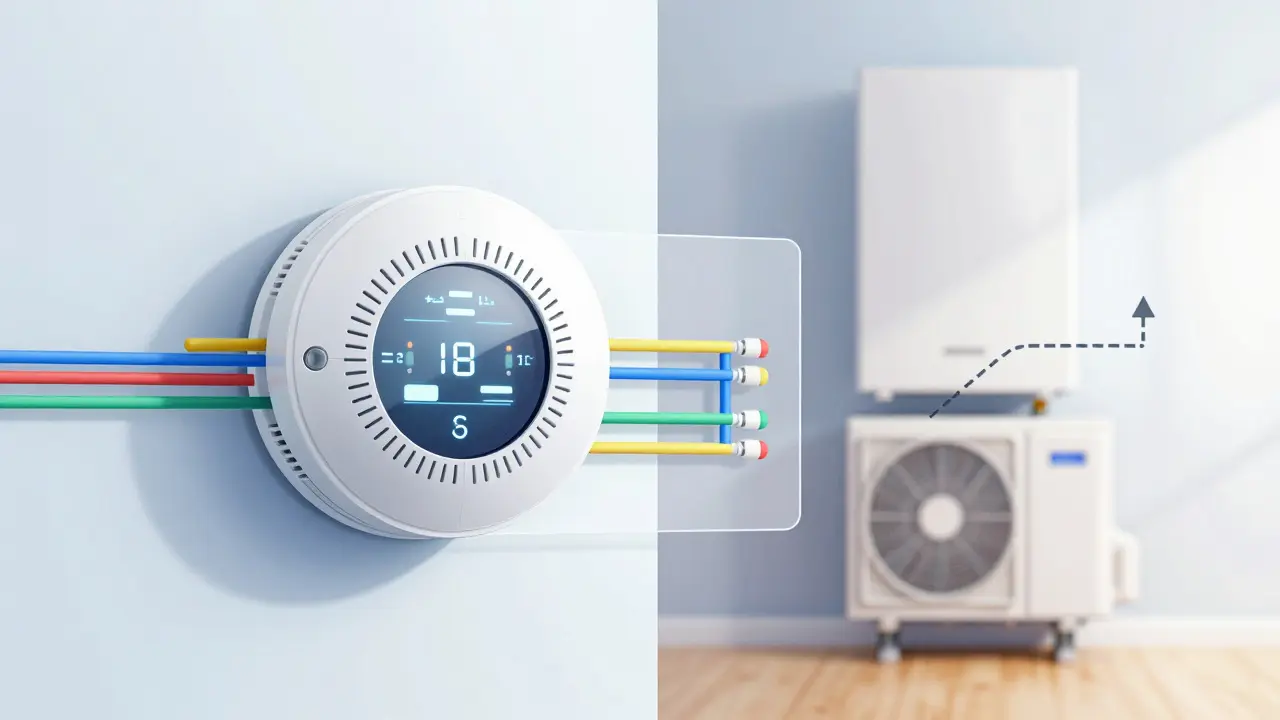
When you remove your old thermostat, you’ll see letters printed next to the screw terminals. These correspond to specific functions. Understanding them prevents miswiring errors.
- R (or RH): Power for heating. Connects to the 24V transformer common.
- C (or COM): Common ground. Essential for powered devices.
- Y (or W): Cooling or Heating call. Y usually triggers the AC compressor; W triggers the gas valve.
- G: Fan control. Tells the blower motor to run independently of heating or cooling.
- O/B: Reversing valve for heat pumps. Polarity matters here; B is for cooling mode default, O for heating.
Comparison of Popular Models and Requirements
Different brands handle missing wires and complex systems differently. Here is how the top contenders stack up regarding compatibility constraints:
| Feature | Nest Learning Thermostat (4th Gen) | Ecobee SmartThermostat | Honeywell Home T9 |
|---|---|---|---|
| C-Wire Required? | No (battery backup available) | No (battery backup available) | Yes (for most features) |
| Heat Pump Support | Yes (O/B wire) | Yes (O/B wire) | Yes (O/B wire) |
| Two-Stage Heating | Yes | Yes | Limited (check model spec) |
| Line Voltage Ready? | No (requires adapter) | No (requires adapter) | No (requires adapter) |
| Remote Sensors Included | No | Yes (one included) | Optional purchase |
Common Pitfalls and How to Avoid Them
Even with correct wiring, software mismatches can cause issues. One frequent problem is the fan sticking on. This happens when the G wire is wired incorrectly or if the thermostat setting for fan operation is set to "On" instead of "Auto." Another issue is short cycling, where the system turns on and off rapidly. This is rarely the thermostat’s fault but often indicates a refrigerant leak or a dirty filter. However, if you recently installed a smart thermostat, ensure the time delay settings aren’t too aggressive. Most units have a minimum runtime of 5 minutes to prevent wear. Also, be cautious with multi-phase power systems. If your home has separate heating and cooling transformers, you may need R and RC terminals. If your old thermostat only had one R terminal, check your breaker box for two separate fuses or breakers for the HVAC system. If there are two, you likely need a thermostat that supports split power sources.
Next Steps for Verification
Before finalizing your purchase, perform a quick audit. First, identify your heating and cooling types. Second, inspect the existing wiring for a C-wire and stage indicators. Third, cross-reference your findings with the manufacturer’s compatibility checker tool. Most major brands have online tools where you input your equipment model number to confirm fit. If you are unsure about line voltage or multi-stage setups, hire a local HVAC technician for a 15-minute consultation. It’s cheaper than returning a broken device. Once you’ve confirmed compatibility, proceed with installation, keeping your wiring photo handy. Proper setup ensures your smart thermostat actually delivers the energy savings and comfort improvements you paid for.
Do I really need a C-wire for a smart thermostat?
It depends on the model. High-end units like Nest and Ecobee can run on batteries, but the C-wire provides stable power for better sensor accuracy and longer battery life. If you don't have one, you can use a power adapter or hire an electrician to run a new wire, which usually costs between $150 and $300.
Can a smart thermostat work with electric baseboard heaters?
Only if you use a specific interface module. Standard smart thermostats are designed for 24V low-voltage systems. Electric baseboards often run on line voltage (120V/240V). Connecting them directly can damage the thermostat. Look for models that explicitly support line voltage or purchase a compatible relay kit.
What is the difference between R and RC terminals?
R is the power source for heating, and RC is the power source for cooling. In many homes, these are tied together. However, if your heating and cooling systems use separate transformers, you need a thermostat that distinguishes between R and RC to prevent power conflicts. Check your breaker box for separate HVAC fuses to determine if you have split power.
Will my smart thermostat work with a two-stage furnace?
Yes, but only if the thermostat supports dual-stage heating (Y1/Y2 or W1/W2 terminals). If you install a single-stage unit on a two-stage furnace, the system will only use the high-fire stage, reducing efficiency. Verify your thermostat specs list "two-stage heating" support before buying.
How do I know if I have a heat pump system?
Look for an outdoor condenser unit similar to an AC unit, but check the indoor air handler for a reversing valve coil. Also, if your old thermostat has an O or B wire connected, you almost certainly have a heat pump. Heat pumps provide both heating and cooling using the same equipment, requiring special wiring logic to switch modes.