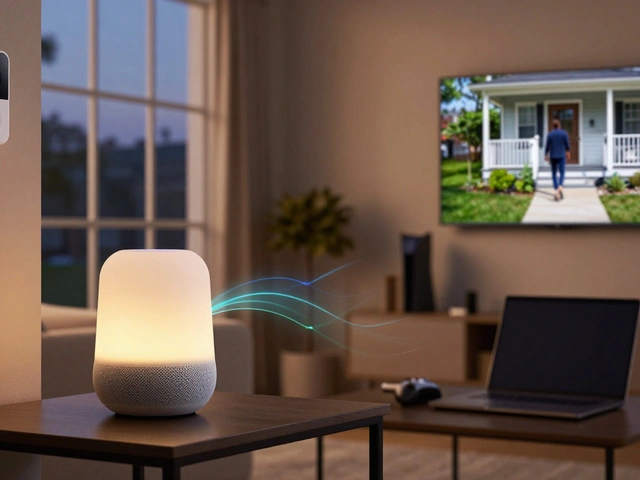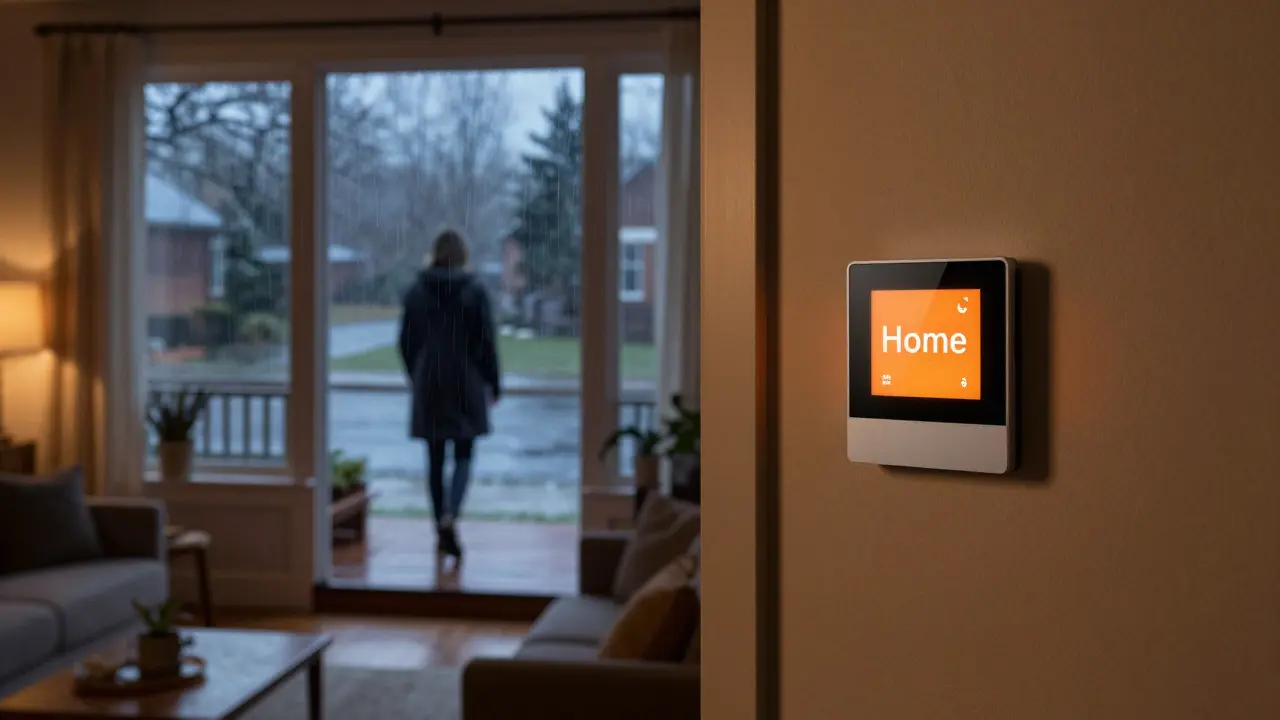
Imagine walking into your house on a freezing winter day and finding the living room at a comfortable 72°F instead of the chilly 65°F you set for when no one is home. That seamless adjustment isn't magic; it’s geofencing. This technology uses your smartphone’s location data to create an invisible boundary around your home. When you cross that line, your smart thermostat automatically switches between "home" and "away" modes. For homeowners in Portland, Oregon, where heating costs can spike during damp winters, this feature saves money and boosts comfort without lifting a finger.
What Is Geofencing in Home Automation?
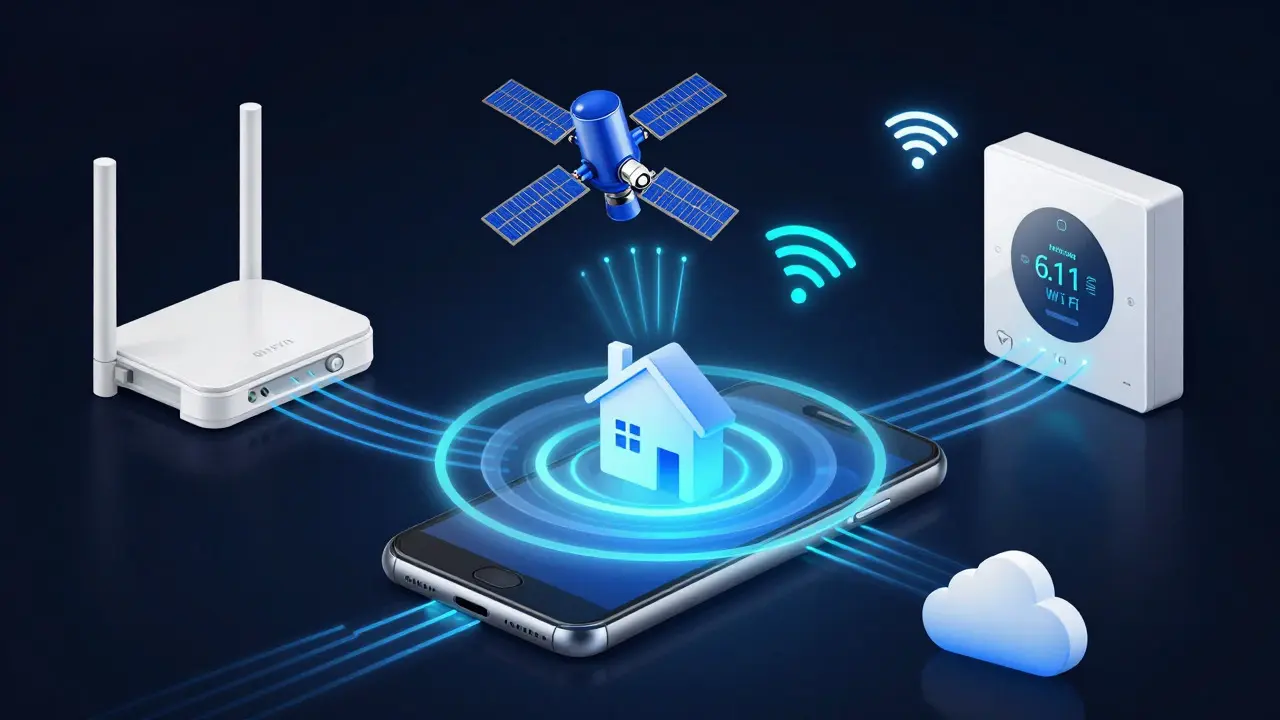
Geofencing is a virtual geographic boundary defined by GPS, RFID, Wi-Fi, or cellular signal strength that triggers an action when a mobile device enters or exits the area. In the context of Smart Thermostats, it acts as an automated switch. Instead of manually tapping your phone app to say you're leaving, the system detects your movement. If you drive past your geofence radius-usually set between 0.5 to 1 mile-the thermostat assumes you are away and adjusts the temperature to save energy. When you return within that radius, it pre-heats or cools the house so it's ready for your arrival.
This concept relies heavily on GPS Technology. Your phone constantly pings satellites to determine its precise latitude and longitude. The thermostat's cloud server compares these coordinates against the stored address of your home. If the distance exceeds the preset threshold, the status changes. It’s a simple logic loop: Distance > Threshold = Away Mode; Distance < Threshold = Home Mode.
The Mechanics Behind the Magic
Understanding how this works helps troubleshoot issues later. The process involves three main components working in tandem:
- Mobile Device Detection: Your smartphone sends location data via Wi-Fi, Bluetooth, or GPS. Modern phones use a mix of these to conserve battery. When you are near home, Wi-Fi and Bluetooth beacons often provide faster, more accurate positioning than GPS alone.
- Cloud Processing: Data travels to the manufacturer's cloud servers (like those used by Nest or Ecobee). Here, algorithms filter out noise. For instance, if you park your car next door but don't enter the house, the system might wait a few minutes before switching to "Away" mode to prevent false positives.
- Device Execution: The cloud sends a command back to your Smart Thermostat. The device then adjusts the HVAC system accordingly. This round-trip communication usually takes less than 30 seconds.
A critical factor here is Wi-Fi Connectivity. While GPS provides global coverage, Wi-Fi signals offer higher precision in urban environments like downtown Portland. Many users find that enabling Wi-Fi location services on their phones improves geofencing accuracy significantly compared to relying solely on satellite signals.
Setting Up Your Geofence Correctly
Most people make one mistake: setting the geofence radius too small. If you live in a dense neighborhood with heavy traffic, a 0.2-mile radius might cause the system to think you're still "away" even when you're pulling into your driveway. Conversely, if you live in a rural area, a large radius might trigger "Home" mode while you're still miles away, wasting energy.
Here is a practical approach to calibration:
- Start with 0.5 Miles: This is the standard default for most systems. It balances accuracy and reaction time.
- Test During Commute: Drive your usual route to work. Note where the app says you left. If it happens too early, increase the radius slightly. If it lags, decrease it.
- Consider Traffic Patterns: In cities with stop-and-go traffic, GPS drift can occur. Using Wi-Fi-assisted location helps stabilize the signal.
- Multiple Devices: If multiple family members have phones registered, the system typically uses the last person to leave to trigger "Away" mode. Ensure all active household members' phones are paired correctly.
Energy Savings and Real-World Impact
The primary benefit of geofencing is cost reduction. According to the U.S. Department of Energy, adjusting your thermostat by just 7-10°F for eight hours a day can save up to 10% annually on heating and cooling. Geofencing automates this adjustment perfectly. You don’t have to remember to lower the heat before heading to the gym or the office. The system does it for you based on actual presence, not scheduled guesses.
In Portland, where humidity affects perceived temperature, maintaining consistent indoor conditions also reduces wear and tear on HVAC equipment. By avoiding unnecessary cycling of the furnace or air conditioner, you extend the lifespan of your HVAC System. Over five years, this reduced strain can translate into fewer repair calls and longer component life.
Common Pitfalls and How to Avoid Them
Even with robust technology, geofencing has quirks. Here are the most common issues users face and how to fix them:
| Issue | Cause | Solution |
|---|---|---|
| Late Activation | GPS signal weak in urban canyons or basements | Enable Wi-Fi and Bluetooth location services on your phone |
| False Triggers | Radius too small or parked near home | Increase geofence radius to 0.5-1 mile |
| Battery Drain | Constant high-precision GPS usage | Allow the phone to use "Low Power" location mode when far from home |
| Multi-User Conflicts | One person leaves, another stays | Ensure all household devices are synced and logged in |
Another subtle issue is Privacy Concerns. Since your phone reports its location, some users worry about data tracking. Reputable brands like Nest and Ecobee anonymize this data for routing purposes, meaning they know *where* you are relative to your home, but not necessarily *who* you are or *where else* you go. Still, checking the privacy settings in your phone's location permissions ensures only the necessary apps access your precise location.
Comparing Major Platforms
Not all geofencing implementations are created equal. Different manufacturers handle edge cases differently. Let’s compare two market leaders: Nest Learning Thermostat and Ecobee SmartThermostat.
| Feature | Nest Learning Thermostat | Ecobee SmartThermostat |
|---|---|---|
| Default Radius | Approx. 0.5 miles | Configurable (0.1 - 5 miles) |
| Location Source | GPS + Wi-Fi | GPS + Wi-Fi + Cellular |
| Multi-User Logic | Last user to leave triggers Away | Last user to leave triggers Away |
| Customization | Automatic learning over time | Manual radius adjustment in app |
| Integration | Google Home / Alexa | Works with any voice assistant |
Nest excels at automatic learning. It observes your habits and refines the geofence behavior over weeks, often requiring zero manual input. Ecobee, on the other hand, gives you more control. If you live in a tricky geographic spot, the ability to manually tweak the radius in feet rather than miles can be a game-changer. Both systems integrate well with major voice assistants, allowing you to override the geofence with a simple voice command if needed.
Optimizing for Maximum Efficiency
To get the most out of your geofencing setup, consider these pro tips:
- Sync Calendars: Some advanced thermostats sync with your calendar. If you have a meeting across town, the system knows you'll be away longer, potentially delaying the "pre-cooling" phase to save extra energy.
- Check Phone Permissions: Go to your phone settings and ensure Location Services are set to "Always Allow" for your thermostat app. If set to "While Using App," geofencing will fail when the app is closed.
- Monitor Usage Reports: Most apps provide weekly energy reports. Look for spikes in energy usage during times you were supposedly "away." This indicates the geofence didn't trigger correctly, prompting you to adjust the radius.
- Update Firmware: Manufacturers regularly release updates that improve GPS accuracy and reduce latency. Keep your thermostat and phone app updated.
By treating geofencing as a dynamic tool rather than a set-and-forget feature, you can fine-tune your home environment to match your lifestyle exactly. Whether you’re commuting through rainy Portland streets or staying in for the weekend, your home should adapt to you, not the other way around.
Frequently Asked Questions
Does geofencing drain my phone battery?
Modern smartphones manage this efficiently. They use low-power Wi-Fi and Bluetooth scans when near home and only activate high-precision GPS when moving. The impact on battery life is negligible, typically less than 2-3% per day.
What happens if I forget my phone at home?
If the only registered device is left inside, the thermostat may remain in "Home" mode indefinitely. To avoid this, register multiple devices (e.g., a spouse's phone) or set a maximum "Away" timeout in the app settings.
Can I change the geofence radius manually?
Yes, most platforms allow manual adjustment. Nest allows automatic tuning, while Ecobee offers a slider in the app to set the exact distance in miles or kilometers.
Is geofencing accurate in apartments?
Accuracy depends on building density. In high-rise buildings, GPS signals can be weaker. Enabling Wi-Fi location services helps, as the router's MAC address provides a strong anchor point for determining if you are inside the geofence.
Do I need a specific plan for geofencing to work?
No special data plan is required. However, your phone needs either Wi-Fi connectivity or an active mobile data connection to send location updates to the cloud. Without internet, the thermostat cannot receive commands.