Your smart thermostat knows when you’re home. Your doorbell camera records every visitor. Your fridge orders milk before you run out. But if you don’t secure these devices, they could become backdoors for hackers - not just to steal data, but to turn your lights on at 3 a.m., lock you out of your house, or even spy on your family.
Most people think their smart home is safe because it’s from a big brand. That’s a myth. In 2025, over 60% of smart home devices had known vulnerabilities that were never patched. The problem isn’t always the device - it’s how you set it up.
Change Default Passwords - Every Single Time
It sounds basic, but 40% of hacked smart homes started with a default password. Brands like Ring, TP-Link, and Netgear ship devices with passwords like admin/admin or 12345678. Hackers have lists of these. They scan the internet for devices still using them.
When you set up a new camera, thermostat, or speaker, the first thing you do should be changing the password. Not just to something slightly harder - like MyDogBarks123 - but to a unique, random string. Use a password manager. If your device doesn’t let you set a long password, replace it. There’s no excuse in 2026.
Update Firmware Like You Brush Your Teeth
Every smart device runs on firmware - the tiny operating system inside it. Manufacturers release updates to fix bugs and patch security holes. But most users never check for them.
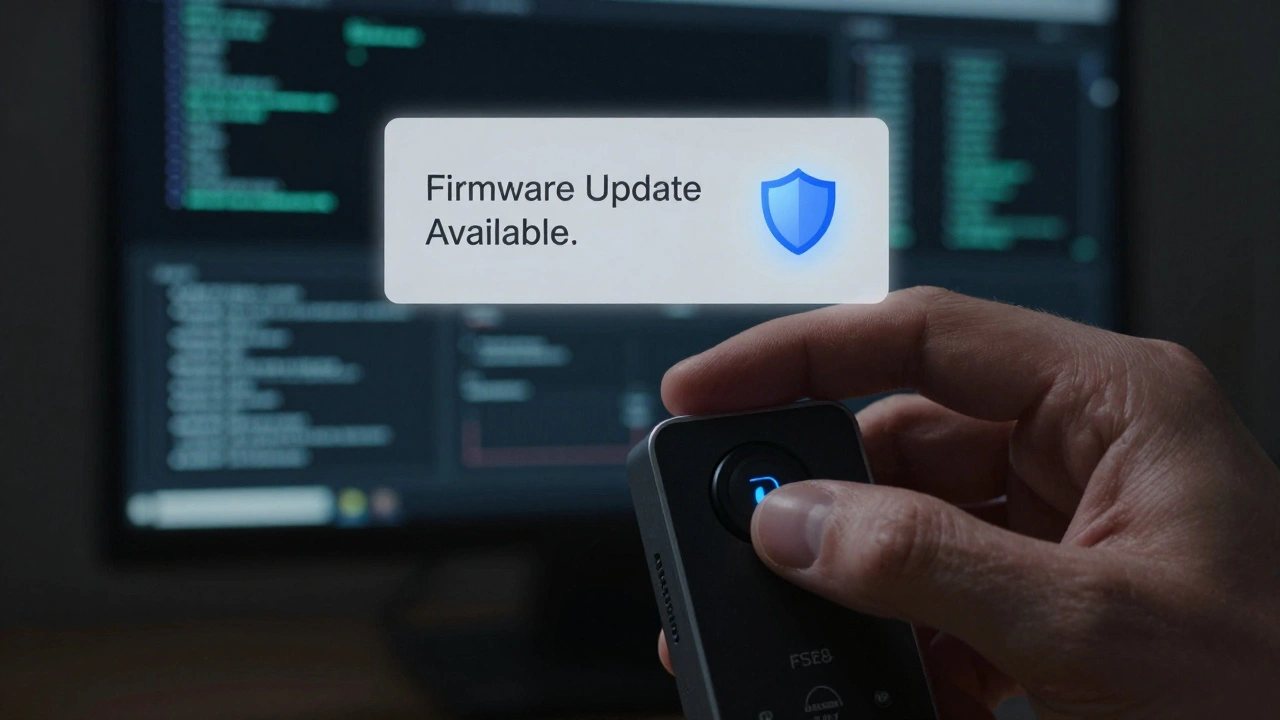
Check your phone’s smart home app weekly. Look for a small notification: “Firmware update available.” If you see it, install it. Don’t wait. Don’t ignore it. Some devices, like Nest thermostats or Eero routers, update automatically. Others, like older smart plugs or security cameras, won’t remind you. If your device hasn’t received an update in over six months, it’s likely abandoned. Replace it.
Set Up a Separate Wi-Fi Network for IoT Devices
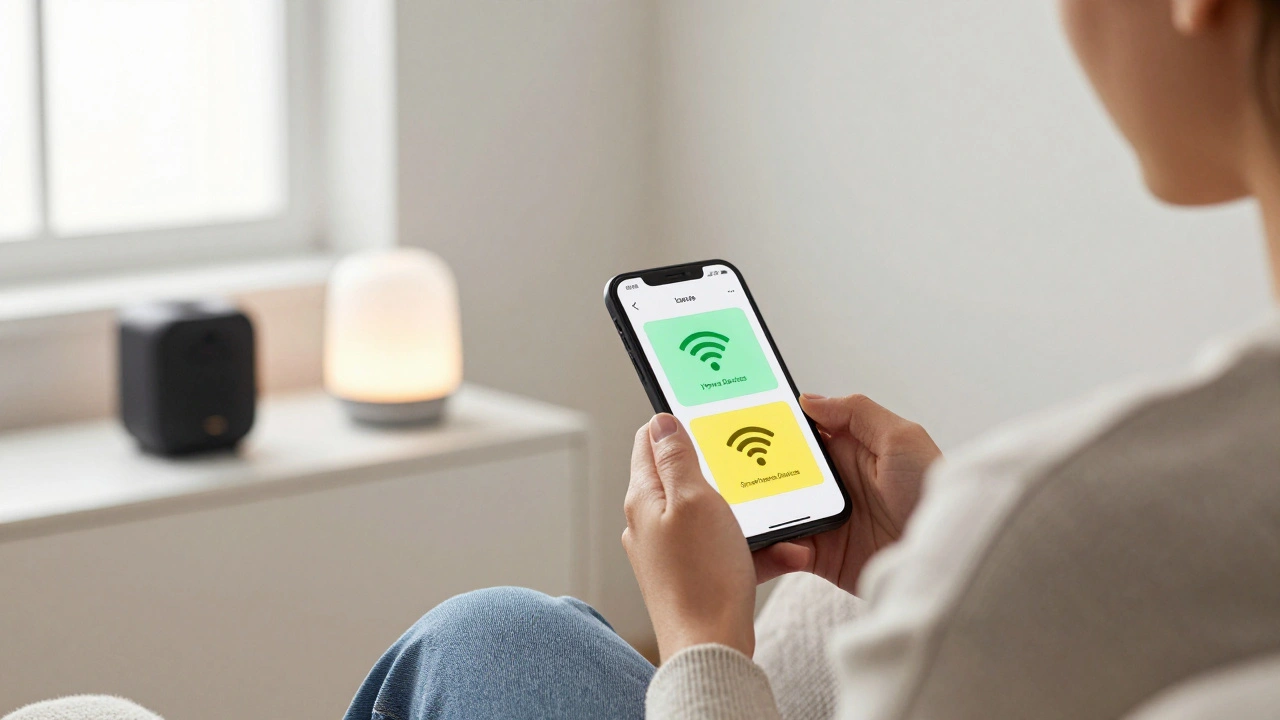
Your phone, laptop, and tablet should be on one network. Your smart lightbulbs, door locks, and pet feeders should be on another. This is called network segmentation.
Why? If a hacker gets into your smart fridge, they can’t reach your laptop where you store bank login details. Most modern routers - like Eero, Google Nest Wifi, or ASUS models - let you create guest networks or IoT-specific networks. Turn it on. Name it something obvious like SmartHome-Devices. Don’t use the same password as your main network.
Not sure how? Open your router’s settings page (usually 192.168.1.1 in your browser), look for Guest Network or Device Isolation, and enable it. It takes two minutes. It cuts your risk in half.
Disable Remote Access Unless You Really Need It
Many smart devices let you control them from outside your home. That’s handy - until someone finds an unsecured port.
Check each device’s settings. Look for options like Remote Access, Cloud Control, or Port Forwarding. Turn them off unless you’re actively using them. For example, if you don’t need to adjust your heater while on vacation, disable remote access. You can still control it from inside your house.
Some apps, like Alexa or Google Home, let you control devices remotely through their cloud. That’s okay - as long as your main account has two-factor authentication turned on. But if a device has its own app and lets you log in from anywhere, that’s a red flag. Delete the app. Disable the feature. Or replace the device.
Use Two-Factor Authentication Everywhere
If your smart home app doesn’t support two-factor authentication (2FA), stop using it. Period.
2FA means you need more than just a password to log in. It could be a code sent to your phone, an authentication app like Authy or Google Authenticator, or a fingerprint. Even if a hacker steals your password, they can’t get in without that second step.
Enable it on your Google, Amazon, Apple, and Ring accounts. Don’t skip it because it’s “inconvenient.” The inconvenience of someone breaking in and turning off your heat in January is way worse.
Watch for Unusual Activity - Even Small Things
Your smart plug turns on at 2 a.m. for no reason. Your camera shows a blurry face you don’t recognize. Your voice assistant responds to commands you didn’t say.
These aren’t glitches. They’re signs someone’s in your system. Most people ignore them. Don’t.
Set up activity alerts. If your door lock opens at 3 a.m., get a notification. If your camera detects motion when you’re home, investigate. Use your phone’s notification log. Look for patterns. If you see something odd, reboot the device, change its password, and check for firmware updates. If it keeps happening, remove it from your network.
Don’t Buy the Cheapest Device
A $15 smart plug might seem smart. But if it has no updates, no security settings, and a company that vanished after two years - it’s a liability.
Look for brands that: have been around for at least three years, publish security policies, and offer automatic updates. Stick with names like Samsung, Google, Apple, or Eero. Avoid unknown brands from Amazon’s “top seller” list unless they’ve been independently tested.
Check sites like SecurityScorecard or IoT Inspector (both free) to see how secure a device is before you buy. If a product has zero reviews from security experts, skip it.
Regularly Audit Your Devices
Every three months, do a quick smart home checkup:
- Log into your router. See what devices are connected. Are there any you don’t recognize?
- Go through each app. Is the device still working? Do you still use it?
- Delete unused devices. Uninstall their apps. Remove them from your network.
- Update everything - even if you think it’s fine.
Outdated devices are the weakest link. A forgotten smart bulb from 2022 can be the entry point for an attack on your entire home network.
What Happens If You Ignore This?
In 2025, a family in Portland had their smart lock hacked. The intruder didn’t steal anything. They just locked the doors from outside while the family was sleeping. The police had to break in. The kids were terrified.
Another case: a smart speaker was used to record private conversations for months. The owner had no idea - until a friend saw the same voice clips posted on a dark web forum.
These aren’t rare. They’re becoming common. Smart homes are convenient. But convenience without security is just a risk waiting to be triggered.
Can I trust my smart home device if it says it’s encrypted?
Encryption alone doesn’t make a device secure. Many smart devices use encryption for data in transit - like when your camera sends video to the cloud. But if the device itself has a hardcoded password, or if the company stores your data unencrypted on their servers, you’re still at risk. Always check if the company has a public security policy and whether they’ve been audited by third parties.
Do I need a firewall for my smart home?
Most modern routers include basic firewall protection. You don’t need a separate hardware firewall unless you have over 20 smart devices or run a home business. Instead, focus on network segmentation, updating firmware, and disabling remote access. These steps are more effective than adding complex tools most people don’t know how to use.
Is it safe to use voice assistants with smart home devices?
Yes - if you control the settings. Turn off voice recording history. Disable “always listening” mode if you don’t need it. Use voice matching so only your voice can trigger actions like unlocking doors. And never link your voice assistant to payment systems unless you’re ready to risk someone saying, “Alexa, order pizza” - and getting 20 pizzas delivered.
What should I do if I think my smart home is hacked?
Disconnect every device from Wi-Fi immediately. Unplug them. Then, reset each device to factory settings. Reconnect them one by one, changing passwords and enabling updates as you go. Check your router’s connected devices list to make sure nothing strange came back. If you suspect data theft - like recordings or login info - change passwords for all related accounts (Amazon, Google, Apple) and enable two-factor authentication.
Are there any free tools to scan my smart home for vulnerabilities?
Yes. Tools like IoT Inspector (iotinspector.com) and Shodan let you scan your public IP address to see which devices are exposed to the internet. You can also use your router’s device list to spot unknown gadgets. If you see a device named “ESP_12345” or “Camera-001” you don’t recognize, investigate it. These are often unsecured IoT devices.