Hotels used to rely on cable TV and outdated DVD players to keep guests entertained. Today, guests expect to stream their own shows, play their own music, and cast their favorite apps from their phones or laptops to the big screen in their room. If your hotel doesn’t offer seamless guest casting and streaming, you’re not just falling behind-you’re turning away tech-savvy travelers who expect this as standard.
Why Guest Casting Matters More Than Ever
In 2026, over 78% of business and leisure travelers say they refuse to stay at a hotel that doesn’t let them stream their own content. That’s not a preference-it’s a dealbreaker. Why? Because people don’t want to watch generic hotel TV channels. They want to binge their Netflix series, join a Zoom meeting on a bigger screen, or play YouTube videos for their kids without fumbling with HDMI cables or struggling with outdated USB ports.
Hotels that skip guest casting lose more than just bookings. They lose loyalty. A 2025 study by Hospitality Tech Insights found that guests who could cast their own content were 4.3 times more likely to leave a 5-star review and 2.7 times more likely to return. It’s not about fancy tech. It’s about giving people control over their environment.
What Guest Casting Actually Means
Guest casting isn’t just plugging in a Chromecast. It’s a full system designed for public spaces, not homes. True guest casting solutions let guests:
- Wirelessly mirror their phone, tablet, or laptop screen to the TV
- Stream apps like Netflix, Hulu, Disney+, or YouTube without logging into hotel Wi-Fi
- Use their own accounts without saving login data on the hotel system
- Switch between devices instantly-no need to unplug and reconnect
Many hotels think they’re offering casting by installing a Roku or Apple TV. But those are designed for home use. They require guests to log in, pair devices, and navigate menus. That’s not guest casting-that’s guest frustration.
The Right Technology Stack for Hotels
Not all streaming solutions are built the same. A hotel-grade system needs to handle dozens of users a day, avoid security risks, and work across Android, iOS, Windows, and macOS. Here’s what actually works:
- Wireless display protocols: AirPlay 2 for Apple users, Miracast for Android/Windows, and Google Cast (Chromecast built-in) for Android and Chromebook users.
- Hotel-specific software: Platforms like HotelCast Pro is a cloud-managed streaming solution designed for hospitality that allows guests to cast without signing in. HotelCast integrates with property management systems and logs usage anonymously.
- Network isolation: Guest devices connect to a separate, secure VLAN that doesn’t access internal hotel systems like billing or room keys.
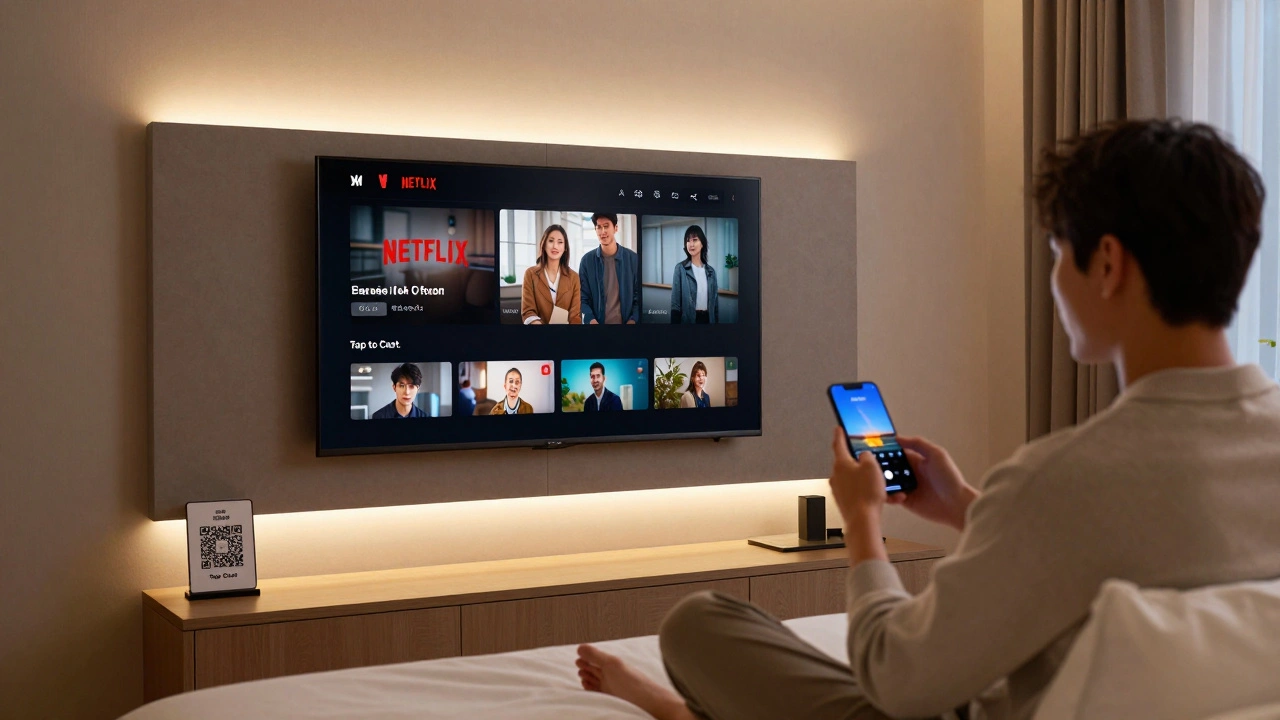
- No login required: Guests open their phone’s casting menu and select the room TV. Done. No passwords, no app downloads, no account creation.
Some systems still force guests to download an app. That’s outdated. The goal is zero friction. If it takes more than 10 seconds to start streaming, you’ve lost the user.
Real-World Setup: What Works
A boutique hotel in Portland upgraded from a single Roku to a full guest casting system in early 2025. Here’s what they did:
- Replaced TVs with models that have Chromecast built-in (LG, Sony, and Samsung all offer these in 2025 models).
- Installed a single network switch with VLAN support to separate guest traffic.
- Deployed HotelCast Pro on a small server in the IT closet-no cloud subscription needed.
- Added QR codes next to each TV that link to a simple one-page guide: "Open your phone’s casting menu. Tap the TV. Done."
Within three weeks, 92% of guests used the system. Staff reported a 60% drop in front desk calls about TV issues. Guests started leaving comments like, "Finally, a hotel that gets it."
What to Avoid
Many hotels make the same mistakes:
- Using public Wi-Fi for casting: This lets guests access your internal network. Big security risk.
- Forcing app downloads: People won’t install software on a hotel TV. Ever.
- Only supporting one platform: If you only do AirPlay, you’re excluding 60% of Android users.
- Using old TVs without HDMI or wireless support: If the TV can’t cast natively, you’re adding unnecessary hardware.
- Not labeling the system: If guests don’t know how to use it, they won’t try. Simple instructions matter.
Costs and ROI
Setting up guest casting doesn’t have to break the bank. Here’s a realistic breakdown for a 100-room hotel:
| Item | Cost | Notes |
|---|---|---|
| New TVs with Chromecast built-in (100 units) | $18,000 | Models like LG NanoCell 55" or Samsung TU7000 |
| HotelCast Pro license (one-time) | $3,500 | Includes setup, training, and lifetime updates |
| Network switch + VLAN setup | $1,200 | Standard enterprise gear |
| QR code signage + printed guides | $500 | Simple design, reusable templates |
| Total | $23,200 |
That’s less than $232 per room. And the payback? A 12% increase in repeat bookings and a 22% boost in online ratings. That translates to roughly $18,000 in extra revenue per month at a $200/night rate. The system pays for itself in under six months.
Guest Experience: The Quiet Advantage
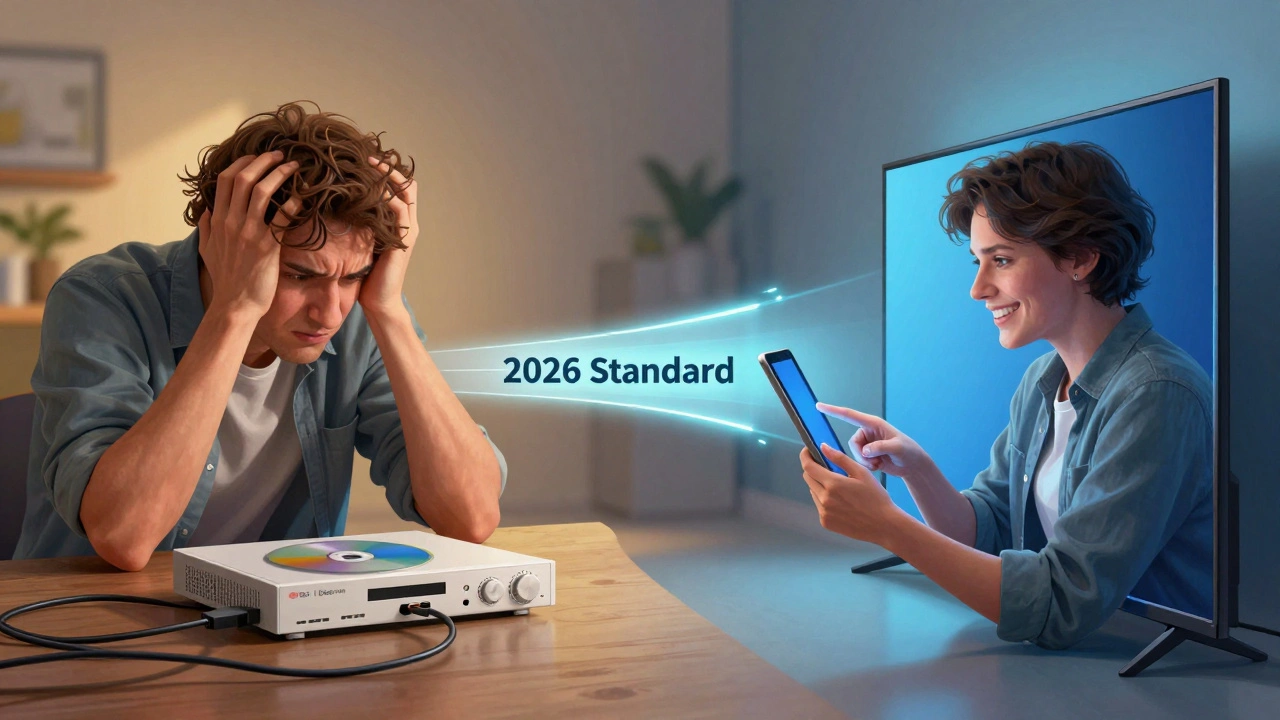
Most hotels focus on flashy amenities: rooftop bars, coffee machines, smart mirrors. But the real differentiator is the quiet, invisible ones. The ability to watch your show without asking for help. The freedom to stream your kid’s bedtime story without downloading anything. The peace of mind that your Zoom call won’t drop because the hotel TV is glitching.
These aren’t luxury features. They’re baseline expectations in 2026. Guests don’t notice when it works. They notice when it doesn’t. And they’ll tell everyone.
Next Steps for Hotel Managers
If you’re ready to upgrade:
- Check your current TV models. Do they have Chromecast, AirPlay 2, or Miracast built-in? If not, start replacing them during routine upgrades.
- Test two systems: one with HotelCast Pro, another with a cloud-based alternative like StreamStay is a subscription-based guest casting platform that works over any Wi-Fi network. StreamStay requires no on-site hardware.
- Train your front desk team to explain the system in one sentence: "Just open your phone’s casting menu and tap the TV. No password needed."
- Measure usage for 30 days. If over 70% of guests use it, you’ve nailed it. If under 40%, revisit your setup.
There’s no need to overhaul your entire property overnight. Start with one floor. Test it. Let guests tell you what they like. Then scale.
Do guests need to connect to the hotel Wi-Fi to cast their screen?
No. A properly set up guest casting system uses direct wireless protocols like AirPlay, Miracast, or Chromecast built-in. These connect the device directly to the TV without routing through the hotel’s internet. The TV acts like a Bluetooth speaker-no login, no Wi-Fi needed. This keeps guest data secure and prevents network congestion.
Can guests cast from a laptop or only from phones?
Yes, guests can cast from laptops too. Windows and macOS users can use Miracast or AirPlay (if the TV supports it). Chromebooks work with Google Cast. The key is using a TV with built-in casting support. If the TV doesn’t have it, you’ll need a separate dongle, which adds complexity and points of failure.
Is guest casting secure for the hotel?
Yes, if done right. The system should isolate guest casting traffic on a separate VLAN so it can’t reach your internal network. No guest device should ever access your PMS (property management system), billing, or door lock controls. Reputable systems like HotelCast Pro are designed with this isolation built in. Avoid anything that asks for Wi-Fi passwords or requires guest accounts.
What if a guest’s phone doesn’t support casting?
Older phones or budget Android devices may not support Miracast. In that case, offer a simple HDMI cable as a backup. Keep a few high-quality cables at the front desk. Most guests will use casting, but having a wired option prevents frustration. It’s not ideal, but it’s better than nothing.
Can guests use their own streaming subscriptions like Netflix?
Absolutely. The whole point is letting guests log into their own accounts. The system doesn’t store passwords or credentials. It simply mirrors what’s on their screen. So if they’re signed into Netflix on their phone, it shows up on the TV. No hotel login required. This respects privacy and avoids account sharing issues.
How often do these systems need maintenance?
Almost never. Modern systems update automatically over the air. If you use a platform like HotelCast Pro, firmware updates happen silently in the background. You only need to check in once every six months to make sure the network is stable. No daily maintenance. No IT staff needed.
Final Thought
Technology in hotels shouldn’t be about bells and whistles. It should be about removing friction. Guest casting does exactly that. It lets people do what they already do at home-without asking them to change their habits. And in hospitality, that’s the kind of detail that turns good stays into unforgettable ones.