Running wires for cameras, access points, and hubs around your home can be a mess. Drilling holes, chasing cables behind walls, hiring an electrician-it’s expensive and messy. But what if you could power your devices and send data through a single cable? That’s where a PoE switch comes in. It’s not just for offices anymore. Home setups are getting smarter, and PoE is the quiet hero behind it all.
What Exactly Is a PoE Switch?
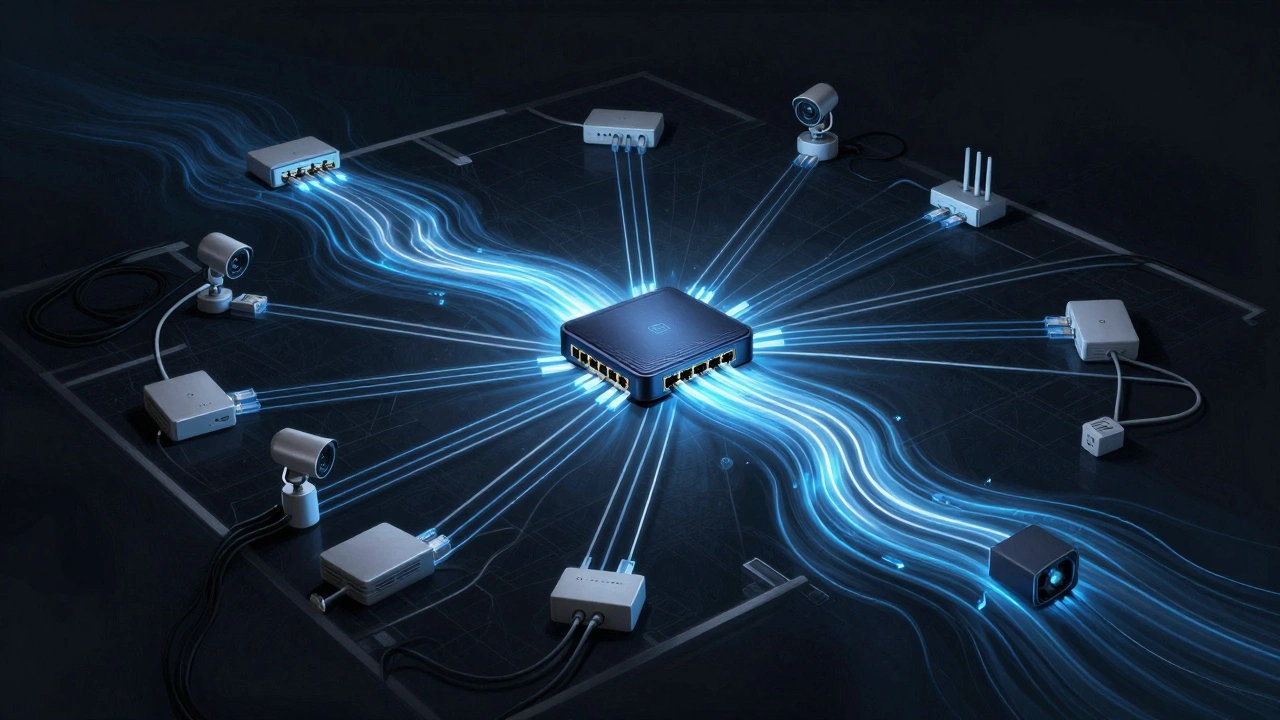
A PoE switch is a network switch that sends both data and electricity over standard Ethernet cables. No separate power adapters needed. It’s built into the switch itself. When you plug in a camera, access point, or hub that supports PoE, the switch automatically detects it and delivers power. It’s like plugging into a USB port, but with way more range and power.
PoE switches follow standards like 802.3af (PoE) and 802.3at (PoE+). The first one gives up to 15.4 watts per port-enough for most doorbells and indoor cameras. The second one, PoE+, delivers up to 30 watts. That’s what you need for outdoor cameras with heaters, high-end access points, or small hubs with multiple ports.
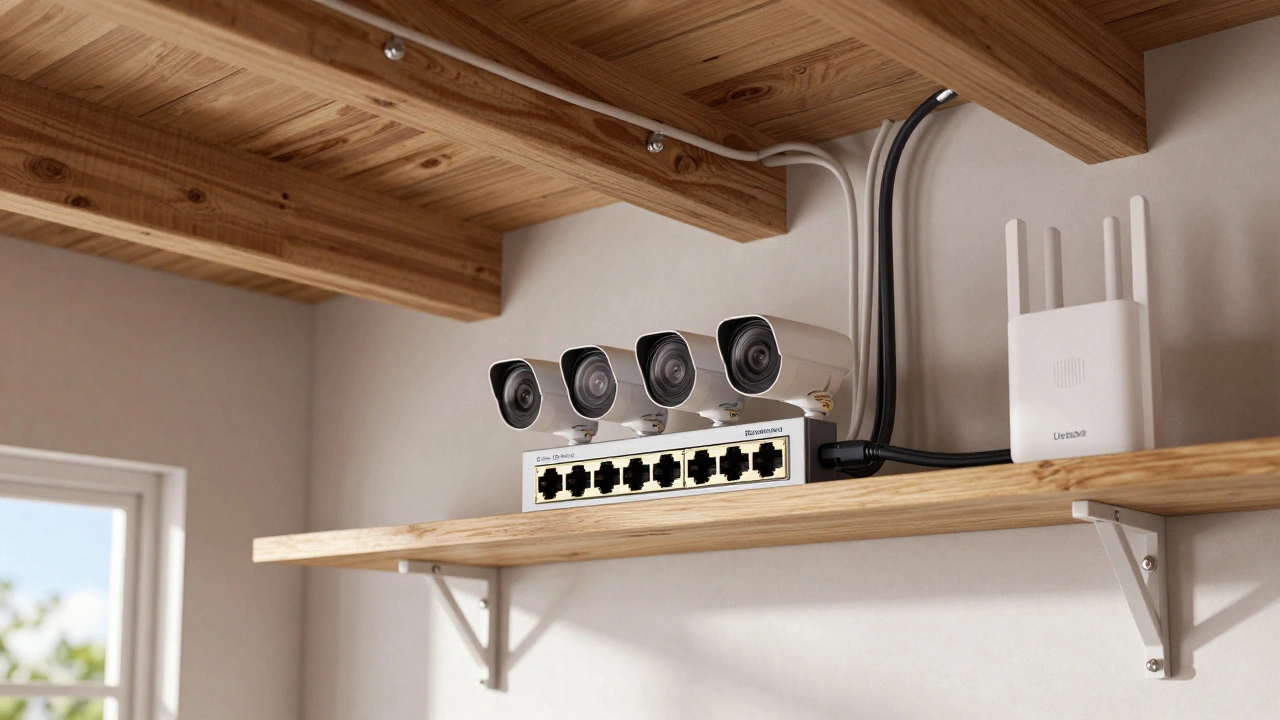
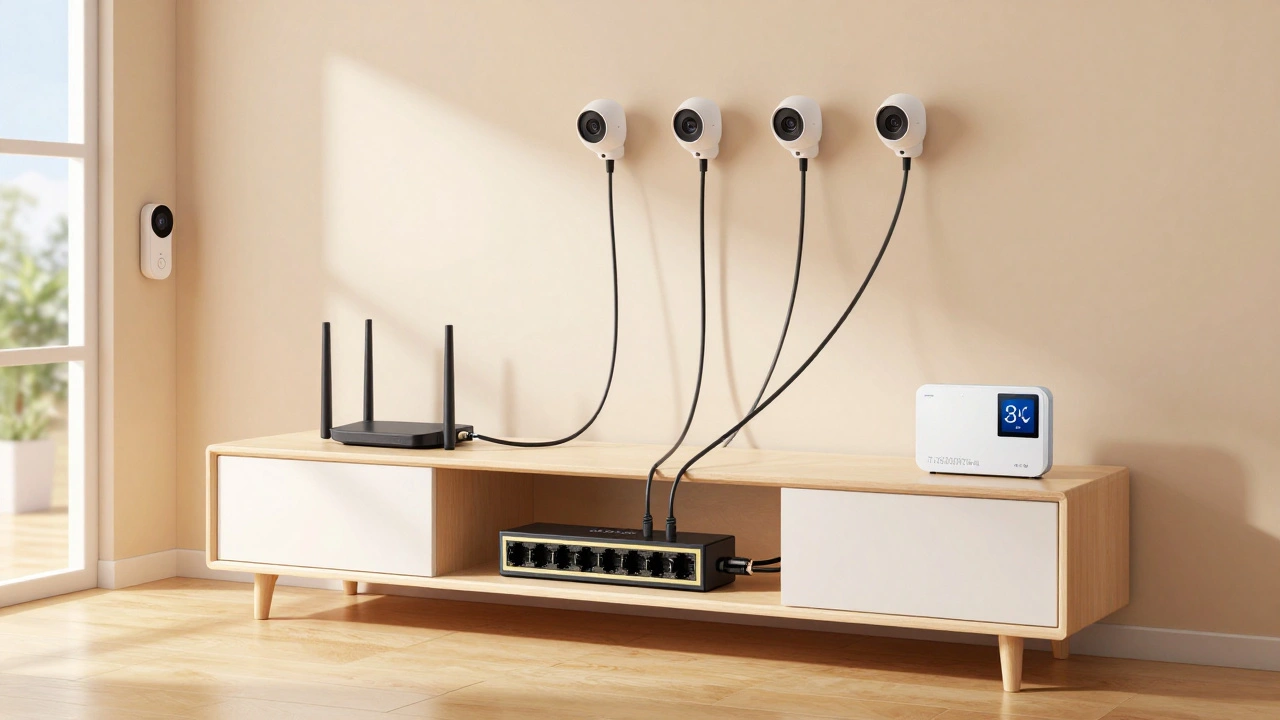
You don’t need to replace your whole network. Just add a PoE switch between your router and your devices. Plug the switch into your router with one Ethernet cable. Then run Ethernet from the switch to each camera, access point, or hub. Done.
Why Use PoE for Home Cameras?
Outdoor security cameras are the most common reason people go PoE. Battery-powered ones die every few weeks. You’re constantly climbing ladders, swapping batteries, or recharging. PoE cameras? They run 24/7. No interruptions. No dead batteries. Just steady footage.
Take the Reolink RLC-510WA. It’s a 2K camera with night vision and a siren. It needs 12V DC power and draws about 10 watts. Plug it into a PoE+ port, and it works without a wall wart. No weatherproof outlet needed. No extension cord dangling in the rain. Just one clean cable from your attic to the front porch.
Indoor cameras benefit too. If you’ve got cameras in hallways, nurseries, or garages, PoE means no more tangled power cords. You can mount them on ceilings or corners without worrying about nearby outlets. And if you ever move your setup, you just unplug the Ethernet. No rewiring.
How PoE Makes Wi-Fi Access Points Better
Wi-Fi dead zones? They’re frustrating. You buy a mesh system, but the nodes still need to plug into outlets. What if the best spot for a node is a closet, behind a bookshelf, or in the basement-with no outlet?
PoE lets you put access points anywhere. Run a cable from your router to the attic, the basement, or even the garage. Then mount the access point where the signal matters most. You’re not limited by where outlets happen to be.
Take the Ubiquiti U6-LR. It’s a high-performance access point designed for long-range coverage. It draws 15 watts. Plug it into a PoE+ switch, and you get 1,200 sq ft of clean Wi-Fi-no power brick, no clutter. You can even mount it on a ceiling tile or run it along baseboards with a cable clip.
And if you’re using multiple access points? PoE saves you from buying six power strips. One switch, one cable per device. Cleaner. More reliable. Less chance of tripping over a cord.
What About Network Hubs and Other Devices?
PoE isn’t just for cameras and Wi-Fi. Small network hubs, VoIP phones, smart doorbells, and even some smart thermostats can run on PoE. A hub like the Netgear GS305P gives you five Ethernet ports with PoE built in. You can connect your security system panel, your home automation hub, and a backup network switch-all with one power source.
Here’s a real setup from a home in Portland: A single 8-port PoE+ switch sits under the TV stand. It powers four outdoor cameras, two indoor cameras, one Wi-Fi access point, and a network hub that connects the smart lock, garage door opener, and thermostat. No power strips. No extra adapters. Just one cable from the router, and everything else runs off the switch.
Even if you don’t use PoE for everything, it’s smart to plan for it. If you’re running Ethernet to a closet or attic now, you’re future-proofing. Later, you can add a camera, a sensor, or a new access point without rewiring.
Choosing the Right PoE Switch for Your Home
Not all PoE switches are the same. Here’s what to look for:
- Power budget: Check the total wattage the switch can deliver. If you’re powering five cameras at 12 watts each and one access point at 15 watts, you need at least 75 watts. Don’t max it out-leave 10-15% headroom.
- PoE standard: Go for PoE+ (802.3at) if you’re using outdoor cameras or modern access points. PoE (802.3af) is fine for basic indoor devices.
- Number of ports: Most homes need 5 to 8 ports. If you plan to expand, get 8. You can always leave ports empty.
- Managed vs. unmanaged: Unmanaged switches are plug-and-play. Great for beginners. Managed switches let you monitor traffic, set priorities, or shut down ports remotely. Useful if you’re tech-savvy or have a lot of devices.
- Heat and noise: Cheap switches get hot. Look for metal casing and passive cooling. No fans. Fans mean noise and failure points.
For most homes, the TP-Link TL-SG1008P is a solid pick. Eight ports, PoE+, 120-watt total budget. Quiet. Reliable. Under $70. If you need more power, the Netgear GS316PP gives you 16 ports and 240 watts-great for larger homes or if you’re adding smart devices later.
Installation Tips That Actually Matter
Installing PoE is simple, but mistakes happen. Here’s how to do it right:
- Run Cat6 or better: Cat5e works for short runs, but Cat6 handles higher speeds and reduces interference. Use shielded cable if you’re running near power lines or appliances.
- Use outdoor-rated cable for exteriors: If you’re going outside, get UV-resistant, waterproof Ethernet. Don’t use indoor cable-it cracks in cold weather.
- Label your cables: Use masking tape and a marker. Label each end: “Front Cam,” “Backyard AP.” You’ll thank yourself later.
- Keep cable runs under 100 meters: Ethernet has a 328-foot limit. If you need longer, use a PoE extender or add a switch in the middle.
- Don’t daisy-chain PoE devices: Don’t plug one PoE camera into another. Always go back to the switch. Otherwise, you risk power loss and network instability.
And here’s one more thing: if you’re running cables through walls, use a fish tape and drill from the attic or basement. Avoid drilling through load-bearing walls unless you know what you’re doing. Most homes have plenty of space in the crawl space or between studs.
What You Save With PoE
It’s not just about convenience. PoE saves you money over time.
Think about it: a battery-powered camera costs $80, but you replace batteries every 3 months. That’s $60 a year in batteries. In five years? $300. A PoE camera costs $10 more upfront, but no ongoing cost. Same for access points. No need to buy extra power adapters for every node in your mesh system.
And if you ever sell your home? PoE wiring is a selling point. Buyers notice clean installations. Real estate agents mention “smart home ready” as a feature. PoE doesn’t scream “techy.” It whispers “well thought out.”
Common Mistakes to Avoid
Here’s what goes wrong-and how to fix it:
- Overloading the switch: You plug in six high-power cameras and one access point. The switch shuts down. Solution: Calculate total power needs before buying. Leave 15% headroom.
- Using cheap cables: Thin, unshielded Ethernet fails under load. You get intermittent connections. Solution: Stick with Cat6, name-brand cables. AmazonBasics or Monoprice work fine.
- Plugging non-PoE devices into PoE ports: Some people plug a regular laptop into a PoE port. It’s fine-modern PoE switches detect what’s connected. But older switches might fry the device. Always check the switch manual.
- Ignoring heat: A PoE switch in a closed cabinet can overheat. Solution: Mount it in a ventilated space. A shelf with airflow is better than a closet with a door.
If your camera cuts out at night, it’s not the signal-it’s the power. That’s PoE’s biggest advantage: consistent, stable power. No voltage drops. No brownouts. Just clean, reliable operation.
Final Thought: PoE Is the Quiet Upgrade
You don’t need to overhaul your whole home to get PoE. Start with one camera. Add one access point. Then expand. The beauty of PoE is that it grows with you. You don’t need to rewire. You don’t need to call an electrician. Just plug in the switch, run the cable, and forget about power adapters.
It’s not flashy. It doesn’t have an app. But in the long run, it makes your smart home quieter, cleaner, and more reliable. And that’s worth more than you think.
Can I use PoE switches with non-PoE devices?
Yes. Modern PoE switches detect whether a connected device needs power. If it doesn’t (like a regular laptop or game console), the switch only sends data. No damage. No risk. Older switches may not have this feature, so check the specs before buying.
Do I need a special router for PoE?
No. PoE switches connect to any standard router. You just need one Ethernet cable from the router to the switch. The switch handles the power delivery. Your router doesn’t need to do anything special.
How far can PoE cables run?
Standard Ethernet has a 100-meter (328-foot) limit for data and power together. If you need to go farther, use a PoE extender or install a second PoE switch halfway. Don’t try to stretch beyond this-it causes data loss and power drops.
Can I use PoE for outdoor lighting or smart locks?
Some smart locks and low-power outdoor lights support PoE, but it’s rare. Most still use batteries or hardwired AC. Check the device specs before assuming. PoE is best for network devices like cameras, access points, and hubs.
Is PoE safer than plugging devices into wall outlets?
Yes. PoE uses low-voltage DC power (usually 48V or less), which is much safer than 120V AC from wall outlets. It’s less likely to cause shocks or fires. That’s why PoE is allowed in places where AC wiring isn’t-like inside ceilings or behind walls without conduit.